QR Links: How to Create Fast, Safe Event Entry Points
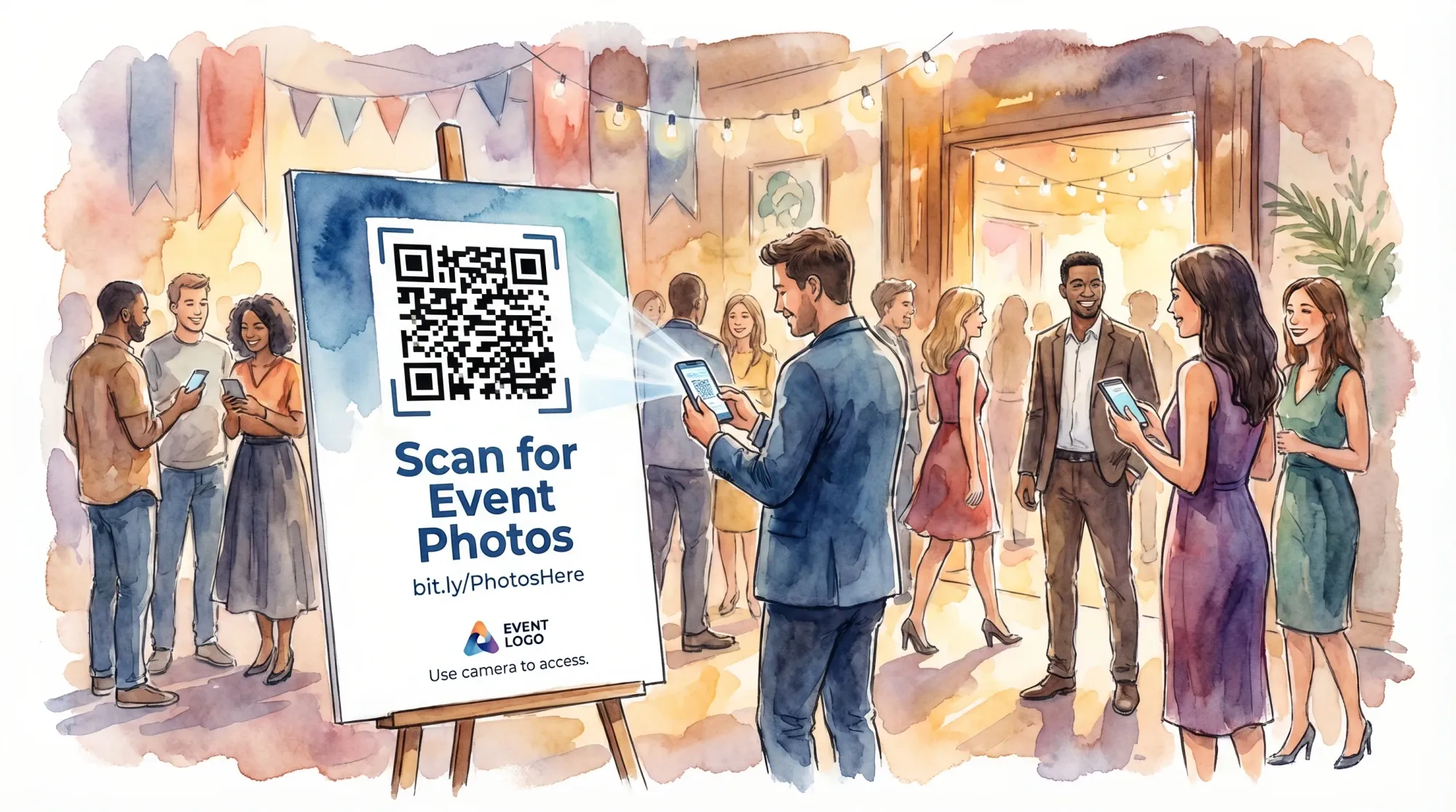
QR codes are everywhere at events now, but the part that actually matters is the link behind the code. A slow, confusing, or sketchy-looking destination can turn “scan this” into a bottleneck, or worse, a security risk.
This guide breaks down how to create qr links that act like fast, safe “entry points” into your event experience, whether that entry is a schedule, Wi‑Fi, check-in, feedback form, or a shared photo gallery.
What “QR links” really mean (and why events live or die by them)
A QR code is just a scannable pattern. A QR link is the URL it opens, plus the whole experience after the scan.
On event day, that scan moment is high stakes:
- Guests are moving, carrying drinks, and multitasking.
- Lighting is unpredictable.
- Connectivity might be weak.
- People are cautious about scams.
So your goal is simple: one scan, instant confidence, minimal taps.
Start with the job: what should happen after the scan?
Before you generate anything, define the job of the QR link in one sentence:
- “Get guests on Wi‑Fi in under 10 seconds.”
- “Open the agenda with today’s sessions highlighted.”
- “Capture photos into one shared gallery, in the moment.”
- “Send attendees to the right room map.”
Then choose the destination type that matches the job.
| Event QR link job | Best destination type | What “good” looks like |
|---|---|---|
| Wi‑Fi access | OS-level Wi‑Fi QR (when possible) or a simple help page | No scrolling, plain network name, clear steps |
| Schedule / run of day | Mobile-first page (single column) | Loads fast, readable at arm’s length |
| Check-in | Check-in web app page | Big buttons, minimal typing |
| Feedback | Single survey page | One screen, progress indicator |
| Photo capture | Camera-first flow | Scan, camera opens, upload is automatic |
A common mistake is using one generic “Links” page for everything. It feels organized to the host, but it adds friction for guests.
How to make QR links fast (the speed checklist)
Speed is not just page load time. It is also decision time (how long it takes a guest to understand what to do next).
Make the first screen self-explanatory
When the page opens, guests should immediately see:
- The event name (or logo) so they know they scanned the right thing
- A single primary action (big button)
- A one-line instruction
If your page needs a paragraph of explanation, the QR link is doing too much.
Reduce taps (ideally to zero)
Each extra tap reduces completion rates. For event QR links, aim for:
- 0 taps: scan directly opens the action (best)
- 1 tap: scan opens a page with one giant button
- 2+ taps: expect drop-off, especially in crowds
This is where event-specific tools shine. For example, Revel.cam is designed so guests scan a QR code (or tap NFC) and go straight to the camera without creating an account.
Make it mobile-first, not “mobile-compatible”
A mobile-first destination means:
- Large type and buttons
- Minimal menus
- No tiny navigation
- No heavy hero videos
If you are using a website builder or a form tool, test it on an older phone over cellular, not on your laptop.
Plan for weak connectivity
Even great qr links fail if guests cannot load the page.
Practical mitigations:
- Put QR entry points where signal is strongest (near windows, not behind thick walls)
- Provide venue Wi‑Fi credentials near the QR
- Add a short, human-typed backup URL under the code
If you are printing signage, also consider placement that avoids glare and low light (more on that below).
How to make QR links safe (the trust and security checklist)
Event guests are increasingly trained to be skeptical of random QR codes, and they should be. Your job is to design for trust.
Use a recognizable domain (avoid generic shorteners)
The easiest way to increase trust is to make the link preview look legitimate.
Best practice:
- Use your own domain (or the official event domain)
- Use HTTPS
- Keep the URL readable
Guests often see a domain preview before they accept the open prompt. A branded domain reduces hesitation.
Prefer “one purpose per QR” (reduces tampering risk)
When a QR code has one clear job (for example, “Upload event photos”), it is easier for guests to notice if something is off.
If you reuse one QR for many unrelated actions, people cannot sanity-check it.
Assume QR codes can be physically replaced
At public events, someone can slap a different QR sticker over yours. Mitigate this by designing your signs so replacement is obvious:
- Print the destination type in plain text (example: “Event Photos”)
- Add your logo or event mark
- Use a distinct design style that is hard to mimic quickly
For higher-risk contexts (corporate, schools, ticketing), consider putting QR codes where staff can see them, not in unattended hallways.
Use access controls when the destination is sensitive
Not every QR link should be public. If the destination exposes private info (attendee lists, internal docs, private galleries), look for controls such as:
- Invite-only access
- Guest limits
- Time-boxed access (end times)
- Host review/moderation before sharing
These are also reasons many teams choose an event-specific system for photo capture instead of a public folder link.
Keep a change log and ownership
Operationally, treat QR links like event infrastructure.
Create an “owner” and a quick log:
- What the QR is for
- Where it is placed
- The exact destination URL
- Who can change it
If something breaks onsite, you want one person who can fix it fast.
Designing QR signage that scans quickly (without making it ugly)
Scan speed is heavily influenced by physical design choices.
The basics that actually matter
- Size: bigger is better, especially for posters and entry signage
- Contrast: black on white (or very dark on very light)
- Quiet zone: leave clear margin around the QR
- Matte finishes: glossy signs can create glare and scanning failures
If you want a deeper materials guide for real-world conditions (vinyl vs acrylic vs cardstock, glare, scratch resistance), see Revel’s post on QR tag materials that scan fast.
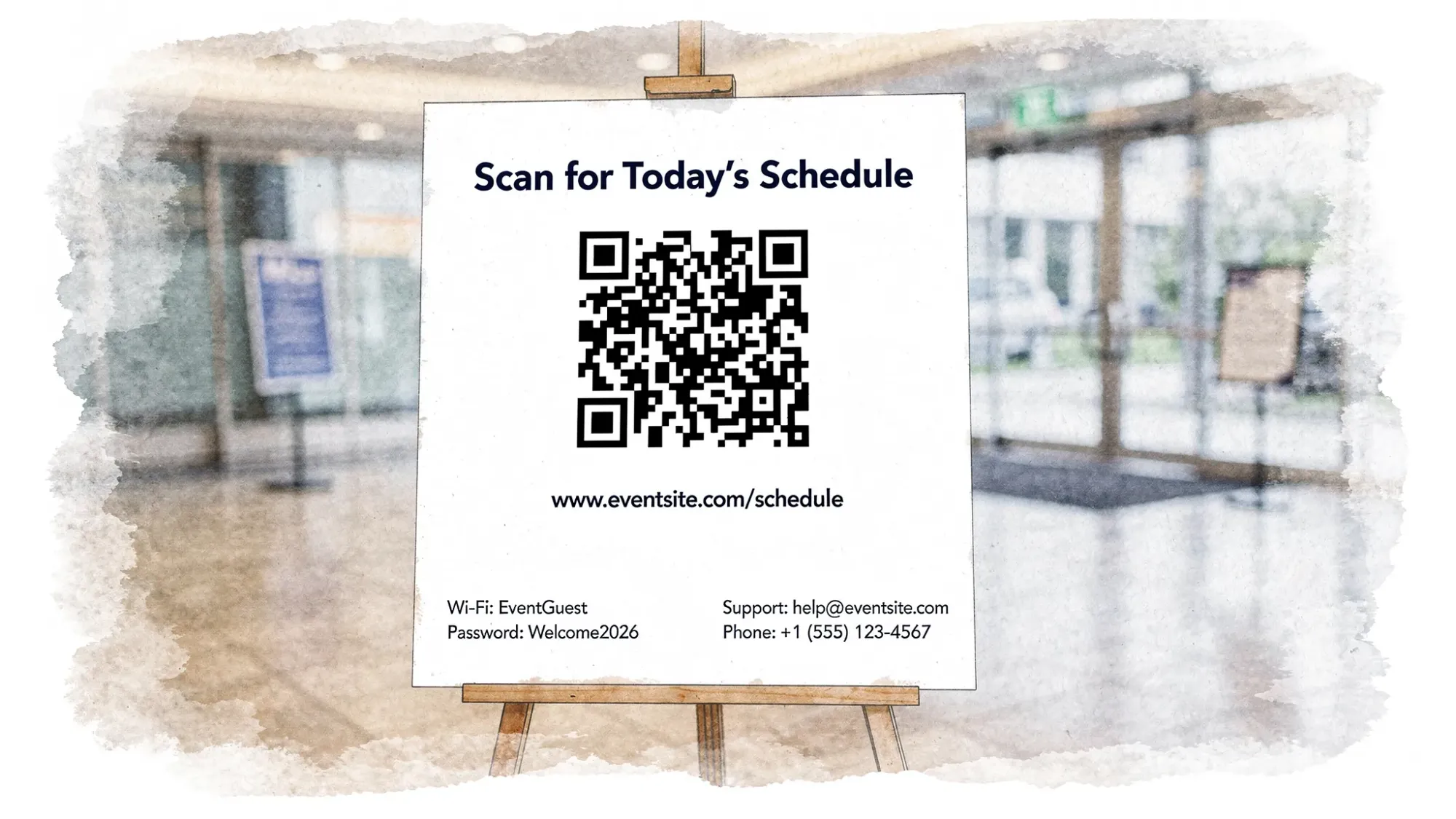
Add a “confidence line” under the code
One line can dramatically increase participation:
Examples:
- “Scan to join the shared camera (no app needed).”
- “Scan for today’s schedule.”
- “Scan to give quick feedback (30 seconds).”
This reduces decision time and signals legitimacy.
A practical 10-minute test you can run before any event
Do this test the day you finalize signage (not the night before).
Scan test across real devices
Test at least:
- One newer iPhone
- One older iPhone
- One Android
Check:
- How many seconds from scan to “ready to act”
- Whether the camera app recognizes it quickly
- Whether the page is readable without zoom
Lighting and distance test
Simulate reality:
- Dim light (reception lighting, ballroom lighting)
- Harsh overhead light (conference halls)
- Angled view (guests rarely scan straight-on)
Failure-mode test
Ask: “If Wi‑Fi is down, what happens?”
Your QR strategy should include a fallback:
- Backup short URL
- A second entry method (for example, NFC tag)
- A staff script: “If it doesn’t load, try cellular, or type this short link”
Templates: fast, safe QR entry points by event type
Below are a few patterns that consistently work.
Weddings and private parties
High-performing QR links are usually:
- “Event Photos” (camera-first)
- “Weekend Schedule” (single page)
- “Shuttle info” (simple page with times)
If you are building a wedding site, prioritize a clean, mobile-first day-of experience. This pairs well with QR entry points for the parts guests need in the moment. (Related: how to choose a wedding organizer website guests will use.)
Corporate events and conferences
Common QR link entry points:
- Session feedback
- Speaker downloads (only if access-controlled)
- Lead capture at booths
- Photo capture that stays private and brand-safe
For teams that need quick training on running smooth onsite ops (including guest comms, check-in flow, and post-event follow-up), a structured learning path can help. One option is Academia Europea UpSkilling, which offers expert-led courses and microlearning tracks that can be useful for event teams leveling up operations and digital workflows.
Schools, universities, and community events
Priorities tend to be:
- Simple, safe destinations
- Clear labeling (“Scan for Event Photos” vs “Scan me”)
- QR placement where staff can monitor
For any event with minors or sensitive contexts, avoid linking to public galleries or public social platforms from unattended QR codes.
Using QR links as a photo entry point (the Revel.cam approach)
A shared photo workflow succeeds or fails on the QR link experience.
Revel.cam is built around a “Moment,” which is a private event gallery with host controls. For guests, the QR link is designed to be as frictionless as possible:
- Guests scan a QR code (or tap an NFC tag)
- On iPhone, Revel.cam can launch as an App Clip (so guests do not need to install an app)
- Guests take photos, and uploads happen automatically to the Moment
For hosts, the QR link is only half the system. The other half is guardrails that protect the gallery:
- Limits on guests and photos per guest
- A defined end time
- Optional review and moderation before sharing
If you are comparing approaches, Revel has a broader decision guide on collecting and sharing event photos in one place.
Quick reference: the “fast + safe” QR link checklist
| Category | Requirement | Why it matters |
|---|---|---|
| Clarity | One purpose per QR | Guests act faster, fewer mistakes |
| Trust | Branded, HTTPS domain | Reduces scan hesitation |
| Speed | Mobile-first page, minimal taps | Higher completion rate |
| Reliability | Backup short URL | Saves you when scanning fails |
| Physical design | Matte, high contrast, quiet zone | Faster scans in real lighting |
| Control | Limits, moderation for sensitive flows | Prevents off-topic or risky content |
Frequently Asked Questions
Are QR links safe for guests to scan at events? QR links can be safe, but guests should be cautious. As a host, you can increase safety by using an official HTTPS domain, clear labeling, and signage that is hard to tamper with.
Should I use a URL shortener for my event QR codes? Usually no. Generic shorteners can reduce trust because guests cannot recognize the destination. A readable, branded domain tends to scan with less hesitation.
What should I print under a QR code for events? Add a short instruction line (what it does) and a backup short URL. This improves participation and gives guests a fallback if scanning fails.
How many QR codes should I use at one event? Use as many as needed for distinct jobs, but avoid overloading one sign with multiple unrelated codes. Most events do best with 1 to 3 primary QR entry points placed in multiple locations.
What is the fastest QR link setup for collecting guest photos? A camera-first flow where scanning opens the camera immediately and uploads happen automatically. This removes the “take photos now, share later” gap where most photos get lost.
Create a QR entry point guests will actually use
If one of your main QR link jobs is “collect photos from everyone without chasing them later,” Revel.cam is built for that exact moment.
Create a private Moment, share it via QR code or NFC, and let guests snap and upload instantly with no signup or app install required. Start here: Revel.cam.

A writer interested in connection, memory, and the everyday moments that matter more than we realize.
Tags: QR Tags , QR photo sharing , QR code for photos , QR code camera , Cam QR