How Does a Shared Photo Album Work?
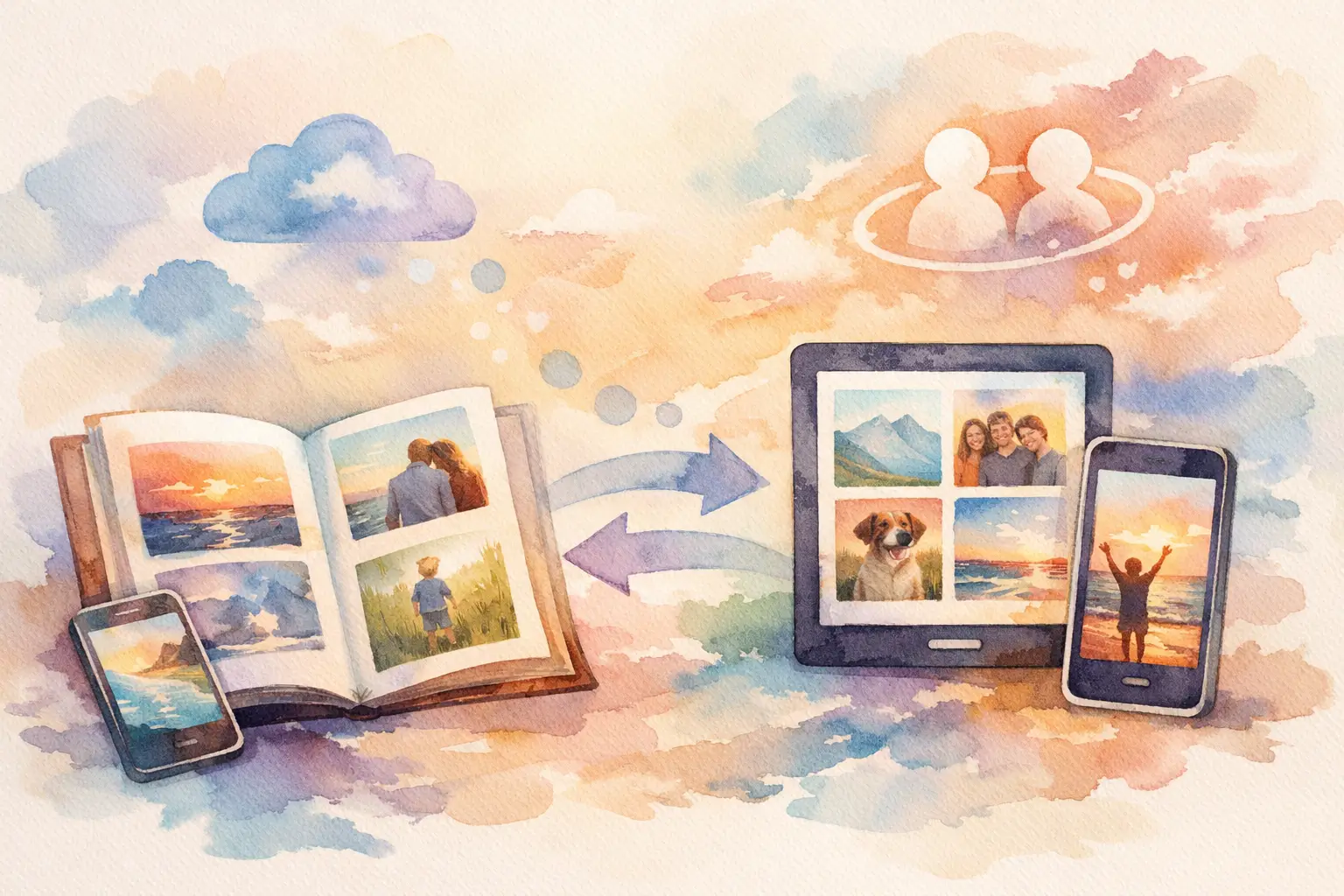
You know the pattern. The event was great, everyone took photos, and then the memories disappear into camera rolls, group chats, AirDrop attempts, and one person saying, “I’ll make an album later” and never doing it. So how does a shared photo album work? At its core, it gives multiple people one place to add, view, and sometimes react to photos from the same event, trip, or moment.
That sounds simple, but the way it works in practice can make or break participation. Some shared albums feel effortless. Others feel like homework. If you’re planning a wedding, birthday, baby shower, vacation, company event, or brand activation, the real question is not just what a shared photo album is. It’s whether people will actually use it.
How does a shared photo album work in real life?
A shared photo album is a digital gallery that more than one person can access. Usually, one person creates the album and invites others to join. Once they’re in, guests can upload photos, browse what everyone else added, and sometimes comment, download, or favorite images.
The exact setup depends on the platform. Some tools require an account. Some need an app download. Some work through a link or QR code. Some let everyone contribute instantly, while others limit who can upload or when the gallery becomes visible.
That difference matters more than it seems. If joining the album takes too many steps, people drop off fast. At social events especially, nobody wants to pause the fun to reset a password or hunt down an app store login.
A good shared album removes that friction. Guests scan once, shoot photos, and they’re in. That’s why QR-based albums have become so appealing for live events. They meet people where they already are - on their phones, in the moment, and not interested in extra setup.
The basic mechanics behind a shared photo album
Most shared photo albums follow the same flow.
First, someone creates the album. That person may set the event name, cover image, privacy settings, and contributor permissions. For a wedding, that might mean one private album for the whole guest list. For a company event, it could mean a branded gallery where attendees add content from the floor.
Next comes access. People are invited through a link, text, email, or QR code. This is the first major decision point. Albums that require account creation can feel more secure, but they also create more drop-off. Albums that allow instant entry tend to get more contributions, especially from casual guests.
Then guests upload photos. Depending on the platform, they may take photos directly inside the experience or upload images already sitting in their camera roll. Some tools support video too. Some preserve full resolution. Some compress files heavily, which is fine for quick sharing but less ideal if you want quality keepsakes or post-event content.
Finally, everyone views the album. In some systems, photos appear in real time. In others, the gallery is revealed later. That delayed reveal can change the whole feel of the experience. Instead of everyone posting instantly and moving on, the album becomes part of the event story. Capture together. Reveal together.
Why some shared albums get used and others flop
The biggest problem with traditional photo sharing is not the idea. It’s participation.
People mean well. They absolutely do. But after an event, they’re tired, distracted, or already onto the next thing. If collecting photos depends on each guest texting their best shots to the host days later, the album ends up half-built. Usually from the same three organized people.
That’s why timing matters. The best shared album systems collect photos while the event is happening, not after. Guests are already taking pictures. The goal is to catch that behavior in the moment and route it into one shared space before it gets lost.
This is also where experience design matters. A shared album works better when the instructions are obvious, the joining process is instant, and the payoff feels fun. QR codes help because they turn participation into a one-scan action. No searching, no lengthy onboarding, no “send me the link again.”
There’s also a social factor. People are more likely to contribute when they know others are doing it too. Shared albums create momentum. One person uploads a funny dance floor photo, someone else adds a candid from dinner, another guest posts the group shot nobody else got. Suddenly the album feels alive.
Privacy, permissions, and who sees what
Not every shared album works the same way when it comes to privacy.
Some albums are public to anyone with the link. Some are private and only visible to invited contributors. Some let the host approve uploads or control downloads. For personal events, that privacy layer matters. Weddings, kids’ birthdays, and private parties usually call for more control than a public recap page.
For brand events or conferences, the needs can be different. You may want easy participation but still need moderation. A private shared album can help gather content from attendees without turning the whole thing into a public free-for-all.
There’s also the question of visibility timing. Do guests see photos instantly, or only after the event? Real-time galleries can be exciting, but they can also pull people out of the moment. Delayed galleries create anticipation and keep the focus on being there instead of constantly checking uploads.
That trade-off depends on the vibe you want. If the goal is live engagement, instant viewing can work. If the goal is nostalgia, surprise, or a disposable-camera feel, a timed reveal is often stronger.
What makes a shared photo album feel easy
Easy is not a bonus feature. Easy is the whole game.
A shared album feels easy when guests can join in seconds, contribute without thinking too hard, and trust that their photos won’t vanish. It also helps when the platform works across devices, handles weak signal gracefully, and doesn’t demand a polished, tech-savvy crowd.
That last part gets overlooked. At real events, you have iPhones, Androids, people with low storage, people with bad reception, and at least one person whose battery is hanging on at 6 percent. If the experience only works under perfect conditions, participation drops.
That’s why modern event-focused tools often support offline capture syncing, mobile-first design, and browser-based access. They’re built for actual parties, not ideal lab conditions.
One smart variation on the shared album model is the digital disposable camera format. Instead of unlimited uploads, guests get a set number of shots, often with nostalgic filters and a later gallery reveal. It changes behavior in a good way. People become more intentional, more playful, and less likely to spam the album with 47 versions of the same centerpiece.
Used well, that format makes the album feel less like cloud storage and more like part of the event itself.
When a shared photo album makes the most sense
Shared albums are especially useful when photos are being taken by lots of people and no single photographer can capture everything.
That’s why they work so well for weddings, birthdays, group trips, reunions, graduations, baby showers, and company offsites. They also make sense for conferences and brand activations where organizers want attendee-generated content without chasing people afterward.
The value is not just convenience. It’s perspective. The host gets moments they never saw. Guests get access to the full story, not just whatever they personally snapped. And everyone leaves with a better record of what actually happened.
That said, a shared album is not always enough on its own. If you need formal portraits, editorial coverage, or guaranteed shot lists, you still may want a professional photographer. Shared albums are strongest when the goal is candid coverage, broader participation, and easier collection.
A better answer to photo chaos
So, how does a shared photo album work? It creates one digital space where everyone contributes to the same memory instead of scattering it across ten apps and twenty camera rolls. The best versions make joining fast, uploading simple, and viewing fun enough that people actually participate.
That’s the real standard. Not whether a platform can technically hold photos, but whether it gets people to add them in the first place. Tools built for events, including platforms like Revel, lean into that by cutting friction, using QR codes, and turning photo sharing into part of the experience instead of a chore afterward.
If you’re organizing something worth remembering, the smartest album is the one people will actually use. Stop chasing photos. Start collecting them.

A writer interested in connection, memory, and the everyday moments that matter more than we realize.
Tags: Shared photo gallery , Shared event photos , Photo sharing