Party QR Code Ideas to Collect Photos From Every Guest
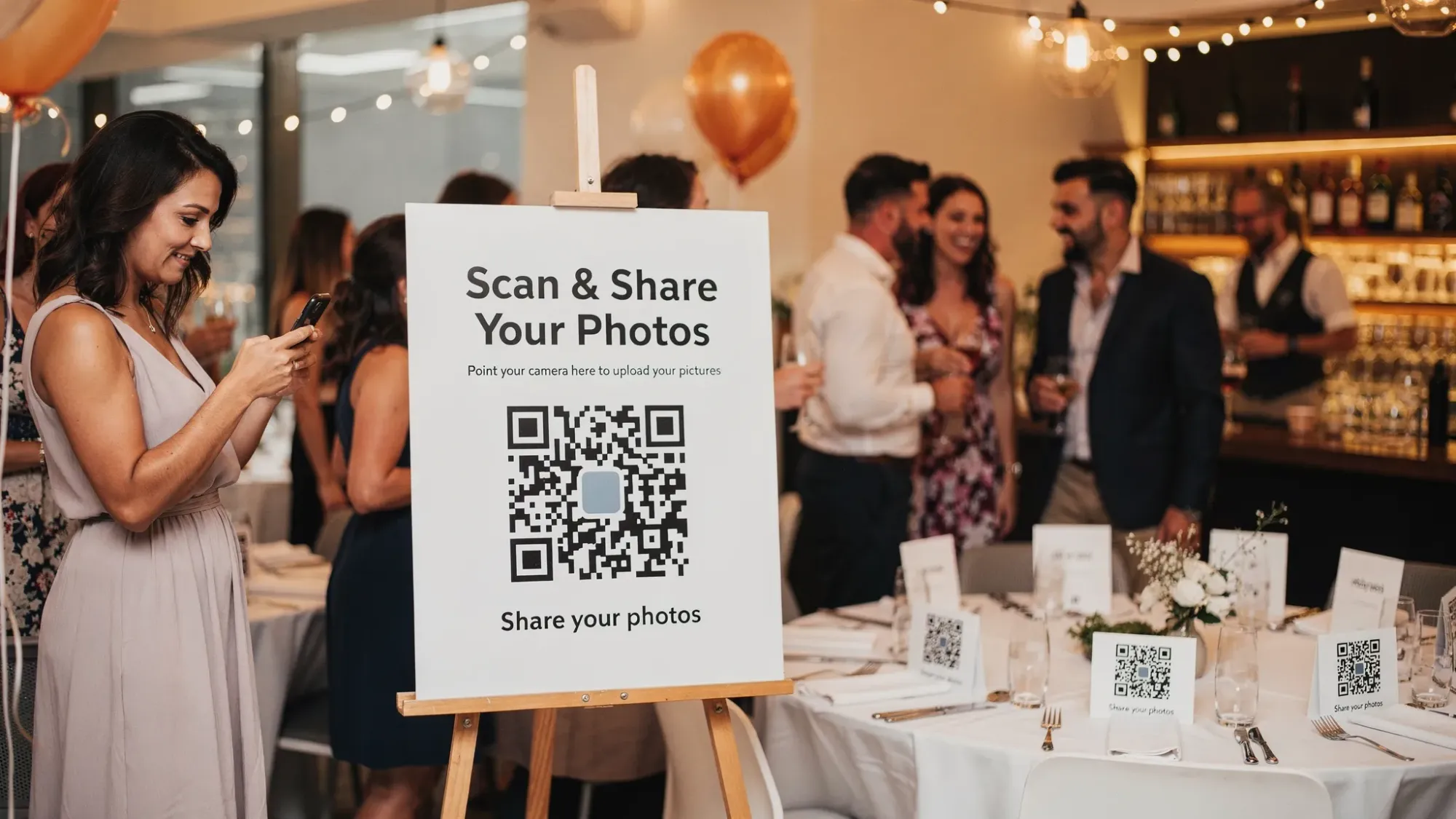
Most parties get photographed, but only a fraction of the photos ever make it back to the host. A “party QR code” is the easiest fix: you place a QR code around the event, guests scan it, and everyone can upload their own perspective in seconds.
The difference between a QR code that looks cute and one that actually collects photos from every guest is friction. If guests have to download an app, create an account, find a link again, or wonder where their photos went, you will lose most of them.
Below are practical, creative party QR code ideas (signage, games, favors, and display setups) plus the setup tips that make guests actually scan.
What a party QR code should do (if your goal is more photos)
A QR code at a party is usually one of three things:
- A link to an online album (easy for some guests, confusing for others)
- A link to an upload form (works, but can be clunky on mobile)
- A link to an instant camera or upload experience designed for groups (lowest friction)
If your priority is “photos from every guest,” optimize for:
- Zero account creation for guests
- Works instantly in the phone camera (no special scanner needed)
- One clear action after scanning (take photo or upload)
- A host review option if you want to filter what gets shared
- A simple backup path for guests whose camera struggles with QR scanning
That is why QR-first, no-signup tools (like Revel.cam) have become popular for weddings, birthdays, and house parties: guests can scan a QR code (or tap an NFC tag) and capture/upload immediately, and hosts can control when the gallery is revealed.
Party QR code ideas that guests actually scan
The best placements share three traits: guests see them multiple times, they are near moments people are already holding phones, and the instruction is obvious.
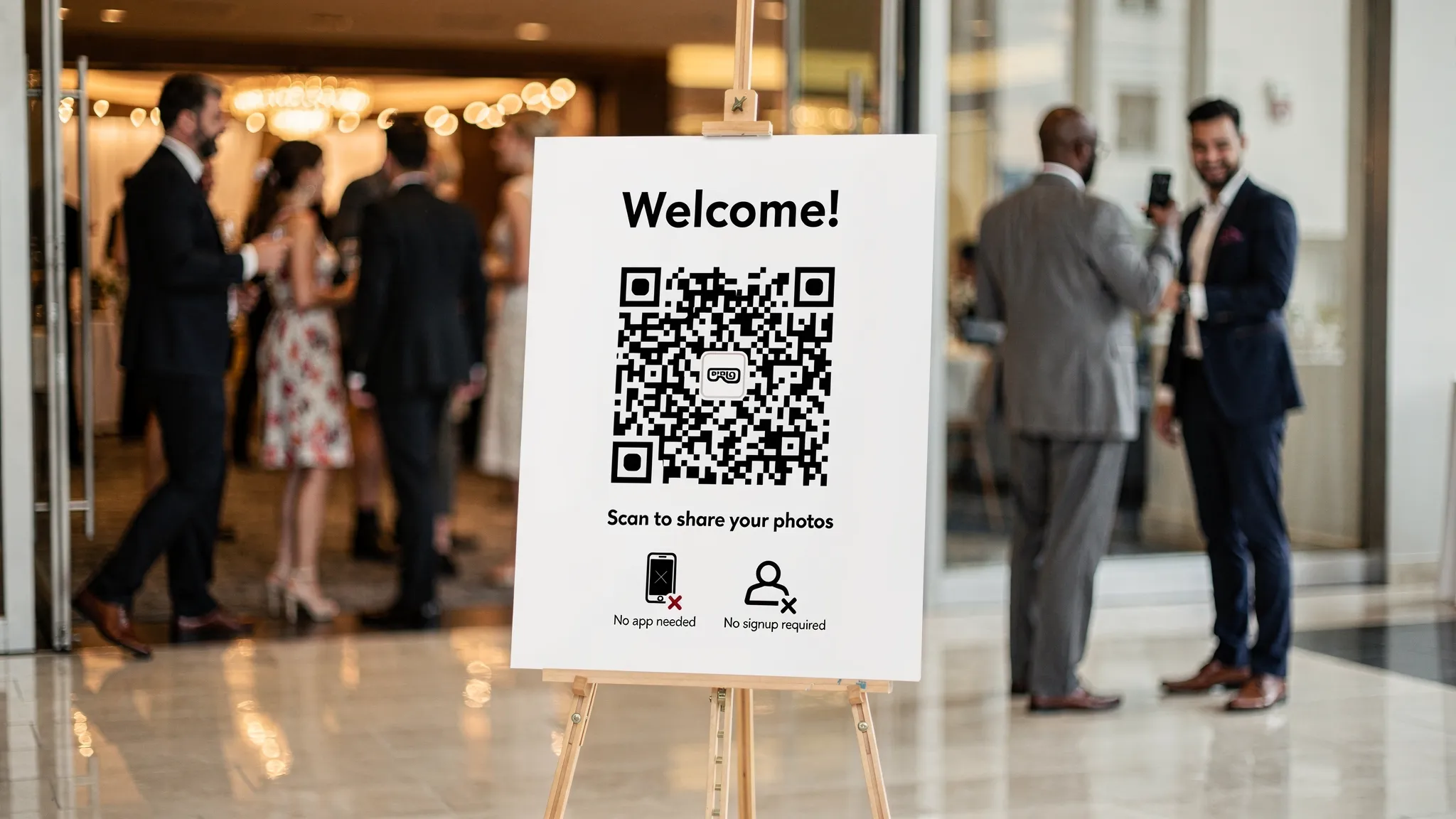
1) The “Welcome Sign” QR code (highest scan rate)
Put the QR code on a large welcome sign at the entrance, where every guest naturally pauses.
Make the call-to-action specific:
- “Scan to add photos to [Name]’s party gallery”
- “Scan, snap, done (no app, no signup)”
Pro tip: add a smaller line that sets expectations, like “Gallery reveals tomorrow” if you are doing a delayed reveal.
2) Table tent QR codes (the “second chance” scan)
Even if guests miss the entrance sign, they sit at tables. Add a small tent card with the QR code at:
- Dinner tables
- Cocktail tables
- Gift table
- Dessert table
Keep it scannable: high contrast, at least a few inches wide, and not wrapped around a curved surface.
3) Bar sign QR code (“phones are already out”)
At the bar, people are ordering, paying, and texting. That means phones are in-hand.
A small bar QR sign works especially well with a short prompt:
- “Show us your drink, scan to add a pic”
- “Scan and capture your POV of the night”
4) Bathroom mirror QR code (surprisingly effective)
Guests take mirror selfies. Give them a clean QR code sticker or small framed sign by the sink.
One line is enough:
- “Mirror selfie? Add it to the party gallery: scan”
Choose a placement that will not get splashed, and avoid putting the QR code on a highly reflective surface.
5) Photo booth QR code (turn a backdrop into a pipeline)
If you have a DIY backdrop or a rented photo booth, place the QR code right next to the camera area.
This works best when the instruction is “Scan, then take the photo” so guests do not have to hunt through their camera roll later.
6) Coasters with a QR code (micro-placements that add up)
QR codes on coasters are subtle and repeated. Guests see them every time they set down a drink.
Design note: coasters can get wet, so print with high contrast and avoid tiny codes.
7) Napkins or matchbooks as photo-sharing favors
If you are already ordering custom napkins, matchbooks, or small favors, adding a QR code makes them functional.
This is ideal for:
- Engagement parties
- Weddings
- Milestone birthdays
It also creates a keepsake that still links to the gallery after the event.
8) Wristband QR codes (great for big groups)
For larger parties (graduations, reunions, company events), wristbands keep the QR code literally on-hand.
This placement is especially useful when you want guests to contribute throughout the night, not just once.
9) A “photo scavenger hunt” QR code station
Put a sign that says “Scan to join the scavenger hunt,” and after scanning, guests know exactly what to capture.
Example prompt set (print it under the QR code):
- A photo with someone you met tonight
- The funniest moment you witnessed
- Something that represents the host
- A dance floor action shot
If you are using a tool that lets guests capture instantly from the link (instead of uploading later), you will get more participation because it feels like a game, not a chore.
10) “Polaroid wall” with a QR code for digital prints
If you are pinning instant prints or leaving space for “Polaroids,” add a QR code that says:
- “No printer? Add your photo here anyway, scan”
This keeps the wall inclusive for guests who did not use the physical camera.
11) The DJ or MC shout-out QR moment
The simplest way to boost scan rate is a 10-second announcement:
- “Take out your camera, scan the QR code on your table, and take one photo right now.”
Timing matters. Do it right before:
- The cake moment
- A toast
- A group photo
- The first big dance floor song
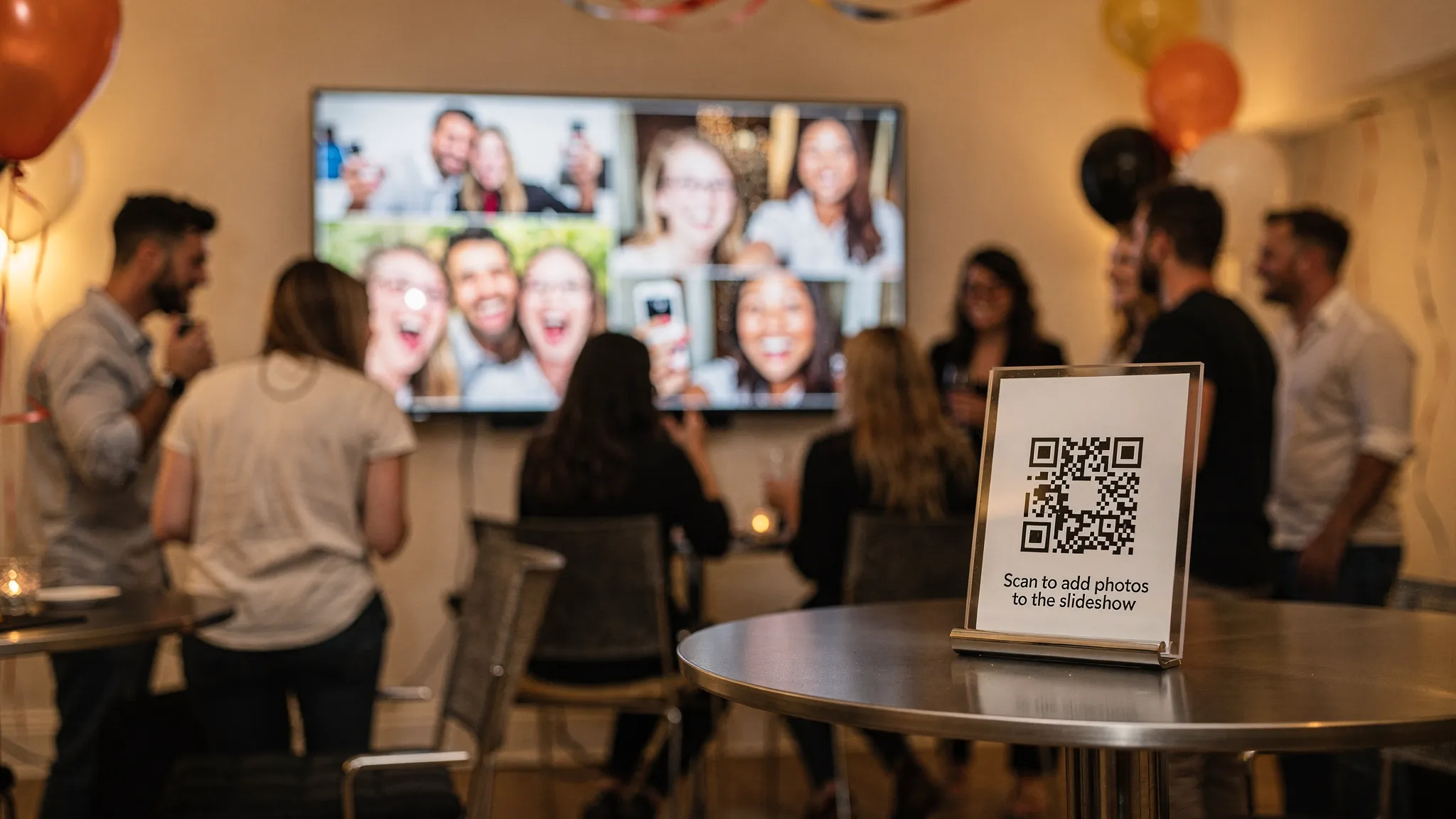
12) Live slideshow + QR code (“watch it appear” motivation)
If you can display a live slideshow, guests have a reason to contribute because their photo might show up on-screen.
This works well with tools that support live display. Revel.cam, for example, supports a live slideshow display plus host controls, which is helpful if you want to approve photos before they appear.
Quick placement cheat sheet
Idea | Best location | Why it works | One practical tip |
|---|---|---|---|
Welcome sign QR | Entry | Everyone passes it | Make the QR large and the instruction one sentence |
Table tents | Dining/cocktail tables | Repeat exposure | Put one per table, not one for the whole room |
Bar QR | Bar counter | Phones already out | Keep it away from spills |
Bathroom mirror QR | Restrooms | Selfie behavior | Use a framed sign, not a glossy sticker |
Photo booth QR | Backdrop area | Built-in photo intent | Put it where people queue |
Coaster QR | Drinks tables | Repetition | Print high contrast, avoid tiny codes |
Slideshow QR | Near display | Immediate reward | Decide whether you want moderation before display |
How to set up your party QR code so it works on every phone
Most “QR code didn’t work” failures are basic preventable issues. Run through these before you print anything.
Use a mobile-first destination
Your QR code should open to a page that:
- Loads fast on cellular data
- Works in Safari and Chrome
- Does not require a login for guests
If you are using a shared camera experience like Revel.cam, the flow is designed for parties: guests scan the QR code and can capture/upload right away, and hosts can set limits and approve photos before sharing.
Print big enough for real rooms
A QR code that scans at your desk may fail across a dim dance floor.
Practical sizing rule:
- Small tabletop: aim for roughly 1.5 to 2.5 inches wide
- Wall sign: aim for roughly 4 to 8 inches wide
Also leave “quiet space” (blank margin) around the QR code so phone cameras can detect it.
Add a human-readable backup link
Some guests still struggle with QR scanning (older phones, cracked cameras, low light). Put a short URL under the code.
If your QR points to a long link, consider using a clean short link you control, so the printed backup is easy to type.
Test in real conditions
Test your printed QR code:
- In the actual venue lighting (especially if it is dim)
- On iPhone and Android
- From different distances
If you are relying on newer mobile experiences like App Clips and deep links, it is smart to validate behavior across devices. Apple’s official App Clips documentation explains how these lightweight experiences can launch quickly without a full app install.
Write the instruction like a guest, not like a host
“Scan here” is vague. Guests scan when the outcome is clear.
Better microcopy:
- “Scan to add your photos”
- “Scan, take a pic, it uploads instantly”
- “Scan to join the shared camera (no signup)”
Choosing the right photo collection approach for your party
There is no single “best” option. The right tool depends on what you care about most: ease, control, or vibe.
If you want the simplest possible system
A basic shared album can work, but participation can drop if guests need accounts or permissions.
Best for: smaller groups where everyone is comfortable with the same platform.
If you want maximum contributions with minimal friction
Use a QR-first capture/upload experience where guests do not need to create an account.
Revel.cam is designed around this: guests scan a QR code (or tap an NFC tag) to snap and upload instantly, and hosts can set photo limits per guest and review shots.
Best for: birthdays, weddings, graduation parties, house parties where not everyone knows each other.
If you want a “digital disposable camera” feel
A delayed gallery reveal changes behavior. People stop overthinking, and you get more candid photos.
Revel.cam supports a delayed gallery reveal, meaning guests contribute during the event and the shared gallery unlocks when the Moment ends.
Best for: events where you want authentic, unfiltered energy, not endless retakes.
Privacy, consent, and keeping the gallery comfortable
If you are collecting photos from everyone, set expectations up front. This is both good hosting and good risk management.
Consider adding one short line near the QR code:
- “By uploading, you agree photos may be shared with event guests.”
- “Please be respectful, host approval is enabled.”
If kids are present, be extra deliberate about what gets shared and who can access the final gallery. Host controls and approval workflows are useful here because you can filter images before they go live.
After the party: turn uploads into something people revisit
The best photo collection is not just a dump of camera roll chaos. Make it feel like a shared recap.
A simple post-event routine:
- Share the gallery link within 24 to 72 hours
- Pull a highlight set (best candids, key moments)
- Send a thank-you message that includes the gallery
If you used a delayed reveal, the “gallery drop” becomes a second mini-moment after the party.
Bringing it together: a simple, high-performing setup
If you want a reliable plan without overthinking it, combine:
- A welcome sign QR at the entrance
- table tents for repeat exposure
- One interactive prompt (scavenger hunt or DJ announcement)
- Optional: a live slideshow for instant motivation
Then choose a destination that makes scanning feel effortless. If your goal is candid photos from every guest with minimal friction, a no-signup shared camera experience like Revel.cam is purpose-built for the job: guests scan, snap, upload, and you control when and how the gallery is shared.

A writer interested in connection, memory, and the everyday moments that matter more than we realize.
Tags: Party , Inspiration , Guides , Party planning , Wedding photos , Birthday party ideas , Graduation party , House party ideas , Event photography , Event photo sharing , QR code for photos , Shared photo gallery , Guest photo uploads