Event Coordination App Templates for Timelines and Teams
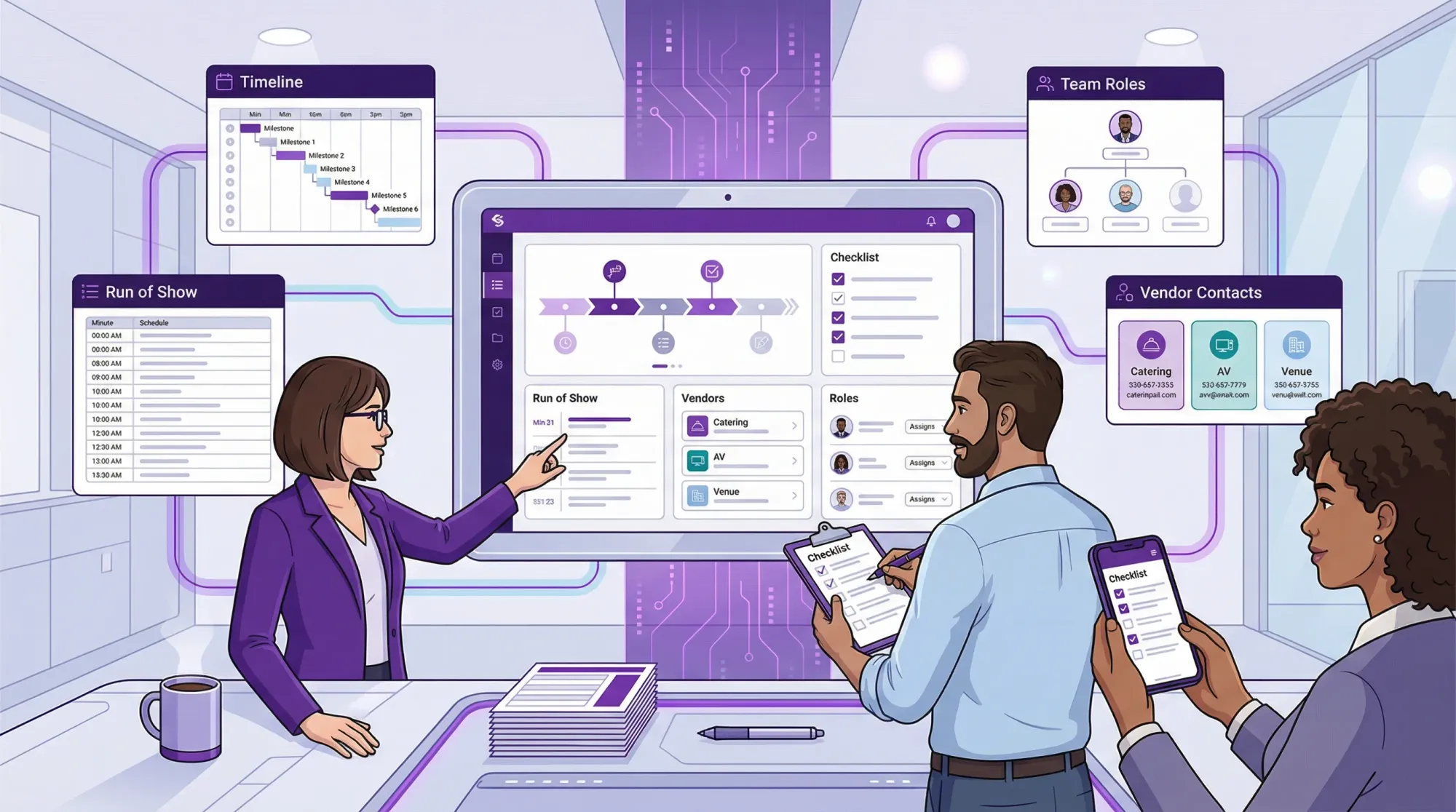
Most events don’t fall apart because the team lacks effort, they fall apart because the plan lives in too many places. A timeline in someone’s notes, vendor details in a text thread, assignments in a spreadsheet, and the “real” decisions in someone’s head.
If you’re using an event coordination app (or even a simple combo like Google Drive + a task board), templates solve that problem by giving you repeatable structure. You stop rebuilding the same documents every time, and your team always knows where to look.
Below are copy-paste event coordination app templates you can use for timelines and teams, plus practical notes on how to implement them in tools like Asana, Trello, Notion, Airtable, Monday.com, ClickUp, or Google Sheets.
What these templates are designed to do
These templates focus on coordination, not inspiration.
- Planning timeline: milestones and dependencies across weeks or months
- Run of show: the minute-by-minute cue sheet for event day
- Team clarity: owners, backups, approvals, and escalation paths
- Vendor operations: contacts, arrivals, load-in rules, payments, and deliverables
- Comms + risk: where updates happen and what to do when something goes wrong
If you want a broader “what features should an app have?” checklist, Revel.cam has a related guide: Event Planner App Checklist: Must-Have Features for 2026.
Quick setup: 3 layers to create in your event coordination app
Before you copy the templates, set up three top-level areas (these map cleanly to most tools):
Layer 1: Project plan (weeks to months)
This is where tasks live, with due dates, owners, dependencies, and files.
Layer 2: Event-day operations (the run of show)
This is a separate view (table, calendar, or doc) that is optimized for speed on-site.
Layer 3: Shared “single source of truth” docs
This includes vendor contacts, floor plans, comms plan, and contingency notes. Link to them from every relevant task.
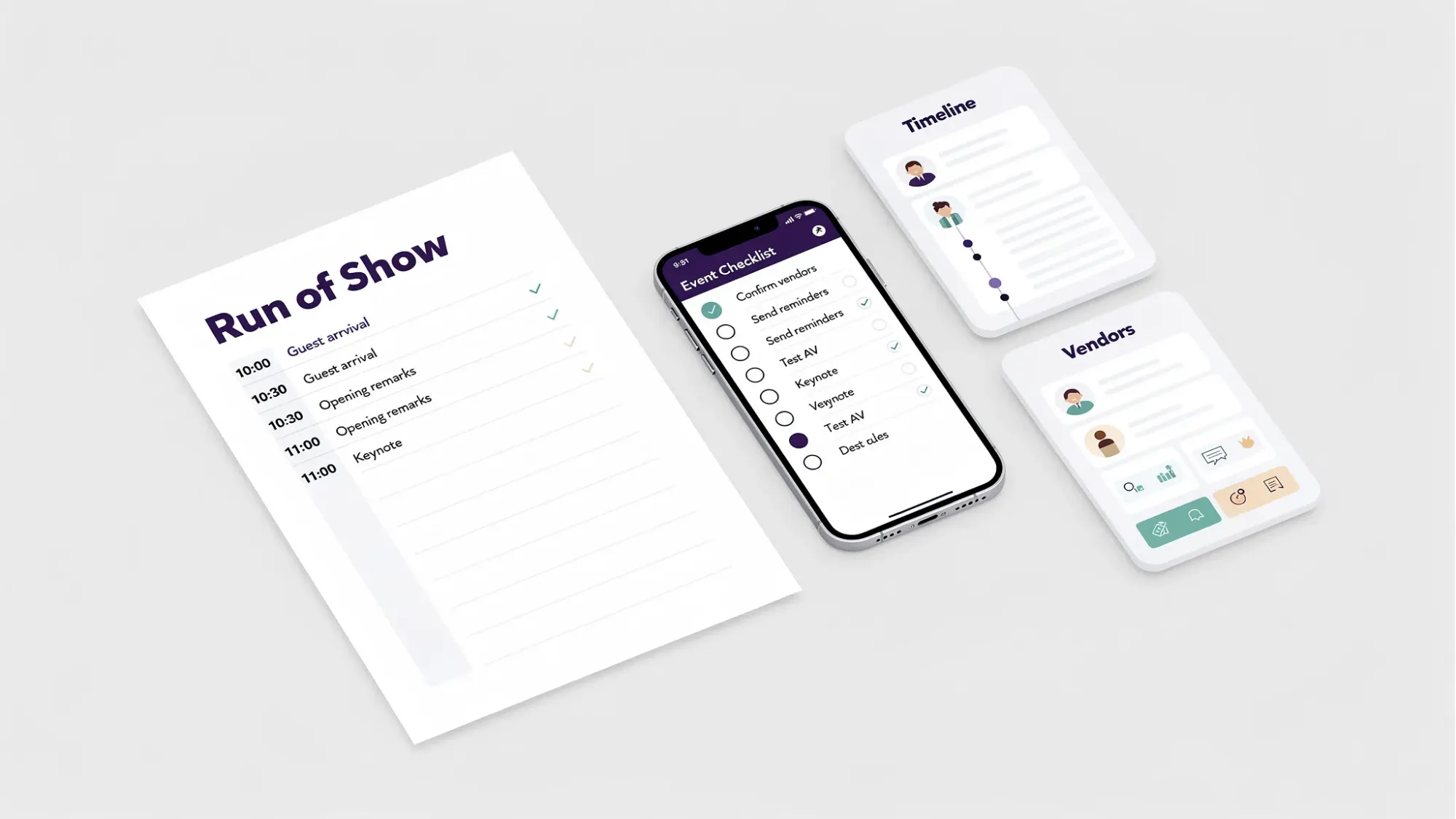
Template 1: Master planning timeline (milestones + owners)
Use this as your primary table in an event coordination app. It’s ideal for a spreadsheet view, Airtable base, or Notion database.
| Phase | Due date | Task / milestone | Owner | Status | Dependencies | Notes / link |
|---|---|---|---|---|---|---|
| Scope | Define event goal and success metrics | Not started | ||||
| Scope | Confirm date, time window, and venue hold | Not started | ||||
| Budget | Draft budget with 10% contingency | Not started | ||||
| Vendors | Book key vendors (AV, catering, photo, security) | Not started | ||||
| Guests | Finalize guest list rules (invites, +1s, capacity) | Not started | ||||
| Program | Lock agenda (speakers, segments, timing blocks) | Not started | ||||
| Ops | Build run of show v1 | Not started | ||||
| Ops | Load-in/load-out plan confirmed with venue | Not started | ||||
| Comms | Publish guest one-pager (arrival, parking, schedule) | Not started | ||||
| Content | Photo and media capture plan confirmed | Not started | ||||
| Final | Final vendor confirmations sent | Not started | ||||
| Final | Print pack ready (signage, QR, credentials, backups) | Not started | ||||
| Post | Post-event wrap: bills, notes, gallery, recap | Not started |
Implementation tip: add a “Last updated” property and an “Approved by” checkbox for milestones that should not drift (run of show, floor plan, catering counts).
Template 2: Event run of show (minute-by-minute cue sheet)
This template is the one your show caller, coordinator, or operations lead will live inside. It should be viewable on a phone.
| Time | Segment | Cue (what must happen) | Owner | Location | Dependencies | Plan B |
|---|---|---|---|---|---|---|
| Doors | Open doors, music on, greeters in place | |||||
| Registration | Check-in live, badges ready, line managed | |||||
| Welcome | Mic check complete, host intro begins | |||||
| Transition | Clear room, reset chairs, lights cue | |||||
| Program | Speaker 1 on stage, slides loaded | |||||
| Break | Catering refresh, trash sweep, restroom check | |||||
| Content moment | Group photo moment called (optional) | |||||
| Close | Final announcement, next steps, exits guided | |||||
| Strike | Load-out begins, rentals counted, lost-and-found |
What makes this “coordination-grade”: it assigns a single owner per cue and includes dependencies and a Plan B. This is the difference between a schedule and an executable run of show.
For wedding-specific timing guidance, you may also like: Wedding Reception Planner: A Timeline That Actually Runs On Time.
Template 3: Roles and responsibilities (RACI-style ownership map)
When timelines slip, it is often because “everyone” owns something, which means no one does. A RACI chart fixes that. If your team is unfamiliar with RACI, Atlassian’s overview is a solid reference: RACI chart explained.
| Workstream | Responsible (does it) | Approver (signs off) | Consulted (inputs) | Informed (kept in loop) |
|---|---|---|---|---|
| Budget and payments | ||||
| Venue logistics | ||||
| Vendor management | ||||
| Guest comms | ||||
| Program / agenda | ||||
| Registration / check-in | ||||
| AV and production | ||||
| Food and beverage | ||||
| Signage and wayfinding | ||||
| Photo and content capture | ||||
| Risk and safety |
Tip: For every row, decide who is the “day-of decider.” Approvers who are unavailable on-site create bottlenecks.
Template 4: Vendor contact sheet (call sheet)
This should be one click away from the run of show. Keep it simple and operational.
| Vendor | On-site contact | Phone | Arrival | Load-in notes | Deliverables | Balance due | Backup contact |
|---|---|---|---|---|---|---|---|
| Venue | |||||||
| Catering | |||||||
| AV / production | |||||||
| DJ / MC | |||||||
| Photographer / video | |||||||
| Rentals | |||||||
| Security |
Quality control rule: put at least two phone numbers for any mission-critical vendor (AV, venue, lead planner).
Template 5: Communication plan (channels + cadence)
Coordination fails when updates are scattered. This template makes comms explicit.
| Audience | Channel | What goes there | Cadence | Owner | Notes |
|---|---|---|---|---|---|
| Core team | Slack / WhatsApp group | Live issues and quick decisions | Day-of only or daily | Keep it short; link to source docs | |
| Vendors | Confirmations, updated run of show, attachments | Weekly then 72-hour | Use one subject line format | ||
| On-site ops | Printed run of show + group chat | Cues, arrivals, changes | Real time | Decide who posts updates | |
| Guests / attendees | Web page or PDF | Schedule, arrival, parking, FAQ | At invite + 48-hour reminder | Avoid requiring logins |
Practical note: Define an escalation path inside the owner notes (example: “If AV issue lasts 5+ minutes, alert Ops Lead and MC, switch to Plan B filler segment”).
Template 6: Risk register (simple contingency log)
You do not need a giant risk document. You need a short list that prevents predictable failures.
| Risk | Likelihood | Impact | Trigger | Mitigation | Owner |
|---|---|---|---|---|---|
| Wi-Fi or cell service weak | Slow uploads, POS issues, scanning failures | Print short links, bring hotspot, test in-room | |||
| AV fails (mic or slides) | Feedback, no audio, frozen deck | Backup mic, local copy of deck, AV early call | |||
| Vendor arrives late | Missed cue, delayed doors | Confirm arrival windows, buffer in run of show | |||
| Weather impacts outdoor plan | Rain, heat, wind | Tent plan, indoor flip, signage update | |||
| Key decision-maker unreachable | Small problems become delays | Name on-site decider + backup |
Use it correctly: review this once at “two weeks out,” once at “72 hours,” and once during on-site walkthrough.
Template 7: On-site checklist (load-in to load-out)
This works best as a Kanban board (To do, Doing, Done) or as a checklist table that can be checked off on mobile.
| Area | Check | Owner | Due | Done | Notes |
|---|---|---|---|---|---|
| Arrival | Signage up (parking, entrance, check-in) | ||||
| Check-in | Devices charged, badges alphabetized, pens ready | ||||
| Program | Stage set, podium placed, water ready | ||||
| AV | Mic tested in every area used | ||||
| Guest comfort | Water station, seating accessibility confirmed | ||||
| Safety | First aid kit location known, exits clear | ||||
| End of night | Rentals counted, decor packed, lost-and-found bag |
Small but important: add “Who has the tape?” and “Who has the power strip?” as actual checklist items.
Template 8: “One-page” guest-facing schedule (the version people actually read)
In your event coordination app, this can be a doc that you export as PDF. Keep it scannable.
| Section | Copy to fill |
|---|---|
| Welcome line | |
| Address + parking | |
| Arrival time | |
| Schedule highlights | |
| Dress code | |
| Accessibility notes | |
| Contact for day-of questions |
If you’re building a wedding version, this pairs well with the “clarity” principles in: Wedding Inspiration: 20 Ideas That Improve Guest Experience.
Template 9: Photo and content capture workstream (so memories don’t become an afterthought)
Most teams track catering and rentals but forget to operationalize photos and content. Add it as a real workstream with owners and timing.
| Item | Decision / plan | Owner | Due | Notes |
|---|---|---|---|---|
| Photo goals | What do we need (candids, team shots, sponsor moments)? | |||
| Capture owners | Who is responsible for making it happen on-site? | |||
| Collection method | One destination for guest photos (avoid group chats) | |||
| Guardrails | Limits, moderation, privacy, brand safety | |||
| Touchpoints | Where people will discover it (signage, badges, tables) | |||
| Announcement | Who will say it and when (welcome, dinner, closing)? | |||
| Post-event | Who downloads, curates, and shares the final gallery? |
Where Revel.cam fits (simple, low-friction collection)
If part of your plan includes collecting photos from attendees, Revel.cam can serve as the “single destination” without asking guests to install an app or create accounts.
As a host you create a Moment, set guest limits, set a per-guest photo limit, and choose an end time. Guests join instantly via QR code, NFC tag, or link, and on iPhone it can open as an App Clip so the experience goes straight to the camera. Photos upload automatically to one private gallery, and hosts can review before sharing.
For corporate privacy considerations, see: QR Photo for Corporate Events: How to Keep It Private and Brand-Safe.
How to use these templates in any event coordination app
Most teams get the best results by creating one “Event Template” project and duplicating it for each new event.
- Create views for different brains: a list for tasks, a calendar for deadlines, and a table for vendor contacts.
- Lock naming conventions early: “EventName - Run of Show v3” prevents confusion on-site.
- Link everything: the run of show should link to vendor details, and tasks should link to the one source doc, not to screenshots.
- Decide what is editable: day-of documents should have one editor and many viewers.
If you want your coordination system to be vendor-grade (especially for weddings), you’ll recognize many of these patterns in: Wedding Management: A Simple System for Vendors and Guests.
Example: Fill the templates for two common event types
Wedding (small team, high emotion, tight transitions)
| Workstream | Primary owner | Backup |
|---|---|---|
| Run of show cues | Coordinator or trusted planner | Best man / MOH for quick relays |
| Family photo wrangling | Assigned wrangler | Couple’s sibling |
| Guest comms | Planner | Venue captain |
| Guest photo collection | Photo Captain | Gallery Guardian |
Wedding teams benefit from clear “who decides” rules because the couple is often unavailable during transitions.
Corporate event or conference (many stakeholders, brand risk)
| Workstream | Primary owner | Backup |
|---|---|---|
| AV and stage | Production lead | Venue AV manager |
| Speaker wrangling | Program lead | Stage manager |
| Registration | Ops lead | HR or volunteer lead |
| Photo and content | Marketing lead | Social/content coordinator |
Corporate teams benefit from explicit approval lines (what can be posted, what needs review, what is private).
Frequently Asked Questions
What should an event coordination app template include at minimum? A planning timeline (milestones + owners), a run of show, a vendor contact sheet, and a roles/ownership map. Those four prevent most day-of confusion.
What’s the difference between a planning timeline and a run of show? The planning timeline is weeks to months (deadlines and deliverables). The run of show is event-day execution (minute-by-minute cues with an owner and Plan B).
How do I assign owners without annoying my team? Assign owners to outcomes, not to vague categories. “Confirm AV arrival time” is easier to own than “handle AV.” Also assign a backup for day-of.
How detailed should a run of show be? Detailed enough that someone new could call the show. If a cue could plausibly be missed (music, mic handoff, doors open, toast order), write it down.
Can I use these templates for small parties or birthdays? Yes. For small events, simplify the tables but keep the same structure: owners, timing, and a single place for photos and notes.
How do I prevent event photos from ending up scattered across group chats? Make one default destination, make it effortless to contribute, and prompt it at the right moments. QR and NFC-based capture flows typically outperform “send it to me later” systems.
Turn “photos” into a real workstream (without creating work)
If your event plan includes collecting guest photos, treat it like coordination, not wishful thinking. Revel.cam is built for that: guests scan a QR code or tap an NFC tag to open the camera instantly (no signup, no app install), photos upload automatically into one private event gallery, and you can set limits, end time, and host review before sharing.
Create a Moment and add it to your run of show as a scheduled cue (welcome announcement, dinner prompt, closing reminder): Revel.cam.

A writer interested in connection, memory, and the everyday moments that matter more than we realize.
Tags: Corporate events , Event photography , Event photo collection , Event photo sharing , Event planning , Shared event photos