How to Scan QR Code to Capture Photo
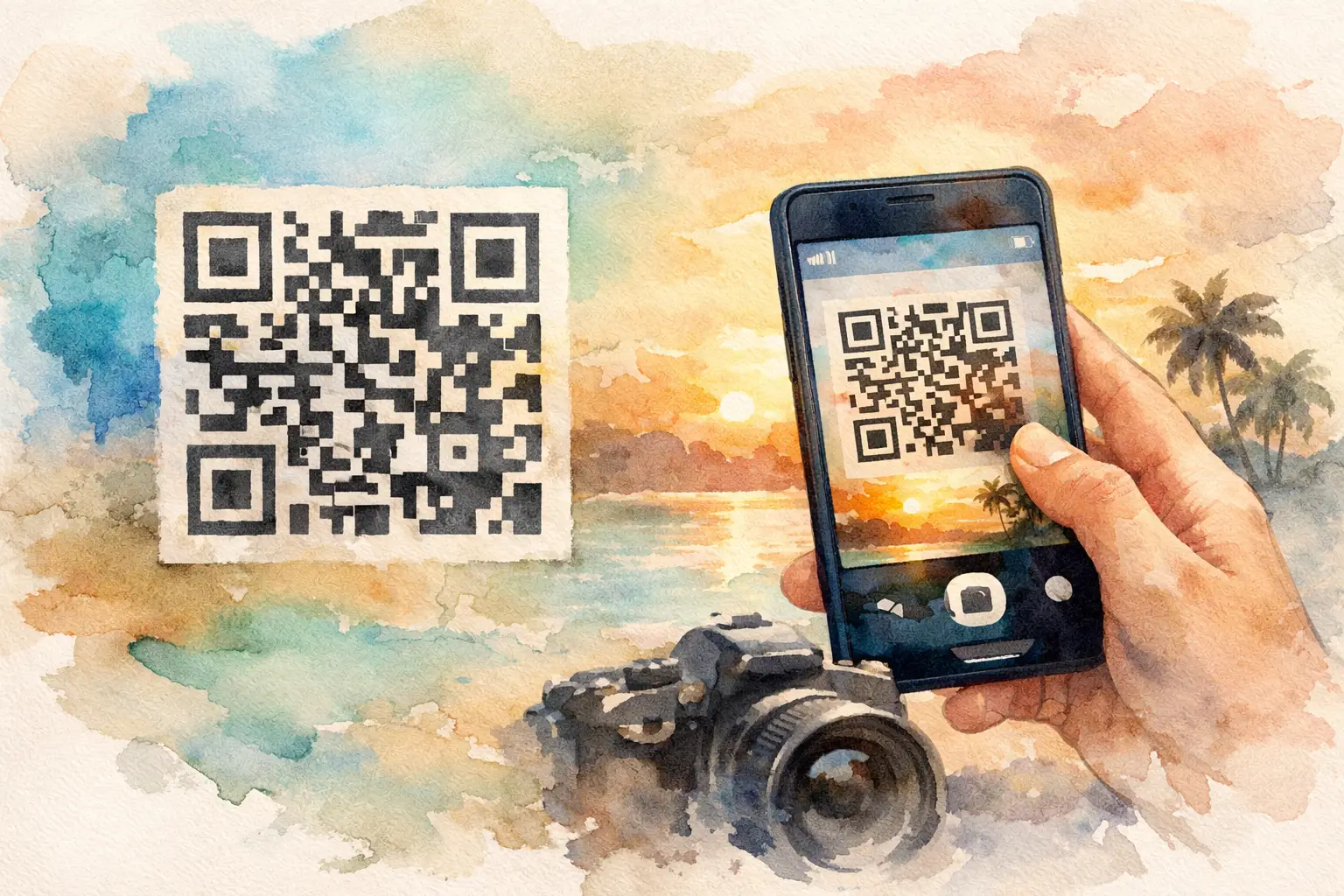
Someone always says, “Just send me the pics,” and then the photos disappear into five group chats, three AirDrop attempts, and one friend’s camera roll never to be seen again. That’s exactly why people search for ways to scan qr code to capture photo at an event. The goal is simple: make it stupid-easy for everyone to join in, take pictures on the spot, and actually get those memories into one place.
This works especially well for weddings, birthdays, vacations, company parties, and brand events where lots of people are taking photos but nobody wants to download yet another app. A QR code turns participation into a two-second action. Scan it, open the camera experience, snap, done. No account creation. No chasing guests the next day. No folder chaos.
Why scan qr code to capture photo works so well
Most event photo-sharing fails for one boring reason: friction. If guests have to search for a link, remember a password, install an app, or upload photos later, a huge percentage simply won’t do it. Not because they don’t care. Because they’re busy being at the event.
QR-based capture fixes that at the exact moment people are already engaged. They’re standing at the table. They’re looking at the welcome sign. They’re bored for a second before the ceremony starts. They’re waiting for drinks. You put the code in front of them, and the path from “I should take a photo” to “I just uploaded one” gets very short.
That shift matters more than most hosts realize. The best event galleries aren’t built from one person remembering to upload later. They’re built from lots of tiny, low-effort contributions in real time.
What guests expect when they scan a QR code to capture photo
Guests don’t want a tutorial. They want instant payoff.
When someone scans a QR code to capture photo, they expect the camera to open quickly on their phone and feel familiar right away. If the page is clunky, asks for too much, or looks suspicious, participation drops fast. People are careful with QR codes now, and for good reason. The experience has to feel trustworthy and dead simple.
The sweet spot is a browser-based flow that works across devices, lets guests start shooting immediately, and keeps the number of taps low. If they can contribute without signing up, even better. At social events, every extra step costs you photos.
That’s also why the timing matters. Asking guests to upload after the event is a different behavior entirely. During the event, taking photos feels fun. After the event, uploading feels like homework.
How the process usually works
The basic mechanics are simple, but the execution is what makes the difference.
First, the host creates a shared photo space for the event. Then a QR code is generated and displayed anywhere guests will naturally see it - entrance signs, cocktail tables, welcome cards, hotel bags, slide decks, booth counters, or printed inserts.
A guest opens their phone camera and scans the code. Instead of landing on a generic page, they enter a photo capture experience built for that event. From there, they can take a picture, sometimes upload from their camera roll too, and their photos are added to the shared gallery.
That’s the core loop. Scan. Capture. Contribute.
Where it gets interesting is in the details. Some tools are better for formal events. Some are better for casual parties. Some support high-resolution uploads, some compress heavily. Some work well if the internet gets spotty, while others fall apart at the worst possible moment. If your event is more than ten people and the photos actually matter, those details are not minor.
Best use cases for scan qr code to capture photo
Weddings are the obvious one. Guests are everywhere, seeing everything from different angles, and the best moments are often the ones the professional photographer misses. A QR-based capture setup gives you candids from the dressing room, dance floor, shuttle ride, and after-party without having to beg people for them later.
Birthday parties and baby showers benefit for a different reason. People want the pictures, but not enough to deal with a clunky system. The lower the effort, the more likely guests are to add photos as the event happens.
Vacations and group trips are another perfect fit. Everyone is taking pictures all weekend, but nobody wants to become the unofficial album manager. A single QR code gives the group one place to contribute without turning the trip into a file-sharing project.
Corporate events and brand activations add another layer. Participation itself becomes part of the experience. Guests scan, shoot, and create content on the spot. That’s useful for internal team events, conferences, pop-ups, and launches where engagement and documentation both matter.
What makes a good QR photo capture experience
Not every tool that lets you scan a QR code to capture photo is actually built for events. Some are just upload forms wearing a party hat.
A strong experience starts with speed. The camera should open quickly, and the page should make sense without explanation. Good mobile design matters here. If guests hesitate, they drop off.
It should also remove account friction. Requiring sign-up is one of the fastest ways to lose casual contributors, especially older relatives, distracted wedding guests, or conference attendees who scanned out of curiosity.
Photo quality matters more than people think. Event photos are emotional assets. If uploads are blurry, compressed, or hard to retrieve later, the whole system feels cheap.
Then there’s reliability. Real events happen in venues with weak service, crowded Wi-Fi, and distracted users. If the capture tool can’t handle imperfect conditions, it won’t perform when you need it most.
Finally, the experience should feel social, not administrative. The best products make guests want to participate because it feels like part of the event, not a task added to it.
The trade-offs to consider
There isn’t one perfect setup for every event.
If your crowd skews older or less tech-comfortable, printed instructions near the QR code help. If it’s a loud party, visual prompts matter more than verbal ones. If it’s a corporate event, branding and professionalism may matter more than disposable-camera nostalgia. If it’s a wedding, emotional payoff and gallery reveal tend to matter more.
You also need to think about privacy. Public social posting is not the same as a private event album. For personal events especially, guests are often more willing to participate when the photos are staying within the group.
And while QR capture is excellent for collecting photos in the moment, placement still matters. A single code hidden near the bar won’t do much. Multiple placements create multiple reminders, which means more contributions from more people.
Why disposable-camera style capture changes behavior
This is where the experience gets more fun.
When guests feel like they’re contributing to a shared album rather than dumping photos into a generic folder, participation changes. Add limited shots, vintage-style filters, or a delayed gallery reveal, and the act of taking photos becomes part of the event itself.
That’s not just a cute gimmick. It changes how people engage. They become more intentional. More playful. More present. The photos often end up feeling less staged and more alive.
This is one reason a platform like Revel stands out. It turns QR capture into a digital disposable camera moment - quick to join, easy to use, and built around the emotional payoff of seeing everyone’s perspective together later. For events where you want more than random uploads, that difference shows.
How to get more people to actually scan and shoot
The biggest mistake hosts make is assuming one sign is enough.
You need the invitation to be visible and specific. “Scan to capture tonight” works better than vague instructions. Put the code where people pause naturally. Entrance. Tables. Restrooms. Guest book area. DJ booth. Shared spaces on a trip. Registration desk at a conference.
Language matters too. Guests respond to momentum. Short prompts like “Take photos here” or “Capture together” feel immediate. Long explanations do not.
It also helps when the experience matches the energy of the event. If the capture flow feels polished, fast, and fun, people use it. If it feels like admin, they skip it.
A smarter way to collect the photos you actually want
The appeal of scanning a QR code to capture a photo is not the QR code itself. Nobody is emotionally attached to the square of pixels. What people want is what happens after the scan: less chasing, more contributing, and a gallery that feels like the event from every angle.
That’s the real shift. Instead of hoping people remember to send photos later, you make capturing and sharing part of the moment itself. And when that moment is easy, guests show up for it.
If you’re planning any event where memories matter, the best photo system is usually the one guests barely have to think about. Put the camera in their hands. Make joining instant. Let the night collect itself.

A writer interested in connection, memory, and the everyday moments that matter more than we realize.
Tags: Guest photo sharing , Photo sharing , QR photo sharing