Shared Album vs Google Photos for Events
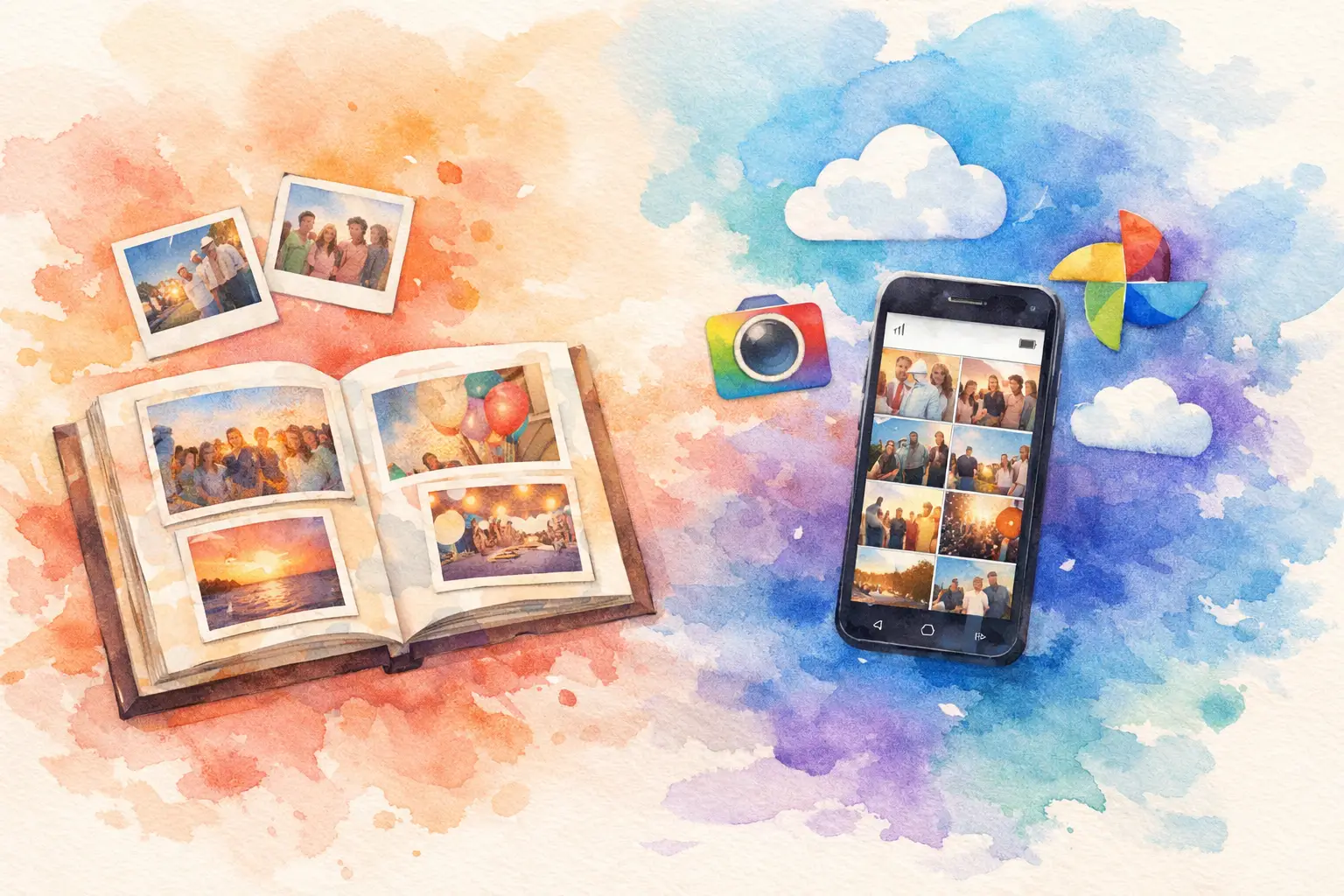
You planned the party. People actually showed up looking good. The group chat is active for 48 hours, then the photos vanish into camera rolls, half-sent texts, and one friend who swears they’ll upload everything later. That’s where the shared album vs Google Photos question gets real - because the best option is the one people will actually use.
If you’re trying to collect event photos from a bunch of people, both can work. But they solve different problems. One is familiar and flexible. The other is built around personal photo storage first, with sharing layered on top. For birthdays, weddings, vacations, team offsites, and brand events, that difference matters more than most people expect.
Shared album vs Google Photos: what’s the actual difference?
At a basic level, both let multiple people add photos to one place. That sounds simple enough. But the experience around that core action is where things split.
A shared album is usually about one moment, one group, and one destination for photos. It’s event-shaped. You create the album, invite people, and everyone drops in what they captured. The goal is contribution and collective memory.
Google Photos is a personal photo platform that also lets you share albums. It’s great if your life already lives inside Google. You get cloud backup, search, editing tools, and smart organization. Shared albums are part of that ecosystem, not the whole point of it.
So if you’re comparing them for an event, the real question is less “Which stores photos?” and more “Which gets more people to participate without making it weird or annoying?”
Where Google Photos works well
Google Photos is strong when the people involved already use it regularly. If your family backs up every photo to Google Photos, making a shared album is easy. You can add images from your library, invite others, and keep everything connected to the rest of your account.
It also helps if you want your event photos to live beside your everyday photos long term. Search is useful. Face grouping can be useful. Automatic backup can save people from losing shots they forgot to send. For smaller circles, especially among people who are already comfortable with Google accounts, it can feel convenient.
There’s also less of a learning curve for some users. Google is familiar. That matters when your event is low stakes and your contributors are already in the system.
But convenience for the organizer does not always mean participation from guests.
Where Google Photos gets clunky for events
Here’s the part people run into after the invites go out. Guests often need to sign in, switch accounts, understand permissions, and figure out how to add photos instead of just viewing them. That’s not a huge ask on paper. At an actual event, it’s enough friction to kill momentum.
Most people do not want to troubleshoot a photo-sharing workflow between drinks, speeches, or while trying to find their seat. They want the fastest possible path from “I took a good one” to “it’s in the album.”
There’s also a vibe issue. Google Photos feels like storage. Functional, useful, fine. It doesn’t naturally create a shared event experience. It archives. It doesn’t really build anticipation, participation, or a sense that everyone is contributing to the same memory in real time.
That matters more for weddings, birthdays, reunions, spring break trips, and company events than it does for everyday family sharing. Events are social. The tool should be too.
Why a shared album often fits events better
A true shared album for events is designed around group behavior, not personal libraries. That changes everything.
First, it lowers the barrier to entry. The best event-sharing setups let people join fast, usually from a simple invite flow, without asking them to create a whole new habit. That means more contributors, not just more viewers.
Second, it keeps the focus on the event itself. Guests are not sorting through their cloud storage or bouncing between accounts. They are stepping into one temporary, collective space built for this specific occasion.
Third, it encourages participation while people are still emotionally in the moment. That’s the sweet spot. If adding photos is easy enough to do instantly, you get more angles, more candids, more surprise shots, and less post-event chasing.
For hosts, that means fewer text follow-ups. For guests, it means less effort. For everyone, it means the gallery actually feels complete.
Privacy matters more than people think
When people compare shared album vs Google Photos, privacy usually gets reduced to “Is the album private or not?” That’s only part of it.
The bigger question is who has access, how easily they get it, and whether the experience feels contained to the group. At personal events, people usually want something private but easy. At professional events, they want something controlled but not stiff.
Google Photos can handle private sharing, but it can also feel tied to broader personal accounts in a way some users dislike. People are sometimes hesitant to connect event participation with their main photo account, especially for work events, public-facing activations, or mixed social groups.
A purpose-built shared album can feel cleaner because the interaction stays inside the event. No one has to wonder what account they’re using, what else is attached to it, or whether they’re opening the door to more than they intended.
That sense of containment is underrated. It makes people more willing to join.
The participation problem is the whole game
This is the part most comparisons miss. The best photo-sharing tool is not the one with the most features. It’s the one that gets the highest contribution rate.
Every extra step cuts participation. Download this. Sign in here. Request access. Tap this icon. Find the album again later. People drop off fast.
That’s why event hosts get frustrated with generic sharing tools. They technically work, but they rely on guests being motivated enough to complete a mini setup process. Most guests are not. They are busy being at the event.
A better event flow removes excuses. Scan. Join. Shoot. Upload. Done.
That’s also why products built around QR access and instant participation feel different in practice. They match how people behave in real life. No app hunt. No account wall. No "I’ll do it later" graveyard.
Shared album vs Google Photos for different event types
For a family vacation, Google Photos can be enough if everyone is already in the ecosystem and the group is small. The trade-off is that contribution may skew toward the few people who are already organized.
For weddings, shared albums usually make more sense. You want grandparents, college friends, cousins, and plus-ones all contributing without friction. That group will never have the same tech habits. Simplicity wins.
For birthdays and baby showers, ease matters because people are dipping in and out. If the setup takes more than a moment, they’ll skip it. The same goes for reunion weekends and bachelorette trips, where high participation is the whole point.
For company events and brand activations, shared albums have another advantage: they feel more intentional. You can create a branded or structured capture experience instead of asking attendees to upload into a tool that feels personal and improvised.
What to choose if you care about the experience, not just storage
If your main goal is long-term photo backup and your group already lives in Google Photos, use Google Photos. It’s solid. Familiar tools are underrated.
If your goal is collecting as many event photos as possible from as many people as possible, a shared album built for events is usually the better call. Not because it’s more complicated. Because it’s less.
Less setup. Less hesitation. Less chasing people after the fact.
More candids. More angles. More people actually joining in.
That’s the difference between having a folder of photos and having the full story of the night.
For hosts who want something even more event-native, platforms like Revel push this further with QR-based joining, no-app participation, and a gallery experience designed to feel social from start to finish. That kind of flow is hard for a general photo platform to replicate because it wasn’t built around the event moment in the first place.
The right choice comes down to what you’re optimizing for. Storage is one thing. Participation is another. Most event hosts think they need the first when what they really need is the second.
If you want people to actually add their photos, make it easy enough that they can do it before the moment passes.

A writer interested in connection, memory, and the everyday moments that matter more than we realize.
Tags: Shared album , Shared event photos , Shared photo gallery , Guest photo sharing , Photo sharing , QR photo sharing