Wedding Guest Photos: The Best Way to Collect Them Fast
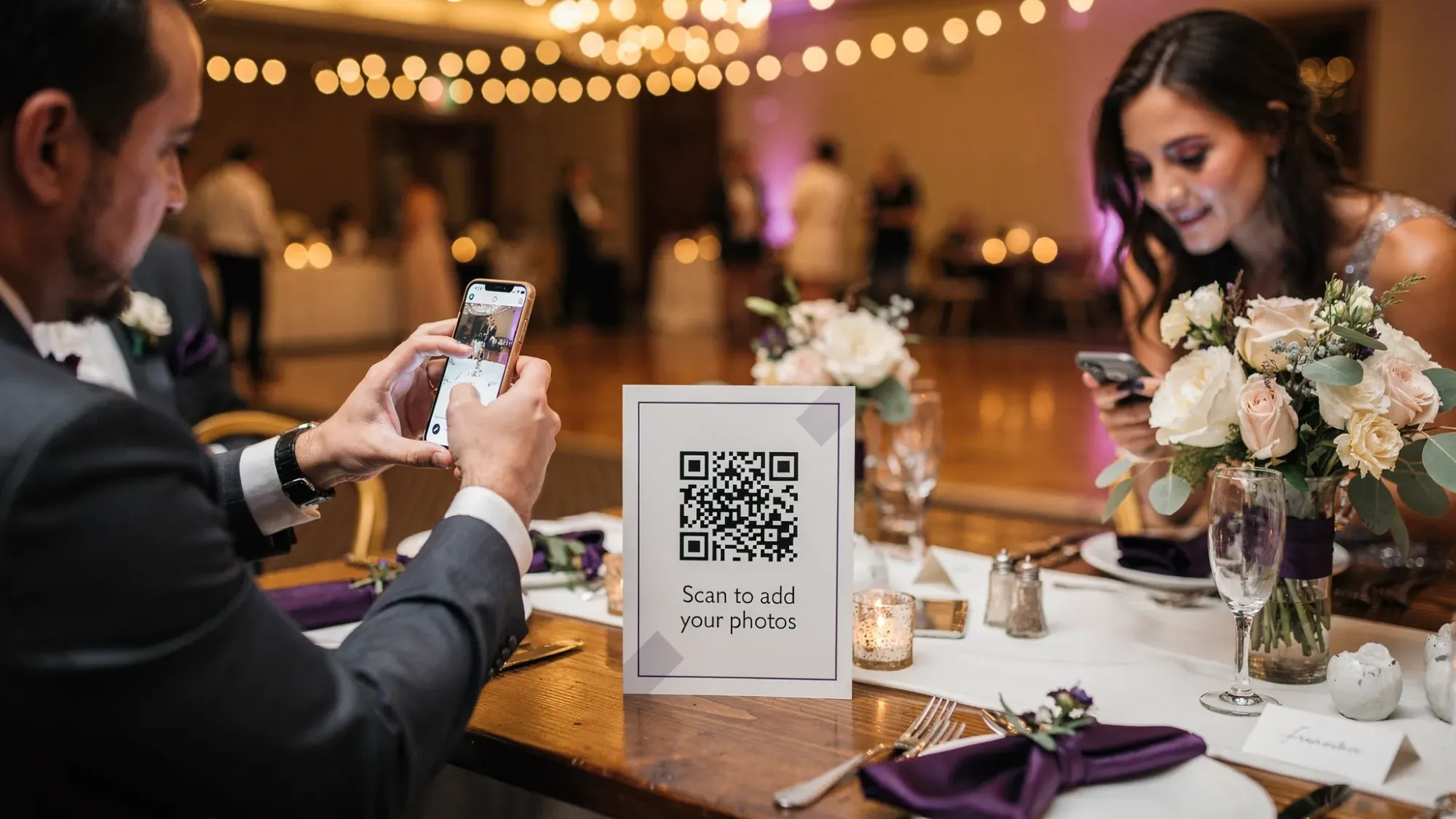
Most couples don’t actually have a “wedding photo” problem. They have a wedding guest photos workflow problem.
Guests do take hundreds of great candids, but those photos end up scattered across phones, group texts, and half-finished shared albums. Weeks later, you are still texting “can you send me that one from cocktail hour?”
If your goal is to collect wedding guest photos fast, the best approach is to make sharing part of the wedding itself, not an after-wedding chore.
What “fast” really means for wedding guest photos
Speed is not just “how quickly you get a link.” It is two things:
- Time-to-capture: How quickly guests can start taking photos in the right place.
- Time-to-collection: How quickly those photos land in one gallery without anyone doing extra work later.
The methods that feel easy for the couple (like “we’ll ask everyone to upload later”) are usually the slowest in real life because they rely on guests remembering, finding the photos, and following through.
Fast happens when the flow is:
Join instantly → take photos → upload automatically → gallery is ready when you want it.
The common ways to collect wedding guest photos (and why they feel slow)
There are a few popular approaches, but they vary a lot in participation and how much chasing you will do afterward.
| Method | How guests share | How fast you actually receive photos | Where it breaks down | Best fit |
|---|---|---|---|---|
| Group chat (iMessage/WhatsApp) | Guests manually send photos | Medium to slow | Photos get buried, social friction, compression, not everyone is included | Very small groups |
| AirDrop | Guests AirDrop to you (or a friend) | Fast for a few people | Doesn’t scale, interrupts the day, requires you to be present | Tiny weddings, limited needs |
| Shared iCloud/Google album | Guests join album and upload | Usually slow | Guests forget, require sign-in, some won’t join, uploads happen days later | Tech-forward groups |
| Instagram hashtag | Guests post publicly | Variable | Not everyone posts, privacy concerns, only what guests choose to publish | Public, social-forward events |
| Open upload link (folder/form) | Guests upload from camera roll | Slow | “I’ll do it later” energy, extra steps, inconsistent formats | Post-event collection |
| QR/NFC shared camera | Guests scan/tap, take photos in the moment, auto-upload | Fastest | Needs clear signage and a quick announcement | Most weddings |
If you want the fastest collection, the pattern is consistent: reduce steps, reduce decision-making, and remove logins.
The best way to collect wedding guest photos fast: a QR code that opens the camera
The quickest method for most weddings is a QR code (or NFC tap) that opens a shared, event-only camera so guests can start capturing in seconds and every photo is uploaded automatically to a single gallery.
This is exactly the workflow Revel.cam is designed for:
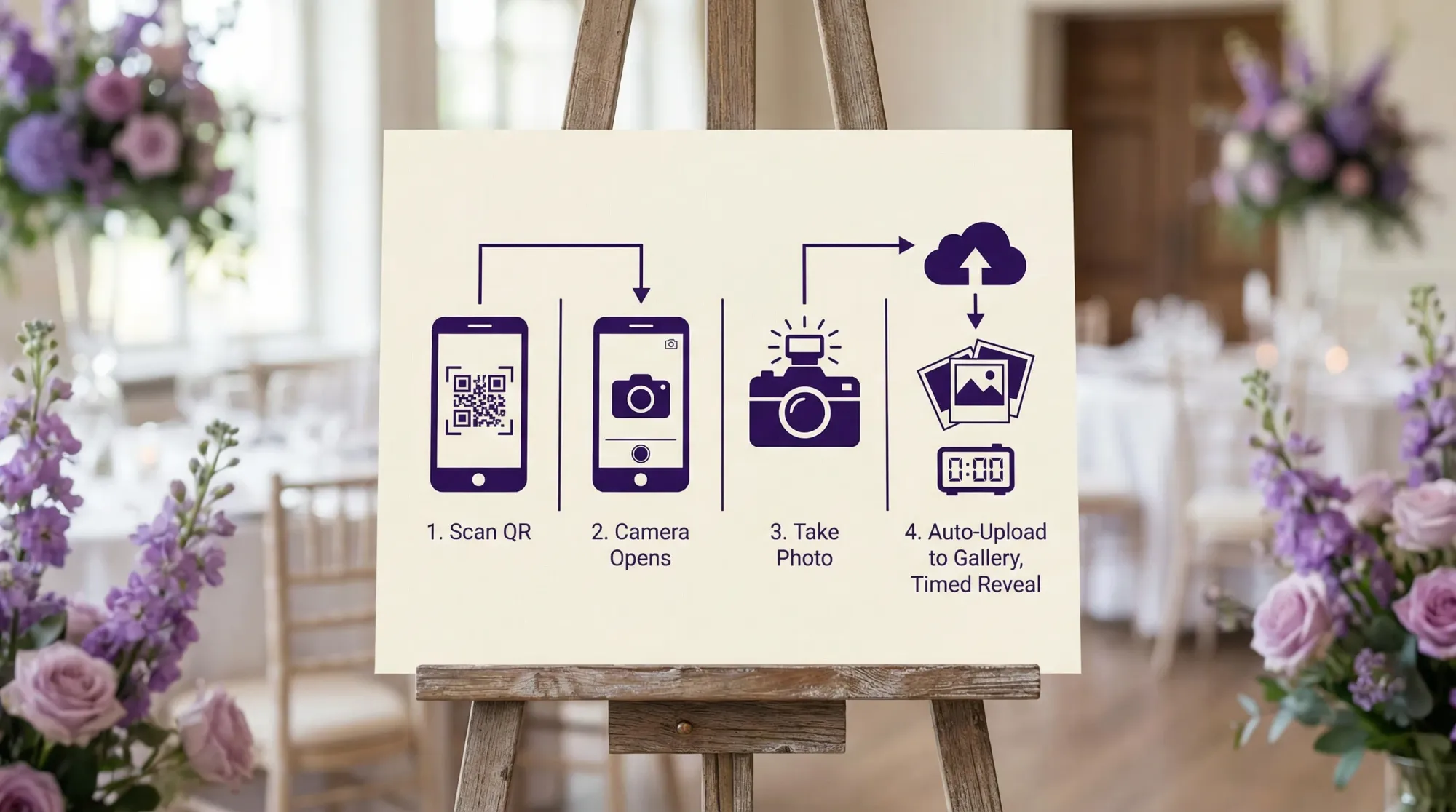
- Hosts create a private event called a Moment
- Guests join instantly via QR code, NFC tag, or link
- Guests take photos inside the Revel.cam camera
- Photos upload automatically to one private gallery
- Hosts can set photo limits, define an end time, and review/moderate before sharing
On iPhone, Revel.cam can launch as an App Clip, which is Apple’s lightweight “instant app” experience that opens from a QR scan without a full app install. (Apple overview: App Clips)
The practical result: you stop depending on guests to “upload later.” Sharing happens during the wedding, when excitement is high and phones are already out.
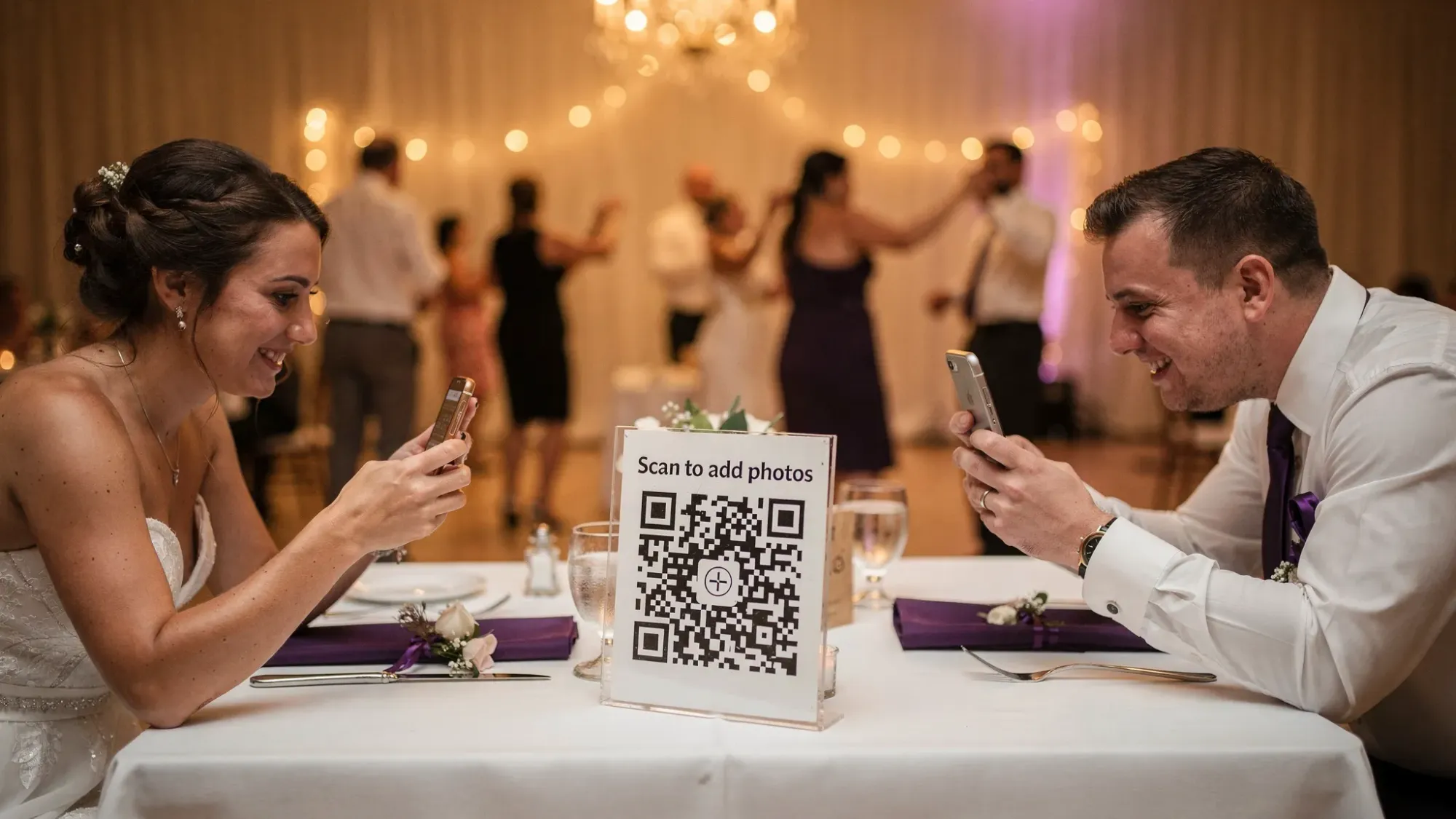
Why this works faster than shared albums or text threads
A fast wedding guest photo system needs to match guest behavior:
1) Scanning a QR code is a familiar reflex now
Most guests know how to scan a QR code using their phone camera. If you want a reference you can share with less techy family members, Apple explains the process for iPhone in their support docs: Scan a QR code with your iPhone camera.
2) The camera comes first, not the gallery
With many shared albums, guests have to:
- join an album
- grant permissions
- choose photos later
- remember to upload
A shared camera flow flips that. Guests do the fun part (taking the photo) and the boring part (organizing and uploading) happens automatically.
3) Limits and end times keep the gallery clean
Fast is not helpful if you end up with 2,000 near-duplicates to sort.
A per-guest photo limit and a defined end time help you:
- encourage intentional photos
- reduce spam and duplicates
- avoid late, off-topic uploads
That means less time curating and more time enjoying the final collection.
A “30-minute setup” plan to collect wedding guest photos quickly
If you are close to the wedding date and just want something that works, focus on what drives speed: one join point, clear instructions, and visibility.
Step 1: Choose one system and commit to it
The fastest plan is the one you do not split across five channels.
If you are using a QR-based shared camera (like Revel.cam), make that the default and avoid competing instructions like:
- “Text me photos later”
- “Upload to this Google Drive too”
- “Also post with this hashtag”
Mixed messaging lowers participation.
Step 2: Put the QR code where guests naturally pause
You do not need 12 different placements to get good results. You need a few high-traffic moments.
Good “pause points” are:
- the welcome sign area (arrival)
- the bar (repeat visits)
- reception tables (guests seated with time)
If your wedding has multiple spaces (ceremony, cocktail hour, reception), place the QR in each space so guests can join wherever they first notice it.
Step 3: Use one line of microcopy that removes hesitation
Your sign should answer two silent questions: “What is this?” and “Is it annoying?”
Effective one-liners:
- “Scan to add your photos to our wedding gallery (no app, no login).”
- “Help us capture the candid moments. Scan, snap, done.”
- “Scan to share photos instantly. Gallery will be revealed after the wedding.”
Keep it short enough that someone can read it while walking.
Step 4: Decide your reveal timing now
Speed also includes when you want guests to see the full gallery.
Common options:
- Next morning reveal: feels fresh, gives you a quick moderation window
- 48-hour reveal: ideal if you want to remove a few shots first
- Same-night reveal: fun for high-energy weddings, especially with an afterparty
Revel.cam Moments let you define when the Moment ends, and hosts can review and curate before sharing.
Day-of: how to get maximum participation in under 60 seconds
The best way to collect photos fast is to get guests to join early, then they keep contributing all night.
Make one quick announcement (and do it before dinner)
Ask your DJ/MC (or a confident friend) to do a simple prompt right after guests find seats.
A good announcement has three parts:
- Permission: “We would love your candid photos.”
- Instruction: “Scan the QR on your table to open the camera.”
- Payoff: “Everything goes into one gallery we’ll share after.”
If you wait until late dancing, you will still get photos, but you will miss earlier candids.
Assign a single “photo captain” if you want it to run itself
This is not a job, it is a safety net.
Choose one person (planner, sibling, or wedding party member) to:
- confirm the QR signs are visible
- remind one or two tables to scan if participation is slow
- check that uploads are flowing
That tiny amount of ownership prevents the classic “we set it up but forgot to tell people” outcome.
Keep it respectful and private
Guests participate more when they feel safe.
A good privacy baseline:
- keep the gallery private by default
- mention “no app, no login” (reduces suspicion)
- if you plan to show photos publicly later, state it clearly
Revel.cam Moments are private by default, and hosts can review photos before sharing.
After the wedding: how to wrap up fast (without a week of admin)
A fast capture system should lead to a fast wrap-up.
A practical post-wedding workflow:
- Do a quick pass for obvious removals (accidental shots, duplicates, anything you do not want shared)
- Share the gallery once (one link, one message)
- Download and back up the full collection so it is not living in five different places
This is where “camera-first, auto-upload” systems save real time compared to chasing guests individually.
Frequently Asked Questions
What’s the fastest way to collect wedding guest photos? The fastest approach is in-the-moment capture with automatic uploads, usually via a QR code (or NFC tap) that opens a shared event camera and sends photos to one gallery.
Do guests need to download an app to share photos with Revel.cam? No. Guests can join a Moment by scanning a QR code, tapping an NFC tag, or opening a link. On iPhone, it can launch as an App Clip, so there’s no full app install.
Will this replace a professional wedding photographer? No. Guest photos are best as a candid “second layer” that captures reactions, table moments, and afterparty energy that a pro team may not cover.
What if our venue has bad Wi‑Fi or weak signal? Test in the space if you can, and place QR signs where guests tend to have better reception. If connectivity is truly limited, consider setting expectations and focusing on key areas where uploads are more reliable.
Can we control what gets shared? Yes. Host review and moderation lets you remove unwanted images and curate the gallery before sharing.
How do we avoid getting thousands of duplicate photos? Set a per-guest photo limit and define an end time for the Moment. Limits encourage more intentional shooting and keep the gallery manageable.
Create a wedding guest photo gallery that’s ready right after your reception
If you want wedding guest photos collected fast, the winning move is to stop relying on “send it later.” Make the sharing effortless during the wedding with a QR code that opens a shared camera and uploads automatically.
Create your wedding Moment in minutes with Revel.cam and share it via QR code, NFC, or link, so every candid ends up in one private gallery, without apps or logins.

A writer interested in connection, memory, and the everyday moments that matter more than we realize.
Tags: Wedding guest photos , Wedding photo gallery , Wedding photo sharing