Wedding Planning App Stack: What to Use and What to Skip
Planning your wedding in 2026 can feel like downloading your way to a perfect day. One app for checklists, another for budgets, a third for invites, plus a dozen tabs for vendors, timelines, and photo sharing.
The problem is not a lack of options, it’s overlap. A “stack” only works when each tool has a clear job, your data can move between tools, and guests are not forced into extra steps.
Below is a practical wedding planning app stack that keeps things simple, plus what to skip so you do not end up managing apps instead of planning a wedding.
Think in “jobs”, not apps
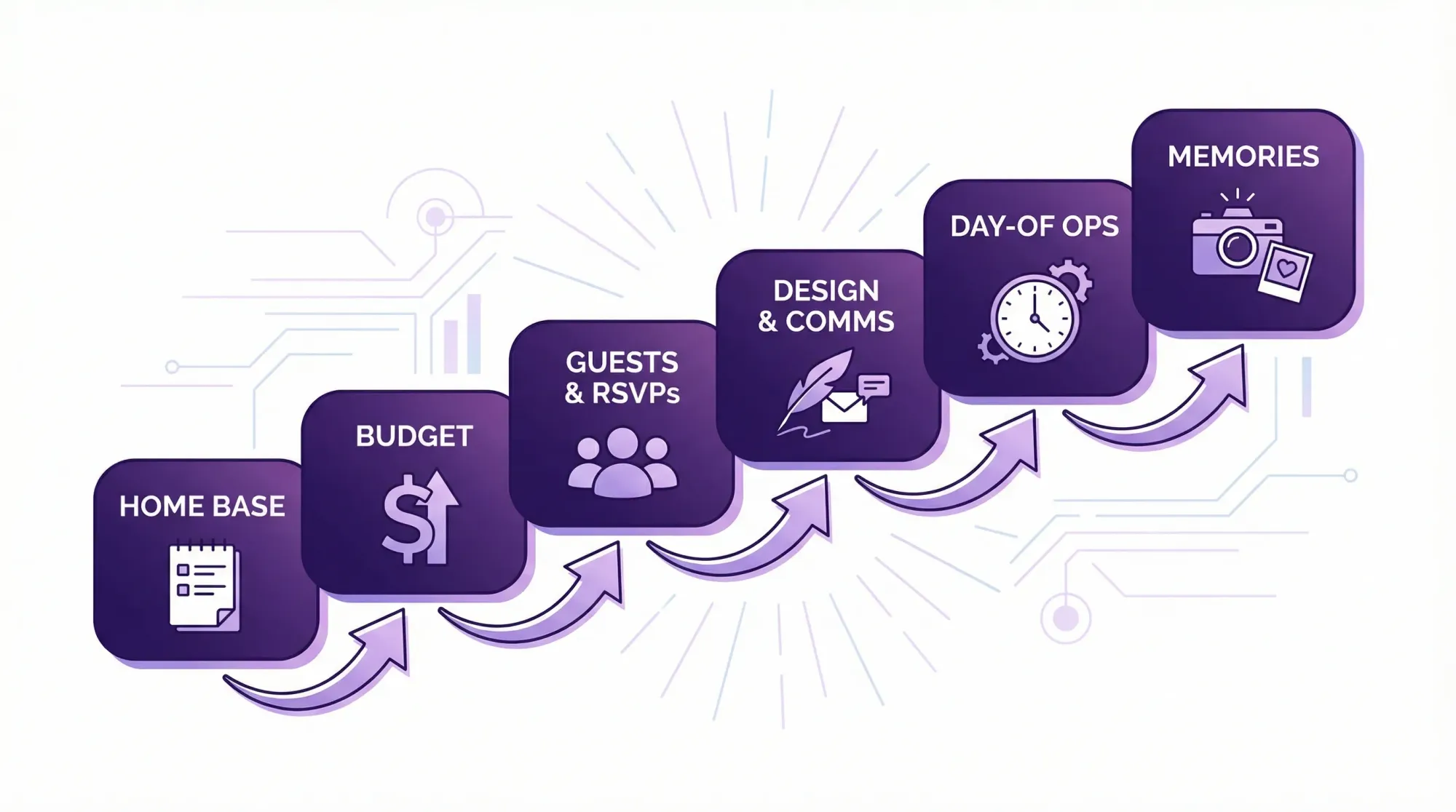
Before you pick anything, define the handful of jobs your tools must do. Most weddings only need:
- A home base for decisions, tasks, links, and files
- A budget system you will actually maintain
- A guest and RSVP system that is easy for guests
- A communication and design workflow (invites, signage, updates)
- A day-of operations plan (timeline, contacts, who does what)
- A memory capture plan (photos beyond the pro gallery)
If an app does not clearly own one of these jobs, it is usually clutter.
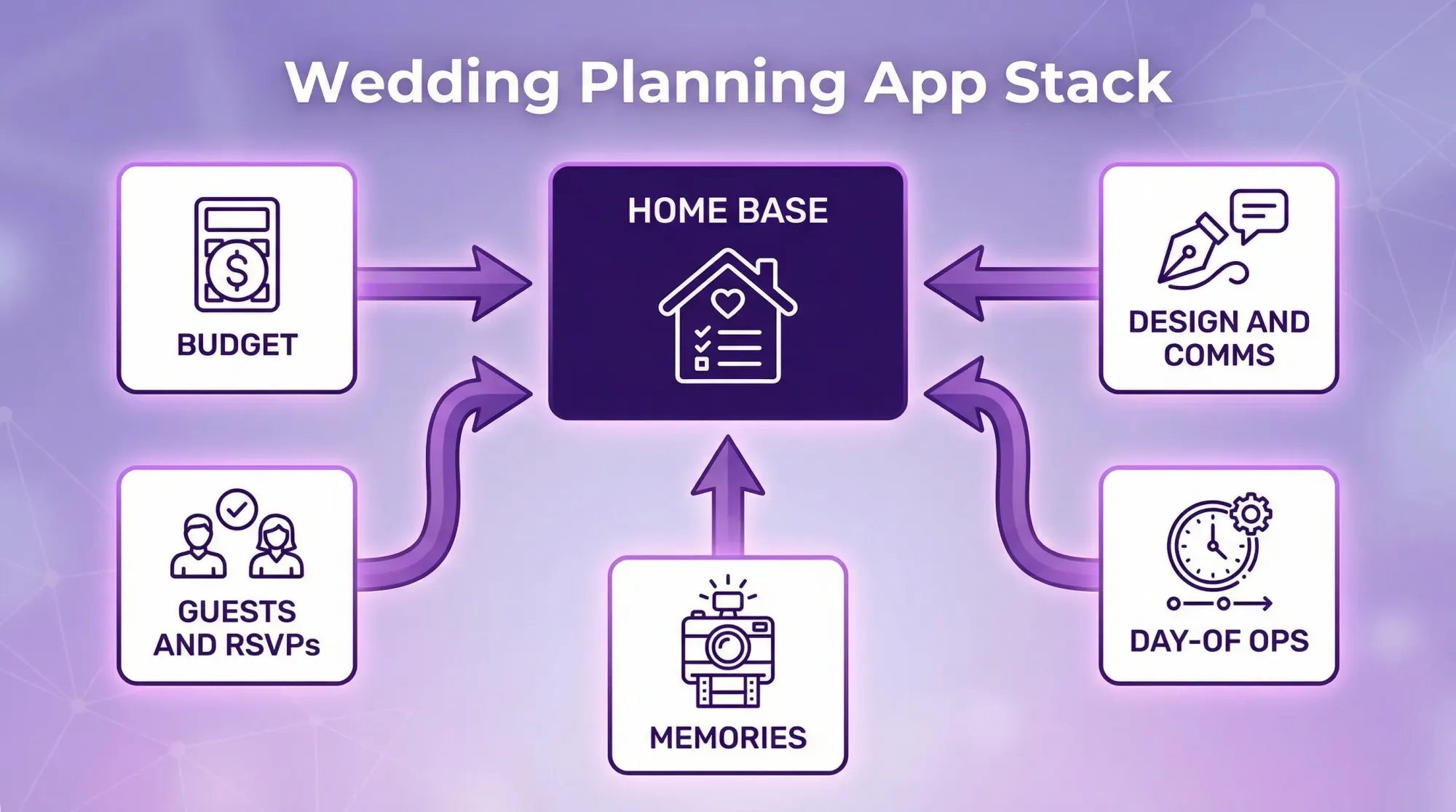
The 6-layer wedding planning app stack (and what each layer should do)
You do not need six apps. You need six functions. Sometimes one platform covers multiple layers, sometimes it is cleaner to mix two or three lightweight tools.
1) Home base (your source of truth)
This is where decisions live: vendor shortlists, contracts, inspiration links, addresses, and the current “truth” of your plan.
What to use:
- A workspace you can share with a partner, planner, or key family members
- Something with simple pages, checklists, and file/link storage
- A structure you can keep stable for months (weddings are long projects)
What to skip:
- Anything that hides your data behind a feed or a “social” layer
- Tools that feel great for one week, then become hard to search
- Systems that only one person can realistically maintain
2) Budget (a system you will update, not a perfect spreadsheet)
Budget breakdowns fail when they are too detailed to maintain. The best budget tool is the one you will touch every time you pay a deposit.
What to use:
- A spreadsheet (often enough) or a budgeting feature inside your planning platform
- A structure that tracks: estimated cost, contracted cost, paid, due date, and notes
What to skip:
- A separate app that duplicates what you already have elsewhere
- Anything that makes it difficult to export your numbers (you will want backups)
3) Guests and RSVPs (optimize for guest friction)
This is where many stacks break. Couples pick a “wedding planning app” that works for them, but creates friction for guests.
What to use:
- A guest list that exports cleanly (CSV is your friend)
- RSVP pages that work on mobile, load fast, and do not require an account
- Clear flows for plus-ones, meal choices, and kids
What to skip:
- RSVP systems that require guests to create logins
- Apps that push guests into downloading something just to respond
- Messaging features that split your communication across multiple inboxes
4) Design and communications (one place for “public truth”)
This includes save-the-dates, invites, your website wording, signage, and “what guests need to know.”
What to use:
- A simple design tool for signage and print assets
- A single place where the latest schedule, dress code, and FAQ live
What to skip:
- Multiple places where the schedule is written (this is how you get contradictions)
- Heavy “wedding website builders” if you only need a few pages
5) Day-of operations (turn planning into execution)
A wedding is a live event with handoffs. Your tools should make those handoffs easy.
What to use:
- A timeline you can share as a PDF and print
- A vendor contact list that is accessible offline
- A “who is responsible for what” plan for the day (you do not want to be the router)
What to skip:
- Day-of tools that only live inside one person’s phone
- Plans that require logging into an app to find key information
6) Memories layer (guest photos are a separate system)
Even with an amazing photographer, guest photos capture what pros cannot: table-level candids, reactions, late-night chaos, and parallel moments happening across the room.
What to use:
- A capture-first guest photo workflow that makes sharing part of the event
- A system that collects everything into a single gallery without chasing people later
What to skip:
- “Text me your photos” or “AirDrop at the end” (it sounds easy, it rarely works)
- Shared albums that rely on guests remembering to upload later
- Hashtags as the primary plan (they are public-adjacent and incomplete)
A quick “use vs skip” matrix (so you can audit your stack)
Use this to sanity-check any tool before you add it.
| Stack layer | Use it if it… | Skip it if it… |
|---|---|---|
| Home base | Becomes your source of truth, searchable, shareable | Competes with other tools for the same info |
| Budget | Gets updated at payment time, exports easily | Requires lots of upkeep or hides data |
| Guests + RSVPs | Works fast on mobile, no account required | Adds guest steps (logins, downloads, confusion) |
| Design + comms | Creates one “public truth” and reusable templates | Splits info across multiple links and versions |
| Day-of ops | Prints well, works offline, easy to hand off | Lives only inside an app that not everyone can access |
| Memories | Captures in the moment, one gallery, host controls | Depends on guests uploading later or joining another app |
What to skip (the most common stack mistakes)
Most couples do not “choose the wrong app.” They choose too many apps that fight each other.
Skipping is a feature, not a sacrifice
If two tools both offer checklists, pick one. If three tools can store vendor contacts, pick one. Every duplicate surface creates inconsistency.
A good rule: if you cannot explain an app’s job in one sentence, remove it.
Avoid guest-facing installs whenever possible
Guests have different phone types, storage space, patience, and comfort with tech. The more you ask guests to do, the fewer will participate.
For anything guest-facing (RSVPs, schedules, photo sharing), prioritize:
- No account creation
- No app install
- Mobile-first pages
- A single, obvious next step
Be skeptical of “all-in-one” if you cannot export
All-in-one platforms can be great, as long as you can export what matters (guest list, budget, timeline). Weddings involve vendors, planners, family helpers, and sometimes legal or travel documents. Portability is part of risk management.
Build your stack in one hour (a practical setup order)
Instead of starting by browsing app lists, start with setup in an order that prevents rework.
Choose your home base first
Create your core structure: vendors, budget, timeline, guest plan, and files. Then everything else plugs into it.
Decide how you will store the guest list
Even if you use an RSVP platform, keep a master copy you control (exported regularly). Your guest list drives catering counts, seating, outreach, and thank-you notes.
Design your day-of handoff
Ask, “If my phone died at 2 pm, could someone else run this wedding?”
If the answer is no, your timeline and vendor contact sheet need to be printable and shareable.
Add the memories layer last (but plan it early)
Memory capture is easy to add, but only works if it is visible during the wedding.
In other words, set it up early, deploy it day-of.
Destination wedding stack add-ons (travel, borders, and timing)
Destination weddings add a planning category that local weddings often ignore: travel administration.
At minimum, your stack should include one place to publish travel guidance, deadlines, and backup plans. If your guests are crossing borders with visa requirements, consider pointing them (or your travel partner) to solutions built for border-crossing paperwork, such as SimpleVisa, so travel admin does not become a last-minute scramble.
Also plan for “time zone truth.” Put all key deadlines in local time and state the time zone explicitly on the wedding site and in reminder messages.
Where Revel.cam fits in a modern wedding planning stack
Most wedding planning apps are great at tasks and timelines, but weak at one high-emotion outcome: collecting everyone’s photos without chaos.
Revel.cam is designed to be the memories layer of your stack.
You create a private event called a Moment, then share access via QR code, NFC tag, or link. Guests join instantly and take photos inside the Revel.cam camera. Photos upload automatically into one event gallery, with host controls like per-guest photo limits, an end time, and optional review before sharing.
Practically, that means your photo plan does not rely on:
- Guests remembering to upload later
- Group chats that bury images
- Shared albums that require accounts
- Chasing people for originals after the wedding
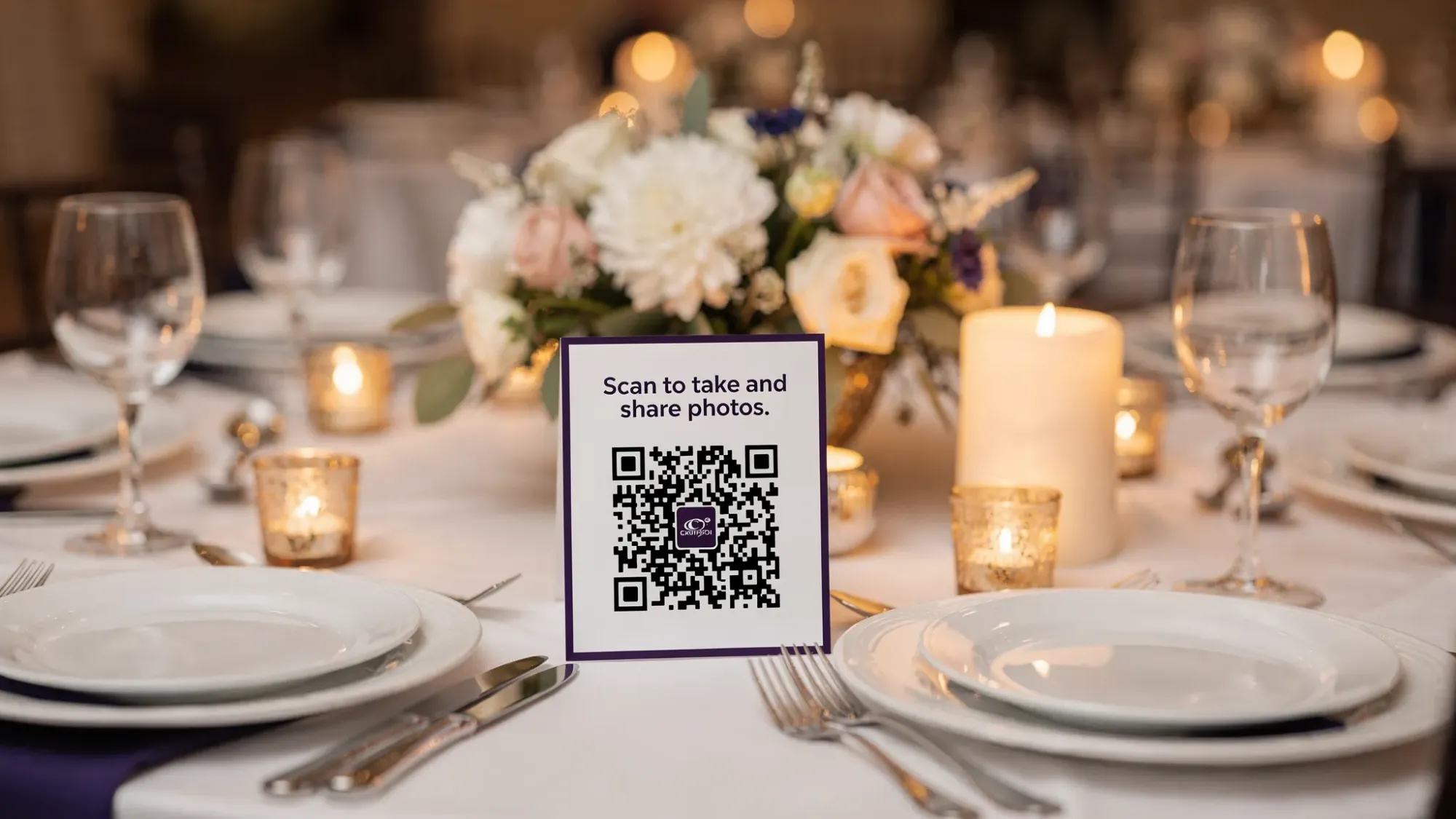
If you want a simple next step, map Revel.cam to your timeline like you would any other vendor deliverable: print the QR cards, place them where guests naturally look (welcome table, bar, tables), and decide when you want the gallery reveal.
Frequently Asked Questions
How many wedding planning apps should we use? Most couples do best with 2 to 4 tools total, as long as the six jobs are covered. More than that usually creates duplicate work and conflicting information.
What’s the biggest “skip” for a wedding planning app stack? Anything that adds guest friction. If guests have to download an app or create an account to RSVP, view details, or share photos, participation drops.
Do we need a separate app for guest photos if we have a photographer? Often yes, because the photographer captures the planned coverage, while guests capture candid, table-level moments and parallel stories. The key is making guest sharing effortless.
Are QR code photo sharing tools actually easier than shared albums? Usually, yes. Capture-first QR flows work in the moment, while shared albums often depend on guests uploading later (and remembering how).
Can we moderate guest photos before sharing them widely? Yes, if you choose a tool with host review and curation controls. This matters for privacy, brand safety, and simply keeping the final gallery clean.
Create a stack that stays out of your way
A good wedding planning app stack should reduce decisions, not add them. Keep one home base, one guest system, one timeline, and one simple memories layer.
When you are ready to lock in the guest photo plan, create a Moment on Revel.cam and share it with a QR code so guests can scan, snap, and upload instantly, with no app install and no post-wedding photo chasing.

A writer interested in connection, memory, and the everyday moments that matter more than we realize.
Tags: Wedding planning , Wedding planning app , Wedding planning tool , Affordable wedding planning