Wedding Photos Sharing App: What Matters for Guest Uploads
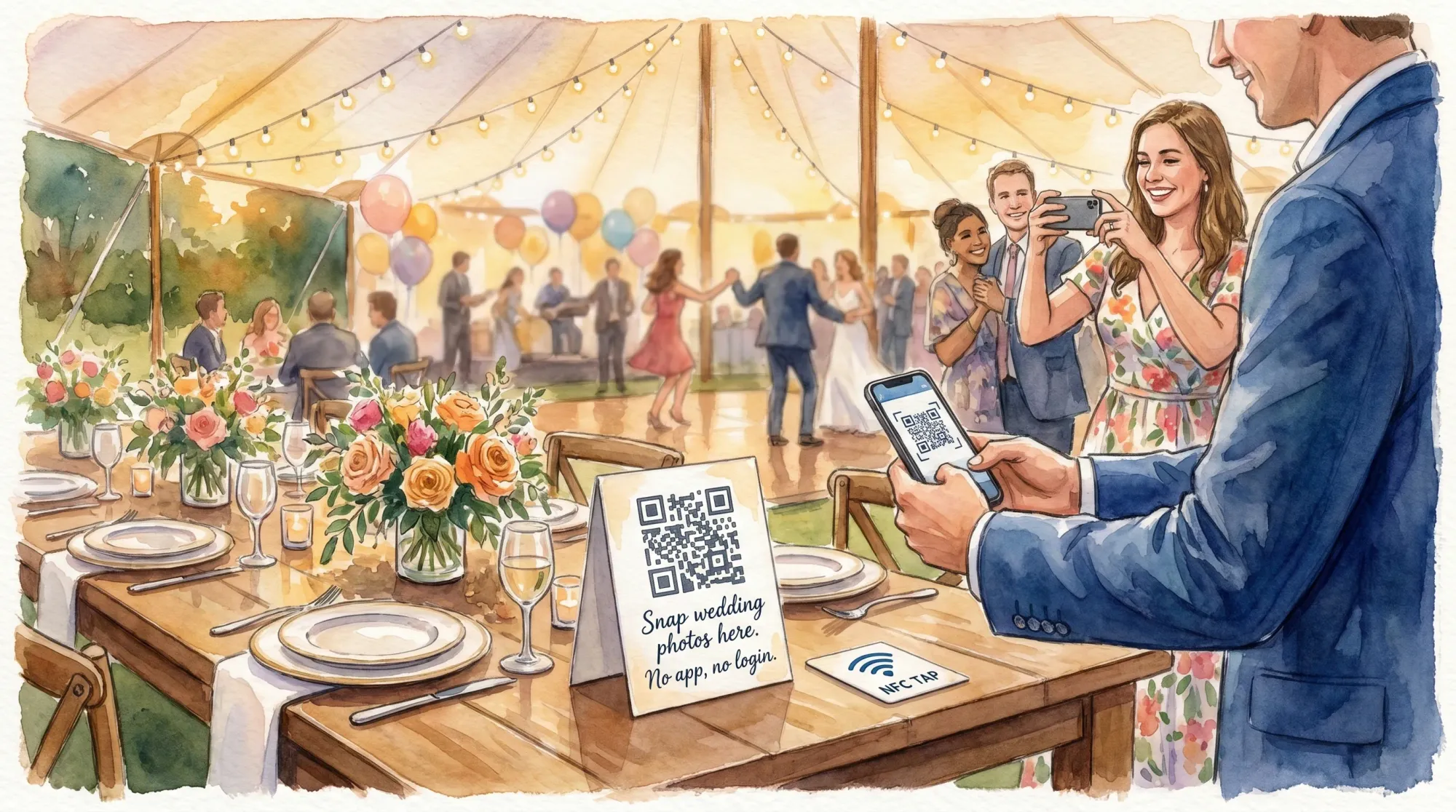
If you are searching for a wedding photos sharing app, the feature list is rarely the real differentiator. The apps that “work” on wedding day are the ones that get guests to upload in the moment, with minimal confusion, minimal taps, and clear trust signals.
This guide breaks down what actually drives guest uploads, how to pressure-test tools before you commit, and what to set up on-site so your gallery ends up feeling complete.
The only metric that matters: guest upload rate (not downloads)
Most couples don’t fail to collect guest photos because people didn’t take pictures. They fail because the sharing workflow doesn’t match guest behavior.
On wedding day, guests:
- Move fast (arrivals, hugs, cocktail hour, dance floor)
- Avoid anything that feels like “setup”
- Hesitate when they’re unsure where a photo goes, who sees it, or whether they’ll be bothered later
So the metric to optimize is simple:
- Time to first upload: how quickly a guest can go from “I’m willing” to “photo successfully uploaded.”
- Completion confidence: how sure they feel that their photo actually made it to the right place.
If your system wins those two moments, your gallery fills up.
The guest upload funnel (where most tools break)
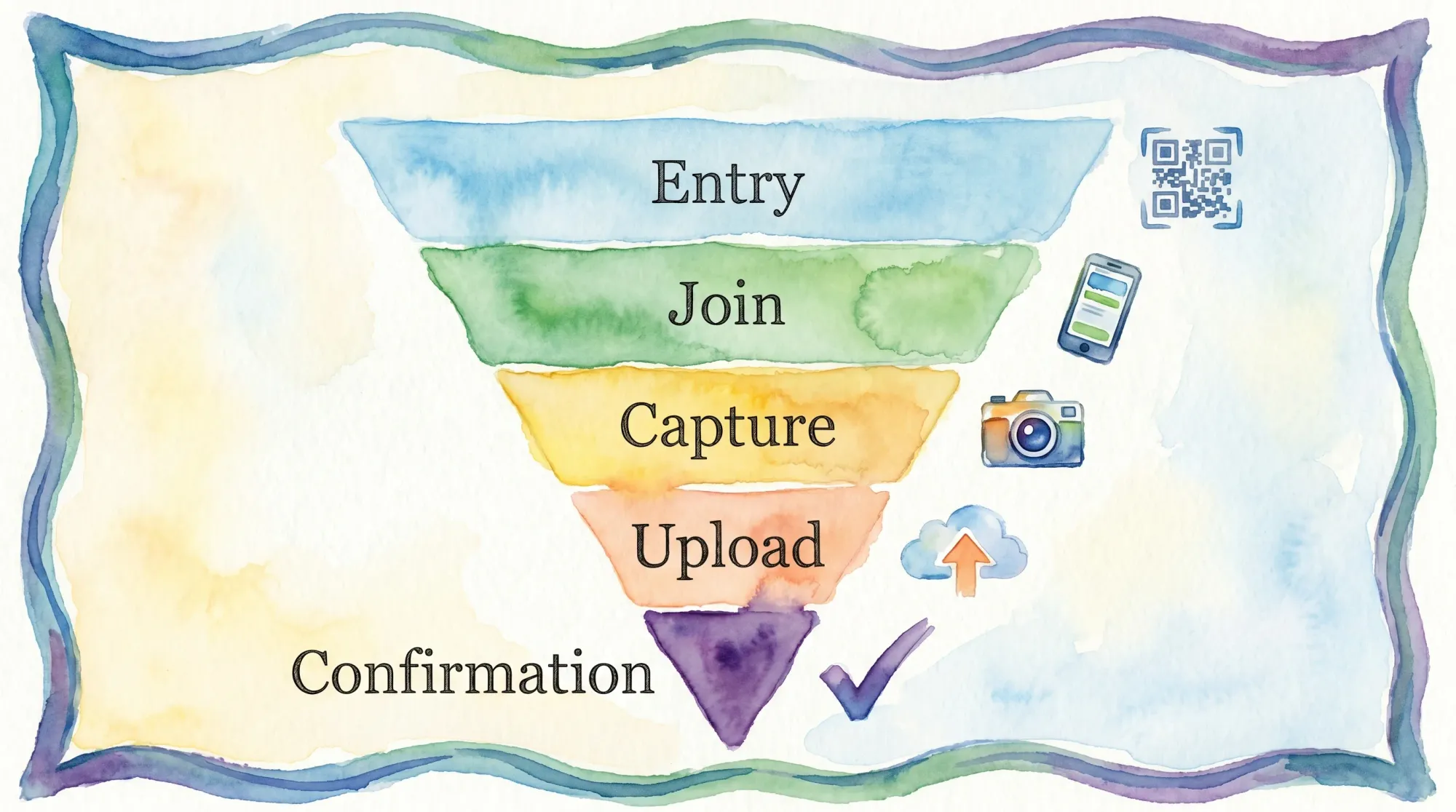
Even the best intentions fall apart in predictable places. Think of guest photo sharing as a short funnel:
- Entry (find the link or QR)
- Join (does it ask for an app, account, permissions, codes?)
- Capture (does it open the camera immediately?)
- Upload (automatic vs manual, and how fast?)
- Confirmation (does the guest feel done?)
Most “photo sharing” tools leak at steps 2 and 4.
What matters most in a wedding photos sharing app (for uploads)
Below are the criteria that correlate with real participation. If you are comparing options, treat these as non-negotiables.
1) No app install, no account creation
Requiring a download or signup is the fastest way to lose 60 percent of your guests (and you will never see that loss, they just quietly don’t participate).
What to look for:
- Guests can join instantly from a QR code or link
- No login wall before the first photo
Revel.cam is built around this: guests scan a QR code or tap an NFC tag and join without creating an account, and on iPhone it launches via an App Clip.
2) Camera-first, not “album-first”
A shared album workflow usually asks guests to:
- join an album
- understand permissions
- remember to upload later
A camera-first workflow asks for one action now: take the photo.
What to test:
- After scanning, do you land directly in a camera experience?
- Can a guest take a photo within 5 to 10 seconds of scanning?
3) Automatic upload (no “send it later” step)
Manual upload systems fail because they depend on delayed labor.
What to look for:
- Photos upload automatically right after capture
- The experience clearly indicates upload progress and completion
Revel.cam’s flow is designed for automatic uploads into the event’s Moment gallery.
4) Multiple join methods (QR, NFC, link)
Weddings are messy environments. QR codes get blocked. Lighting changes. Some guests hate scanning. Others do not want to type a URL.
The highest participation systems offer multiple entry points:
- QR for signage and tables
- NFC for tap-to-join moments (bar, welcome table, photo corner)
- A shareable link as backup for accessibility and edge cases
5) Trust signals and privacy clarity
Guests are increasingly cautious about where their photos go. Confusion reduces uploads.
Your app should make it obvious:
- who can contribute
- whether the gallery is public or private
- whether the host can review images
Revel.cam Moments are private by default and support host review and moderation.
6) Guardrails that improve quality (without killing participation)
Unlimited guest uploads often turns into:
- duplicates
- blurry bursts
- off-topic spam
The best wedding photo sharing systems include gentle constraints that actually make guests more intentional.
What to look for:
- Per-guest photo limits (enough to participate, not enough to spam)
- A defined Moment end time (so the gallery closes cleanly)
Revel.cam lets hosts set guest limits, photo limits, and an end time for the Moment.
7) Host controls that are realistic on wedding day
Host controls are only useful if they are simple enough to operate during a wedding.
What to look for:
- Fast moderation tools (remove unwanted images)
- A clear “reveal” moment (share the gallery when you choose)
Revel.cam supports host review, moderation, and a gallery reveal when the Moment ends.
8) Cross-device reliability in real conditions
You are not testing a tool in a quiet living room. You are testing it in:
- dim reception lighting
- spotty venue Wi‑Fi
- guests switching between Wi‑Fi and cellular
Your app should remain usable even when conditions are imperfect.
What to test:
- scan speed from different phones
- capture performance in low light
- upload behavior when Wi‑Fi is weak
9) A gallery that feels like one story (not a junk drawer)
Upload volume is only half the win. The end result should be easy to share and enjoyable to browse.
The best tools make the gallery feel “event-first,” not like a random folder.
A quick comparison checklist (with a 2-minute test)
Use this table when comparing any wedding photos sharing app.
| What to evaluate | Why it drives guest uploads | The fastest test you can run |
|---|---|---|
| No app install, no account | Removes the biggest participation drop-off | Scan the QR and see if you hit any login/download wall |
| Camera opens immediately | Matches guest behavior (capture now) | Time how long it takes to reach camera after scan |
| Automatic upload | Prevents “I’ll do it later” failure | Take one photo and see if it uploads without extra steps |
| Clear confirmation | Reduces repeated taps and abandonment | Check if the UI shows upload success clearly |
| QR + NFC + link | Handles real-world friction | Try QR in dim light, then try a link fallback |
| Photo limits | Improves quality, reduces noise | Verify host can set per-guest limits |
| End time | Creates a clean stopping point | Verify host can set a defined end time |
| Moderation | Keeps gallery usable and safe | Verify host can remove photos easily |
| Privacy defaults | Builds trust fast | Verify gallery is private and access is invite-only |
On-the-day setup: how to get more uploads without nagging guests
Even the best app needs smart deployment. The goal is to make photo sharing feel like part of the wedding, not homework.
Put entry points where the camera instinct happens
Guests take photos most often at:
- arrival and welcome
- cocktail hour
- their table
- the bar line
- the dance floor edge
- a photo corner or backdrop
If your QR code is only on one sign near the guest book, you are relying on luck.
Use one sentence of signage that removes uncertainty
High-conversion wording does two jobs: permission + simplicity.
Example structure:
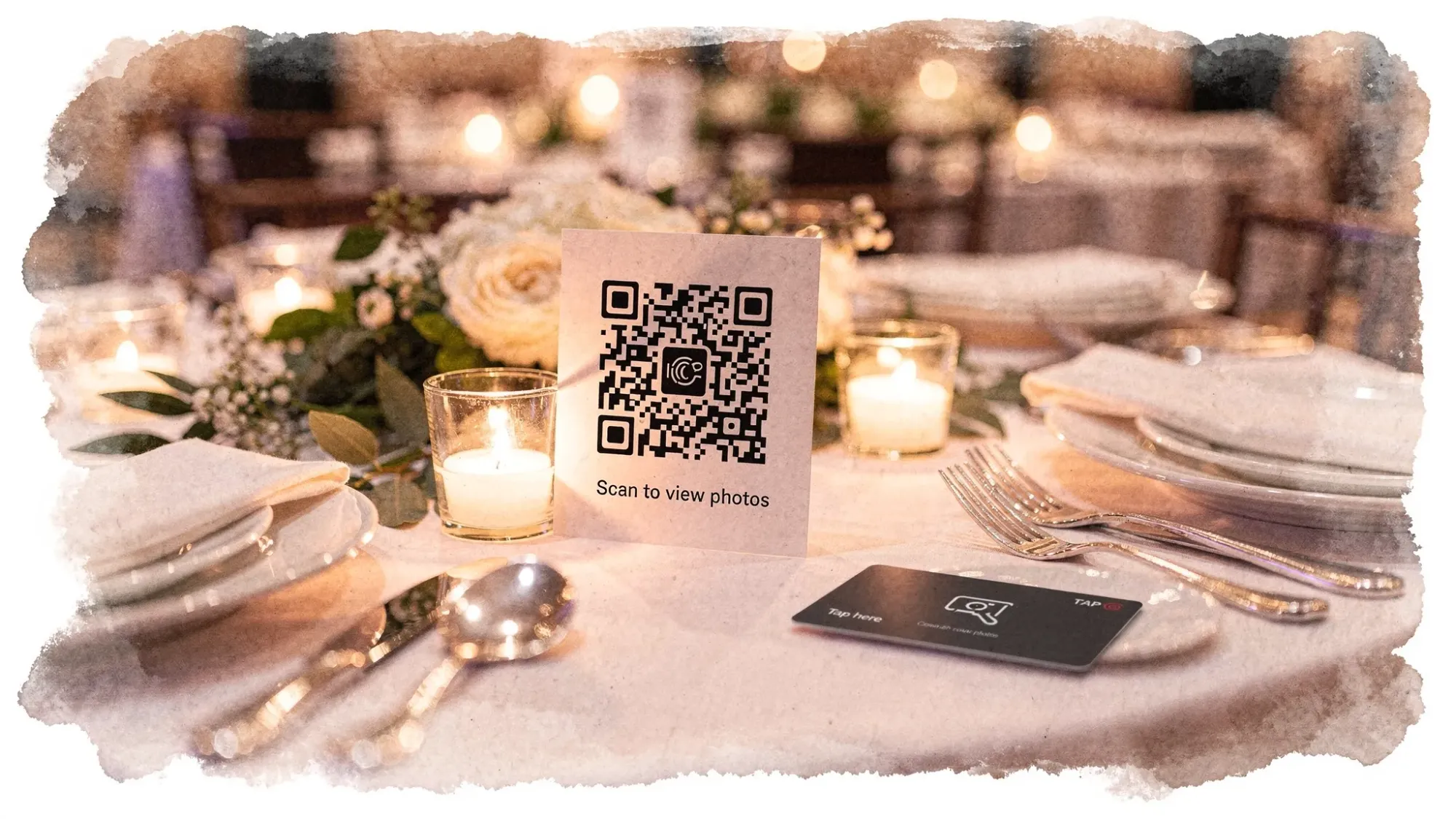
- “Snap wedding photos here. No app, no login. They upload to our private gallery.”
That last phrase (“private gallery”) often increases participation because it answers the unspoken concern.
Assign one person to “own” the system (for 10 minutes)
You do not need a tech manager all night. You just need someone (planner, sibling, MOH, coordinator) to:
- confirm the QR scans
- confirm uploads are working
- move one extra sign if a placement is dead
That 10-minute check prevents silent failure.
Send a post-wedding message that matches the workflow
If your system uploads automatically during the wedding, your follow-up becomes simple: sharing the gallery link and saying thank you.
If you are sending a short note to guests (especially after a destination wedding or a multi-event weekend), tools like an AI letter generator can help you draft a polished thank-you and gallery message quickly, without overthinking tone.
How to pressure-test a wedding photos sharing app in 15 minutes
Do this before you print anything.
Run a “three guest” simulation
Test with:
- one iPhone
- one Android
- one “less technical” friend or family member
Have each person:
- scan the QR
- take 1 photo
- confirm it uploaded
Do not explain anything. If they hesitate, that hesitation is what your guests will do.
Test two networks
- Venue Wi‑Fi (or a similar public Wi‑Fi)
- Cellular
A good workflow should not collapse because someone is on cellular instead of Wi‑Fi.
Test the “second scan” behavior
Many guests will scan once early, then scan again later when the dance floor starts.
Make sure:
- it still opens fast
- it returns them to the right place
- it does not ask them to redo steps
Where Revel.cam fits (if guest uploads are your priority)
Revel.cam is designed specifically around the “guest uploads” problem:
- Hosts create a private event gallery called a Moment
- Guests join instantly via QR code, NFC tag, or link, with no signup or app install required
- On iPhone, the experience launches as an App Clip
- Guests take photos in the Moment camera and photos upload automatically
- Hosts can set guest limits, per-guest photo limits, and a Moment end time
- Hosts can review and moderate images, then share a beautiful gallery when the Moment ends
If your main goal is a complete, organized set of guest photos without chasing people after the wedding, that workflow is the point.
Frequently Asked Questions
Do we still need a professional photographer if we use a wedding photos sharing app? A photo sharing app is best as a second layer. Pros capture key moments consistently, guests capture candid angles and in-between moments you will not see.
What is the easiest way to get guests to actually upload wedding photos? Remove friction: no app installs, no accounts, camera opens immediately, and uploads happen automatically. Then place join points where people naturally take photos.
Are QR code wedding photo sharing systems safe and private? They can be, if the gallery is private by default, access is invitation-based, and the host can moderate. Always use clear signage so guests understand where photos go.
Should we let guests see the gallery during the wedding? It depends on your vibe. Some couples prefer a delayed reveal so guests stay present and the gallery feels like a post-wedding moment. Others like live viewing. Choose what matches your event energy.
How many photos should each guest be allowed to upload? Enough to participate, not so many that the gallery becomes noisy. Many couples like per-guest limits to encourage intentional photos and reduce duplicates.
Create a wedding gallery that fills itself
If you want a wedding photos sharing app that prioritizes guest uploads, keep your decision simple: choose a camera-first workflow that guests can access instantly, with automatic uploads and clear host controls.
Revel.cam was built for exactly that. Create a Moment, share it via QR code or NFC, and let guests capture the day as it happens. Explore it at Revel.cam.

A writer interested in connection, memory, and the everyday moments that matter more than we realize.
Tags: Wedding photos , Wedding app , Wedding photography , Wedding photo sharing , Wedding trends