Wedding Organiser Checklist: One Page You Can Print
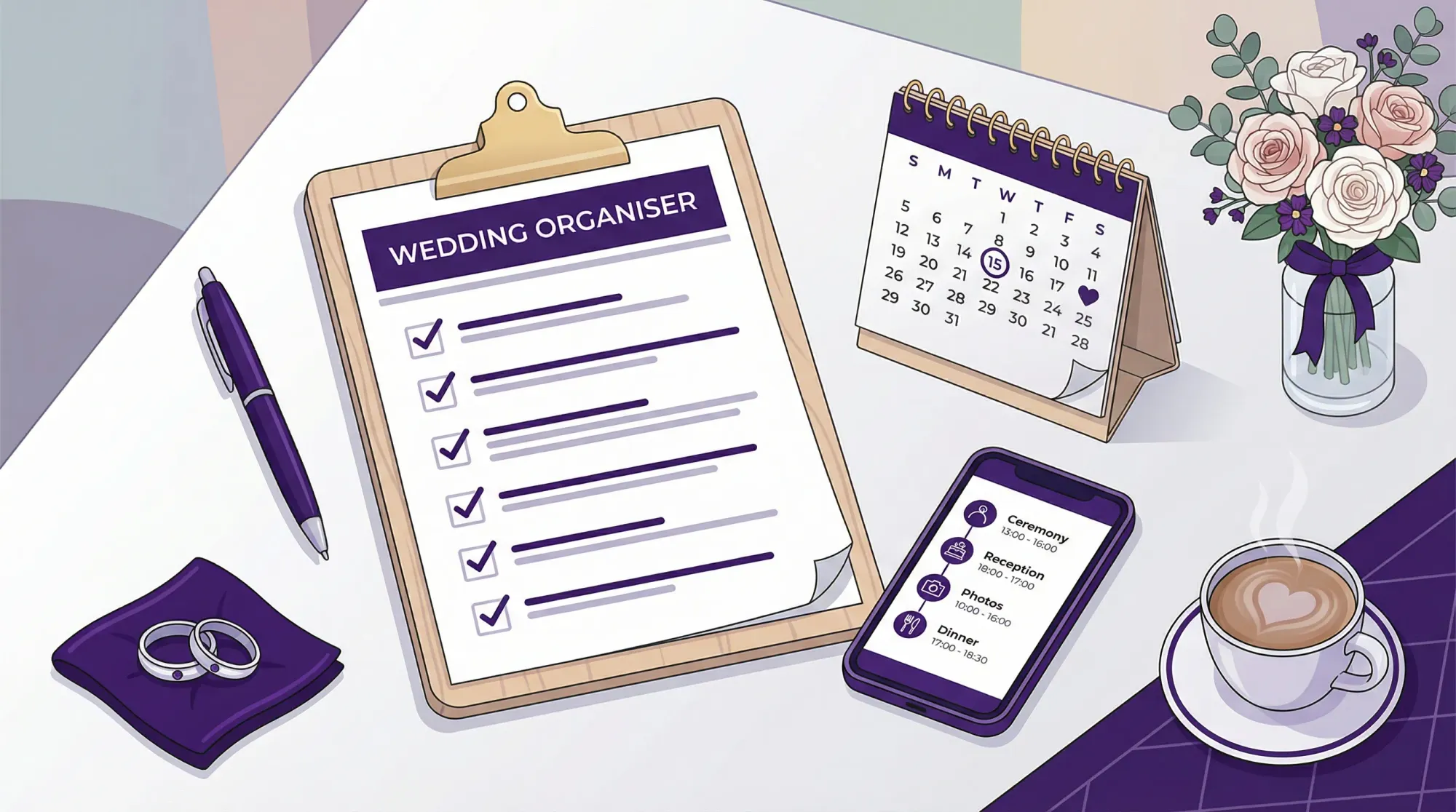
Wedding planning gets chaotic when the “to-dos” live in five apps, three group chats, and a dozen email threads. This wedding organiser checklist is designed to fix that with a single, printable page you can keep on the fridge, in a binder, or hand to a coordinator.
It’s intentionally compact. If you do nothing else, use it to (1) lock the big decisions early, (2) prevent missed deadlines, and (3) make the week-of feel boring (the goal).
How to use this one-page checklist (so it actually works)
Treat this like an operations tool, not a mood board.
- Print it (or paste into a Google Doc/Notes) and keep one “master copy.”
- Assign an owner for every line item (even if the owner is “Couple”).
- Add one real date next to each timing window (your date, your venue rules, your vendor due dates).
- Circle the top 5 stress risks (usually: guest count, budget drift, timeline, transportation, weather).
If you’re working with a planner/coordinator (or a friend acting as wedding organiser), share this early so everyone agrees what “done” means.
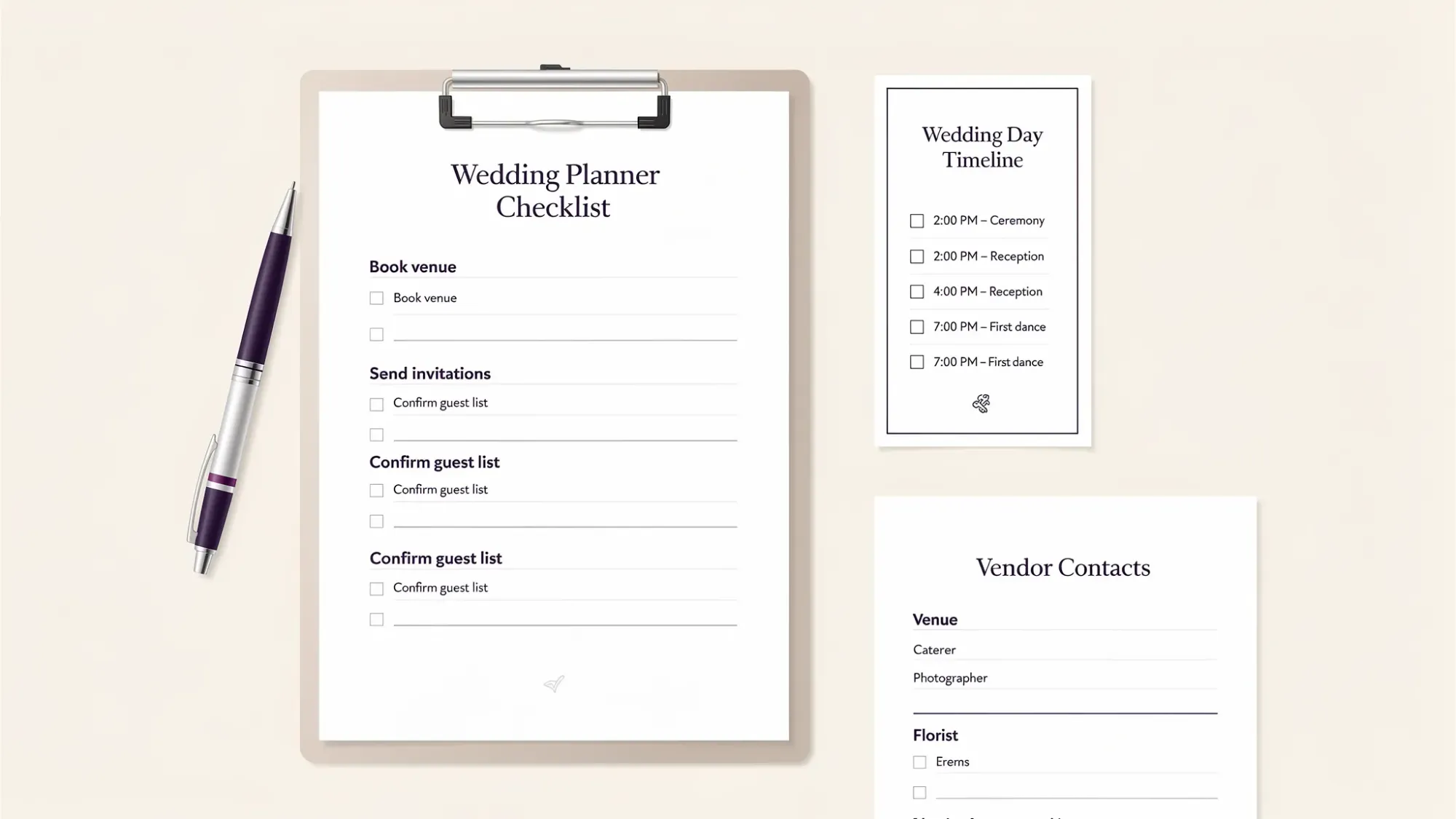
Wedding organiser checklist (one page you can print)
Tip for printing: this table is built to fit cleanly if you paste it into a doc and set margins to “narrow.”
| When | Task | Owner | Done |
|---|---|---|---|
| 12+ months | Set budget (target, max, contingency) | ☐ | |
| 12+ months | Draft guest count range (min and max) | ☐ | |
| 12+ months | Choose ceremony + reception style (one location vs two) | ☐ | |
| 12+ months | Book venue(s) and confirm key rules (end time, noise, rain plan) | ☐ | |
| 12+ months | Pick top 3 priorities (what you will protect in the budget) | ☐ | |
| 10–12 months | Book photographer/videographer | ☐ | |
| 10–12 months | Book planner/coordinator (if hiring) | ☐ | |
| 10–12 months | Book caterer (if not included) | ☐ | |
| 10–12 months | Book entertainment (band/DJ) | ☐ | |
| 9–10 months | Choose wedding party (if any) | ☐ | |
| 9–10 months | Reserve hotel block(s) if needed | ☐ | |
| 9–10 months | Start attire plan (order lead times, fittings calendar) | ☐ | |
| 8–9 months | Build vendor shortlist for floral, HMUA, rentals, cake/dessert | ☐ | |
| 8–9 months | Create wedding website basics (schedule, travel, FAQs) | ☐ | |
| 8–9 months | Send save-the-dates (or set send date) | ☐ | |
| 6–8 months | Book remaining vendors (florals, HMUA, rentals, officiant) | ☐ | |
| 6–8 months | Draft ceremony outline (readings, vows plan, processional order) | ☐ | |
| 6–8 months | Plan transportation needs (wedding party, guests, end-of-night) | ☐ | |
| 5–6 months | Menu decisions (dietary plan, kid meals, vendor meals) | ☐ | |
| 4–5 months | Order invitations (and day-of paper if using) | ☐ | |
| 3–4 months | Send invitations | ☐ | |
| 3–4 months | Book or confirm rehearsal plan (time, location, attendees) | ☐ | |
| 2–3 months | Create draft day-of timeline (ceremony, cocktail hour, reception beats) | ☐ | |
| 2–3 months | Start seating plan approach (tables count, constraints, must-separate) | ☐ | |
| 6–8 weeks | Track RSVPs and follow-ups | ☐ | |
| 6–8 weeks | Finalize attire + accessories + backup items | ☐ | |
| 4–6 weeks | Final vendor confirmations (arrival times, load-in rules, contacts) | ☐ | |
| 4–6 weeks | Finalize ceremony script with officiant | ☐ | |
| 3–4 weeks | Finalize seating chart | ☐ | |
| 3–4 weeks | Finalize signage list (welcome, seating, bar, unplugged note if any) | ☐ | |
| 2–3 weeks | Submit final guest count to caterer/venue | ☐ | |
| 2–3 weeks | Create final “run of show” and share with vendors (PDF) | ☐ | |
| 2 weeks | Confirm final payments, tips, and who distributes them | ☐ | |
| 1–2 weeks | Create emergency kit + day-of packing list | ☐ | |
| 1 week | Weather check + implement rain/heat/cold plan | ☐ | |
| 1 week | Print everything (timelines, vendor contacts, seating chart copies) | ☐ | |
| 1–3 days | Rehearsal + final walk-through | ☐ | |
| Wedding day | Vendor arrivals, cues, and timeline execution | ☐ | |
| Post-wedding | Confirm returns (rentals), final invoices, and photo delivery expectations | ☐ |
The 6 things couples forget (and wedding organisers catch early)
Most wedding-day stress comes from a few predictable gaps. If you want this checklist to pay for itself, pressure-test these.
1) Who is the “decision owner” on the day
Someone needs authority to answer questions fast (timeline tweaks, weather pivots, vendor access). If you don’t have a coordinator, choose one calm person and brief them.
2) A real rain plan (not just “we’ll see”)
Confirm what happens if it rains or it’s 95°F: where guests stand, how chairs move, what gets protected, and how long the flip takes.
3) Vendor load-in and access rules
A beautiful plan can collapse if vendors can’t unload, park, or get into the space at the right time. Ask the venue for the practical rules in writing.
4) Buffer time around the ceremony and dinner
Hair and makeup runs late. Family photos take longer. A 10 to 15 minute buffer in the right places prevents domino delays.
5) Final payments, tips, and who holds them
Do not assign this to the couple. Put cash/envelopes in a labeled folder and assign one distributor.
6) Photo coordination beyond the pro
Even great photographers can’t be everywhere at once. A simple, guest-driven plan captures table candids and parallel moments you will not see (more on that below).
Pocket version: week-of checklist (what matters most)
If you only want one “panic-proof” page for the final week, use this.
| When | Task | Owner | Done |
|---|---|---|---|
| 7 days | Reconfirm vendor arrival times + primary contacts | ☐ | |
| 7 days | Send final timeline to wedding party and immediate family | ☐ | |
| 7 days | Confirm music lists (must-play, do-not-play, ceremony cues) | ☐ | |
| 5 days | Print: timeline, vendor contact sheet, seating chart copies | ☐ | |
| 5 days | Pack: attire, rings, license, vows, backup flats, meds | ☐ | |
| 3 days | Final weather check and implement plan (umbrellas, heaters, shade) | ☐ | |
| 2 days | Prep tips + payments folder and assign distributor | ☐ | |
| 1 day | Charge everything (phones, speaker/mics if DIY) | ☐ | |
| 1 day | Early night, hydrate, simple food plan | ☐ |
Pocket version: wedding-day checklist (for the show caller)
This is for whoever is acting as the wedding organiser on the day (coordinator, planner, or trusted friend).
| Time window | Task | Owner | Done |
|---|---|---|---|
| Before vendors arrive | Unlock access, confirm load-in path, set “home base” | ☐ | |
| Setup | Place signage, check ceremony seating, confirm rain plan triggers | ☐ | |
| 60–90 min pre-ceremony | Check attire, rings, license, vows, bouquet pickup | ☐ | |
| Guest arrival | Greeter ready, clear directions, water/restroom visibility | ☐ | |
| Ceremony | Cue processional, officiant mic check, music cues | ☐ | |
| Post-ceremony | Direct guests to cocktail hour, protect photo time | ☐ | |
| Reception start | Confirm entrances, first dance, toasts order, dinner timing | ☐ | |
| During reception | Keep toasts tight, monitor catering pacing, open dance floor | ☐ | |
| End of night | Secure gifts/cards, tip distribution, teardown plan | ☐ |
Add-on (highly recommended): a simple guest photo plan
A modern wedding organiser plan is not complete without answering: “How do we get everyone’s photos without chasing them for weeks?”
The most reliable approach is a single, camera-first entry point that guests can access instantly. Revel.cam is built for exactly this workflow: guests scan a QR code (or tap an NFC tag) and snap and upload instantly to a private event gallery with no app install or signup.
A minimal, high-participation setup looks like this:
- Create one Revel.cam Moment for the wedding day (and optionally separate Moments for rehearsal dinner or after-party).
- Place the QR where guests naturally pause (welcome sign, bar, table cards). For more placement ideas, see Party QR code ideas to collect photos from every guest.
- Set gentle guardrails (photo limits per guest, and an end time) so the gallery stays intentional.
- Decide on a reveal plan (host-only first, then share). The “reveal” concept is covered in why a gallery reveal is worth planning.
If you want a deeper walk-through, use Wedding guest photos: the best way to collect them fast as your implementation guide.
Frequently Asked Questions
What should be on a wedding organiser checklist? The essentials are budget, guest count, venue rules, vendor bookings, invitations/RSVPs, day-of timeline (run of show), payments/tips, and a week-of and day-of execution plan.
When should I start using this checklist? As soon as you have a date target. The biggest wins come from locking budget, guest count range, and venue early, because those decisions drive almost everything else.
How far in advance should I book key vendors? It depends on your market and date, but venues and photographers typically book earliest. If you’re planning a peak-season Saturday, assume “earlier than you think.”
What is the difference between a wedding planner, coordinator, and wedding organiser? Titles vary by region, but generally: planners help design and plan over months, coordinators execute the plan and manage the day, and “wedding organiser” often refers to anyone handling logistics and keeping things on track.
How do I keep the wedding day running on time? Use a single “show caller,” build small buffers, confirm vendor arrival times in writing, and keep speeches and transitions tightly cued. A reception-focused timeline guide is helpful if you’re building from scratch: Wedding reception planner: a timeline that actually runs on time.
How do we collect guest photos without making guests download an app? Use a QR-based, no-signup capture flow. With Revel.cam, guests scan a QR code or tap an NFC tag and take photos that upload automatically to your private Moment.
Create your Moment (and cross “collect guest photos” off the list)
If you want one part of wedding planning to feel effortless, make it photo sharing. With Revel.cam, you can create a private Moment, set guest and photo limits, and let guests join instantly via QR code or NFC.
Start here: Revel.cam

A writer interested in connection, memory, and the everyday moments that matter more than we realize.
Tags: Wedding planning , Wedding planning app , Wedding planning tool , Affordable wedding planning , Wedding photography