Wedding Management: A Simple System for Vendors and Guests
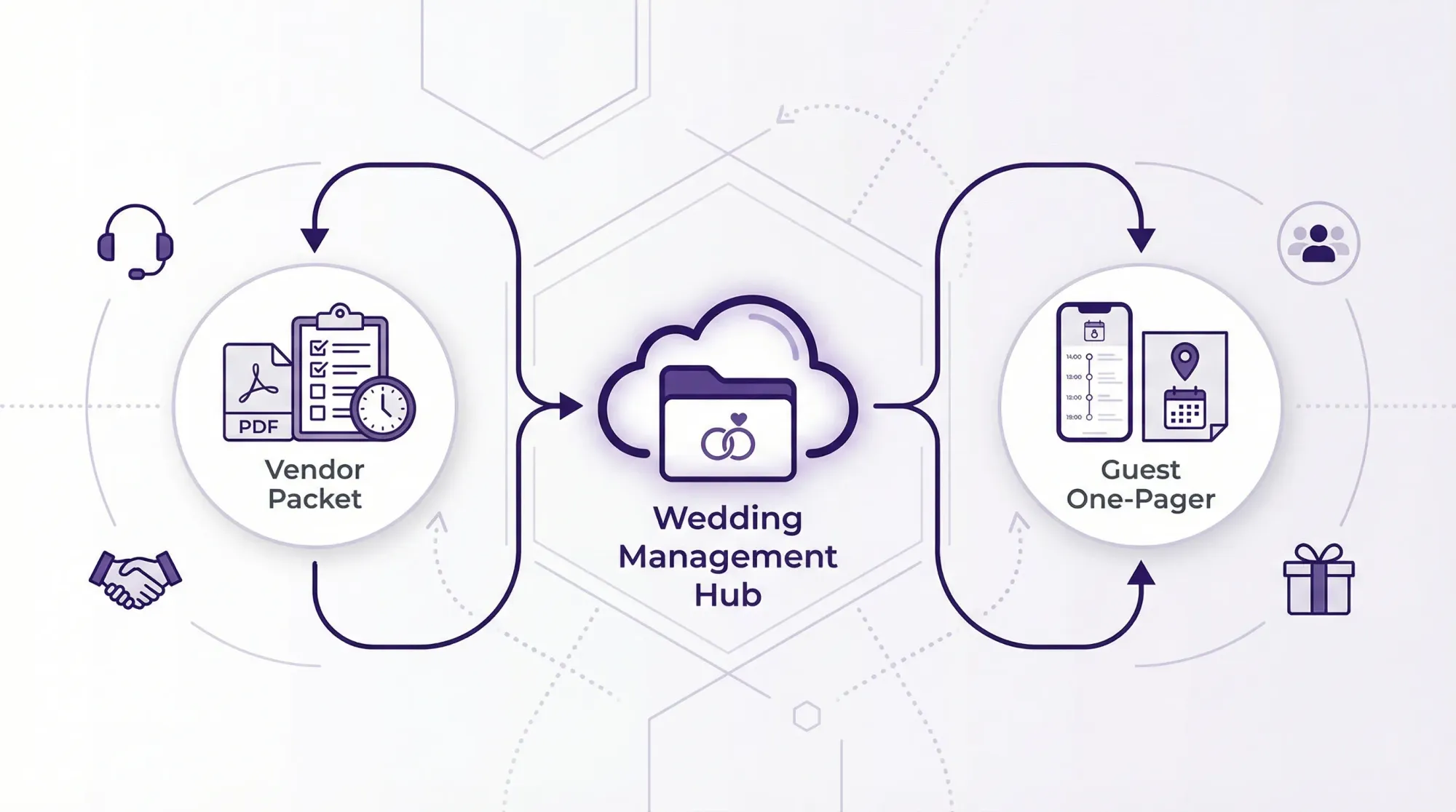
Wedding management gets a bad reputation because people confuse it with “more planning.” In reality, it is the opposite: it is the execution system that prevents vendor confusion and eliminates the constant stream of guest questions on the wedding day.
If you have ever heard “Who has the timeline?” or “Where do I go to upload photos?” while you are trying to enjoy your own wedding, you do not need more ideas. You need a simple, repeatable workflow that everyone can follow.
This guide gives you a clean wedding management system built around two audiences:
- Vendors need accurate information, clear cues, and one point of contact.
- Guests need clarity, confidence, and easy participation (without downloading apps).
What “wedding management” actually means (in plain English)
Wedding management is the operations layer that turns your plans into a day that runs smoothly. It typically starts in the final weeks (often called month-of coordination or wedding management services) and focuses on:
- Confirming details with vendors
- Finalizing the run of show
- Managing handoffs, cues, and transitions
- Handling the “where, when, who’s responsible” questions
Think of it like show-calling a live event. Your wedding is not a checklist, it is a sequence.
The simplest wedding management system: one hub, two packets, one run of show
Here is the core system that works whether you have a coordinator, a planner, or a trusted friend helping.
The system at a glance
| Component | Who it’s for | What it answers | Format | Owner |
|---|---|---|---|---|
| Single source of truth (hub) | You + vendors | “Where is the latest version?” | Shared folder + PDF exports | Couple / planner |
| Vendor Packet | Vendors | “What do I do, when, and who do I text?” | Coordinator / planner | |
| Guest One-Pager | Guests | “Where do I go and what happens next?” | Web page + printed sign | Couple / planner |
| Run of Show (cue-based) | Ops team | “What happens minute by minute?” | 1–2 page PDF | Show caller |
| Participation plan (photos) | Guests | “How do I contribute photos instantly?” | QR + short instruction | Photo owner |
If you do nothing else, do this: make the hub and export PDFs. Links get buried. PDFs get opened.
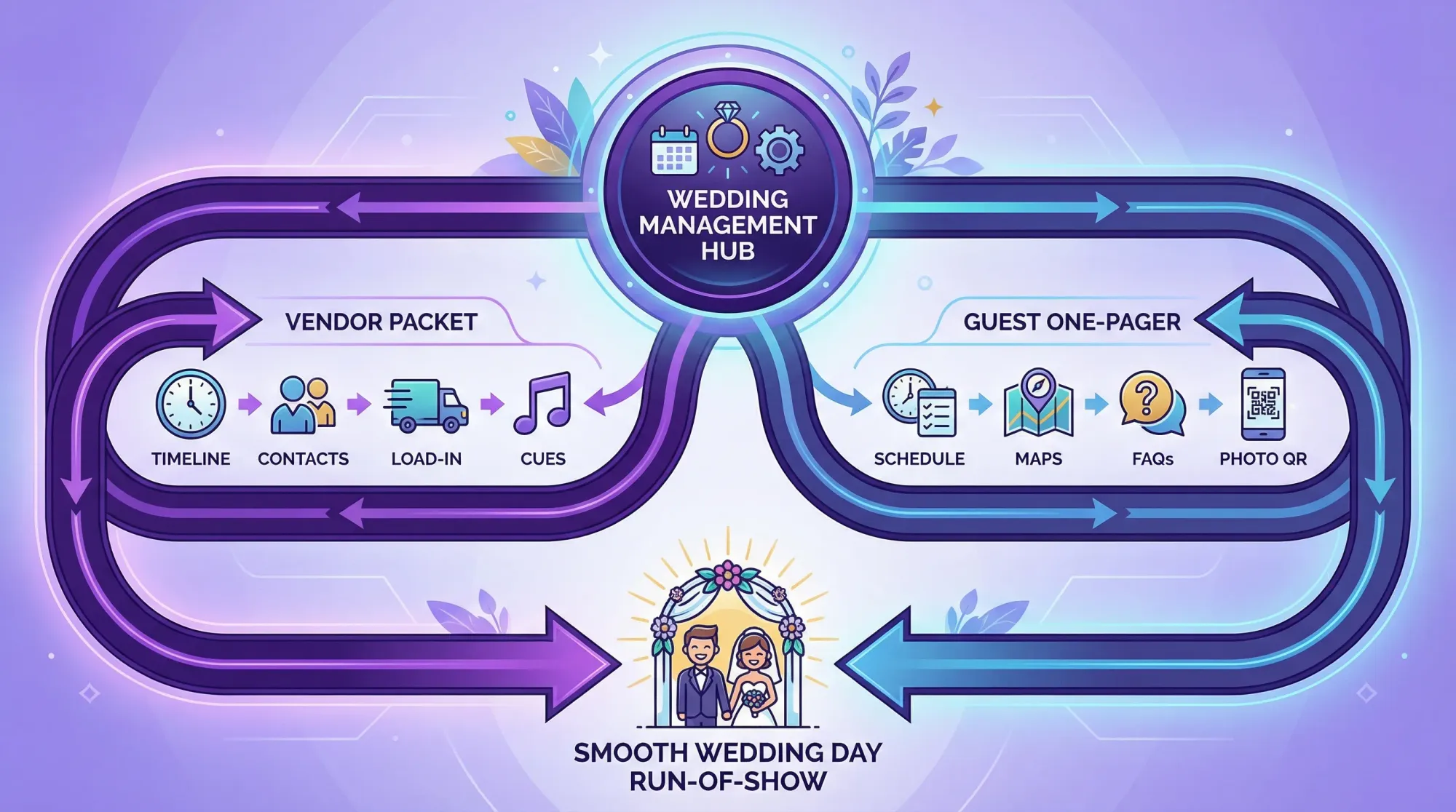
Step 1: Build your single hub (so nobody is chasing versions)
Your hub can be Google Drive, Dropbox, Notion, or any tool you already use. The key is structure and naming.
Create a folder called:
- Wedding Day Ops (Final)
Inside it, keep only:
- Vendor Packet (PDF)
- Run of Show (PDF)
- Master Contact Sheet (PDF)
- Floor plan or layout (PDF)
- Guest One-Pager (PDF export of the guest page, plus the live link)
Naming rules that prevent chaos
Use a date and version every time you export:
Run-of-Show_2026-06-14_v3.pdfVendor-Packet_2026-06-14_v2.pdf
When a vendor says “I didn’t get the update,” you will know exactly what they have.
Step 2: Create a Vendor Packet vendors will actually read
Vendors do not want your entire planning folder. They want a clean briefing that lets them execute.
What to include (and why)
1) Master Contact Sheet (this reduces day-of calls to you)
Include:
- Vendor name + role
- Primary contact name
- Cell number
- On-site arrival time
- Who they report to on-site
- Venue contact
A simple contact sheet table is usually enough:
| Role | Company | Primary contact | Phone | Arrival | Reports to |
|---|---|---|---|---|---|
| Coordinator / show caller | (Name) | (Name) | (###) | 12:00 PM | Couple |
| Venue manager | (Venue) | (Name) | (###) | 10:00 AM | Coordinator |
| Catering lead | (Company) | (Name) | (###) | 2:00 PM | Coordinator |
| DJ / band lead | (Company) | (Name) | (###) | 3:30 PM | Coordinator |
2) Logistics page (so vendors can load in without asking you)
- Address and load-in point
- Parking instructions
- Who unlocks doors
- Elevator notes
- Power limitations (if the venue has them)
- Rain plan location (if applicable)
3) Cue-based Run of Show (the difference between “timeline” and “management”)
A wedding day is not just times, it is cues: what triggers what.
Example structure:
| Time | Cue | Owner | Notes |
|---|---|---|---|
| 4:55 PM | Line up for ceremony processional | Coordinator | Confirm officiant + music ready |
| 5:00 PM | Ceremony starts | Officiant | Mic on, doors closed |
| 5:28 PM | Recessional | DJ / music | Photographer positioned |
| 5:30 PM | Cocktail hour begins | Catering lead | Bar open, passed apps begin |
| 6:20 PM | Guests invited to take seats | DJ / MC | Announcement + music shift |
4) The “Do Not Ask the Couple” list
This is small but powerful. Add a section that says:
- All vendor questions go to: (name + phone)
- Couple is unavailable from: (time range)
That boundary is a wedding management tool.
Step 3: Create a Guest One-Pager that prevents 80% of questions
Guests ask questions when information is scattered or too wordy. Your Guest One-Pager should be fast on mobile and easy in print.
Include only what guests need for the day:
- Today’s schedule (simple and confident)
- Venue address + map link
- Parking or shuttle details
- Dress code
- Weather note (if relevant)
- One sentence on photos
The goal is not to be cute, it is to be usable.
The one sentence that reduces photo chaos
Most weddings lose guest photos because the “how” is unclear or annoying. If you want participation, make it one step.
Use something like:
“Want to share photos? Scan here, snap, and they upload automatically.”
Step 4: Assign four day-of owners (even if you have no coordinator)
Wedding management succeeds when responsibilities are owned by real humans, not “the group chat.”
You need four owners:
- Show caller: runs the cues and transitions
- Vendor point person: answers vendor questions (often the same as show caller)
- Guest point person: helps with seating, directions, small issues
- Photo owner: ensures the guest photo system is visible, working, and announced
If you hired wedding management services, your coordinator usually becomes the show caller and vendor point person. If not, assign these roles to calm, reliable people who will not disappear during cocktail hour.
Step 5: Make guest photos part of the management plan (not an afterthought)
Guest photos are a classic gap in wedding management because they sit between “guest experience” and “memories.” If you do not operationalize them, you get:
- random AirDrops
- dozens of separate texts
- a shared album that half the guests never open
- photos that never arrive
The cleanest workflow: a shared event camera with a QR code
A QR-based capture flow works because it reduces steps. Guests do not have to decide where to upload later.
With Revel.cam, you can create a private event called a Moment, then share it via QR code, NFC tag, or link. Guests scan or tap, take photos, and every photo uploads automatically to the Moment. On iPhone, it can open as an App Clip, which means no app download and no account.
Just as important for wedding management, hosts can set:
- guest limits
- photo limits per guest
- an end time for the Moment
- optional host review and moderation
That turns guest photos into a controlled workstream, not a post-wedding scavenger hunt.
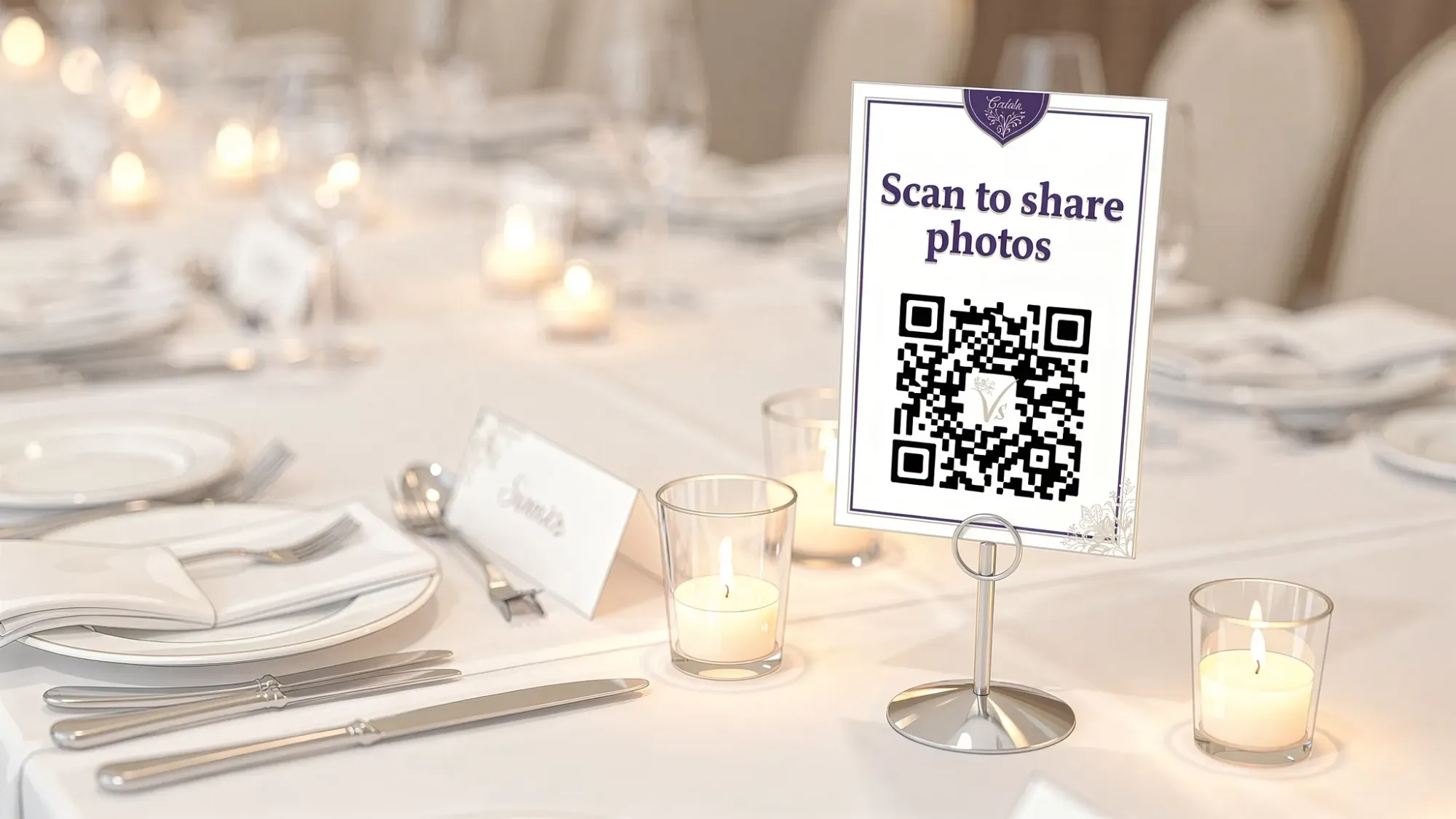
Where to place the QR so it actually gets used
Pick high-traffic moments where guests are already standing still:
- Welcome sign (arrival)
- Bar (cocktail hour)
- Table cards (dinner)
- Near the DJ booth (dance floor)
If you only place one QR on a table, you will get table photos. If you place it in transitions, you get the whole story.
The 20-second announcement that drives participation
Have your DJ/MC say it once early, and once when the dance floor opens:
“Quick note, we have a shared photo gallery for tonight. Scan the QR code on your table or by the bar, snap photos, and they upload automatically.”
That is wedding management: a clear cue, delivered at the right time.
A practical wedding management timeline (built for the final month)
You do not need a 12-month overhaul to manage well. You need a strong final month.
| When | What you finalize | Output |
|---|---|---|
| 30–21 days out | Vendor confirmations + first full run of show | Draft Vendor Packet + Draft Run of Show |
| 14–10 days out | Seating, final cues, logistics, print needs | Final Guest One-Pager + print list |
| 7–3 days out | Version lock, distribute packets | PDFs sent to vendors + key helpers |
| 72 hours out | Final check-in + contingency plan | “If X happens, do Y” notes |
| Wedding day | Execute cues, protect couple time | Show caller runs the day |
If you are working with wedding management services, this is also the period where a coordinator’s value is highest: confirming, aligning, and removing decision-making from the wedding day.
Common failure points (and the fixes)
Failure: vendors each have a different timeline
Fix: export one run of show PDF and send it to all vendors the same day.
Failure: guests interrupt you for directions all night
Fix: guest one-pager plus two physical signs (welcome and reception).
Failure: guest photos are scattered across phones
Fix: one capture destination (QR/NFC/link) that is camera-first, not upload-later.
Failure: someone keeps “making changes” the week of
Fix: choose a version lock date and only the show caller can approve edits after that.
Frequently Asked Questions
What is wedding management, and do I need it if I’m organized? Wedding management is day-of execution: confirming vendors, finalizing the run of show, and calling cues. Even organized couples benefit because it removes decision-making and interruptions on the wedding day.
What should I send vendors, and when should I send it? Send a Vendor Packet (PDF) with contacts, logistics, and a cue-based run of show about 7–10 days before the wedding, then resend only if a true change occurs.
How do I keep guests from asking me constant questions? Give guests one place for essentials (a mobile-friendly one-pager) and add signage for the two most common questions: “Where do I go?” and “What happens next?”
How do I collect guest photos without chasing people afterward? Use a single shared capture flow where guests can scan a QR code, take photos, and have them upload automatically to one private gallery.
Is a QR photo system annoying for guests? It is usually the least annoying option when it is camera-first and requires no app download or account. Keep the instruction to one sentence and place the QR where guests naturally pause.
Make guest photos the easiest part of your wedding management plan
If you want a clean system for vendors and guests, treat photos like a real workstream with an owner, a cue, and a single destination.
Revel.cam is built for exactly that: create a Moment, share it via QR code or NFC, and let guests snap and upload instantly (no signup or app install required). When the Moment ends, you can review and share a beautiful gallery.
Create your wedding Moment at Revel.cam.

A writer interested in connection, memory, and the everyday moments that matter more than we realize.
Tags: Wedding planning , Wedding planning tool , Wedding planning app , Affordable wedding planning , Wedding photography , Wedding photo sharing