Wedding Inspo: How to Turn Pinterest Saves Into a Real Plan
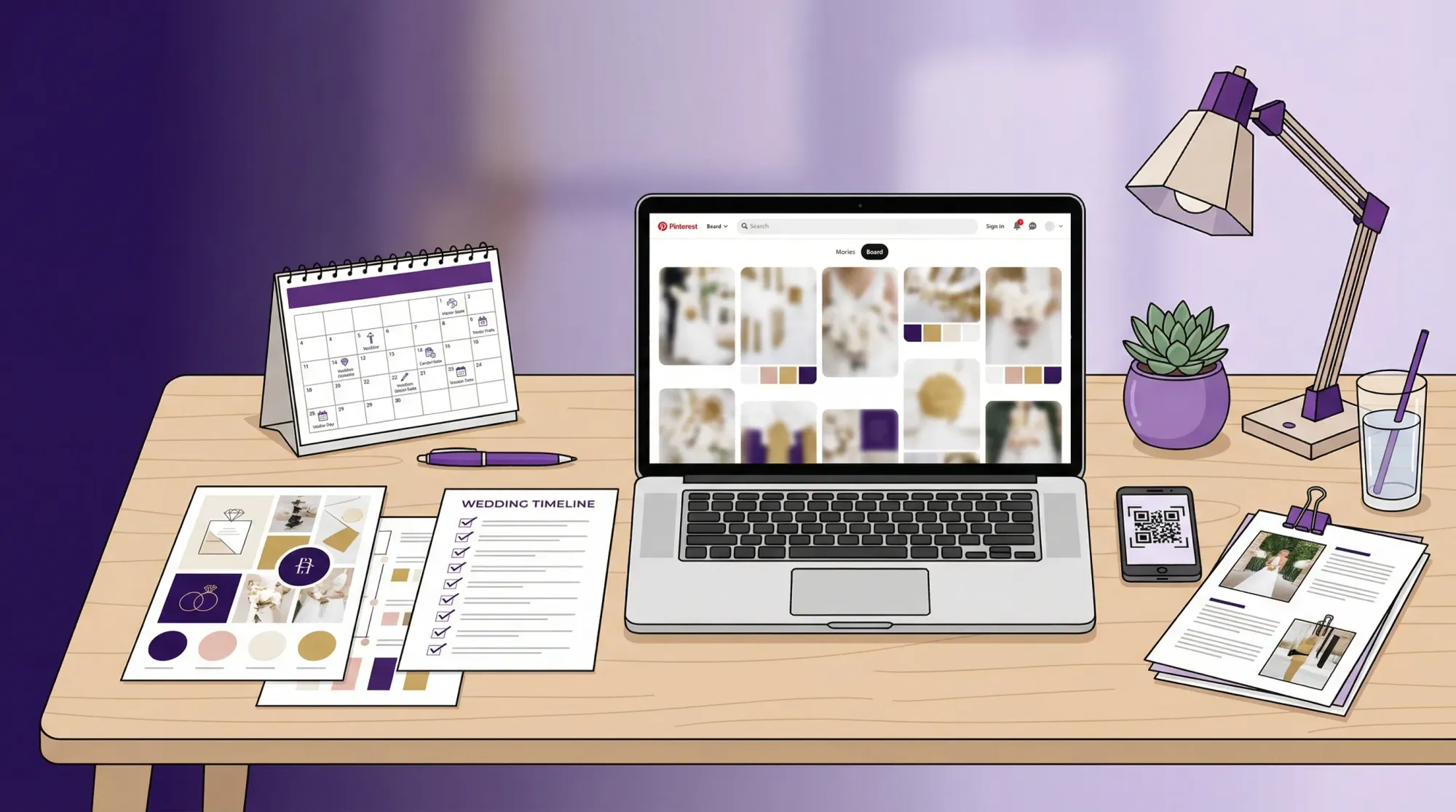
Pinterest is amazing for wedding inspo because it lets you collect ideas fast. It is also how a lot of couples end up with a board full of gorgeous images and no idea what to book first, what to spend, or how to explain “the vibe” to vendors.
This guide turns your saves into an executable plan: clear priorities, a realistic budget map, a vendor-ready brief, and a simple system for tracking decisions so your wedding looks intentional (not like 12 different weddings).
Step 1: Audit your Pinterest board like a project (not a scrapbook)
Your first job is to stop collecting and start sorting. If your board has 200+ pins, you do not have “more inspo”, you have decision fatigue.
Set a timer for 45 minutes and do a fast audit:
- Create 6 to 10 sections (Venue, Ceremony, Reception, Flowers, Attire, Hair + Makeup, Stationery, Lighting, Tablescape, Photo Moments).
- Move every pin into a section. If a pin does not fit anywhere, it is probably not part of your wedding plan.
- Delete duplicates and “pretty but not for us” pins.
A strong board is not huge. It is consistent.
The 3-word test (the fastest way to find your real style)
Look at your top 20 pins (the ones you would fight for). Write 3 adjectives that show up again and again.
Examples:
- “Warm, editorial, minimal”
- “Colorful, garden, playful”
- “Classic, black-tie, candlelit”
Those 3 words become your filter for every decision from linens to typography.
Step 2: Convert “vibes” into non-negotiables
Most Pinterest boards fail because “aesthetic” is treated like a requirement, but the actual requirements are missing.
For each section, define:
- Non-negotiables (must-haves)
- Nice-to-haves (only if budget allows)
- Hard no’s (what you do not want)
Keep it simple. You are not writing a novel, you are building guardrails.
Here is a planning table you can copy into Google Sheets or Notion:
| Category | Non-negotiable | Nice-to-have | Hard no | Owner | Deadline |
|---|---|---|---|---|---|
| Venue | Outdoor ceremony option | On-site getting ready space | Hotel ballroom | Couple | Book by X date |
| Flowers | Seasonal, lots of greenery | Statement installation | Dyed blue orchids | Couple + florist | Design locked by X date |
| Reception | Candlelit dinner feel | Draping | Bright uplighting | Planner + venue | Walkthrough by X date |
| Photos | Candid, guest-perspective coverage | Film look | “Post later” sharing | Couple | Decide system by X date |
Step 3: Translate each pin into a decision (what it actually implies)
A pin is rarely “just decor.” It usually implies budget, labor, rentals, venue rules, and timing.
Use this translation table to turn a screenshot into vendor questions.
| Pinterest save | What it usually implies | Questions to ask before you commit |
|---|---|---|
| Hanging floral installation over a table | Rigging, labor hours, venue approval, sometimes higher insurance | Can the venue support hanging installs? What is the labor cost? What is the teardown plan? |
| Hundreds of candles on long tables | Rentals, fire rules, extra setup time, sometimes LED requirements | Are open flames allowed? Who sets and lights them? What is the wind plan if outdoors? |
| Perfectly airy “sunset” portraits | Timeline control, golden hour window, location access | What time is golden hour on our date? Is that time free in the schedule? |
| Minimal ceremony arch in a dramatic landscape | Venue doing the heavy lifting | Does our venue provide that natural drama? If not, what is the simplest version that still feels us? |
| Champagne tower moment | Staffing, glassware, spill risk, timing | Is it allowed? Who pours? Where does it live so it does not block service? |
If you do this for even 15 pins, you will feel your plan click into place.
Step 4: Reality-check your inspo against your venue, season, and guest count
Pinterest is optimized for beauty, not feasibility. Before you spend money trying to force a look, pressure test your board against the three things that dominate outcomes:
- Venue architecture and rules: A modern gallery space supports minimal design. A barn venue may need more lighting and draping to feel “editorial.”
- Season and weather: The same color palette reads very differently in March vs October. Outdoor candlelight is fragile in wind.
- Guest count: Some inspo photos are styled shoots with 40 guests. If you have 180, your rental, floral, and staffing needs change fast.
If you are still choosing a venue, use your Pinterest board as a venue filter. Pinterest even publishes seasonal trend roundups that can help you sense what is current, but you still want to anchor decisions to your real constraints. A good starting point is Pinterest’s wedding hub on Pinterest (search “wedding trends” and your season).
Step 5: Build a budget map from your board (where your money should actually go)
A common mistake is splitting money evenly across categories. Your board usually reveals a few “hero” priorities that create most of the feeling.
Pick two visual heroes and one guest-experience hero.
Examples:
- Visual hero: lighting + tablescape
- Visual hero: florals
- Experience hero: food and bar
Then build your budget around those heroes. If your board screams “candlelit dinner party,” prioritize lighting, candles, linens, and a venue with the right base look. Do not overspend on things your guests barely notice.
If you want a practical reference point for how couples typically allocate wedding budgets in the US, Zola’s wedding budget guide is a helpful baseline. Use it as a starting template, then shift dollars toward your heroes.
Step 6: Turn your board into a one-page vendor brief
Vendors do not want a 300-pin link and a paragraph that says “romantic but modern.” They want constraints, priorities, and examples.
Create a single PDF (or one Notion page) that includes:
- Your 3 style words
- Color palette (3 to 5 colors)
- Materials and textures you love (linen, satin, stone, wood, chrome)
- 6 to 12 reference images total (not 60)
- Non-negotiables and hard no’s
- Venue photos (your actual venue) and ceremony/reception floor plan if you have it
Here is a simple structure you can follow:
| Brief section | What to include | Why it matters |
|---|---|---|
| Style summary | 3 words + one sentence | Prevents “interpretation drift” across vendors |
| Priority list | 3 to 5 must-haves | Keeps quotes focused on what you value |
| Do not include | Hard no’s | Saves time and avoids mismatched proposals |
| Reference images | 6 to 12 labeled screenshots | Gives direction without overwhelm |
| Logistics | Date, venue, guest count | Grounds the design in reality |
Pro tip: Label your images. “Love the warm lighting” is more useful than “love this.”
Step 7: Create a decision timeline (so your inspo becomes booked vendors)
Your Pinterest board does not care about lead times, but your vendors do.
Instead of planning by category, plan by dependency:
- Venue locks your date and your layout options.
- Photographer influences timeline, lighting decisions, and “when” key moments should happen.
- Catering impacts rentals, table layouts, and flow.
- Florals depend on season, layout, and what the venue already provides.
A simple rule: if a decision changes other decisions, it comes first.
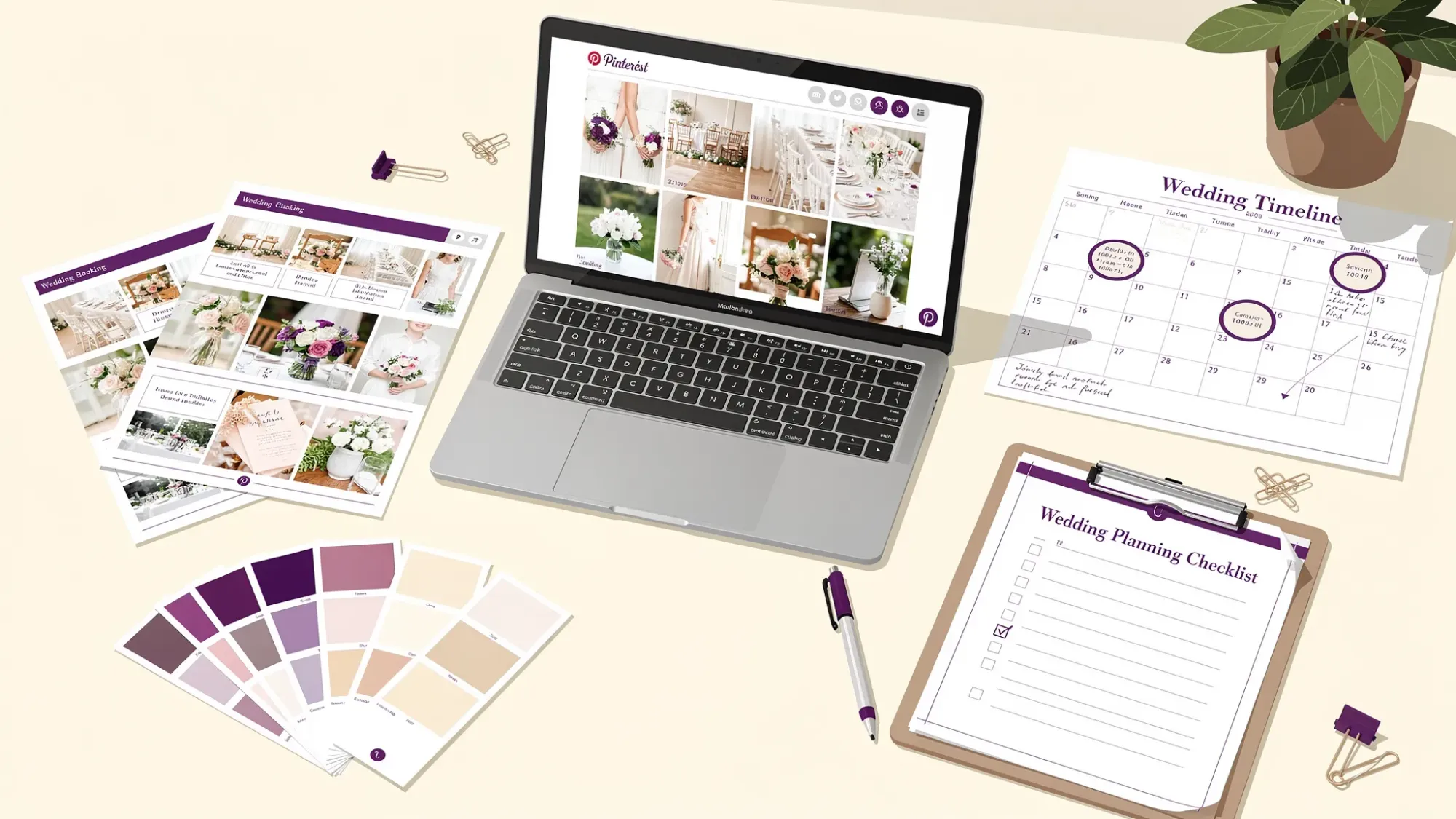
Step 8: Plan how you will capture the reality (not just the aesthetic)
Pinterest shows polished highlights. Your real memories will be made of unplanned moments: friends laughing at dinner, your parents’ reactions, the chaos on the dance floor.
That is why it helps to plan your wedding photos in layers:
- Professional coverage for the must-have moments.
- VIP coverage (a few trusted people assigned to specific moments like getting ready or cocktail hour candids).
- Guest coverage so you capture the angles you will never see.
The simplest way to actually get guest photos
Most couples intend to “collect guest pics later” and then… it never happens. Photos end up scattered across group chats, AirDrop attempts, and half-finished shared albums.
If you want guest photos to match the effort you put into your wedding inspo, make sharing part of the event:
- Put a QR code on tables or signage.
- Guests scan and open a camera instantly.
- Every photo uploads to one private gallery.
That is exactly what Revel.cam is built for. You create a private event called a Moment, then guests scan a QR code or tap an NFC tag to take and upload photos instantly, with no app install or signup required (on iPhone it opens as an App Clip). Hosts can set per-guest photo limits, set an end time, review submissions, and reveal a beautiful gallery when the Moment ends.
If you want the wedding-specific playbook, this guide is a strong companion to your inspo-to-plan process: Wedding Planning Tool: The Guest Photo Collection Plan (Checklist + Timeline).
Common Pinterest-to-plan mistakes (and how to avoid them)
Mistake 1: Mixing five aesthetics without noticing
If your board includes coastal chic, moody black-tie, colorful garden, and rustic farmhouse, you will struggle to make any vendor quote feel “right.” Use your 3 words as a yes/no filter and archive the rest.
Mistake 2: Copying details that were doing heavy lifting in the photo
A lot of Pinterest images look expensive because of what you cannot see: lighting crews, custom builds, giant venues, large floral budgets, heavy editing.
Instead of copying the exact look, copy the principle:
- Principle: warm, flattering light
- Principle: intentional table textures
- Principle: strong ceremony focal point
Mistake 3: Forgetting the guest flow
You can have the perfect tablescape and still have a wedding that feels chaotic if signage is confusing, spaces bottleneck, or key moments overlap.
When you review a pin, ask: “Where are guests standing? Where are they walking next?”
Frequently Asked Questions
How many Pinterest pins should I keep for wedding inspo? Enough to show consistency, not overwhelm. Aim for 6 to 12 “final” reference images per vendor category, and archive the rest.
What is the fastest way to figure out my wedding style from Pinterest? Use the 3-word test: review your top 20 pins and choose the three adjectives that show up repeatedly, then filter everything through them.
How do I send Pinterest inspo to vendors without annoying them? Turn it into a one-page brief with labeled images, your non-negotiables, and hard no’s. Vendors can quote and design faster when you are specific.
What should I book first after I have a clear Pinterest direction? Book the decisions that unlock everything else: venue first, then a photographer (to shape your timeline and lighting needs), then catering or planning support depending on your setup.
How can I make sure I actually receive guest photos after the wedding? Make sharing part of the day. A QR code that opens a camera and auto-uploads to one gallery dramatically reduces friction compared to “text me later” or shared albums.
Make your wedding inspo feel real, in real time
Your Pinterest board is a vision. The plan is what makes it happen.
If one of your “must-haves” is a wedding gallery that includes the candid, guest-perspective moments Pinterest never shows, try Revel.cam as your guest photo system. Create a Moment, print the QR code, and let guests scan, snap, and upload instantly to one private gallery.
Create your Moment at Revel.cam.

A writer interested in connection, memory, and the everyday moments that matter more than we realize.