Wedding Event Planner Playbook: From Run of Show to QR Photos
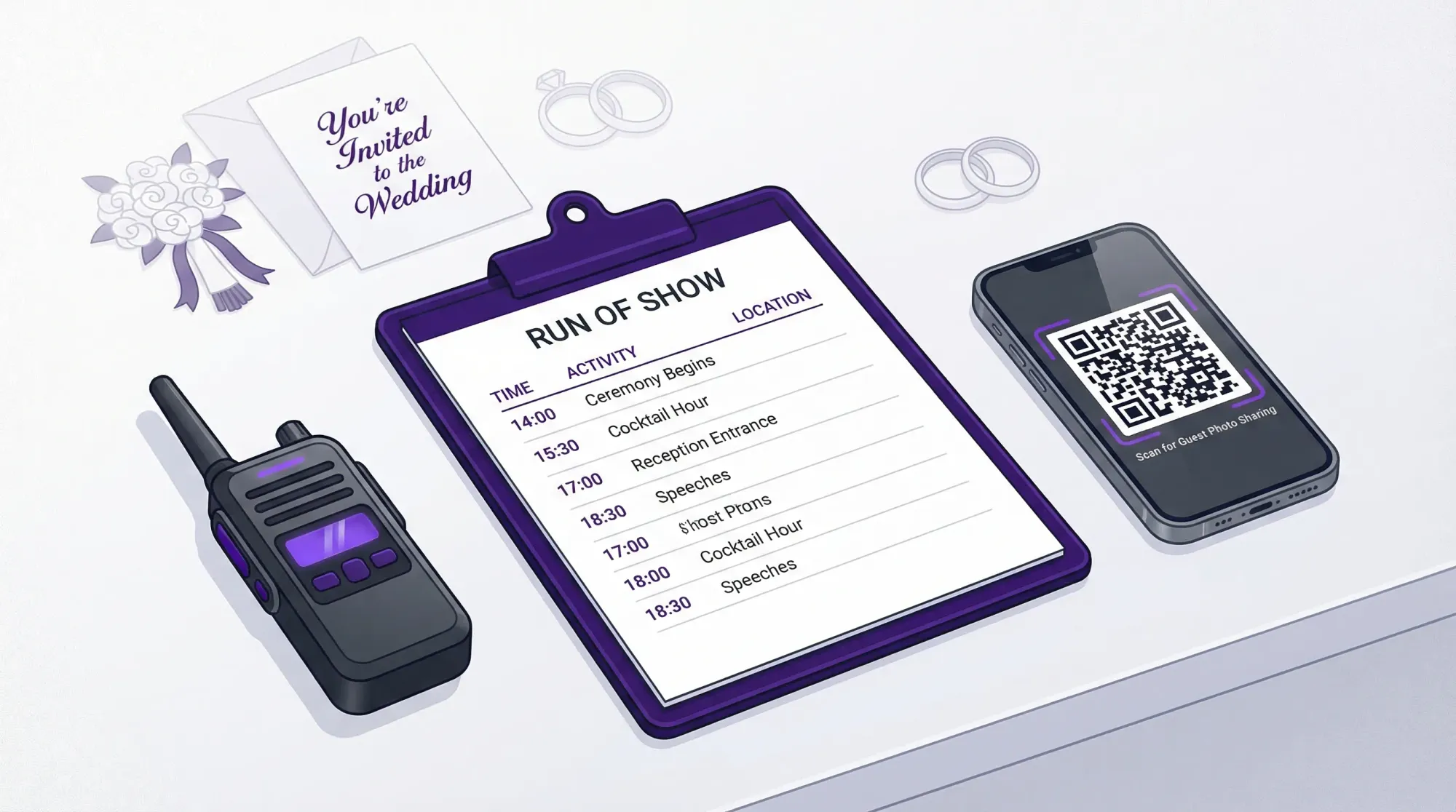
A great wedding event planner does two things at once: keeps the day running on time, and protects the couple’s ability to actually remember it.
The first part is operations. The second part is memory capture. In 2026, that means your timeline cannot stop at “photos by the pro.” You also need a simple system for collecting guest photos in real time, without apps, logins, or chasing people for uploads later.
This playbook walks through a planner-grade run of show, then shows how to layer in QR photo sharing so every candid moment has a place to land.
The planner’s core deliverables (what couples really buy)
Even when your contract doesn’t say it explicitly, most couples are hiring a wedding event planner for the same outcomes:
- A day that feels effortless (because the plan is doing the work).
- Clear ownership (every task has a name next to it).
- Fast decisions (so small issues do not turn into timeline collapse).
- A complete story afterward (not just the “official” angles).
A run of show is the backbone of the first three. A guest photo system protects the fourth.
Part 1: Run of show that vendors actually follow
If your run of show reads like a pretty itinerary, it will fail under pressure. Vendor-grade timelines behave more like a call sheet: clear cues, owners, locations, dependencies, and fallback plans.
Build a 3-layer timeline (so you stop overloading one document)
Most day-of chaos comes from trying to make one timeline serve everyone. Instead, build three layers:
1) Guest-facing schedule (simple, minimal)
This is what goes on the wedding website, signage, or a one-page program. It answers “where am I supposed to be and when?”
Keep it high level: ceremony time, cocktail hour, reception start, key moments (toasts, first dance), send-off.
2) Vendor run of show (cues and dependencies)
This is the operational engine. It includes:
- Vendor arrival and load-in windows
- Setup milestones and deadlines
- Cue language (“DJ announces,” “planner releases,” “caterer starts pour”)
- Photo priorities (what must be captured, and by whom)
- Buffers (for travel, room flips, and real humans)
3) Internal production notes (your planner brain)
This is for you and your assistant(s): who has rings, where tip envelopes live, which door the band loads in, the rain plan, who has the marriage license, and the text thread to use if the shuttle is late.
This layer can be messy, as long as it is complete.
A run of show template you can copy
Below is a structure that works for weddings because it forces the “who does what” into the timeline.
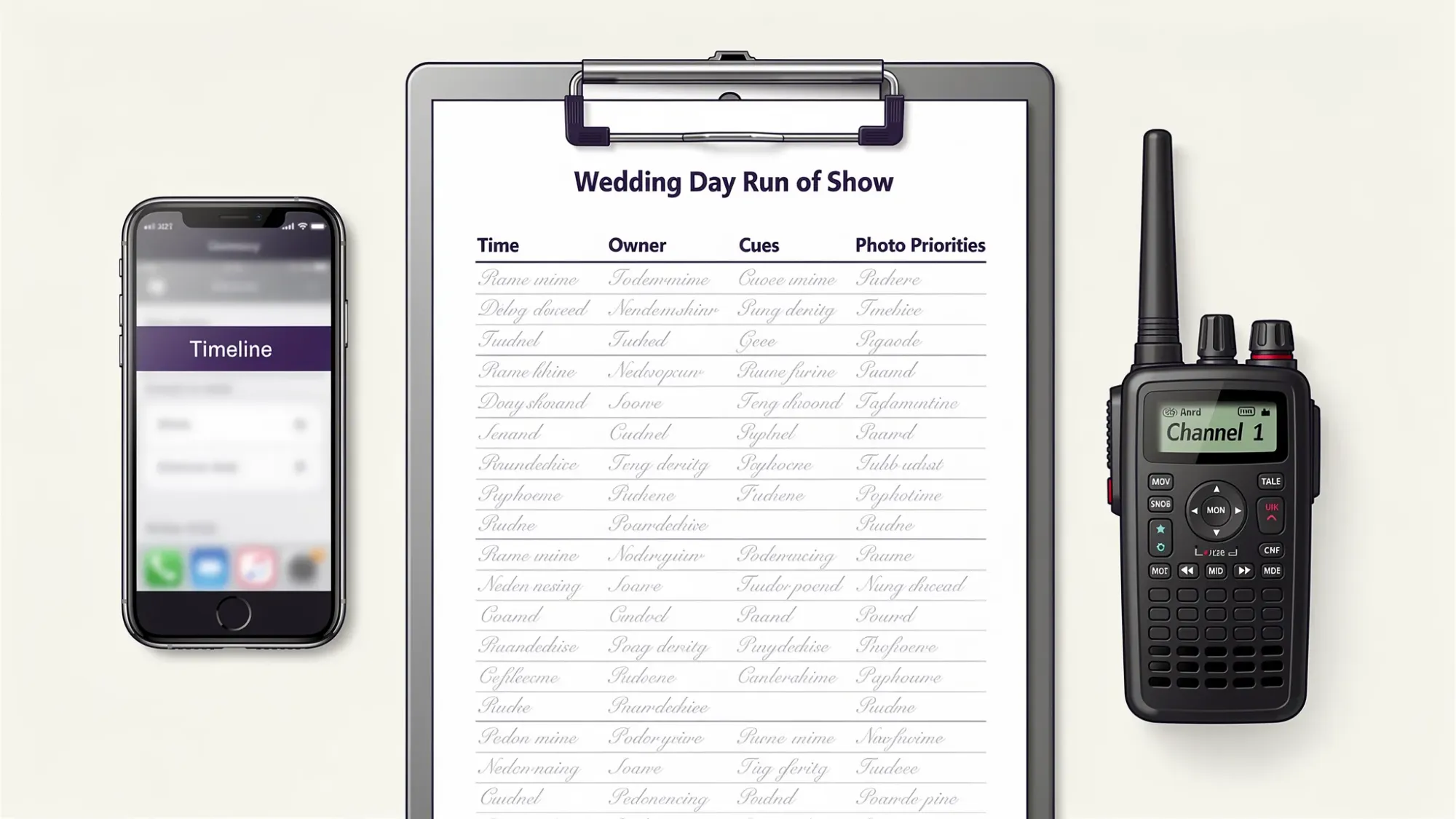
| Time | Segment | Location | Owner | Cue / Trigger | Photo priority | If this runs late… |
|---|---|---|---|---|---|---|
| 12:00 PM | Vendor arrivals begin | Loading dock | Planner | Venue opens dock | Detail shots of space before guests | Push nonessential decor to after first look |
| 2:30 PM | First look | Garden | Photo team lead | Planner confirms couple ready | Couple + immediate wedding party candids | Move to covered backup spot |
| 4:30 PM | Guests arrive | Welcome area | Ushers / greeter | Doors open | Arrival candids + signage | Start ceremony 5 minutes later, shorten prelude |
| 5:00 PM | Ceremony | Ceremony site | Officiant | Processional music | Processional, vows, recessional | Shorten readings, keep recessional tight |
| 5:30 PM | Cocktail hour | Patio | Catering lead | Bar opens | Guest candids, groups, room details | Extend by 10 minutes, delay grand entrance |
| 6:30 PM | Grand entrance | Reception | DJ/MC | Planner thumbs-up | Full room energy moment | Go straight into first dance |
| 7:15 PM | Toasts | Reception | Best man / MOH | DJ hands mic | Reactions at tables | Reduce open-mic time |
| 8:30 PM | Dance floor opens | Reception | DJ | Couple signals | High-energy candids, friend groups | Cut filler song, go to crowd-pleaser |
| 10:45 PM | Send-off setup | Exit | Planner | Couple confirms ready | Send-off line + final hugs | Swap to shorter exit route |
Use this table as your skeleton, then expand it until no vendor can plausibly ask, “Wait, who is calling that?”
The hidden skill: writing cues that survive noise
On a wedding day, no one reads paragraphs. They respond to cues.
Good cue language is short and physical:
- “Planner releases parents to ceremony seating.”
- “Venue opens doors, ushers begin row fill.”
- “DJ announces couple, catering holds service 5 minutes.”
Avoid vague language like “transition to dinner.” Write what actually happens.
Assign owners like a producer (not like a friend group)
When something matters, it needs a single accountable owner. Not “planner + venue + DJ.” One name.
A practical owner map for most weddings:
- Planner: timing, transitions, vendor coordination, couple protection
- Venue/catering lead: service timing, room access, staffing realities
- DJ/MC or bandleader: announcements, energy pacing, mic handoffs
- Photo lead: portrait windows, family grouping execution, lighting constraints
- A designated “couple wrangler” (often planner assistant): water, quiet moments, bathroom breaks, moving them on time
If you want guest photos to actually happen, add two more roles (Part 2).
Part 2: Treat guest photos as a real workstream (not a nice-to-have)
Professional photography is essential, but it will not capture everything. Guest photos fill the gaps: candid table moments, behind-the-scenes chaos, the dance floor from inside the crowd, and the quiet stuff the couple never sees.
The problem is not that guests do not take photos. The problem is that photos never consolidate.
So the planner goal is simple:
Make guest photo sharing happen in the moment, not after the wedding.
The three requirements for a guest photo system
If your system fails any of these, participation drops:
- Instant access: scanning should take guests straight to the camera.
- No accounts: logins are where momentum dies.
- One destination: there should be exactly one place photos go.
That is why QR-based, camera-first tools perform better than “upload later” folders.
How QR photos fit inside the run of show
Guest photo collection should be scheduled the same way you schedule toasts.
Add “photo touchpoints” to your vendor run of show:
- Arrival: the easiest scan of the day (phones already out)
- Cocktail hour: groups naturally form, light is usually best
- Post-ceremony: congratulations and hugs
- Dinner: table groups (especially older relatives who do not dance)
- Dance floor: high-energy candids
- After party: the moments that never make the formal gallery
When you plan touchpoints, you can place QR codes where behavior already happens.
Revel.cam: a practical QR photo workflow for weddings
Revel.cam is built around a “Moment,” a private event camera guests join by scanning a QR code, tapping an NFC tag, or opening a link. On iPhone, it can launch as an App Clip, which is designed for fast, no-install experiences (Apple overview here).
For planners, the key operational advantages are straightforward and day-of friendly:
- Guests do not need to download an app or create an account.
- Photos upload automatically to the Moment’s gallery.
- Hosts can set guest limits, photo limits per guest, and an end time.
- Hosts can review and moderate before sharing.
Recommended Moment settings (planner defaults)
You will tailor these to the couple, but a solid starting point is:
| Setting | Why it matters | Practical default to propose |
|---|---|---|
| Guest limit | Prevents the link/QR from spreading beyond the invite list | Set to expected attendance with a small buffer |
| Photos per guest | Reduces duplicates, encourages intentional shots | Low to medium (enough for candids, not endless bursts) |
| End time | Stops late-night off-topic uploads and creates a “complete” gallery | End after send-off or at the end of the after party |
| Host review | Protects privacy, keeps the final gallery clean | On for most weddings |
These are not aesthetic decisions. They are levers that affect participation and gallery quality.
The QR placement plan (where it actually converts)
Think like a marketer: you want multiple impressions, minimal friction, and a clear call to action.
Here is a placement map that works in real venues.
| Location | Format | Why it works | Owner |
|---|---|---|---|
| Welcome sign area | Large QR + one-line instruction | Guests pause here and already have phones out | Planner + venue |
| Bar (front-facing) | Small sign or coaster QR | People queue and linger | Catering/bar lead |
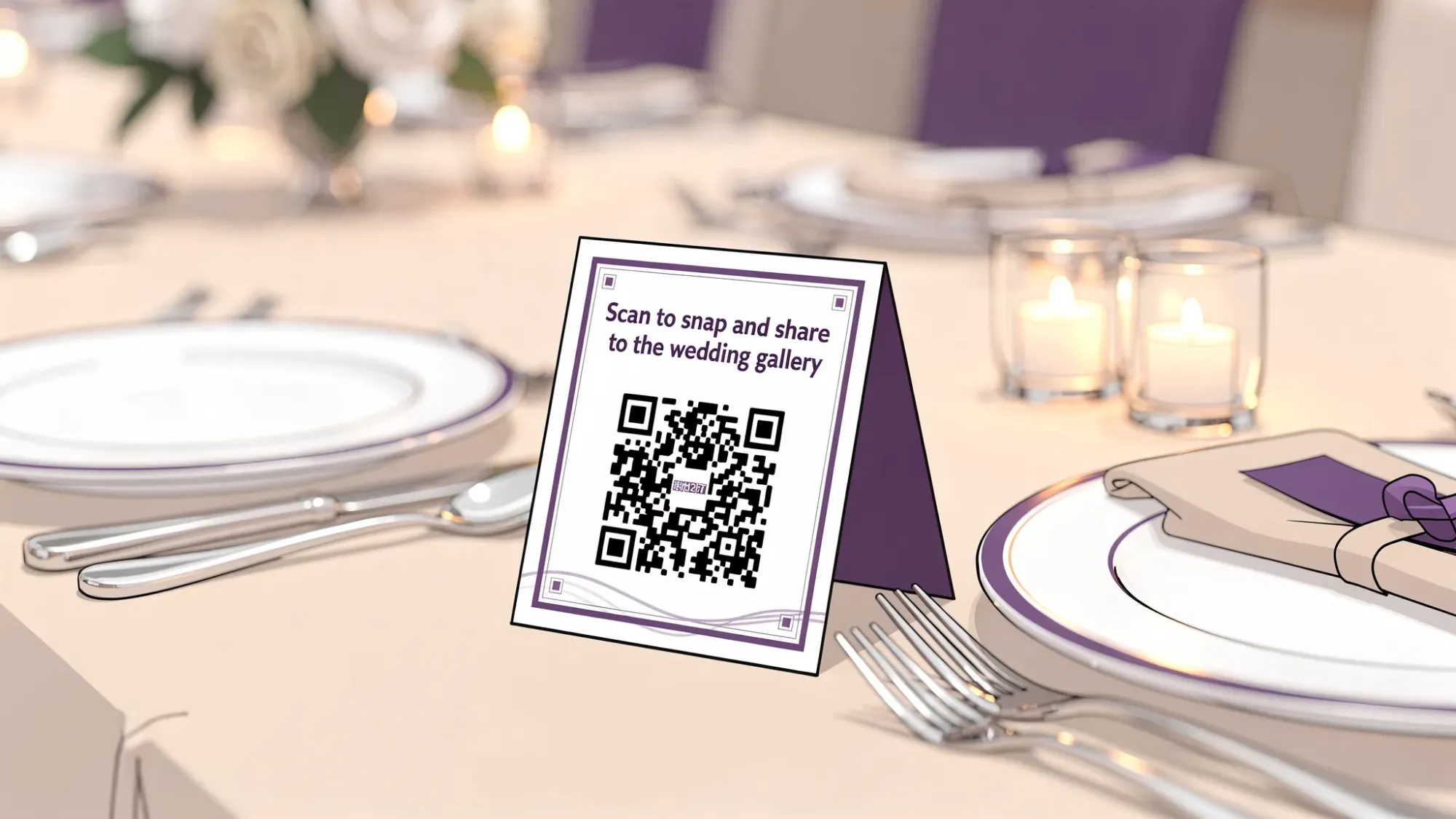
| Each dinner table | Table tent QR | Captures table groups and older guests | Planner assistant |
| DJ booth or band area | QR sign | Makes the MC announcement feel “official” | DJ/MC |
| Photo moment area (backdrop, lounge) | QR + simple prompt | People are already posing | Design lead or planner |
If you use NFC tags with Revel.cam, pair them with the same locations: bar, DJ booth, photo moment area. Tapping is often faster than scanning in dim light.
The copy that gets scans (and avoids awkwardness)
Most signage fails because it is too long or too vague.
Planner-tested copy principles:
- One action verb: Scan or Tap.
- One benefit: Share to the wedding gallery.
- One reassurance: No app, no login.
Example sign copy you can adapt:
“Scan to take photos for [Couple]’s wedding gallery. No app, no login.”
If the couple wants a more private tone:
“Scan to add your photos to our private wedding gallery. Please be respectful.”
Put QR photos into the run of show with two micro-roles
If you want guest photos without nagging, assign ownership.
Photo Captain (participation)
This can be a bridesmaid, groomsman, planner assistant, or upbeat cousin. Their job is not to take photos all night. It is to seed behavior.
What they do:
- Scan early, take 3 to 5 photos, and show two people at their table.
- Remind groups during cocktail hour (“Scan first, then I’ll grab one of you”).
- Nudge the DJ/MC if the announcement gets skipped.
Gallery Guardian (quality)
This is usually the host, planner, or someone trusted. Their job is to review and remove anything that should not be shared before the gallery is opened to guests.
Revel.cam supports host review and moderation, so this role is a real safeguard, especially for blended families, kid-heavy weddings, or high-profile guests.
The 30-second DJ/MC script that works
Most announcements flop because they are too long. You want one instruction and one reassurance.
Here is a tight script:
“Quick favor for [Couple]. If you take photos tonight, scan the QR on your table or at the bar. It opens the wedding camera, no app and no login, and your photos go straight into their gallery.”
Best timing:
- Once right after guests enter cocktail hour
- Once after dinner before dancing
You do not need to repeat it every 20 minutes. If your touchpoints are placed well, the room will carry it.
Coordinate with the professional photographer (so you are additive, not annoying)
A good guest photo plan should make the photographer’s job easier, not harder.
What to align on:
- Unplugged moments: If the couple wants an unplugged ceremony, keep QR prompts out of the ceremony space and focus on reception.
- Portrait windows: Do not let the Photo Captain pull the couple into extra group shots during formal portraits.
- Lighting reality: Ask the photographer where guest phones will struggle (usually dark dance floors) and adjust prompts and placement.
This hybrid approach matches how modern wedding coverage actually works: pros capture the “guaranteed” shots, guests capture the “inside the moment” shots.
For a deeper guest-photo-specific workflow, Revel.cam also has a longer guide on collecting wedding photos from guests with QR codes.
Day-of execution checklist (planner version)
Use this as your operational punch list. Keep it in your internal production notes.
- Print at least 3 QR touchpoints beyond tables (welcome, bar, DJ).
- Test one QR in the venue lighting during rehearsal or load-in.
- Confirm the DJ/MC has the script in their notes.
- Assign the Photo Captain and tell them exactly when to seed scans.
- Confirm who is the Gallery Guardian and when review will happen.
- Confirm the Moment end time matches the couple’s actual plan (send-off vs after party).
If you want a broader wedding photo coverage framework (beyond guest photos), pair this with a “moment map” approach like the one outlined in Wedding Photos: A Simple Plan to Avoid Missing Key Moments.
Troubleshooting: what breaks QR photo sharing and how planners prevent it
“The Wi‑Fi is bad”
Your goal is not perfect connectivity, it is graceful failure.
Planner mitigations:
- Place QR codes where guests have better signal (near windows, outdoors, lobby), not deep in back rooms.
- Use multiple touchpoints so guests can try again later without hunting.
- Seed early during arrival and cocktail hour when networks are less congested.
“People forgot”
This is usually placement and timing, not motivation.
Fix it by:
- Moving one QR to the bar line.
- Running the MC script once at cocktail hour.
- Having the Photo Captain model it at two tables.
“The couple is worried about privacy”
That is a valid concern. The operational answer is control.
Revel.cam Moments are private by default, and hosts can review and moderate before sharing. As the planner, document who has host access and when the gallery is revealed, so there is no ambiguity.
After the wedding: turn the gallery into a “reveal,” not a task
The best weddings have an emotional runway after the day ends. A gallery reveal can be part of that.
A clean post-event workflow looks like this:
- Gallery Guardian reviews, removes obvious misses, and curates a “safe to share” set.
- The couple shares the gallery link to guests once, with a short thank-you.
- Optional: download and archive the full set alongside the professional gallery.
This is also where a QR-first, auto-upload system shines: you are not waiting weeks for people to remember what they took.
For more planning-system context, you can also reference Revel.cam’s guest photo collection plan checklist and timeline as a companion module.
The planner takeaway
A run of show protects the wedding day. A QR photo system protects the wedding story.
When you combine them, you stop treating guest photos like a post-wedding scavenger hunt and start managing them like what they are: a high-participation, high-emotion workstream that deserves a line item in the plan.
If you are building this for an upcoming wedding, you can create a private Moment in minutes at Revel.cam and then drop your QR touchpoints straight into your run of show.

A writer interested in connection, memory, and the everyday moments that matter more than we realize.
Tags: Affordable wedding planning , Wedding planning , Wedding planning app , Wedding planning tool , DYI wedding photography , Group wedding photos , Wedding photo gallery , Wedding photography , Wedding photography costs , Wedding photos , Wedding photo sharing