Wedding Candid Photos: How to Get Real Moments From Guests
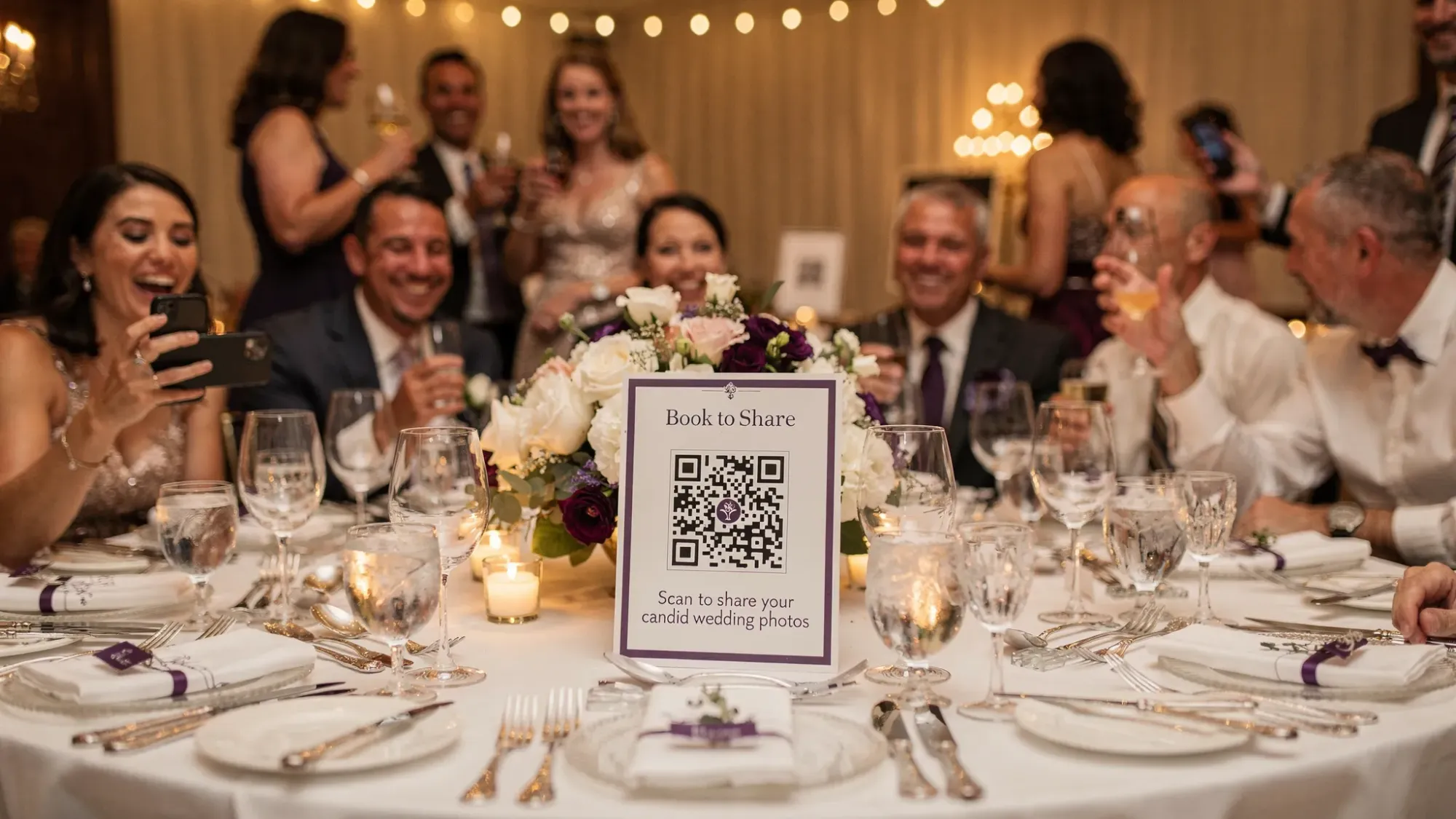
Candid wedding photos are the ones you feel in your chest later, the teary laugh during a toast, the flower girl asleep under a table, your friends losing it on the dance floor. The problem is that those moments rarely make it into a neat folder unless you plan for them.
A professional photographer will capture the day beautifully, but they cannot be everywhere at once, and guests often sit on great shots because sharing is awkward or “I’ll send it later” turns into never. This guide shows how to design your wedding so guests actually capture and contribute real moments, without turning the day into a content assignment.
What makes wedding candid photos hard to get (even with 200 guests)
Most couples assume more guests equals more photos. In practice, candid coverage fails for three predictable reasons.
1) Social friction: people do not want to be “the one” spamming photos
Guests hesitate to share in group chats, they worry a photo is unflattering, or they do not know who wants what. If there is no clear place to send photos, they default to keeping them.
2) Workflow friction: “send me those later” is the enemy
If the system requires:
- downloading an app
- making an account
- finding a link later
- uploading from the camera roll after the wedding
…participation drops fast.
3) Moment friction: guests do not know what to capture
Most people are not photographers. Without prompts or permission, they take a few obvious shots (first dance, cake) and miss the tiny interactions that make candid wedding photos special.
The goal: a “guest candid plan” that complements your pro photos
Think of your wedding photo coverage as two layers:
- Professional layer: couple portraits, family formals, ceremony angles, planned moments.
- Guest layer: candid context, inside jokes, late-night chaos, behind-the-scenes, what you did not see.
Your job is to make the guest layer easy, specific, and low-pressure.
Start with the easiest win: remove sharing friction completely
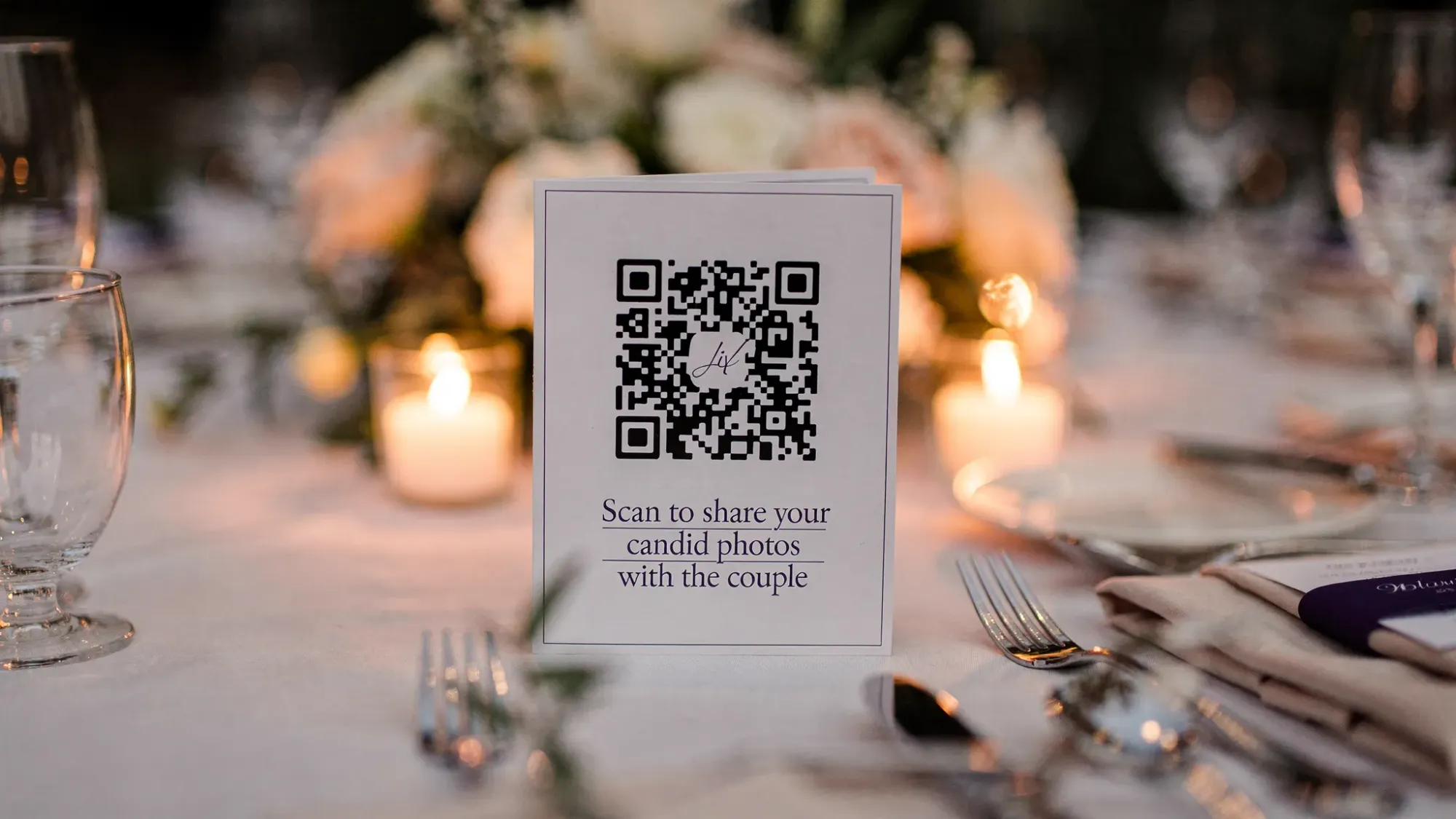
If you want more candid wedding photos from guests, the fastest lever is eliminating uploads, logins, and “later.” A QR-first flow works because it matches what guests already do, point phone, scan, take a pic.
With Revel.cam, you can create a private event (a Moment) and let guests join instantly by scanning a QR code, tapping an NFC tag, or using a link. On iPhone, it can open as an App Clip (no app install, no account). Guests take photos in the Moment camera and every shot uploads automatically to one gallery.
That “camera-first” design matters because it turns photo sharing into a single action, not a post-wedding chore.
Give guests permission, then give them prompts (the candid multiplier)
Once sharing is easy, prompts are what turn random snapshots into real moments.
Use one sentence of permission
People need to know candid photos are welcome.
Examples (keep it short):
- “Snap the moments we miss and scan to share.”
- “No posing needed, just real moments.”
- “If it made you smile, take a photo.”
Use prompts that target interactions, not poses
A good candid prompt points guests toward emotion, movement, and relationships.
Here are prompts that reliably produce keepers:
- “Take a photo of someone laughing.”
- “Capture a hug that lasts longer than a second.”
- “Photograph someone who hasn’t seen the couple yet today.”
- “Get the moment right after the cheers.”
- “Find the quiet moment in a loud room.”
Build candid coverage into the timeline (so it happens naturally)
Candid photos surge when guests are already moving and interacting. Plan a few “high-candid windows” and nudge guests once per window.
Use this as a simple map.
| Wedding moment | Why it’s a candid goldmine | Guest prompt that works |
|---|---|---|
| Getting ready (wedding party) | Unfiltered reactions, handwritten notes, last-minute fixes | “Photograph the calm and the chaos.” |
| Pre-ceremony arrivals | Hugs, outfits, reunions | “Take one photo of a reunion.” |
| Cocktail hour | Groups mixing, natural smiles, great light outdoors | “Catch someone mid-story.” |
| Room reveal (before grand entrance) | Guests seeing the space, details, anticipation | “Photograph your first impression.” |
| Toasts | Micro-expressions, tears, table reactions | “Take the reaction, not just the speaker.” |
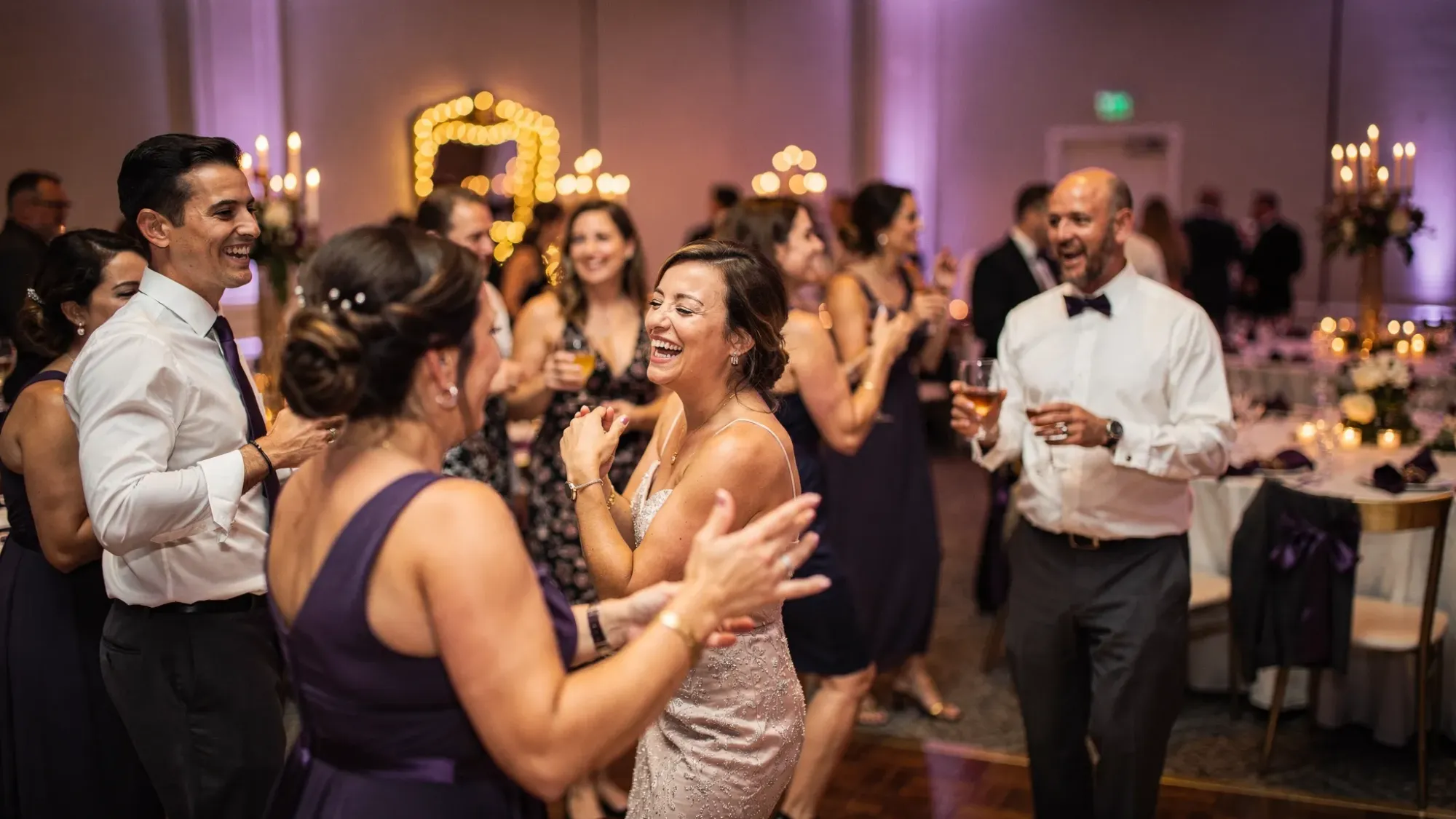
| Dance floor (first 30 minutes) | Everyone still looks put-together | “Shoot from inside the circle.” |
| Late-night | The funniest, realest moments | “Capture the moment you’ll quote tomorrow.” |
Assign two “photo captains” (so you are not the project manager)
You do not need 20 people doing a photo mission. You need two reliable humans to create momentum.
Choose:
- one friend who is social and will hype the QR once or twice
- one friend who is detail-oriented and will place signage and do a quick scan test
Their jobs are simple:
- Make sure the QR is visible at cocktail hour and on reception tables.
- Do one quick reminder right after the couple enters (or right after dinner).
- If you use moderation, quickly flag anything that obviously should not be in the gallery.
This is enough to shift participation without making it feel like homework.
Use constraints to improve quality (and reduce 400 blurry duplicates)
Unlimited photos sounds generous, but it creates noise. A light limit encourages guests to wait for real moments.
Revel.cam lets hosts set photo limits per guest and an end time for the Moment. Couples often use limits to recreate a “disposable camera” feel, intentional shots, fewer repeats, more story.
A practical way to think about limits:
- Lower limit: more intentional, fewer duplicates
- Higher limit: more coverage, more experimentation
If you are unsure, err on the side of fewer. You will still get plenty if the experience is frictionless.
Fix the top quality killers: light, angles, and motion
You do not need to teach photography. You just need to remove the common failure modes.
Place “good light” where you want photos
If your venue has a dark corner, that is where people will gather and your photos will look muddy.
Simple venue moves that help:
- Put the guestbook, escort cards, or a signature cocktail near a brighter area.
- During dancing, ask your DJ to avoid strobing for the first part of open dance (strobe looks fun in person and chaotic in photos).
- If you have a photo moment like a champagne tower, do it where there is front light, not backlight.
Encourage guests to get closer (it feels more candid)
Most guest photos are too far away. If you put one line on a sign, make it this:
“Get close, then take the shot.”
Give one motion tip for dance floor photos
“Hold still for one beat, then tap.”
That single cue reduces blur without turning anyone into a camera nerd.
Design the room for candid moments (not just pretty decor)
Candid photos happen where people cluster and interact. Give them natural “stages.”
Create 2 to 3 micro-zones
Examples:
- a lounge corner with comfortable seating
- a well-lit bar moment (signature drink sign, garnish station)
- a late-night snack station
These zones produce repeatable candid scenes with different groups cycling through.
Keep signage minimal and on-brand
If the QR sign looks like an ad, people ignore it. If it looks like part of the wedding, people scan it.
Aim for:
- one clear action (“Scan to snap and share”)
- one benefit (“So we can see the night through your eyes”)
Make privacy and comfort explicit (so guests share more)
Guests contribute more when they know the gallery is not public and not going to become a social post without context.
Revel.cam Moments are private by default, and hosts can review and remove unwanted images before sharing the gallery more broadly. That combination (privacy plus moderation) is a strong participation unlock, especially for corporate coworkers, older relatives, and anyone who is camera-shy.
A simple line that helps:
“Photos go to a private gallery for the couple.”
Plan the reveal, because anticipation is a participation engine
People take more candid photos when they feel like they are contributing to something that will be enjoyed together.
Instead of “upload whenever,” create a reveal moment:
- End the Moment at a set time (end of reception, next morning, end of wedding weekend).
- Curate quickly (remove accidental shots, duplicates, anything you do not want shared).
- Share the gallery when you are ready.
This is also kinder to you as a couple. You get to experience the story when you have space, not as a live firehose.
A quick “wedding candid photos” checklist you can send to your planner
If you want the simplest version of everything above, use this.
| Step | What to decide | Why it matters |
|---|---|---|
| Choose a capture method | QR/NFC, no login | Removes “send later” friction |
| Place 3 to 6 touchpoints | welcome sign, bar, tables, DJ booth | Repetition drives scans |
| Pick photo prompts | 3 to 5 interaction-based prompts | Guides non-photographers |
| Set guardrails | per-guest limit, Moment end time | Improves quality and story |
| Assign two captains | hype + logistics | Keeps momentum off your plate |
| Decide reveal timing | next morning or after honeymoon | Turns sharing into a moment |
Putting it all together with Revel.cam (simple, guest-friendly)
If you want a straightforward way to collect wedding candid photos from guests into one private gallery:
- Create a Moment on Revel.cam.
- Set guest count, per-guest photo limit, and when the Moment ends.
- Share the QR code (and optionally NFC) across a few high-traffic spots.
- Let guests scan, shoot, and upload instantly (no app install, no account).
- Review the gallery, then reveal it when you are ready.
Candid photos are not about luck, they are about design. Make it easy, make it safe, give guests a nudge, and the real moments show up.

A writer interested in connection, memory, and the everyday moments that matter more than we realize.
Tags: Wedding photos , Wedding photo gallery , Wedding photo sharing , DYI wedding photography , Wedding photography costs , Wedding guest photos