Party Photos: The Easiest Way to Collect Everyone’s Shots
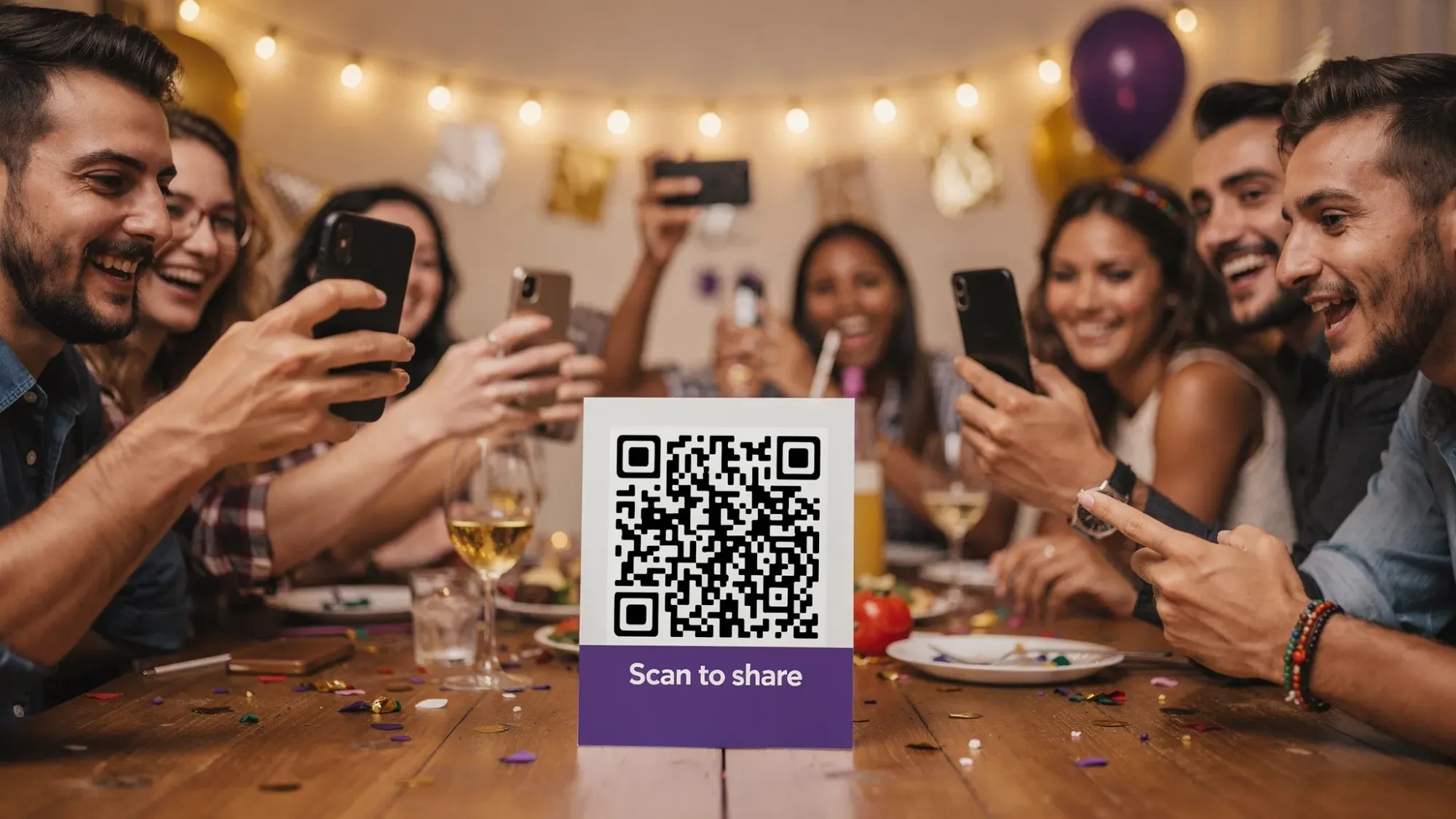
Most party photos don’t disappear because nobody took them. They disappear because there was no simple way to collect everyone’s shots while the party was happening.
You might get a few good pics in a group chat, someone promises to “send the rest tomorrow,” and then the photos end up scattered across iMessage threads, Instagram Stories, and five different camera rolls. A week later, you are still hunting for the one picture you actually wanted.
The easiest fix is to stop treating photo sharing as an after-party task, and instead make it part of the party itself.
What “easy” really means for party photos
When people search for an easy way to collect party photos, they usually mean:
- Guests can contribute in seconds, with no instructions.
- Nobody needs to download an app or create an account.
- Every photo lands in one place automatically.
- The host stays in control (privacy, moderation, timing).
If your plan misses any of those, participation drops fast, and you end up back at “text me your pics.”
Why the usual ways of collecting party photos break down
A few methods are common, but each has a built-in reason it fails at real parties.
Group chats (iMessage, WhatsApp, Messenger)
Group chats are convenient, but they mix photos with messages, compress quality on some platforms, and make it hard to find anything later. People also hesitate to spam a chat with 30 photos.
Shared albums (Google Photos, iCloud Shared Albums)
Shared albums can work, but many guests hit friction immediately: invitations, permissions, account mismatches, storage prompts, or confusing UI. If even 15 percent of guests get stuck, you lose a big chunk of your coverage.
“Just AirDrop it to me”
AirDrop is great for one-to-one transfers, not for collecting from a whole room. It also requires the host to actively manage transfers, which is the opposite of effortless.
Hashtags or social posting
Hashtags only catch what people choose to post publicly. You miss most candid moments, and you risk privacy issues (especially at corporate events, school events, or parties with kids).
A folder upload link
Upload links (Drive, Dropbox, etc.) are better than nothing, but they still require guests to browse, select, upload, and wait. People do not do multi-step chores at parties.
The simplest model: a shared camera guests open by scanning a QR code
The lowest-friction approach is a QR code that opens directly to a camera, so guests can scan, snap, and upload without leaving the moment.
That is the core idea behind Revel.cam: you create a private event called a Moment, then share access via a QR code, NFC tag, or link. Guests join instantly, and each photo uploads automatically into one event gallery.
On iPhone, Revel.cam can open as an App Clip, which is designed for quick access without downloading a full app (see Apple’s overview of App Clips).
Quick comparison: which party photo collection method fits your event?
Use this table to match your party to the simplest tool that will actually get used.
| Method | Guest effort | Best for | Common failure point |
|---|---|---|---|
| Group chat | Low | Small friend groups | Photos get lost, quality issues, people stop posting |
| Shared album | Medium | Tech-comfy groups | Invites, accounts, permissions, “I can’t access it” |
| AirDrop to host | High | Very small events | Host becomes the bottleneck |
| Hashtag/social | Medium | Public-facing events | Only captures what gets posted, privacy risk |
| Upload folder link | High | Post-event collection | Multi-step workflow, low follow-through |
| QR code shared camera (Revel.cam) | Very low | Most parties and events | Needs visible QR placement and a quick announcement |
If your goal is “everyone contributes, and I do not have to chase,” the QR shared-camera flow is the most consistent option.
The easiest way to collect everyone’s party photos (a simple playbook)
You do not need a complicated setup. What you need is a clean guest flow and a few smart host decisions.
1) Set your rules before you share anything
Before the party, decide what you want your gallery to feel like:
- Unlimited dump, where you want volume.
- A curated story, where you want fewer, better photos.
Revel.cam supports host controls that map directly to that choice:
- Set how many guests can join.
- Set a photo limit per guest (useful if you want a “be intentional” vibe).
- Set an end time for the Moment so uploads stop when the party is over.
- Keep the gallery private by default, and use host review and moderation to remove unwanted images.
Practical starting points (adjust for your crowd):
- House party or birthday party: a modest per-guest limit usually increases quality without feeling restrictive.
- Big celebrations (graduations, reunions): a higher limit keeps coverage broad.
- Corporate events: a defined end time plus host review keeps things brand-safe.
2) Make joining impossible to miss
Your QR code can be perfect, but if guests only see it once, participation will be uneven.
Aim for two or three touchpoints, not twelve.
Good places that do not feel like “extra signage”:
- The bar or drink station
- A welcome table or entry sign
- The photo moment area (cake table, backdrop, memory table)
If you use NFC, place it where guests already tap or hover, like near name cards or on a small stand by the entrance.
3) Use one sentence that tells guests exactly what to do
Do not over-explain. Guests will not read paragraphs at a party.
Try one of these:
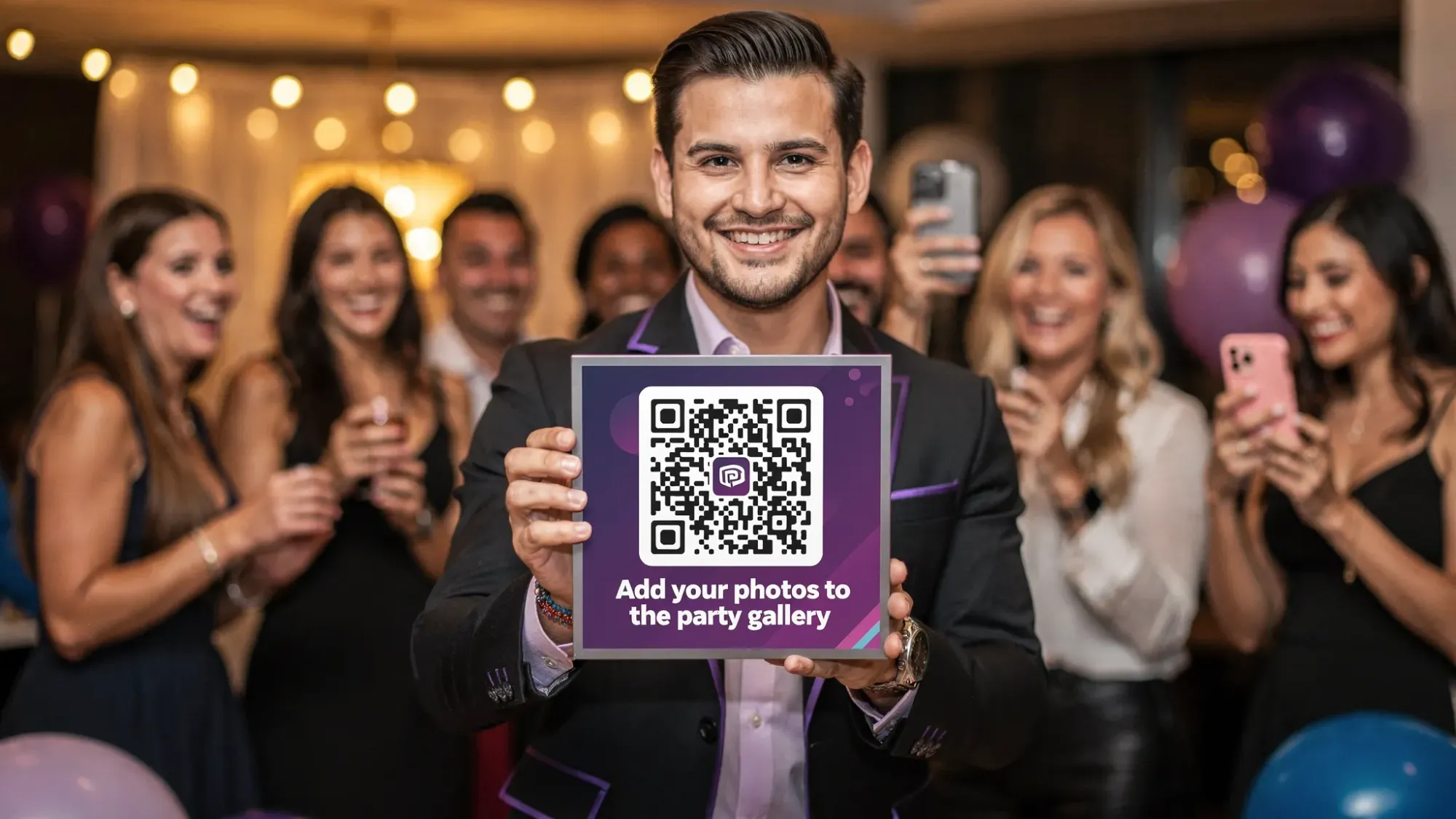
- “Scan to add your photos to the party gallery. No app, no login.”
- “Snap here, they upload automatically.”
- “Help us capture tonight. Scan, take a pic, done.”
That copy works because it answers the only three guest questions that matter: what is this, how long will it take, and will it be annoying.
4) Give guests a reason to contribute (without turning it into a chore)
People take more photos when they have a light prompt. Keep it fun and specific.
Examples that work at almost any party:
- “Your angle of the cake toast”
- “A photo with someone you met tonight”
- “The funniest candid you catch all night”
If you set a photo limit per guest, prompts become even more effective because guests choose their shots more carefully.
5) End it cleanly, then share the gallery when you are ready
The best part of collecting party photos in one place is that you get to share a complete story, not a messy stream.
A clean finishing flow looks like this:
- The Moment ends (manually or by end time).
- You review and remove anything you do not want included.
- You share the gallery with guests (or keep it host-only).
This is especially helpful for:
- Parties where kids are present
- Events with alcohol where you want a quick moderation pass
- Corporate events where you need a simple approval step
Tips for better party photos (so the gallery is worth collecting)
Collection is half the win. The other half is making sure the photos look good.
Fix the two biggest quality killers: lighting and “everyone is seated”
- Lighting: Encourage photos in the best-lit areas (near windows early, near warm lamps at night). If you have outdoor string lights or a brighter corner, make that the natural photo zone.
- Energy: Some of the best photos happen when people are moving. If your party has a key moment (toast, cake, game, dance floor), make sure the QR is visible near that action.
Designate a “photo starter” (one person, 5 minutes)
You do not need a photographer. You need one social person to kick it off.
Ask a friend to:
- Scan first
- Take 2 to 3 fun photos
- Tell nearby guests, “Scan this, it’s the shared gallery”
Once guests see it working, they follow.
Plan for the one thing that always happens: someone cannot scan
Avoid the tech support spiral.
- Put the backup link near the QR (short and readable).
- Print the QR large enough to scan quickly.
- Test it from two different phones before guests arrive.
Privacy and consent: keep it comfortable for everyone
If you want high participation, guests need to trust the flow.
A simple privacy-forward approach:
- Use wording like “Private party gallery” on the sign.
- For corporate events, state whether the gallery is internal-only.
- If minors are present, keep sharing controlled and use host review.
Revel.cam Moments are private by default, and hosts can review and moderate before sharing, which is often the difference between “everyone participates” and “half the room opts out.”
If you want the easiest possible setup: use Revel.cam as the shared party camera
If your goal is to collect party photos without chasing anyone later, Revel.cam is built for exactly that flow: guests scan a QR code (or tap NFC), take photos instantly, and everything uploads into one private event gallery.
You can create a Moment in minutes, set guest and photo limits, choose an end time, and moderate the final collection before you share it.
Set up your next shared gallery at Revel.cam.

A writer interested in connection, memory, and the everyday moments that matter more than we realize.
Tags: Party photos , Shared photo gallery , Digital disposable camera , Disposable camera app