Guest Photos Wedding: A No-Pressure Plan Guests Follow
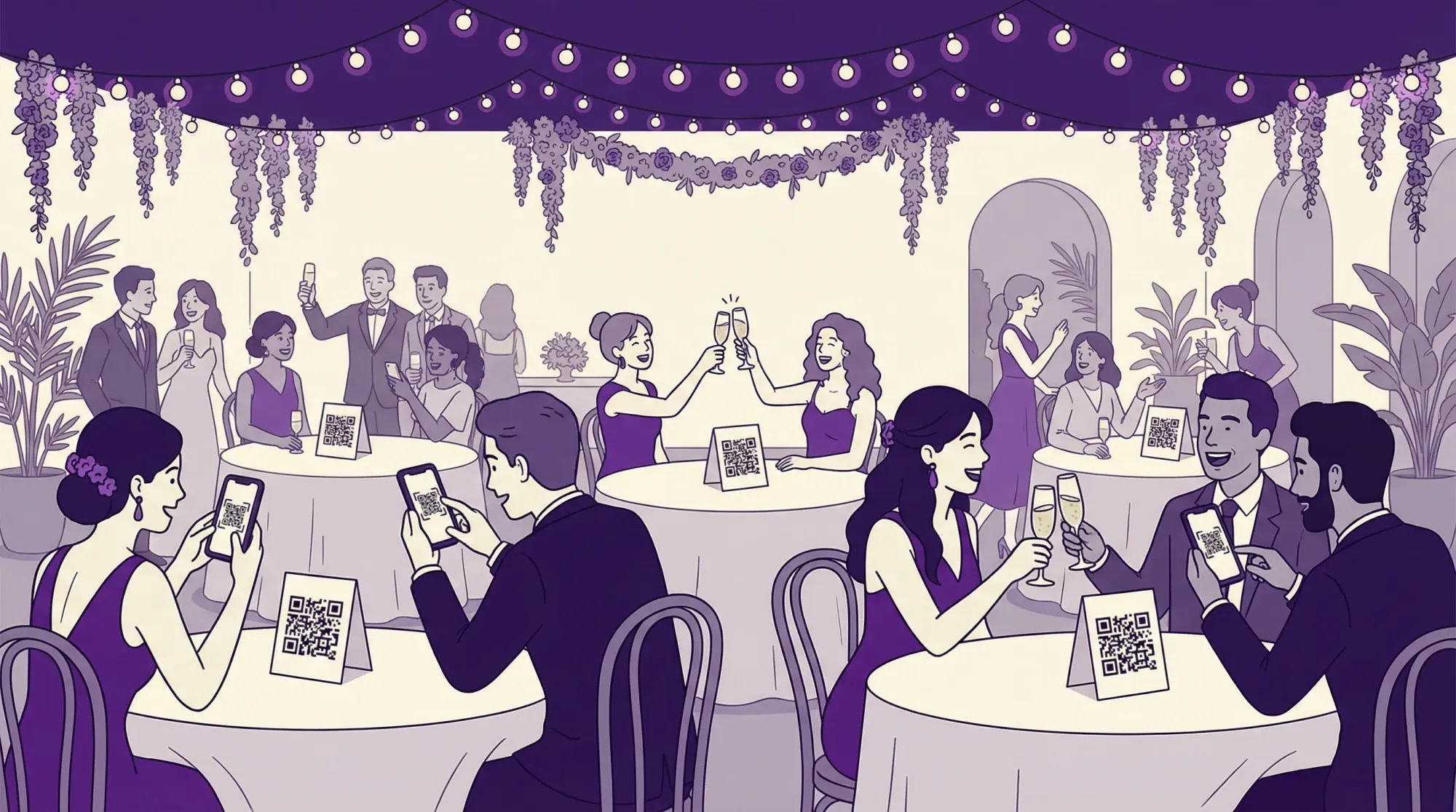
Most couples don’t have a “guest photos” problem, they have a guest participation problem.
Your friends and family genuinely want to help capture the day, but weddings are fast, social, and distracting. If the system requires an app download, a login, finding a link later, or remembering to upload after the fact, most people simply won’t.
This guide is a no-pressure plan that guests actually follow. It’s built around one idea: make contributing feel as effortless (and optional) as clinking a glass or signing the guest book.
What “no-pressure” really means (and why it works)
“No-pressure” is not code for “do nothing and hope.” It means:
- One small action (scan or tap, then take the photo)
- No public performance (no posting, no tagging, no group-chat awkwardness)
- Clear permission (guests understand you want candids, not perfection)
When you remove friction and social risk, people contribute more. You also get better photos because guests stay present instead of troubleshooting.
Step 1: Choose a capture flow guests can complete in 10 seconds
If you want more guest photos at your wedding, your first decision is not signage or scripts. It’s the capture flow.
A “high-conversion” wedding photo flow has three traits:
- Instant access (QR code, NFC tap, or a simple link)
- Camera-first (it opens straight to taking a photo, not a folder)
- No account creation (no passwords, no approvals, no app store detour)
This is exactly what Revel.cam is designed for: guests scan a QR code (or tap an NFC tag) and go straight to a shared event camera. On iPhone, it can launch as an App Clip, so guests can participate without installing an app (Apple overview: App Clips).
If you use another method (shared album, upload folder, group chat), the rest of this plan still helps, but you’ll be fighting more drop-off.
Step 2: Write one sentence of “permission,” not a long instruction list
Guests ignore walls of text at weddings. The best copy does two things:
- Gives permission to take candid photos
- Explains the action in one breath
Here are “no-pressure” templates you can steal.
Table sign (best all-purpose)
“Take a few candid photos tonight. Scan to snap and they’ll add to our wedding gallery.”
Bar sign (works because people are waiting)
“Waiting on a drink? Snap one moment for us. Scan to open the camera.”
DJ or MC announcement (15 seconds)
“Quick note: we’d love your candid photos tonight. If you see a QR code on tables or signs, scan it to open the camera and your pics will go straight to our gallery. No app, no signup. Totally optional, but we’d love your perspective.”
Text message to VIP helpers (the secret weapon)
“Can you help us capture candid moments today? If you see the QR, scan and take a few shots during cocktail hour and dancing. We’re trying to get the moments we won’t see.”
That’s it. No guilt. No “please upload later.” Just a simple cue.
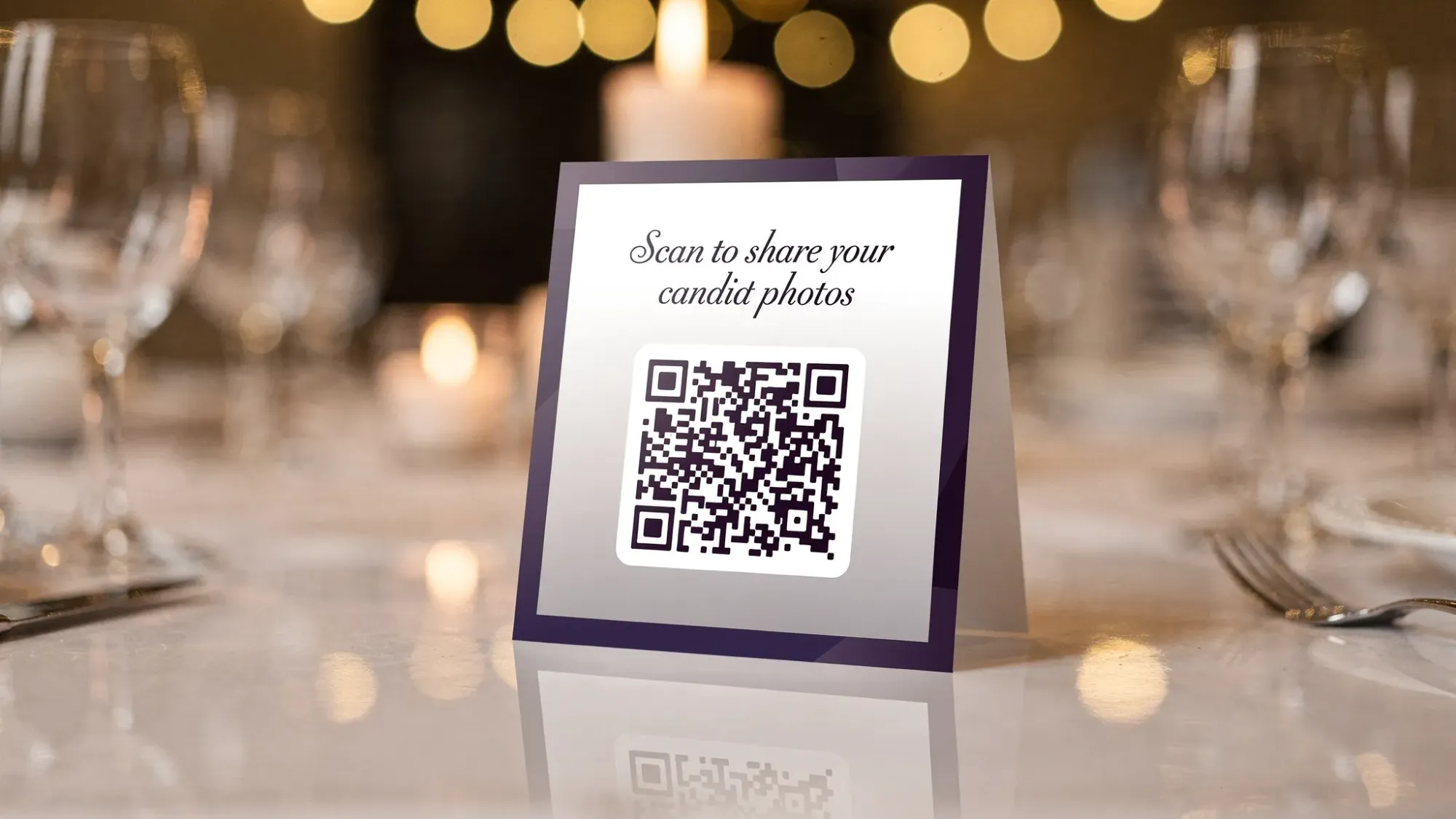
Step 3: Replace “please take photos” with 5 micro-moments guests already want to capture
Guests don’t think in terms of coverage. They think in moments: arrivals, reactions, speeches, dance floor chaos.
Instead of asking for “photos throughout the day,” cue contributions during high-energy windows when phones are already out.
Here’s a no-pressure “Moment Map” you can share with your planner, coordinator, or DJ.
| Wedding moment | What guests are already doing | The cue that works | Where your QR/NFC should be visible |
|---|---|---|---|
| Arrival + hellos | hugging, complimenting outfits | “Snap one arrival pic” | welcome sign, entry table |
| Cocktail hour | mingling, drinks, golden-hour light | “One candid per group” | bar sign, high-top table tents |
| Dinner + speeches | reacting, laughing, crying | “Capture reactions at your table” | table tents |
| Dance floor | filming, selfies, group shots | “If you record a clip, snap a photo too” | DJ booth sign, near dance floor |
| Late-night / send-off | chaotic, emotional, unfiltered | “One last photo for the story” | exit sign, afterparty area |
Notice what’s missing: long scavenger hunts, complicated shot lists, and anything that makes guests feel assigned homework.
Step 4: Assign two people (so you don’t become the photo nag)
“No-pressure” works best when the couple is not the messenger.
Choose two light-touch roles:
1) A Photo Captain (social glue)
Pick someone friendly (MOH, best man, outgoing cousin). Their job is to casually say, twice:
- “Hey, if you want, scan that QR and add a few pics for them.”
That’s it. They do not chase people. They do not police. They simply normalize participation.
2) A Gallery Guardian (calm, practical)
This is the person who can help if someone says:
- “It didn’t open.”
- “Do I need an app?”
- “Where do the photos go?”
If you use Revel.cam, this person can also help the host with review/moderation settings and the end time for the Moment.
Step 5: Add guardrails that reduce awkwardness (limits, end time, review)
“Guardrails” sound strict, but they actually reduce pressure because guests know what’s expected.
Common guardrails that improve guest photo quality and keep the gallery clean:
- Per-guest photo limits: prevents spam, encourages intentional shots (and can mimic a disposable-camera vibe).
- Moment end time: keeps the gallery event-specific so you do not get random uploads days later.
- Optional host review before sharing: helpful if you want to curate before guests see everything.
Revel.cam supports these controls when you create a Moment, including guest caps, per-guest limits, an end time, and host moderation.
Step 6: Plan for the two real-world failure modes (Wi‑Fi and hesitation)
If venue Wi‑Fi is weak
You do not need a complicated tech plan. You need a backup path.
- Put a short, readable link under the QR (so guests can type it if scanning is finicky).
- Test one “bad signal” corner of the venue during setup.
- Ask your coordinator or DJ where people tend to cluster (that’s where you want the best connectivity).
If you want deeper QR reliability tactics (paper, finish, glare), Revel.cam has a dedicated guide on QR tag materials that scan fast.
If guests hesitate because they do not want to be “that person”
This is social, not technical. The fix is language.
Use cues like:
- “Add a few candids” (low commitment)
- “From your perspective” (makes it feel meaningful)
- “Totally optional” (removes obligation)
Avoid:
- “Upload all your photos” (sounds like work)
- “Don’t forget” (sounds like homework)
- “Send them to us later” (almost guarantees it won’t happen)
Step 7: Make the “after” feel like a gift (a simple gallery reveal)
The highest participation systems create a payoff. Not a chore.
A great post-wedding flow:
- Next morning: send a short thank-you text and tell guests when the gallery will be shared.
- Reveal: share a curated highlight set first (20 to 60 photos), then the full gallery.
If you like the idea of a deliberate reveal (instead of a chaotic trickle of DMs), you’ll also like this concept piece on the wedding “gallery reveal” moment: why it matters.
The no-pressure guest photos wedding checklist (quick version)
If you only do eight things, do these:
- Pick a camera-first flow (QR or tap) that does not require accounts.
- Write one sentence of signage copy.
- Put the QR where guests wait (bar, tables, entrance).
- Ask your DJ or MC for a 15-second announcement.
- Text 2 VIPs to be your Photo Captains.
- Choose a per-guest limit that fits your vibe.
- Set an end time so uploads stay on-topic.
- Plan a next-day reveal and a thank-you.
Frequently Asked Questions
How do I ask for guest photos without being annoying? Use permission language, not reminders. Say “Totally optional, but we’d love your candid perspective” and make the action one-step (scan, snap).
What’s the easiest way to collect guest photos at a wedding? A QR-to-camera flow is usually the easiest because it removes the “upload later” step. Guests can contribute in the moment.
Do guests need to download an app to share wedding photos? Not if you choose a tool built for instant access. Revel.cam can open via QR and, on iPhone, launch as an App Clip, so guests can participate without installing an app.
How many photos should I allow per guest? It depends on your goal. If you want a curated, disposable-camera feel, choose a lower limit. If you want broad coverage, choose a higher limit. The key is setting expectations so the gallery stays manageable.
Are guest photos a replacement for a professional photographer? No. Guest photos are best as a supplement, capturing table-level candids, reactions, and late-night moments your pro team cannot be everywhere for.
What if my venue has bad cell service or Wi‑Fi? Add a short link under the QR, test scans during setup, and place your main signs where reception is strongest (often near entrances, bars, or DJ booths).
Collect guest photos without chasing anyone
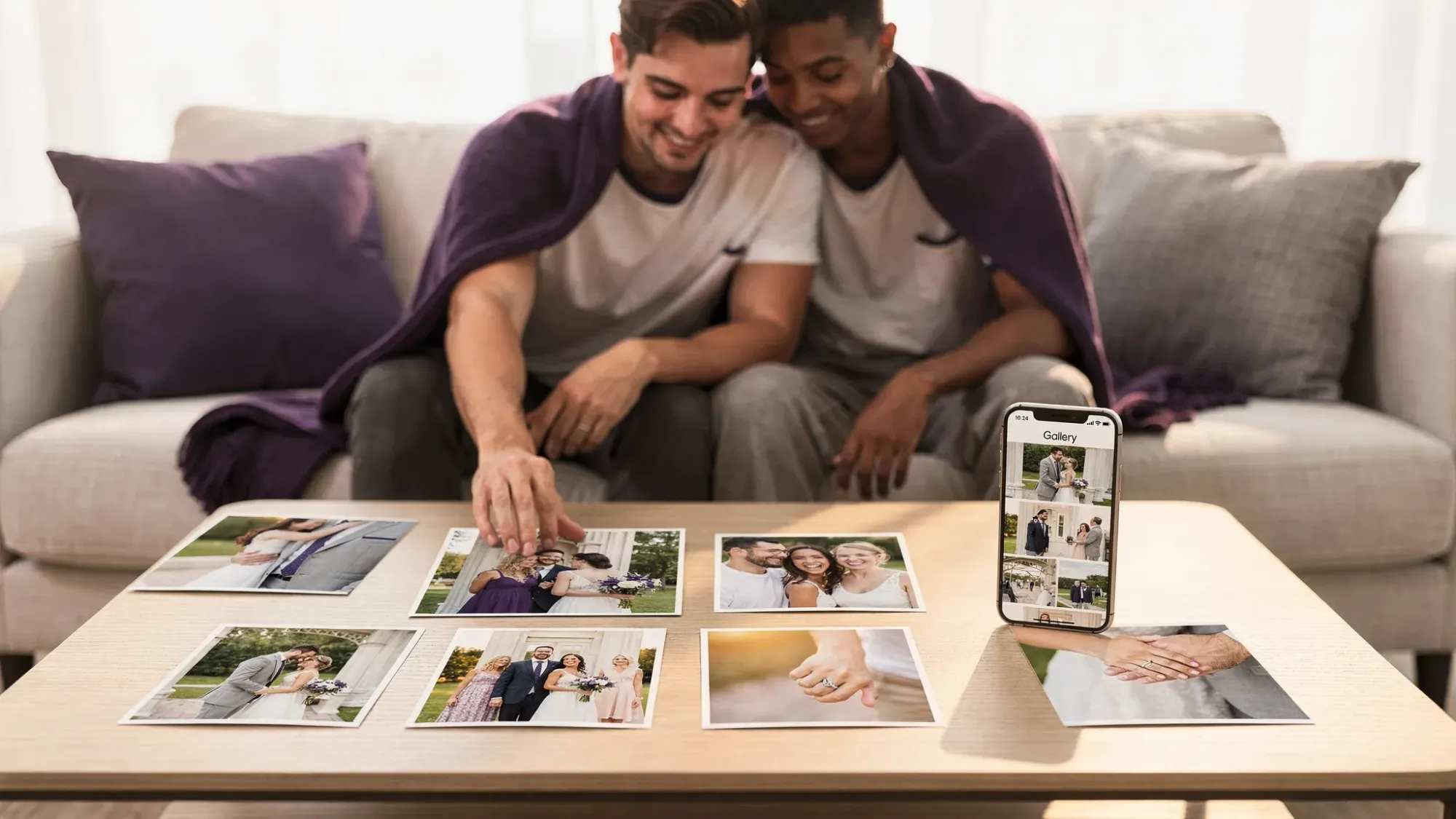
If you want guest photos at your wedding, the winning move is to make sharing part of the celebration, not a post-event task.
With Revel.cam, you can create a private wedding “Moment,” share it via QR code, NFC tag, or link, and let guests snap and upload instantly with no signup or app install required. Set photo limits, control when the Moment ends, review shots, then reveal a beautiful gallery when you’re ready.
Create your Moment at Revel.cam.

A writer interested in connection, memory, and the everyday moments that matter more than we realize.
Tags: Wedding planning , Wedding planning app , Wedding planning tool , Group wedding photos , Wedding app , Wedding guest photos , Wedding photography , Wedding photos , Wedding photo sharing , Wedding photo gallery