Event Planner Application: How to Evaluate Tools Like a Pro
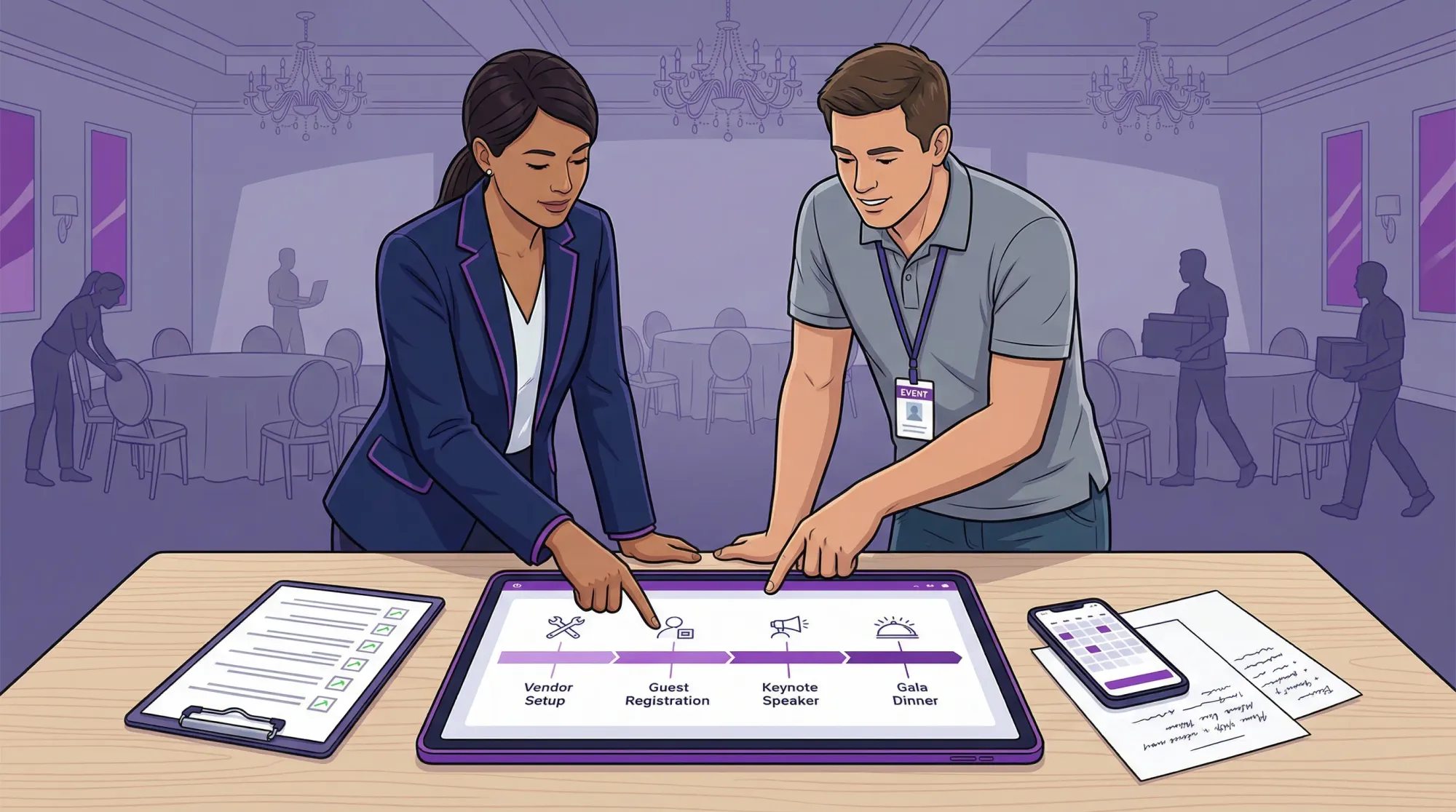
Most event tools look great in a sales demo and quietly fall apart the week your timeline gets real, vendors start asking questions, and 200 guests arrive at once.
Evaluating an event planner application like a pro means testing for reality: handoffs, permissions, on-site chaos, and the “last 10%” details that actually determine whether your event runs smoothly.
This guide gives you a practical evaluation framework you can use for weddings, corporate events, conferences, brand activations, and community gatherings.
Start by defining what “event planner application” should cover for your event
One reason teams buy the wrong tool is that “event planning” can mean very different jobs:
- Planning and coordination: tasks, checklists, decision logs, vendor contacts, documents, timelines, run of show
- Guest operations: invitations, RSVPs, seating, messaging, check-in
- On-site execution: staffing plans, cueing, change management, incident notes
- Content and deliverables: photo and media collection, post-event galleries, sponsor assets, recap reports
No single app is best at everything. Pros typically build a small “stack” where each tool owns a clear job.
A useful mental model is:
- Choose one system of record (the place you trust for the latest timeline, contacts, documents, and decisions)
- Add specialists only where friction or risk is high (guest comms, registration, seating, photo capture)
That prevents the most common failure mode: five overlapping apps and nobody knows which one is true.
Step 1: Write a one-page “success brief” before you look at tools
If you skip this, you will evaluate apps based on features, not outcomes.
In one page, document:
Your event realities
Be specific:
- Event type(s): wedding weekend, annual conference, multi-city roadshow, activation, fundraiser
- Scale: guest count range, number of venues, number of sessions, number of vendors
- Staffing: who is planning, who is executing on-site, who needs visibility only
- Complexity drivers: travel, VIPs, sponsors, multiple languages, union venues, security requirements
Your non-negotiables
Think in constraints, not wish lists:
- “Guests will not install an app.”
- “We need role-based permissions for vendors.”
- “We must export everything at the end.”
- “Works on mobile during load-in, even with weak Wi‑Fi.”
Your measurable definition of “worked”
Examples:
- The run of show is publishable and always current
- Vendor questions are answered in one place (no scattered texts)
- Guests actually follow the intended flow (arrival, seating, check-in)
- You can deliver a clean post-event package (photos, assets, recap) within 72 hours
This brief becomes your evaluation rubric.
Step 2: Build a demo test plan based on real tasks (not a feature tour)
Sales demos are designed to show what’s possible. Your job is to find what’s reliable.
Create a short test plan with tasks you will actually do in the weeks leading up to the event. Then ask every vendor to run the same tasks live (or give you a sandbox).
Here are high-signal tasks that expose weaknesses fast:
Timeline and run of show
Can you:
- Create a run of show with owners, cue notes, and dependencies
- Duplicate it as a template for the next event
- Produce a “printable” or shareable version that is readable on phones
- Track last changes (what changed, who changed it)
Vendor and venue coordination
Can you:
- Store vendor contacts with structured fields (roles, insurance status, arrival windows)
- Attach documents (COI, floor plan, load-in map) to the right place
- Give vendors limited access without exposing guest lists or internal budgets
Guest operations (if applicable)
Can you:
- Import and export guests cleanly (CSV in and out)
- Segment communications (VIPs vs all attendees)
- Avoid guest friction (long forms, mandatory accounts, clunky mobile UX)
On-site execution
Can you:
- Use the tool comfortably on a phone
- Find critical info in under 10 seconds (vendor phone, loading dock instructions, latest timeline)
- Capture notes and issues in real time (what happened, action, owner)
If an app cannot do these calmly in a sandbox, it will not do them on event day.
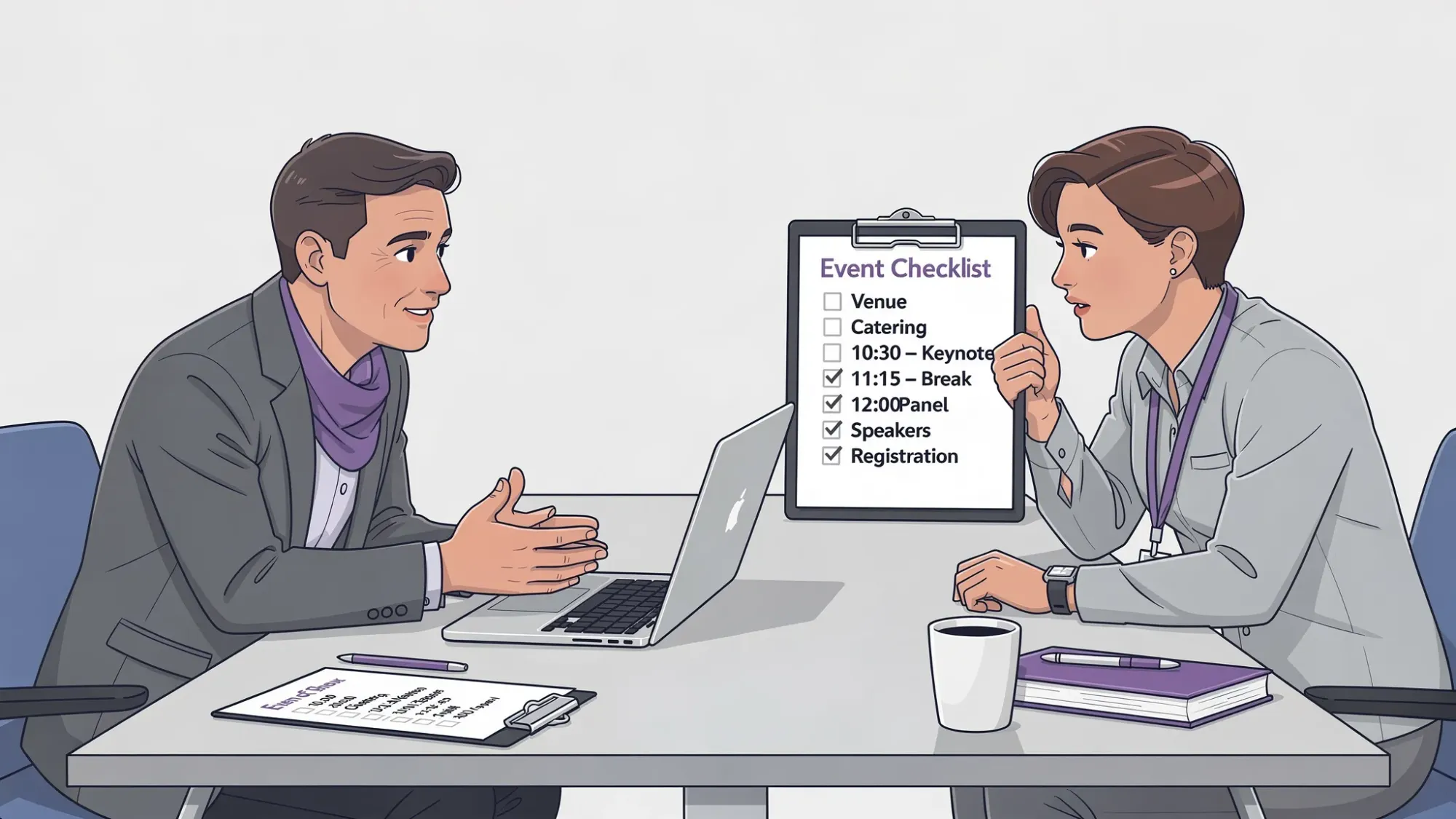
Step 3: Score tools using a weighted matrix (so opinions do not win)
A pro evaluation process turns “I like it” into “it fits our constraints.” A weighted scorecard keeps your team aligned and makes procurement easier.
Use a 1 to 5 score per category, multiplied by weight.
Here’s a practical matrix you can copy.
| Category | What you’re really testing | Wedding / social weight | Corporate / conference weight |
|---|---|---|---|
| Timeline + run of show | Can we cue the day and stay current? | High | High |
| Collaboration + permissions | Can the right people edit, view, or comment safely? | Medium | High |
| Guest experience | Is guest-facing UX fast and mobile-first? | High | Medium to High |
| Vendor management | Can we track vendors, docs, and handoffs? | High | High |
| On-site usability | Can we operate from a phone under pressure? | High | High |
| Templates + repeatability | Can we reuse for the next event? | Medium | High |
| Data portability | Can we export timelines, guests, contacts, docs? | High | High |
| Security + privacy | Are controls and policies credible? | Medium | High |
| Support + reliability | Will help exist when it matters? | High | High |
| Total cost of ownership | Are we paying for value, not bloat? | High | High |
Two teams can use the same categories but different weights. That is the point.
The pro move: score “time to competence,” not just features
Ask: How long until a new coordinator can use this without breaking the system?
If the tool requires heavy training to do basic work, you are buying operational risk.
Step 4: Pressure-test adoption (the hidden make-or-break)
The best tool is the one people actually use.
Instead of asking, “Does it integrate with everything,” start with these adoption realities:
Stakeholder-by-stakeholder friction
- Internal team: Is collaboration clean, or does it create duplicate work?
- Vendors: Can they access what they need without new accounts and confusion?
- Guests: Will they participate, or will they ignore it?
If guests or vendors won’t engage, you need simpler guest-facing systems and stronger internal ones.
Mobile-first matters more than desktop polish
For weddings and on-site corporate events, much of the work happens on a phone in real venues. Test:
- Load speed on cellular
- Readability of timelines
- Search (can you find the one detail that matters right now?)
- Offline behavior or graceful failure when internet is weak
Accessibility is a real operational requirement
If your guests include older family members, international attendees, or anyone using assistive tech, accessibility is not optional.
A credible baseline is alignment with WCAG. You do not need perfection, but you should see evidence the vendor cares.
Step 5: Evaluate pricing the way operators do (not the way sales decks do)
Event tool pricing is often complicated because events are spiky. The cost you care about is total cost of ownership across a season, not month one.
Common pricing models (and what to watch)
- Per user: Great for small teams, can get expensive if you need many collaborators
- Per event: Predictable for planners and venues running discrete projects
- Per attendee or contact: Can surprise you quickly at scale
- Add-ons: Seating charts, texting, check-in hardware, extra storage, premium support
Contract terms that matter in real life
Look for clarity on:
- Cancellation and refunds (events change)
- Support response times (especially for on-site days)
- Storage and retention (do you pay forever to keep your history?)
- Exports (can you leave without losing your data?)
If you cannot export your key assets (guests, timelines, vendor contacts, documents), treat that as a red flag.
Step 6: Security and privacy checks (simple, but non-negotiable)
You do not need to be a security expert to run a responsible evaluation.
Start by classifying what the app will hold:
- Personal data (names, phone numbers, emails)
- Sensitive details (VIP lists, addresses, travel info)
- Media (photos, brand assets)
- Payment-related data (invoices, deposits, reimbursements)
Then validate whether the vendor can match your risk.
What to ask for
- Clear documentation of security practices and privacy policy
- Role-based access control
- Audit logs (who changed what)
- Data export and deletion process
- If your org requires it, third-party assurance such as SOC 2
If you are managing corporate events, also check whether the tool supports SSO or aligns with internal identity requirements.
For privacy laws and obligations, many teams use baseline references like GDPR and state privacy laws. Your legal counsel should advise on specifics, but your evaluation should surface whether the vendor takes privacy seriously.
Step 7: Integrations and data portability (choose boring reliability)
Integrations are only valuable if they reduce work without adding fragility.
Prioritize:
- Calendar sync (so the run of show drives real reminders)
- Clean imports/exports (CSV for guests and contacts)
- Simple automations (for example via Zapier, if applicable)
But treat “we integrate with everything” as neutral until proven.
A pro question is: If the integration breaks the week of the event, can we still run the show?
If the answer is no, you built a brittle system.
Step 8: Pilot with one event, then operationalize
Instead of rolling out a new event planner application across every event, run a controlled pilot.
A good pilot has:
- One real event with moderate complexity
- A clear owner (who decides what stays and what changes)
- A short “operator retrospective” within 48 hours
In that retrospective, capture:
- What slowed us down?
- What caused duplicate work?
- Where did people revert to texting or spreadsheets?
- What did guests or vendors ignore?
Then create lightweight standards:
- A timeline template
- Naming conventions for files and versions
- Permission rules
- A single source of truth rule (where to look, where to update)
This is how pros prevent tool sprawl.
Don’t forget the “memories layer” (where most planning apps are weak)
Many event planner applications are strong at tasks, budgets, and logistics, but weak at one thing every event ultimately needs: capturing and delivering the story of the event.
That “memories layer” is where teams lose time after the event:
- Photos scattered across group chats
- Shared albums that require sign-ins
- Late uploads that never happen
- No clean gallery to share with stakeholders
For many weddings, parties, and even corporate events, it can be smarter to keep your main planner app focused on operations and add a specialist tool for guest photo capture.
Where Revel.cam fits
Revel.cam is designed specifically for instant event photo sharing so guests can contribute without friction.
Instead of asking people to download an app or remember to upload later, hosts create a Moment and share it via QR code, NFC tag, or link. Guests join instantly and take photos that upload automatically to a private event gallery. On iPhone, Revel.cam can open as an App Clip (no app install), as described in Apple’s App Clips overview.
Operationally, this matters because it gives you controls that typical shared albums do not:
- Set guest limits and photo limits to keep the gallery intentional
- Set an end time so uploads stop when the event ends
- Use host review and moderation before sharing
- Reveal a cohesive gallery when the Moment is over
If you are evaluating tools like a pro, the key question is not “Can my planning tool also collect photos?” It’s “Will guests actually do it, and will I end up with one clean gallery without chasing people?”
If you want to see how a camera-first photo workflow works in practice, you can explore Revel.cam at revel.cam.
A quick reality check before you decide
Before you sign anything, run this simple sanity test:
- Can we run the event if one team member is out sick?
- Can we find critical details in under 10 seconds on a phone?
- Can we hand this off to another coordinator without a two-hour training?
- Can we export our work and keep it?
- Will guests and vendors actually use the parts they touch?
If you can answer “yes” consistently, you are evaluating like a pro.

A writer interested in connection, memory, and the everyday moments that matter more than we realize.
Tags: Event planning , Corporate events , Event photo collection , Event photography , Event photo sharing , Shared event photos