Event Planner App Checklist: Must-Have Features for 2026
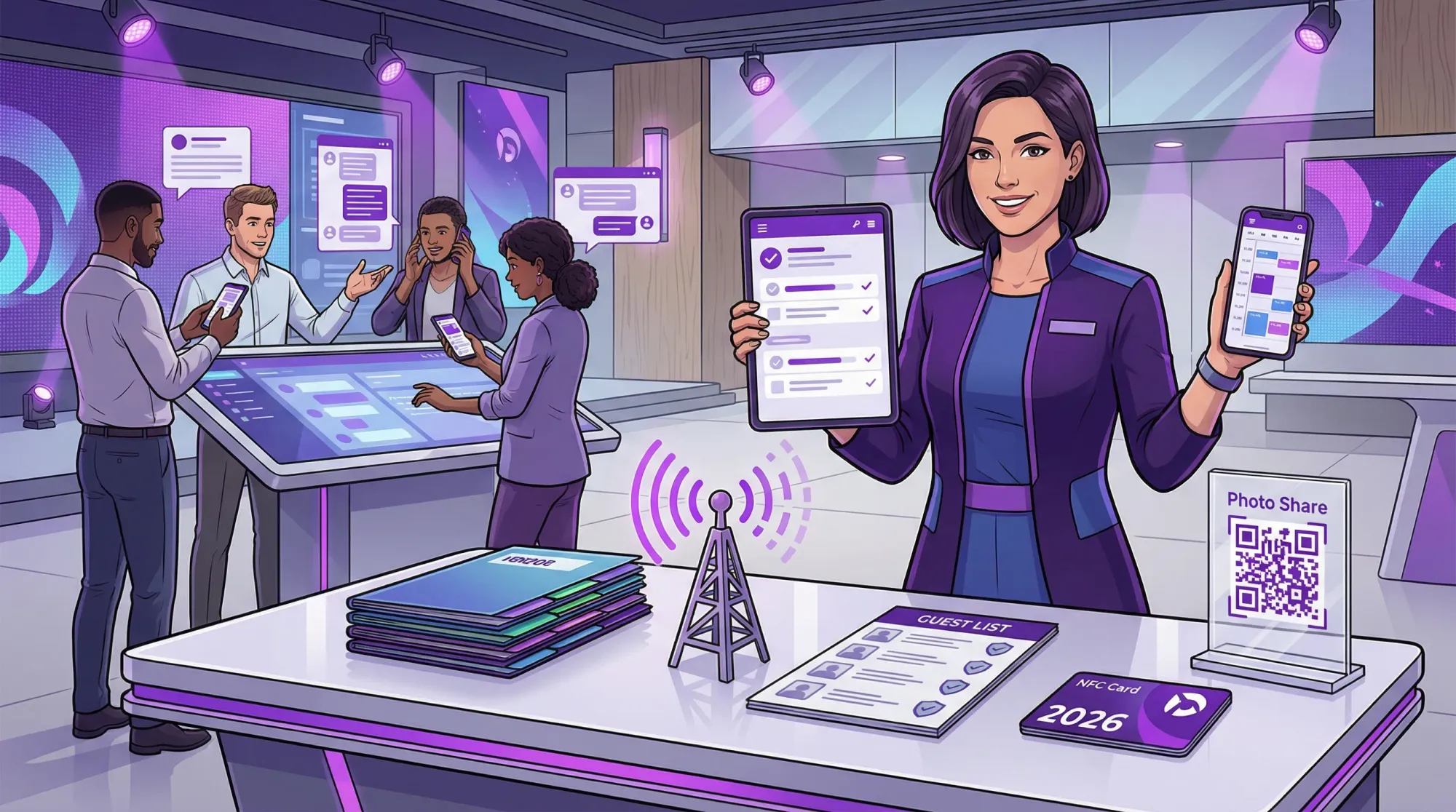
Planning in 2026 is less about building the perfect spreadsheet and more about building a system that survives real-world chaos: last-minute guest changes, vendor handoffs, Wi‑Fi dead zones, privacy expectations, and the reality that your team is coordinating from their phones.
If you’re searching for an event planner app, you’re probably not looking for “more features.” You’re looking for fewer failures.
This checklist is a practical way to evaluate event planning apps in 2026, whether you’re coordinating a wedding weekend, a corporate offsite, a brand activation, a graduation party, or a multi-day conference.
The 2026 baseline: what an event planner app must do
At a minimum, a modern event planner app should cover four jobs end-to-end:
- Plan: tasks, budget, vendors, and decisions in one source of truth.
- Coordinate: keep stakeholders aligned with clear roles, messaging, and version control.
- Run the day: timelines, checklists, and on-site execution tools that work under pressure.
- Capture outcomes: the assets and documentation you need after the event (photos, reports, lists, lessons learned).
Many tools handle the first two. Fewer handle the third well. Almost none handle the fourth without bolting on extra tools. That’s where your checklist should be strict.
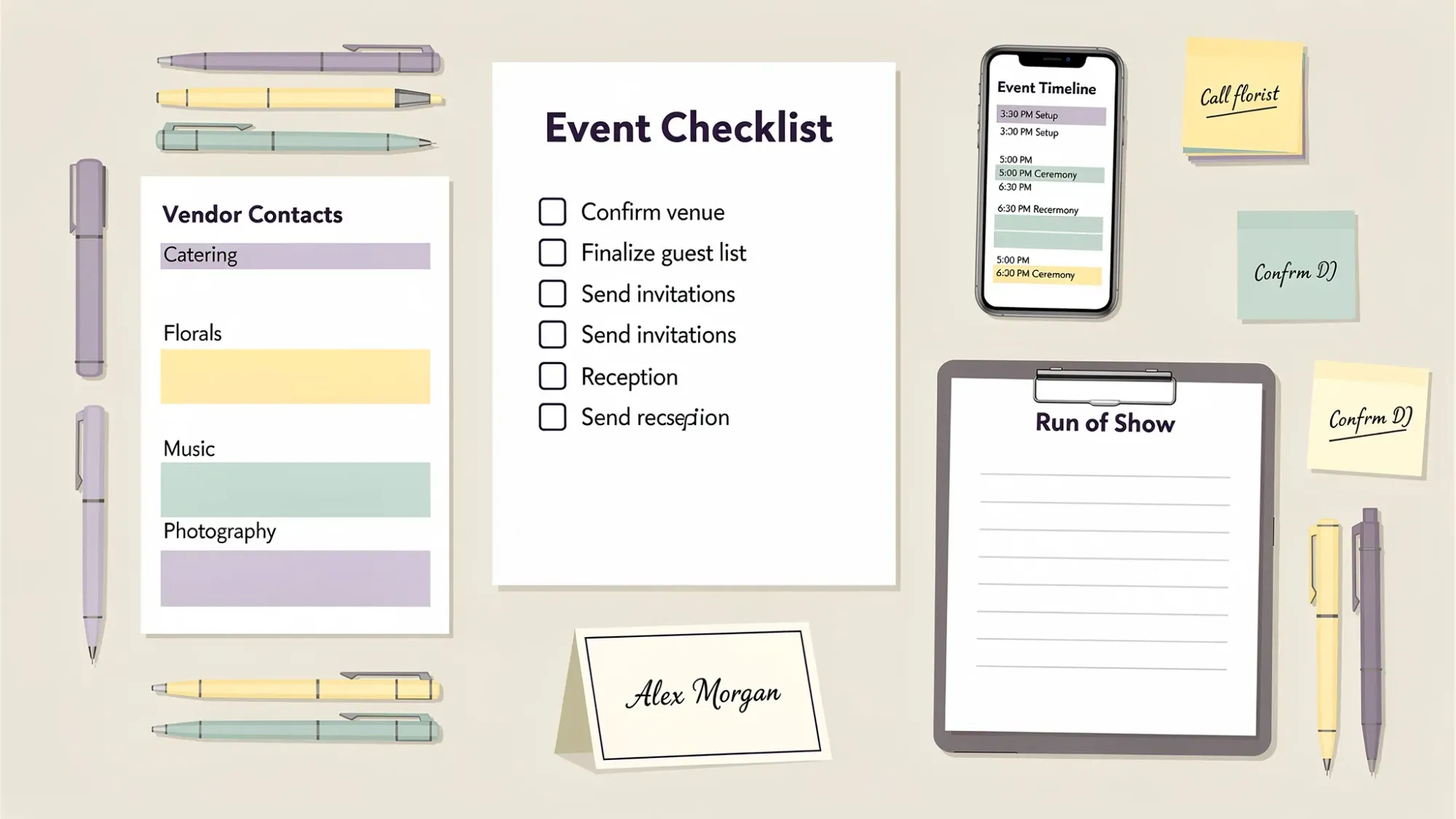
Checklist section 1: Setup, templates, and collaboration (your “home base”)
An event planning app is only as useful as it is adoptable. In 2026, adoption is mostly about speed, clarity, and permissions.
Look for:
Fast setup with reusable templates
The best tools let you duplicate an event framework (task lists, phases, default timelines, message templates, and vendor fields) so you’re not rebuilding the wheel for every wedding or quarterly kickoff.
Clear roles and permissions
You want to control who can edit the budget, who can publish the run of show, and who can only view.
This matters for:
- Wedding couples who want family involved without letting anyone “fix” the timeline.
- Corporate teams that need approvals and auditability.
- Agencies that need client visibility without client control.
A decision log, not just tasks
Tasks tell you what to do. Decisions tell you what not to reopen.
Your app should make it easy to record:
- the decision
- the decision owner
- the date
- the impact (budget or timeline)
- the “why” (so you don’t re-litigate later)
Checklist section 2: Budgeting that matches how events are actually paid for
Budgets blow up in the gaps between a quote and a final invoice. Your event planner app should reduce those gaps.
Prioritize budget features that support:
Line-item detail and categorization
A single “Decor: $4,000” number is not a plan. You want line items, notes, and links to supporting docs.
Payment schedules and reminders
Deposits, second payments, final payments, and due dates should be trackable (and shareable with whoever is paying).
Quote vs actual tracking
An app that can show “committed spend” versus “estimated spend” helps you avoid the classic surprise: you’re technically “under budget,” until the invoices arrive.
Approval workflows (especially for corporate events)
If your org requires approvals, look for a clean way to document them. Otherwise, your “budget” becomes a report you rebuild after the fact.
Checklist section 3: Vendor and venue management that reduces back-and-forth
The best planning tools behave like a lightweight CRM for your event.
Key features:
A structured vendor directory
Names and phone numbers are not enough. You want searchable fields like category, contract status, insurance status, arrival time, load-in needs, and primary day-of contact.
Centralized documents with version control
Contracts, COIs, diagrams, and menus should be attached where they’re used. In 2026, “it’s in someone’s email” is an operational risk.
Operational fields that map to run-of-show reality
Helpful fields include:
- arrival and strike times
- power needs
- delivery address and loading instructions
- parking details
- contingency notes (weather plan, backup options)
Support for specialized production needs
If you’re planning brand activations or conferences, vendor management often includes swag, staff uniforms, or custom apparel timelines. In those cases, working with an experienced partner can reduce risk on sizing, sampling, and production lead times. For example, a full-service apparel development and manufacturing partner can be relevant when event apparel is part of the deliverable.
Checklist section 4: Guest and attendee management (the “experience layer”)
An event planner app isn’t only for planners. It’s also for guests, even if they never download anything.
In 2026, guest management should be:
Mobile-first and low-friction
If guests can’t find the schedule in 10 seconds, they’ll text you. Then your team becomes a help desk.
Flexible for different event types
Weddings need meal choices and plus-ones. Conferences need sessions and badge names. Social parties may only need a headcount and dietary notes.
Privacy-aware by default
You should be able to control what a guest sees (for example, hiding addresses for private homes, keeping vendor lists private, or restricting internal notes).
Accessible and inclusive
Look for basic accessibility support (readable typography, good contrast, link clarity) and accommodations fields (mobility needs, seating considerations, allergies).
Checklist section 5: Timeline and run-of-show tools that hold up on the day
This is where many tools look good in planning mode and fail in execution.
For 2026, you want:
A true run of show view
Not just a list of tasks, but a time-ordered plan with:
- cues
- owners
- locations
- vendor arrival windows
- buffers
Multiple versions (and a way to publish the “live” one)
If everyone is looking at a different timeline, you don’t have a timeline.
Strong apps let you:
- keep a working draft
- publish a locked version for day-of
- track changes (so updates are intentional)
Offline or weak-signal usability
Venues with spotty reception are common. Your critical info should remain available when service is bad (even if edits sync later).
Quick “day-of edits” without breaking the whole plan
You need to be able to adjust timing, reassign an owner, or add a note fast, without turning the timeline into a scrolling nightmare.
Checklist section 6: Communication that reduces manual coordination
If your app doesn’t reduce messaging, it’s not doing its job.
Look for communication features that support:
Segmented messaging
You rarely want to message “everyone.” You want to message:
- VIPs
- vendors
- staff
- guests
- a specific table or group
Automations and reminders
Even simple automations (payment due reminders, RSVP nudges, schedule confirmations) reduce mental load.
A single source of guest-facing truth
Whether it’s a web page, a simple hub, or an in-app view, the goal is the same: fewer “what time do we need to be there?” texts.
Checklist section 7: On-site operations and contingency support
In 2026, your event planner app should help you run the event like operations, not vibes.
Evaluate:
Checklists built for execution
You want checklists that can be assigned, time-stamped, and marked complete. Bonus points if the app supports different modes like:
- load-in
- pre-doors
- live program
- strike
Incident notes and post-event learnings
Corporate teams often need a record. Wedding teams often need a debrief for future events. Either way, you want a simple way to log what happened and what to change next time.
On-site contact sheet access
If you can’t open the vendor list in two taps, the list might as well not exist.
Checklist section 8: The “memories layer” (photos and media) is now part of planning
This is the piece most event planner apps still treat as an afterthought.
But in 2026, photos are not just sentimental. They’re also:
- marketing assets
- internal comms content
- sponsor deliverables
- community documentation
So your checklist should include a clear answer to: How will we collect photos from everyone without chasing people later?
What to look for in guest photo collection
The most reliable photo collection systems share a few traits:
- No app install and no accounts for guests (participation goes up when friction goes down)
- Camera-first flow (guests take photos inside the event experience, not “upload later”)
- Automatic uploads into one private gallery (no group-chat chaos)
- Host controls (limits, moderation, timing)
That’s exactly the problem Revel.cam is built to solve.
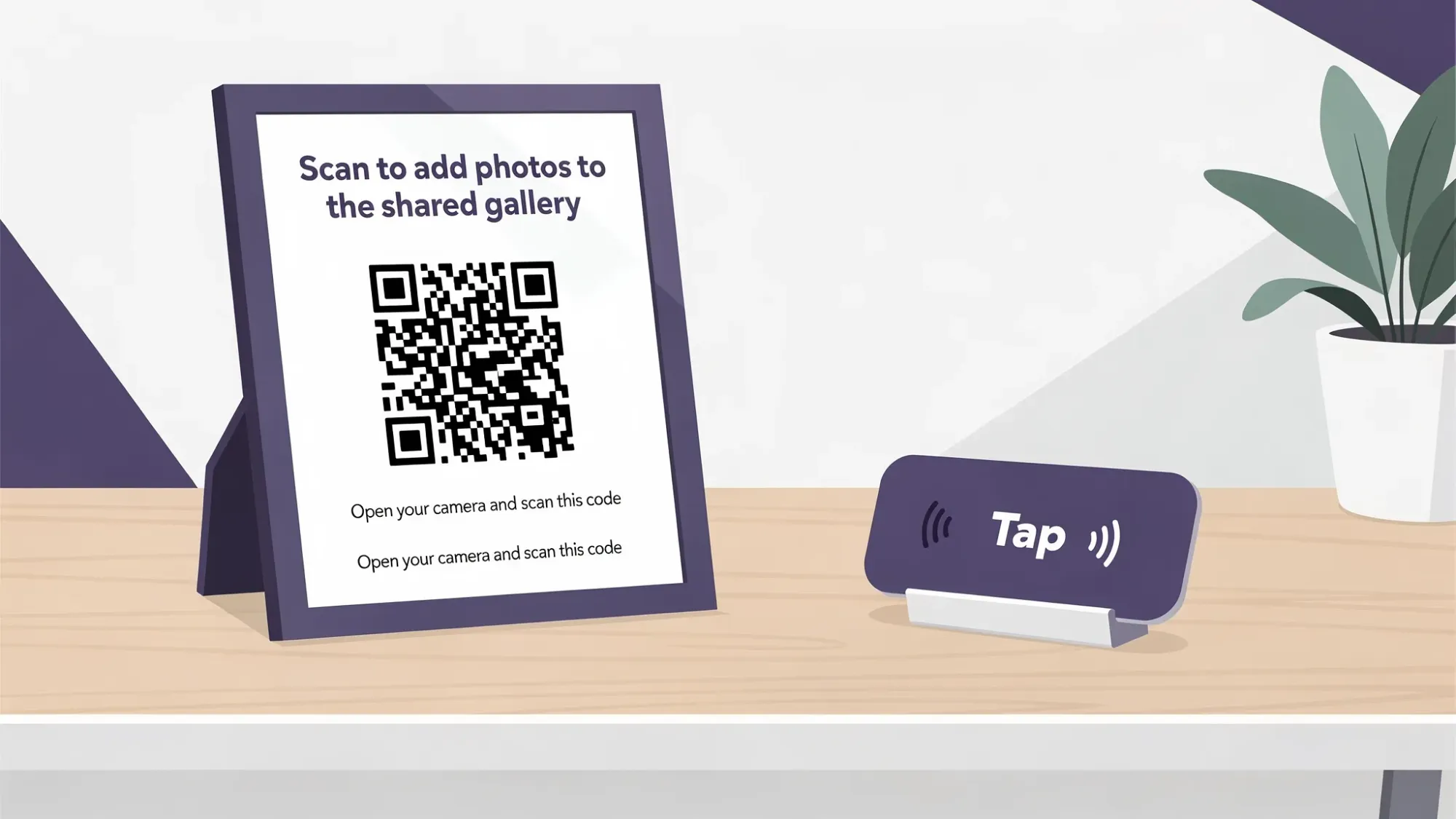
With Revel.cam, you create a private event space called a Moment, then share it by QR code, NFC tag, or link. Guests join instantly, on iPhone it opens as an App Clip, and they can snap photos that upload automatically to one gallery (no signup, no app install). Hosts can set per-guest photo limits, define an end time, and review or remove photos before sharing.
If you’re building an event tech stack, it’s often cleaner to keep your core event planner app focused on planning and execution, then plug in a purpose-built memories layer.
Checklist section 9: Security, privacy, and data ownership (non-negotiable in 2026)
Expectations have changed. Guests and organizations increasingly want to know where data goes, who can access it, and how long it’s retained.
Your event planner app checklist should include:
Granular access controls
Different teams need different visibility. Your tool should support permissions without requiring awkward workarounds.
Data export and portability
You should be able to export:
- guest lists
- budgets
- timelines
- vendor contacts
- files (or at least file links)
This protects you from lock-in and makes your planning reusable.
Clear privacy boundaries for guests
If guests are contributing anything (photos, contact info, RSVP data), your system should avoid unnecessary exposure and keep the event scoped.
Checklist section 10: Integrations and workflows (so the app fits your real stack)
The right event planner app is the one that fits how you already work.
In 2026, most teams need clean handoffs to:
- calendars
- spreadsheets
- cloud storage
- email and SMS tools
- check-in or ticketing systems (for larger events)
Even if you don’t need deep integrations, you should at least confirm the basics: export formats, share links, and whether collaborators can participate without friction.
A practical way to compare event planner apps in one page
When you’re comparing tools, it helps to score them by category instead of getting distracted by niche features.
Here’s a simple evaluation matrix you can copy into your notes:
| Category | Must-have in 2026 | What to test in a demo/trial |
|---|---|---|
| Collaboration | Roles, permissions, templates, decision log | Can you invite a collaborator and restrict budget edits? |
| Budgeting | Line items, payment schedules, quote vs actual | Can you track a deposit and attach a contract? |
| Vendors | Structured directory, document storage | Can you find load-in info in under 10 seconds? |
| Guest experience | Mobile-first info hub, privacy controls | Can a guest find schedule/parking instantly? |
| Run of show | Publishable timeline, buffers, day-of view | Can you print/share a clean run-of-show PDF or view? |
| On-site execution | Checklists, offline usability, quick edits | Does it still work in low service? |
| Memories | Low-friction photo collection plan | How do photos get from guests into one gallery? |
| Security | Export, access controls | Can you export the guest list and timeline? |
Choosing the right tool by event type (quick guidance)
Different events break in different places. Use this as a filter when you’re prioritizing features.
Weddings and wedding weekends
Weddings benefit most from:
- strong timeline and run-of-show tools
- guest-facing clarity (schedule, locations, dress code)
- low-friction photo collection (because you’ll never get everyone to upload later)
Corporate events and conferences
Corporate events benefit most from:
- approvals and auditability in budgets
- vendor compliance tracking (COIs, security requirements)
- privacy controls and brand safety for shared media
Brand activations, festivals, community events
These events benefit most from:
- fast setup and templates (repeatable activations)
- on-site execution tools (staff checklists, incident notes)
- simple guest participation systems (QR and NFC are practical at scale)
Where most “event planner apps” still fall short in 2026
If you only remember one thing from this checklist, make it this: most planning apps are optimized for planning, not participation.
Planning lives with the organizer. Participation lives with guests, staff, and vendors, and that’s where friction destroys results.
So when you evaluate an event planner app, don’t just click around the dashboard. Pressure-test the guest experience and day-of experience:
- Can a guest use it without help?
- Can your team run the event from their phones?
- Can you capture the outcomes (especially photos) without a post-event chase?
A simple 2026 stack that works for most events
Many organizers end up with a small, intentional stack:
- One event planner app for tasks, timelines, vendors, budget, and guest info
- One low-friction photo collection tool for a shared gallery that guests actually use
If guest photos matter for your event, Revel.cam is designed to be that second piece: QR code and NFC access, iPhone App Clip support, automatic uploads, private galleries, and host controls (limits, end time, moderation, and a gallery reveal).
You can explore how the Revel.cam workflow works in practice in Event Photos: How to Collect, Curate, and Share in One Place.

A writer interested in connection, memory, and the everyday moments that matter more than we realize.
Tags: Event planning , Corporate events , Event photo collection , Event photography , Event photo sharing , Shared event photos