Event Photography: How to Get More Candids Without Posing
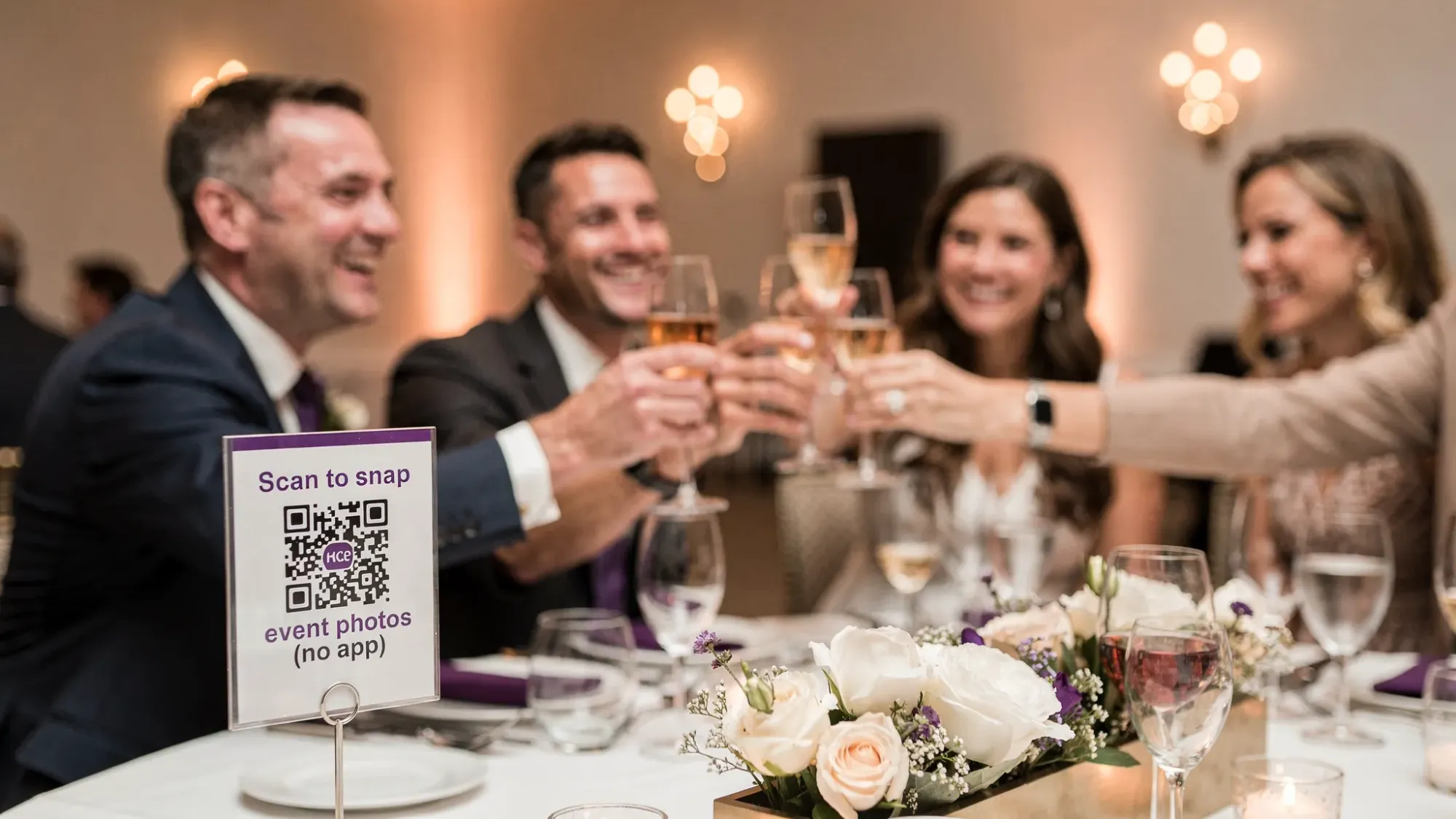
Candid photos are what people replay years later: the laugh during a toast, the quiet hug in a hallway, the split-second reaction when a surprise happens. The problem is that most events accidentally discourage candids. Guests do not want to interrupt a moment to ask for a pose, and even if they do capture something, sharing it later is another chore that rarely happens.
This guide is a practical, event-first approach to event photography that helps you get more candids without turning your event into a photoshoot. It works whether you are a photographer, a planner, or a host who just wants a complete story of the night.
What “candid” actually means (and why it’s not the same as “random”)
A candid photo is unposed, but it is not accidental. The best candids usually have three things:
- A clear moment (reaction, connection, action)
- Clean context (a background that does not distract)
- Access (someone with a camera is close enough, fast enough)
Most events fail on the third point. The moments happen, but the cameras are not ready, or the sharing workflow is too annoying to bother with.
The no-pose formula: Scene + Signals + System
If you want more candids, you do not need more “pose ideas.” You need to make candid capture the default.
1) Scene: build a room that photographs itself
Candids get dramatically better when the environment helps.
Lighting that flatters without effort
- Push for even, warm, face-friendly light in areas where people naturally gather (bar, guestbook, lounge corners, buffet line).
- If you can, avoid strong overhead spotlights that create raccoon-eye shadows.
- For evening events, consider adding soft practical lights (lamps, string lights, or bounced light from uplighting) in “pause zones.”
Backgrounds that do not compete
Your guests might be dressed perfectly, but a cluttered background makes the photo feel messy. Create at least two areas with simple, intentional backdrops:
- A clean wall, drape, or greenery moment
- A corner with one strong visual element (neon sign, brand wall, florals), not five
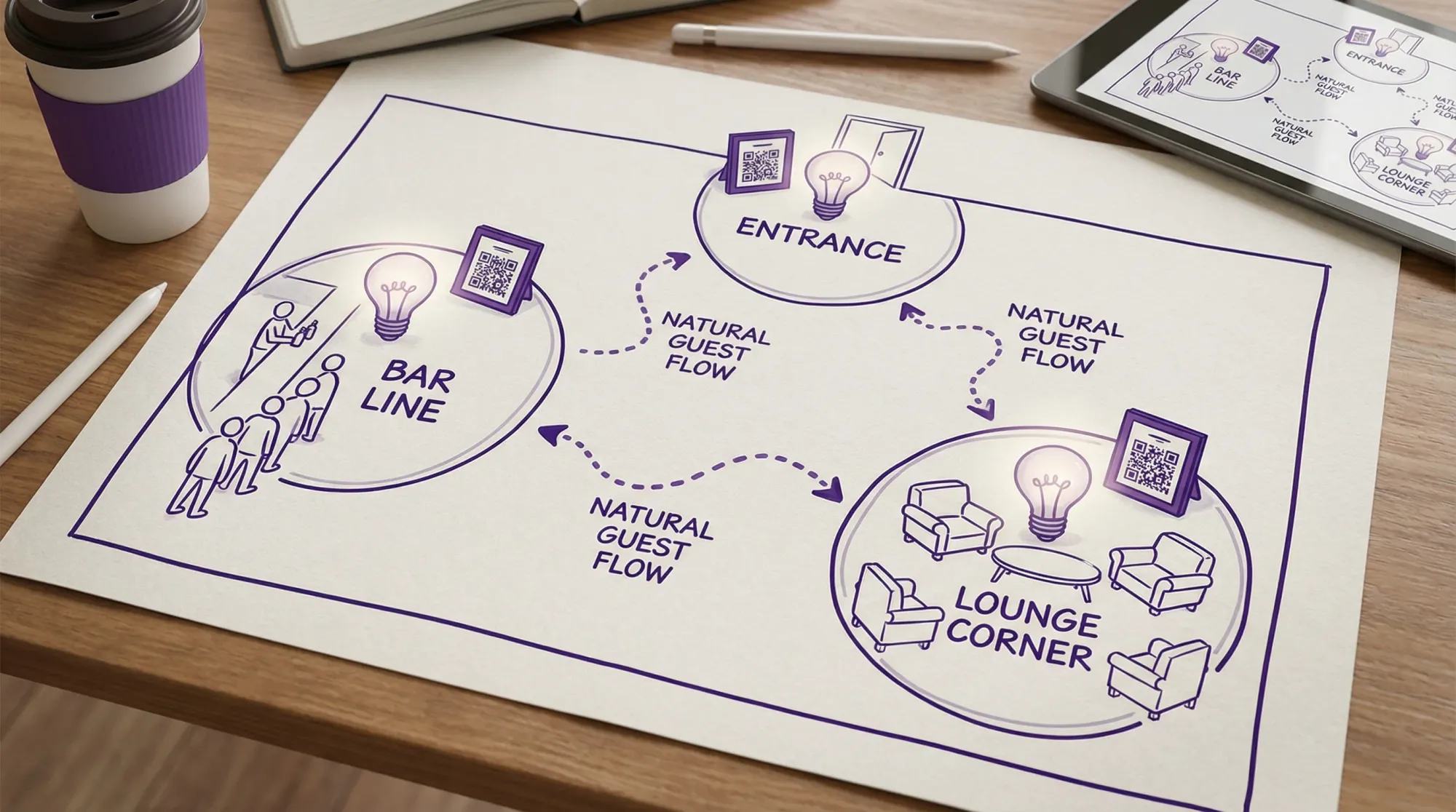
Traffic patterns that produce interactions
You get more candids when people cross paths naturally. Small layout changes help:
- Put the bar and food in different areas so people move.
- Create “micro-rooms” (clusters of 4 to 8 seats) instead of one big line of chairs.
- Place one conversation starter near a high-traffic spot (guestbook prompt, memory jar, polaroid board, product demo station).
2) Signals: replace “pose” with prompts that trigger real reactions
The fastest way to kill a candid is “Everyone look here and smile.” Instead, use prompts that create motion, attention, or emotion, and then let the camera catch the result.
Better prompts than posing
- “Tell them the funniest thing that happened this week.”
- “Show each other your favorite detail of your outfit.”
- “Give a toast to the person on your left (ten seconds).”
- “Lean in and tell a secret, then react.”
- “Do the handshake you used to do in college.”
These work because they create something to watch, not a face to aim at.
Timing prompts to moments that already exist
You do not need to manufacture candids all night. You need to attach a few small nudges to moments with high emotional payoff:
- Arrival and hellos
- First drink, first bite
- Toasts and speeches
- Dance floor ignition (first 10 minutes after it fills)
- The quiet reset moments (outside, hallway, lounge)
3) System: make capturing and collecting effortless
Even if guests take great photos, you still need them in one place.
A strong system does three things:
- Opens fast (no scavenger hunt for an app, no account creation)
- Uploads immediately (nothing to “remember later”)
- Adds guardrails (limits and moderation so the gallery stays high quality)
This is where a shared event camera like Revel.cam fits: guests scan a QR code or tap an NFC tag and go straight to a camera that uploads to a single private gallery, with no signup or app install required. On iPhone, this can launch via an App Clip (Apple overview here), which is designed specifically for fast, lightweight experiences.
If you’re a photographer: how to capture candids without directing people
Professional event candids are mostly about anticipation, positioning, and settings that forgive motion.
Positioning: stay close to moments, not to “photo spots”
Candids cluster around friction points:
- The bar line
- Food stations
- Entryways
- The edge of the dance floor
- Seating transitions (when people stand, hug, lean in)
Instead of camping at a backdrop, work in loops. A simple pattern is:
- 5 minutes in a high-traffic zone
- 2 minutes scanning for reactions
- 3 minutes on the perimeter of the main action (dance floor, stage, podium)
Lens choices that help you stay invisible
- 35mm (or phone 1x equivalent): feels intimate, great for storytelling, forces you to be present.
- 50mm: clean perspective, great for couples and small groups.
- 85mm to 135mm: great for speeches and reactions without stepping into someone’s space.
If you notice people “performing” when you approach, back up and use a longer focal length. If you notice people ignoring you completely, you can move closer with a wider lens and capture more immersion.
Settings for sharper candids (without flash turning it into a spotlight)
Candids fail when shutter speed is too slow. You can fix most of that with three priorities:
- Shutter speed first for motion (often 1/250 indoors for moving subjects, higher for dancing)
- Auto ISO with a reasonable ceiling so exposure adapts quickly
- Continuous AF and a mode that lets you track faces as they turn
Flash can be helpful, but direct flash can change behavior. When possible, bounce or diffuse so people do not feel “lit up.”
Capture reactions, not just actions
The most rewatchable images are often the audience, not the stage.
During speeches, performances, or announcements:
- Shoot the speaker for context.
- Then turn to faces for reactions.
- Look for the “secondary story”: the friend crying, the coworker laughing, the kid copying dance moves.
If you’re hosting or planning: engineer more candids from guests (without nagging)
Most hosts try to solve candids with reminders like “send me your photos.” That is too late. The fix is to make contribution automatic and socially easy.
Put cameras where people pause
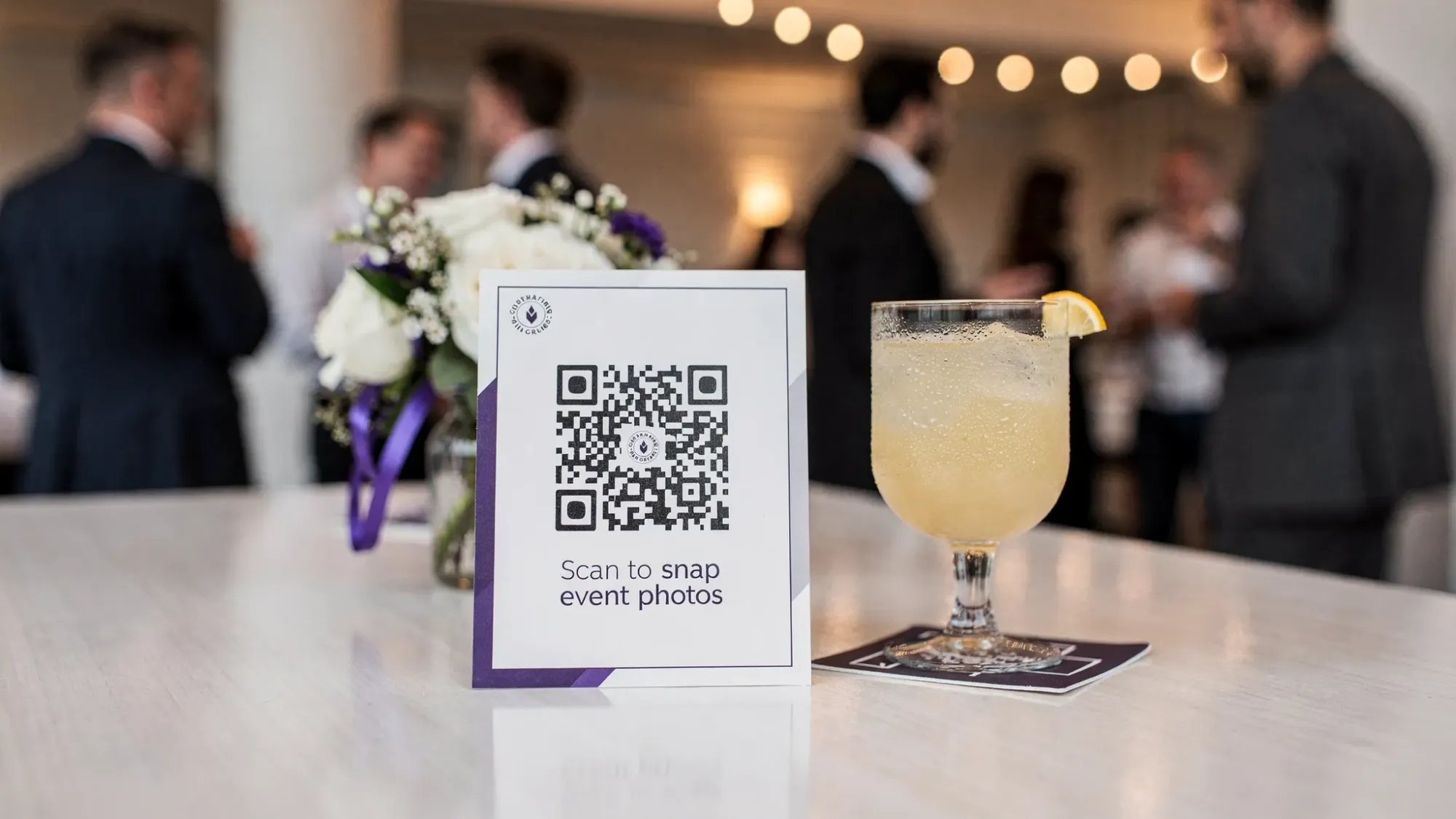
If you want guests to actually scan a QR code, put it where they naturally stop:
- Welcome sign
- Bar menu
- Table tents
- Bathroom mirror sign (surprisingly effective)
- Lanyards or badges (for conferences)
If your event has multiple rooms, repeat the access point. One QR code at the entrance is not enough.
Use one-sentence instructions (the shorter, the better)
The best signage copy is usually:
- “Scan to take photos for the event (no app).”
- “Tap or scan to snap, it uploads automatically.”
Long explanations lower participation.
Assign two “candid catalysts” instead of a shot list
A shot list often turns guests into directors. Instead, assign two people (or two teams) simple roles:
- The Connector: captures greetings, hugs, introductions, table hellos.
- The Energy Chaser: captures dance floor, games, cheers, late-night chaos.
They do not need to be skilled photographers. They just need permission and a frictionless way to upload.
Add intentional limits so guests shoot better
Unlimited photos sounds nice, but it can create noise, duplicates, and “spray and pray.” A per-guest photo limit encourages people to wait for moments.
This “limited roll” approach is one reason event-first tools let hosts set photo caps and a clear end time, so the gallery stays focused and complete.
A candid-first timeline you can copy
Candids spike when the timeline has breathing room. If everything is rushed, people look stressed, and they move too fast to capture.
Here is a simple way to structure candid-friendly coverage without turning it into a production:
| Event moment | What to optimize for | Best candid targets | Simple prompt (no posing) |
|---|---|---|---|
| Arrival | quick access to camera | hugs, outfits, reunions | “Grab one hello photo before you go in.” |
| Cocktail hour | movement and mingling | laughs, clinks, small groups | “Snap the best toast you see.” |
| Dinner | reactions and stories | table candids, speeches | “Capture one reaction during the toast.” |
| Transition to dancing | ignition moment | first dancers, cheering | “Film one cheer moment (or a photo mid-laugh).” |
| Late night | peak authenticity | messy-fun, afterparty | “One last photo for the gallery, pick your favorite moment.” |
The point is not to control guests. It is to give them a tiny mission that makes candids feel normal.
How to collect more candids without chasing people after the event
The post-event text message, “Can you send me pics?” fails for predictable reasons: people forget, they do not want to sort photos, and they do not want to interrupt their own life later.
A better approach is in-the-moment capture with automatic upload.
What to look for in a guest-photo workflow
If you are choosing how you will collect photos (for a wedding, party, conference, or brand activation), prioritize these requirements:
- No guest accounts (accounts are participation killers)
- No app install (same problem, different packaging)
- Camera-first flow (it should open directly to taking a photo, not reading instructions)
- Private by default (especially for corporate events)
- Host moderation (review and remove unwanted images)
Revel.cam is built around this exact flow: a host creates a Moment, guests join instantly via QR code, NFC tag, or link, and photos upload automatically to a private event gallery. Hosts can set guest limits, photo limits, and an end time, then review shots before sharing.
If you want a deeper setup walkthrough, Revel.cam’s guide on QR code camera capture is a good next read.
Candid quality control (so you get moments, not clutter)
More photos is not automatically better. Better candids come from a few guardrails.
Keep the gallery cohesive
- Set a clear end time so uploads do not trickle in for days.
- Use moderation so the final gallery matches the event.
- Encourage guests to shoot people, not rooms (rooms are context, faces are memories).
Reduce duplicate moments
If everyone shoots the same centerpiece or the same stage moment, your gallery bloats fast. The fix is to assign “coverage zones” informally:
- One person focuses on toasts and reactions.
- One person focuses on dance floor.
- One person focuses on candid table moments.
You can do this casually, even with a wedding party or a few coworkers.
Quick checklist: get more event candids without posing
Use this as a final run-through before the event starts:
- Pick 2 to 3 candid-friendly zones with clean backgrounds and decent light.
- Place QR access points where people pause (not where they rush).
- Use one-sentence signage that promises “no app” and “instant.”
- Assign two candid catalysts with simple missions.
- Use prompts that trigger interaction, not smiles.
- Set limits and an end time so the gallery stays intentional.
Bringing it all together
If you want more candids, stop trying to direct candids into existence. Build an environment that creates moments, add small prompts that spark real reactions, and use a collection system that removes friction.
For many events, the simplest way to do that is to pair your professional coverage (or your own phone) with a shared event camera workflow. If you want guests to contribute without downloading anything, you can create a private Moment on Revel.cam and share it via QR code or NFC, so every candid lands in one gallery automatically.

A writer interested in connection, memory, and the everyday moments that matter more than we realize.
Tags: Event photography , Group activities