Event Organizer App Comparisons: What Matters on Event Day

Event day is not when you want to discover that your “all in one” tool is hard to open, impossible to share with guests, or confusing for vendors. The best event organizer app on paper can still fail in real life because the day-of environment is messy: low signal, loud rooms, last-minute changes, and people who will not download “one more app.”
This guide is a comparison framework, not a brand list. It shows what actually matters on event day, how to test tools quickly, and how to build a simple stack that stays calm under pressure.
What “event organizer app” really means on event day
Most tools labeled an event organizer app are built for one of these jobs:
1) Run of show and task ownership
The core of day-of execution is a single source of truth for:
- the timeline (with buffers)
- who owns each cue
- vendor contacts
- what changes, and when
If your app cannot surface the next 60 minutes instantly, it is a planning tool, not a day-of tool.
2) Communication under stress
Day-of communication is less about chat features and more about speed and clarity:
- can the right people see the right info?
- can you push a last-minute change without confusion?
- can you operate if someone’s phone dies?
3) Guest management (check-in, headcounts, flows)
For corporate events, conferences, festivals, and school events, guest management often becomes the operational bottleneck. For weddings, it matters mainly for seating, meal counts, and VIP handling.
4) Content capture and sharing (photos, UGC, recap assets)
This is the category most “event organizer” tools treat as an afterthought, even though it is one of the few things guests care about afterward.
Revel.cam is focused specifically on this job: turning your event into a shared camera so photos are captured in the moment and organized automatically.
The 9 day-of criteria that separate “nice features” from real execution
When you compare an event organizer app, use criteria that reflect the day you are actually trying to run.
1) Time to first action (under 10 seconds)
On event day, you are not exploring menus. Test the top 3 actions you will do repeatedly:
- open the timeline and find “now”
- message your team (or a vendor)
- access the guest list, seating chart, or event map
If each action takes more than a few taps, adoption drops and people revert to texts and screenshots.
2) Works on the devices people already have
The real compatibility question is not “iOS and Android,” it is:
- does it work in a mobile browser if someone refuses to install?
- does it work on older phones?
- does it handle low storage, low battery, and low patience?
For guest-facing experiences, minimizing requirements is everything.
3) Offline or low-connectivity behavior
Venues regularly have dead zones, overloaded Wi‑Fi, or metal-and-concrete interference.
Look for:
- cached access to key info (timeline, contacts, files)
- graceful retries for uploads
- a printable or exportable fallback (PDF run of show, CSV guest list)
If the app becomes a blank screen without service, you need a backup plan.
4) Roles, permissions, and “least access” sharing
Day-of teams are mixed: planner, couple, venue manager, AV, photographer, brand team, volunteers.
A strong tool lets you share only what someone needs:
- vendors should not see budget notes
- volunteers should not edit the master timeline
- guests should not see internal logistics
Even if you trust everyone, permission boundaries reduce mistakes.
5) Real-time updates without version chaos
On event day, “Which one is the latest?” is a reliability failure.
Compare:
- how updates propagate
- whether people can accidentally work from stale screenshots
- whether there is a clear “last updated” behavior
If your workflow depends on texting revised PDFs all day, the tool is not solving the problem.
6) Guest friction (the participation killer)
Any guest-facing step can collapse participation:
- app installs
- account creation
- “join this folder, then upload later”
If your goal includes guest actions (photos, RSVPs, check-in, scavenger hunts, feedback), the tool must be instant.
Revel.cam’s guest flow is designed for this reality: guests scan a QR code (or tap an NFC tag) and go straight to the camera, with no signup or app install required.
7) On-site moderation and control
For weddings, parties, schools, and corporate events, you often need guardrails:
- limit how much a guest can upload
- stop uploads after a certain time
- review photos before sharing broadly
Controls protect quality, privacy, and brand safety.
8) Exportability (when you need to move fast)
Day-of tools should not trap your data. Look for:
- exportable guest lists
- downloadable assets (photos, documents)
- a way to hand off the event archive
You should be able to close out the event without reverse-engineering your own information.
9) Support, recovery, and failover
Your comparison should include a non-glamorous question: “What happens when something breaks at 6:12 PM?”
Check for:
- clear help docs
- fast support paths
- simple recovery steps (re-invite, regenerate links, resend QR)
A practical comparison matrix you can reuse
Use one sheet to compare tools consistently. Score each category 1 to 5 after a quick test (see next section).
| Category | What to test in 60 seconds | Why it matters on event day |
|---|---|---|
| Speed | Can you open “Now” in the run of show instantly? | Less searching, fewer missed cues |
| Guest access | Can a guest participate with no install/login? | Participation rate lives or dies here |
| Reliability | What happens in low signal or Wi‑Fi congestion? | Venues are unpredictable |
| Permissions | Can you safely share with vendors/volunteers? | Prevents accidental edits and oversharing |
| Real-time updates | Do changes sync without confusion? | Stops “wrong version” errors |
| Controls | Can you set limits, end times, moderation? | Protects quality and brand safety |
| Export | Can you export a PDF/CSV quickly? | Your escape hatch when things go sideways |
| Privacy | Is the event private by default? | Guests expect protection, especially with photos |
Green flags and red flags (fast read)
| Green flag | Red flag |
|---|---|
| Guests can join instantly via link/QR | Guests must install an app or create accounts |
| One “source of truth” run of show | Multiple copies and screenshots floating around |
| Clear roles and permissions | Everyone has edit access “just in case” |
| Works in low-connectivity scenarios | Fails hard without Wi‑Fi |
| Easy exports and handoffs | Data is trapped inside the platform |
The 15-minute “event day simulation” test
Before committing, simulate how the tool will be used under pressure.
Step 1: Run the timeline like a show caller
Open the timeline and pretend it is 30 minutes before doors. You should be able to:
- see the next cues
- identify owners
- pull up vendor contacts
If you cannot operate one-handed, standing up, while talking to someone, it is not day-of friendly.
Step 2: Invite someone who is not invested
Pick a friend, a parent, or a coworker and ask them to complete the guest flow with minimal instructions.
Watch where they hesitate. That hesitation is where participation will drop.
Step 3: Test the venue reality (or fake it)
If you cannot test on-site, turn on Low Power Mode, step into a low-signal area, and try the core actions.
For photo capture, test an upload on cellular. For QR experiences, test scanning in dim light.
Priorities change by event type (so your comparison should too)
Different events fail in different ways. Use this table to emphasize what matters most for your scenario.
| Event type | Top day-of priorities | What to deprioritize |
|---|---|---|
| Weddings | Guest friction, privacy, simple timelines, photo capture | Complex check-in workflows |
| Corporate events | Permissions, brand safety controls, exports, guest management | Cute design features that slow staff |
| Conferences | Check-in speed, real-time updates, multi-role access | Overly rigid templates |
| Brand activations | Fast guest participation, controlled content capture, time boxing | Long onboarding or training requirements |
| School events | Privacy defaults, moderation, simple access for families | Anything that requires accounts for minors/families |
The “calm stack” approach (because one app rarely does it all)
A common mistake is forcing one platform to be your timeline tool, guest system, communications hub, and photo gallery. You get a bloated setup and a fragile day.
A calmer approach is a small stack with clear ownership:
- One run-of-show home base (timeline, vendor contacts, documents)
- One communication channel for the internal team
- One guest management system if you need check-in, badges, or attendance tracking
- One photo capture and sharing layer that guests will actually use
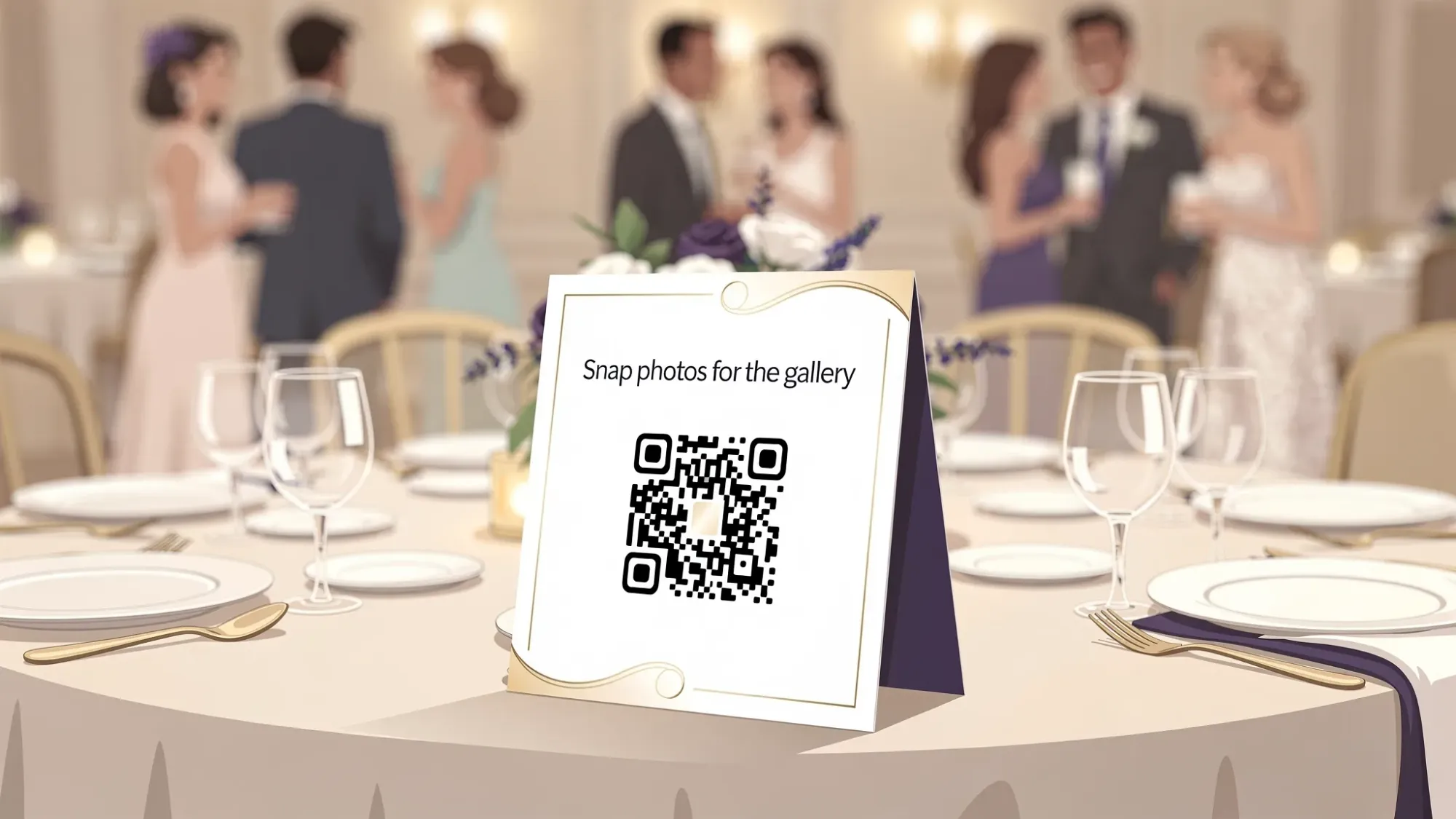
Revel.cam fits cleanly into the last layer: a shared event camera that collects photos instantly into one private gallery.
What to look for in the photo and memories layer specifically
If your event organizer app comparisons include photo sharing, compare tools by how they behave during the event, not how they look afterward.
Camera-first beats “upload later”
Shared albums and group chats depend on guests remembering to upload later, and that is where collections die.
A camera-first flow lets guests contribute in the moment. With Revel.cam, guests scan a QR code (or tap NFC) and take photos inside the Revel.cam camera, then uploads happen automatically to the Moment’s gallery.
Guardrails improve quality
Unlimited uploads often produce duplicates, screenshots, and noise.
Revel.cam allows hosts to set:
- how many guests can join
- how many photos each guest can take
- when the Moment ends
That makes the gallery feel intentional, closer to a “one roll” experience, and easier to curate.
Moderation and privacy should be default, not optional
For many events, you need to review before sharing widely.
Revel.cam Moments are private by default, and hosts can review and remove unwanted images before revealing the gallery.
If you want a deeper guide to designing the full workflow, see Event Photos: How to Collect, Curate, and Share in One Place.
Common comparison mistakes (and what to do instead)
Mistake: Choosing based on feature checklists
Instead, choose based on your critical path:
- What must happen in the next 10 minutes if something changes?
- Who needs access, and on what devices?
- What must still work if Wi‑Fi is bad?
Mistake: Assuming guests will cooperate
Instead, design for zero cooperation:
- no downloads
- no accounts
- no “do this later”
If your guest experience depends on compliance, it will underperform.
Mistake: Forgetting the post-event handoff
Instead, confirm how you will close out:
- export the timeline and key docs
- download and share the photo gallery
- archive contacts and vendor notes
Frequently Asked Questions
What is the best event organizer app? The best event organizer app is the one that passes day-of tests for speed, reliability, permissions, and low-friction access for the people who actually need to use it.
Should I use an all-in-one platform or a stack of tools? If your event is simple, an all-in-one can work. For higher-stakes days, a small stack is often more reliable because each layer is purpose-built and easier to operate under pressure.
How do I compare tools quickly without a long trial? Run a 15-minute simulation: open the run of show, invite a non-technical person as a “guest,” and test the core actions in low-connectivity conditions.
What if the venue Wi‑Fi is bad? Choose tools that degrade gracefully (cached info, retryable uploads) and always bring exports: a printed run of show, a short link backup, and key contacts saved offline.
How do I keep event photos private? Use a tool that is private by default, limits access to invited participants, and supports moderation before sharing. Avoid public hashtags and uncontrolled social uploads if privacy matters.
Do guests need to download an app to share photos with Revel.cam? No. Guests scan a QR code or tap an NFC tag to join instantly. On iPhone, Revel.cam launches as an App Clip, so guests can start taking photos immediately.
Make photo sharing the easiest part of your event day
If you are comparing event organizer app options, treat photo collection as its own day-of workstream, because it tends to break when it is bolted on last minute.
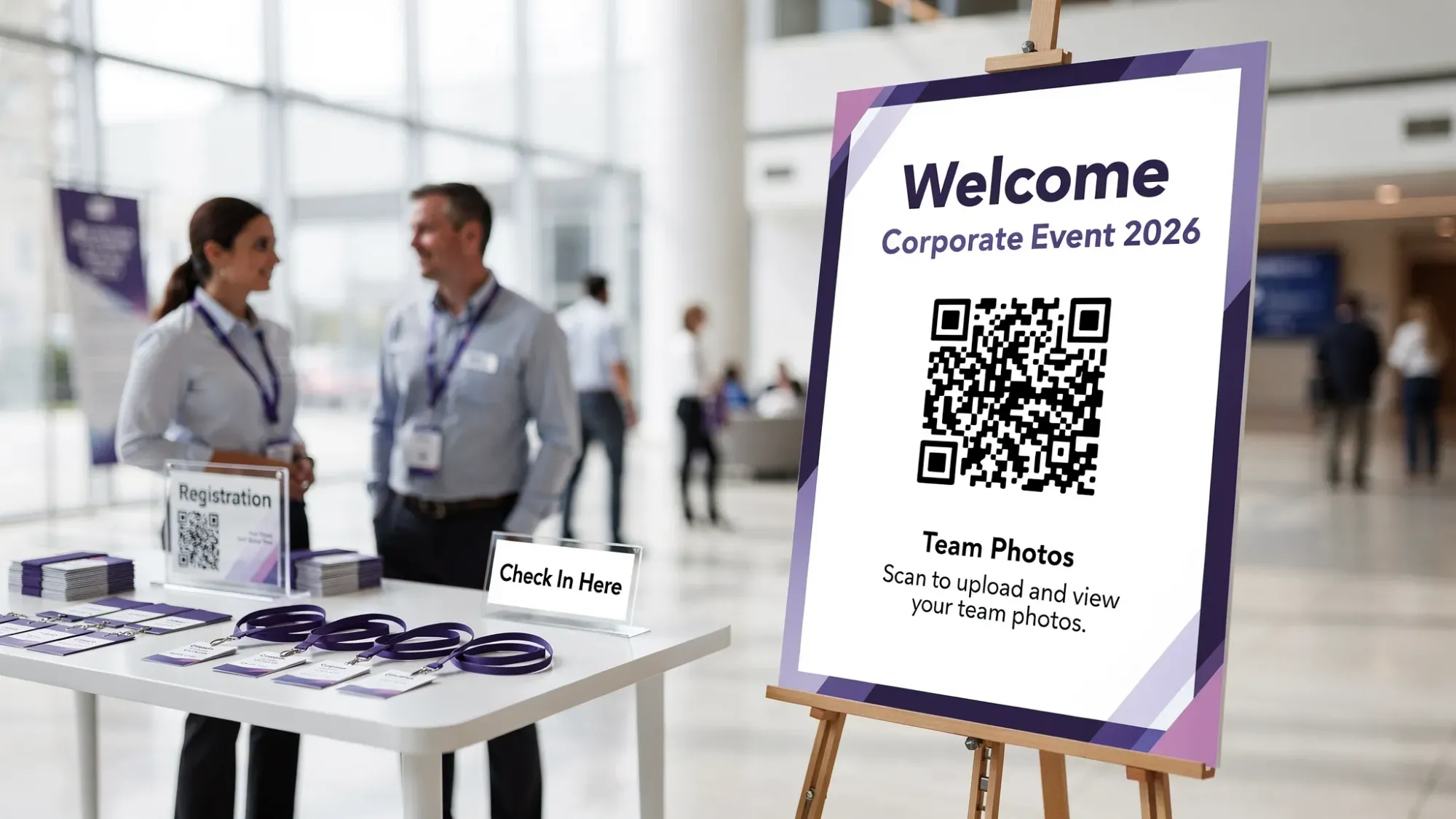
Revel.cam is built to be that low-friction memories layer: create a Moment, place a QR code (or NFC tag), set simple limits, and let guests capture photos that upload automatically into one private gallery.
Create your next Moment at Revel.cam.

A writer interested in connection, memory, and the everyday moments that matter more than we realize.
Tags: Shared event photos , Corporate events , Event photo collection , Event photography , Event photo sharing , Event planning