Disposable Camera Developing: How Long It Takes and What to Pay
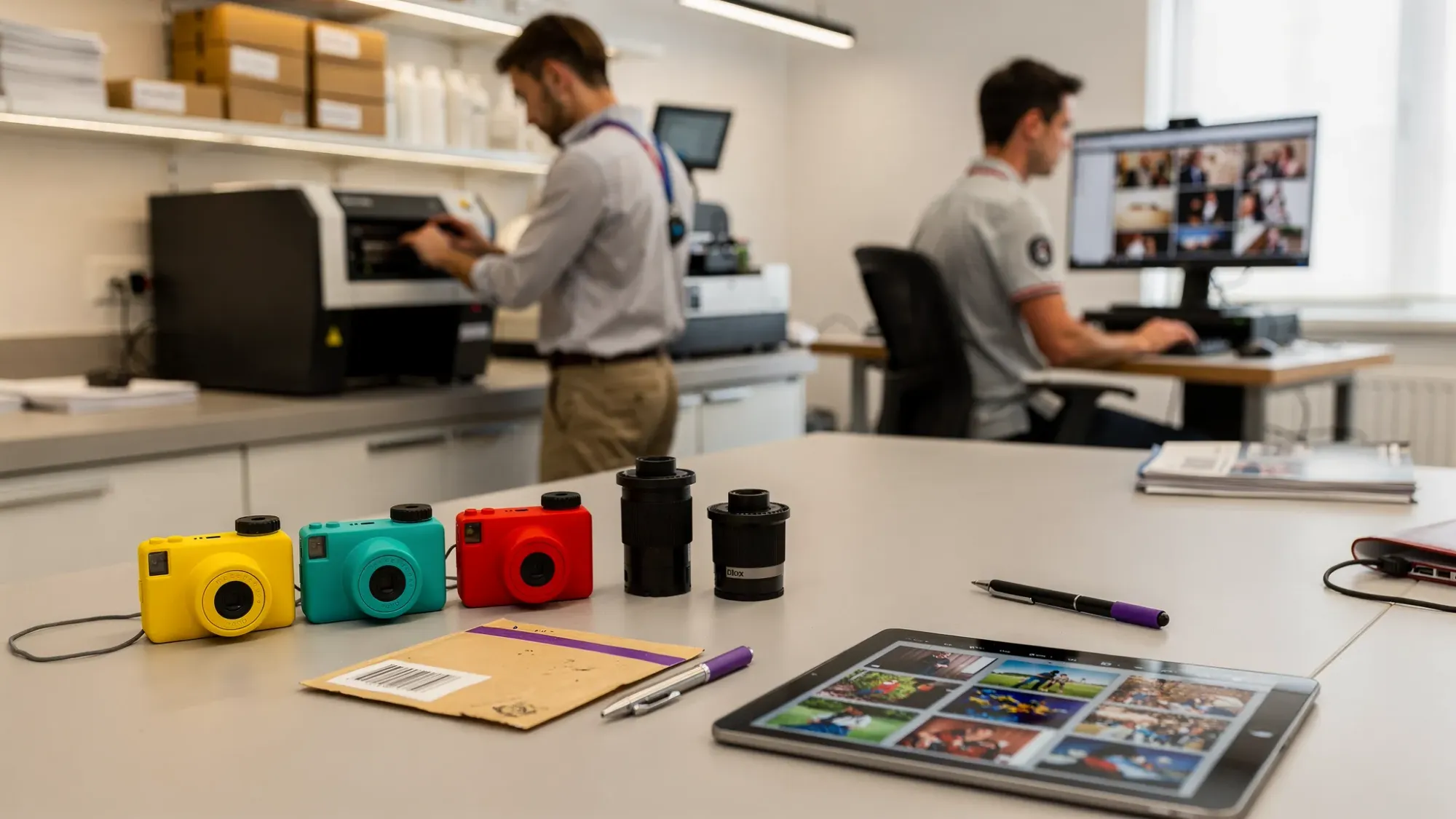
Disposable cameras are having a real moment again, at weddings, birthday parties, school events, and brand activations. But the part people forget (until it’s too late) is the not-so-glamorous reality of disposable camera developing: it’s rarely fast, and it’s almost never as cheap as you expect.
If you’re deciding whether to use disposables, or you already have a stack of cameras to process, this guide breaks down what “developing” actually includes, how long it typically takes, and what you’ll usually pay in the U.S. in 2026, plus the variables that can push your timeline or total higher.
What “developing” a disposable camera actually includes
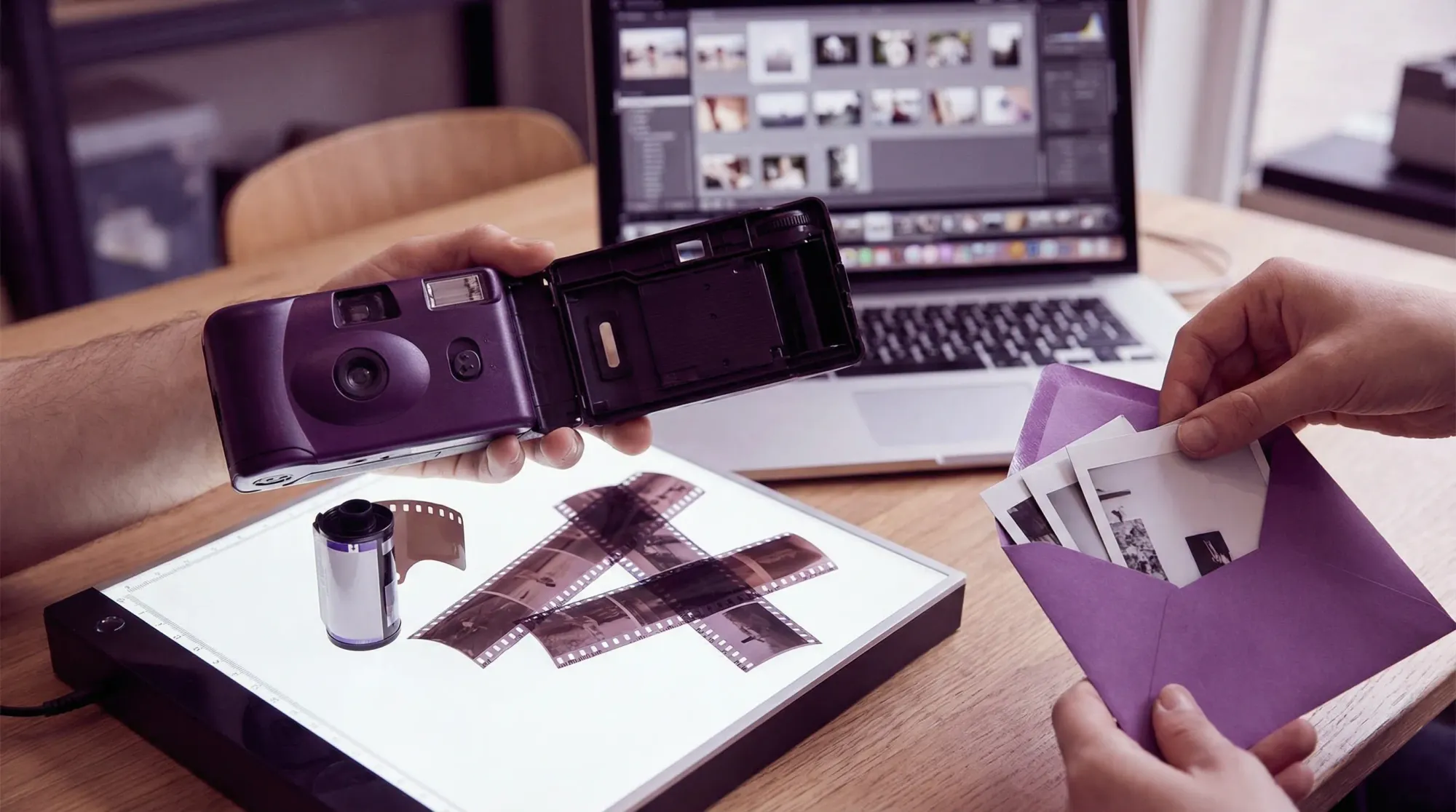
When you drop off (or mail in) a disposable camera, you’re paying for more than one thing. The final cost and turnaround time depend on which steps are included.
Here’s what labs typically mean:
- Film processing: chemically developing the 35mm film inside the camera (most disposable cameras are C-41 color negative film).
- Scanning: digitizing the negatives so you can get JPEGs via download link, email, USB, or cloud gallery.
- Printing (optional): making physical prints, often in common sizes like 4x6.
- Negative return (optional): sending your negatives back to you (sometimes included, sometimes an add-on).
- Shipping (mail-in labs): shipping to the lab and return shipping, sometimes with tracking.
The key takeaway: processing is only one piece. Scanning quality, print choices, and shipping are usually what change the price the most.
How long does disposable camera developing take?
In 2026, most timelines fall into a predictable range, but the exact number depends on whether you use a retail drop-off, a local photo lab, or a mail-in lab.
Typical turnaround times (U.S.)
Retail drop-off (drugstore, big-box photo counter)
Retail counters often ship film to a centralized lab. That adds transit time and queue time.
- Typical: ~1 to 3 weeks
- Can be longer: during holidays, peak wedding season, or if the store batches shipments
Local photo lab (in-city lab with on-site processing or a tight partner lab)
A good local lab can be the fastest option if they have capacity.
- Typical: ~2 to 10 days
- Can be faster: if they offer rush service (usually for a fee)
Mail-in lab (specialized film lab)
Mail-in labs usually have great consistency and scan quality options, but you add shipping both ways.
- Typical: ~1 to 4 weeks total
- Why it varies: shipping time + the lab’s posted turnaround time + add-ons (prints, high-res scans)
Many mail-in labs publish their current turnaround times on their websites (for example, The Darkroom’s turnaround page is a common reference), but those numbers can change week to week.
A practical way to think about the timeline
Even when the chemistry itself is quick, your order typically moves through a queue:
- Check-in and labeling: 1 day
- Processing: often same day or next day (once it’s in the machine)
- Scanning: 1 to several days depending on scan quality and backlog
- Delivery: instant (download) or 1 to 7 days (shipping/print pickup)
Timeline comparison table
| Option | Typical total time | What you usually get | Best for |
|---|---|---|---|
| Retail drop-off | 1 to 3 weeks | Prints and or basic digital scans (varies by counter) | Convenience, not speed |
| Local photo lab | 2 to 10 days | Better scan choices, more control | Faster results and quality control |
| Mail-in lab | 1 to 4 weeks | Consistent process, multiple scan tiers | Quality and reliability when you can wait |
What does disposable camera developing cost?
Costs have climbed in the past few years because fewer places process film at high volume, and because more people want digital scans (which adds labor and equipment time). Disposable cameras also tend to produce more “problem frames” (flash exposure issues, motion blur), which pushes people toward higher-quality scans to salvage shots.
Typical price ranges you’ll see in 2026
Across the U.S., a common total range per camera is:
- $15 to $30 for basic processing + standard scans
- $25 to $45+ if you add higher-resolution scans, prints, negative return, or shipping
That’s per camera, not per event. If you have 10 to 20 cameras (common at weddings), totals add up quickly.
What you’re actually paying for (line items)
Pricing isn’t always presented clearly, so it helps to think in components:
| Line item | What it covers | Common impact on total |
|---|---|---|
| Processing | Developing the film | Base cost |
| Scans | Digital files, sometimes multiple resolution tiers | Often the biggest variable |
| Prints | Physical prints made from scans | Adds cost fast if you print everything |
| Negative return | Returning negatives to you | Sometimes included, sometimes extra |
| Shipping | Mail-in transit both ways | Can add a meaningful per-order cost |
Example budgets (so you can plan, not guess)
These are ballpark examples using typical U.S. pricing patterns:
- Casual party with 5 disposable cameras: often $100 to $200 all-in depending on scans and prints.
- Wedding with 15 disposable cameras: often $300 to $700+ depending on scan tier, prints, and shipping.
If you’re budgeting for an event, the honest rule is: the cameras are only the first half of the spend.
Why your order might take longer (or cost more than the menu price)
Most “surprises” come from a few predictable factors.
1) Scan resolution and scan method
Labs may offer multiple tiers (standard, medium, high-res, “premium”). Higher tiers can mean better detail and color, but they also take longer, especially during busy weeks.
If you care about sharing online and keeping memories, standard scans are often enough. If you care about printing larger, archiving, or rescuing tricky exposures, higher-res may be worth it.
2) Prints (and reprints)
Printing every frame can inflate the bill. Also, if you do prints first and decide later you want digital, some workflows charge again for scans.
3) Shipping and batching delays
Mail-in labs add shipping time, and retail drop-offs can batch outbound shipments. Your film might sit for several days before it even reaches the lab.
4) Film condition: expired cameras and heat damage
Disposable cameras are often tossed in cars, stored in closets, or used outdoors in summer. Heat and age can create color shifts and muddy shadows, which can increase scanning time if you request special handling.
Kodak’s general storage guidance emphasizes keeping film cool and dry to preserve quality (see Kodak film storage guidance for background principles).
5) “Special requests”
These can be totally valid, just expect added cost or time:
- Push processing
- Frame-by-frame corrections
- TIFF files instead of JPEGs
- Contact sheets
How to save money on developing without regretting it later
If you want the disposable-camera vibe but you also want a predictable bill, make these decisions upfront.
Choose scans first, then decide on prints
For most people, digital scans are the true deliverable. You can always print later (often more selectively, and sometimes cheaper elsewhere).
Ask what’s included, in one sentence
Before you pay, get a clear answer to:
“Does this price include processing and digital scans, and will I get my negatives back?”
That one question prevents most misunderstandings.
Bundle orders to reduce shipping (mail-in)
If you’re mailing in film, shipping can be a big portion of the total. Sending everything in one package is usually cheaper than multiple small orders.
If this is for an event, do a test roll
If you’re using disposables at a wedding or company event, buy one camera and develop it before you buy 20. It’s the fastest way to validate:
- The look (flash strength, grain, indoor performance)
- The lab’s scan quality
- The real turnaround time in your area
If you need photos fast (or you don’t want a post-event backlog)
Disposable cameras are fun precisely because they slow things down. The downside is obvious: if you want photos to share quickly (or you’re coordinating many guests), waiting weeks for development can be a dealbreaker.
A few practical alternatives people use in 2026:
- Ask your photographer for “sneak peeks” within a few days (many photographers offer a small early set).
- Use phone cameras with a film look (great if your main goal is the aesthetic).
- Use a shared event camera for instant collection, so guests contribute in the moment and nothing gets lost.
For events where the real pain is collecting everyone’s photos (not the film chemistry itself), Revel.cam is built around that workflow: guests scan a QR code (or tap NFC), take photos, and uploads happen automatically to one private event gallery, with no app install or signup required. You can learn how the flow works at Revel.cam.
Bottom line
Disposable camera developing is absolutely doable, but it’s best approached like a mini project: choose your lab route, decide what deliverables you want (scans, prints, negatives), and budget for the second half of the cost.
If you’re planning around a deadline, assume 1 to 3 weeks is normal, and if you’re planning around a budget, assume scans and add-ons are what move the number most.

A writer interested in connection, memory, and the everyday moments that matter more than we realize.