Corporate Event Photo Collection That Works
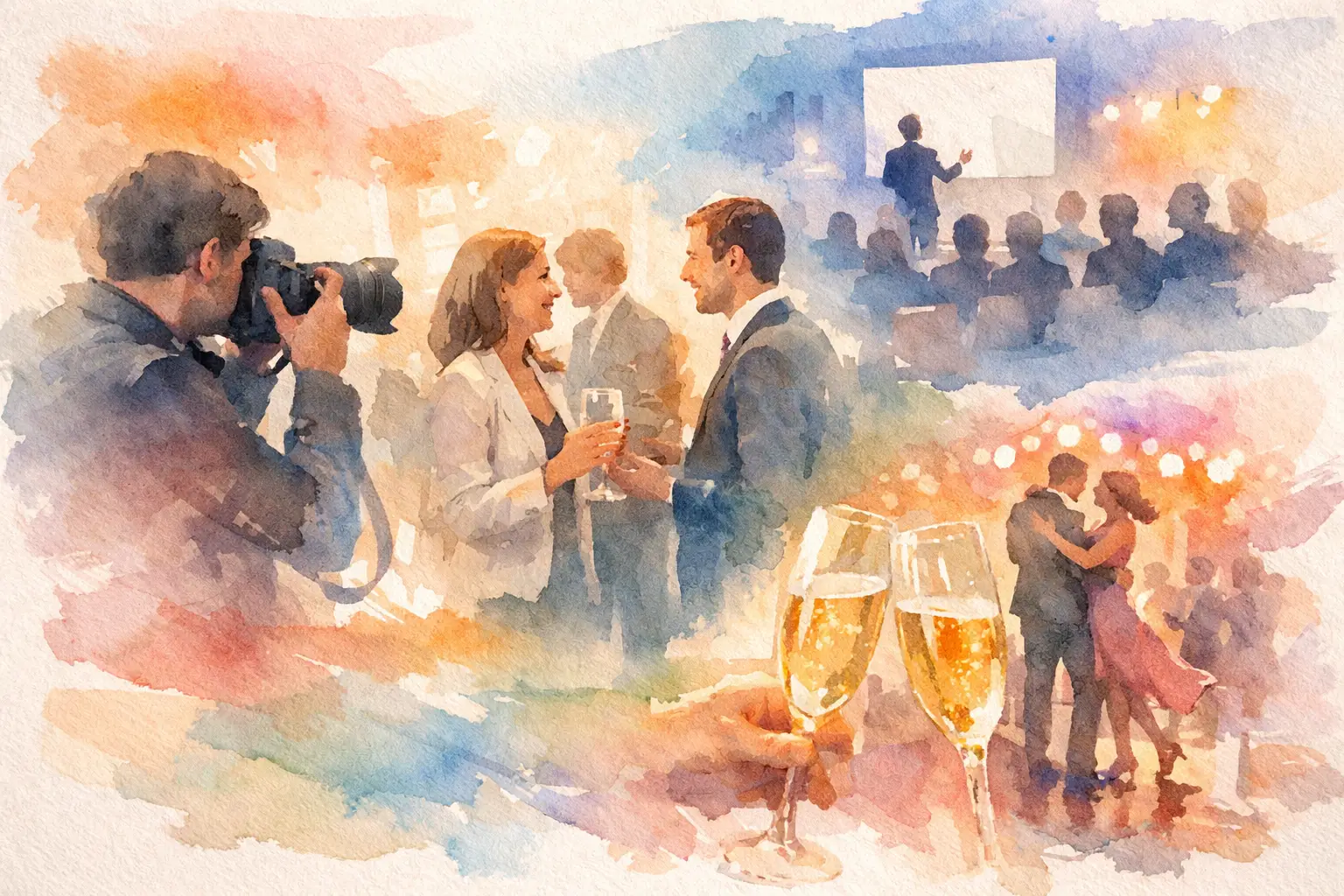
The event wraps, the lights come up, and someone says, “Drop your pics in the folder.” Everyone nods. Almost nobody does it. That’s the entire problem with corporate event photo collection - not interest, but friction.
At company offsites, conferences, launch parties, holiday events, and brand activations, people take plenty of photos. They just rarely follow through on sharing them in one place. By the time the email goes out, the moment has passed. Photos are stuck in camera rolls, buried in Slack, lost in text threads, or posted to social without ever making it back to the team that actually needs them.
A good system fixes that before the first photo is taken. It doesn’t rely on reminders, logins, or people being unusually organized after two cocktails and a networking sprint. It makes joining feel instant, participation feel fun, and the final gallery feel worth waiting for.
Why corporate event photo collection usually falls apart
Most event photo workflows ask too much at exactly the wrong time. Guests are busy. Internal teams are juggling setup, speakers, signage, and timing. Nobody wants to troubleshoot permissions on a shared drive in the middle of a keynote.
The usual options all have trade-offs. Shared folders sound simple, but they require people to remember the link, sign in, upload later, and care enough to finish the job. Group chats are easy in the moment, but they crush image quality and turn a useful archive into chaos. Event hashtags can gather public content, but they miss private moments and depend on social posting behavior, which is a very different ask than simply taking a photo.
That’s why participation rates stay low even when people genuinely had a great time. The issue isn’t enthusiasm. It’s that most systems interrupt the event or postpone the task until after the event, when attention is already gone.
What a better corporate event photo collection process looks like
A strong setup does three things well. It gets people in fast, keeps the capture experience simple, and gives everyone a clear reason to contribute.
Fast matters more than most organizers think. If joining takes more than a few seconds, a huge percentage of guests will skip it. App downloads hurt participation. Account creation hurts participation. Long instructions hurt participation. In event environments, every extra step filters people out.
Simplicity matters just as much. Guests should be able to scan, shoot, and move on. No learning curve. No tech support table. No “I’ll do it later.” If the experience feels native to the phone already in their hand, you’ve got a much better chance of turning passive attendees into active contributors.
And then there’s motivation. This is where many corporate tools get oddly clinical. They treat photo sharing like admin. But people contribute more when it feels social. A timed gallery reveal, a disposable-camera-style shot limit, or a shared album that everyone gets to unlock together gives the process a bit of momentum. It stops feeling like work and starts feeling like part of the event.
The real goal isn’t just more photos
More photos are nice. Better coverage is the real win.
When your event gallery only depends on one hired photographer or one internal point person, you get a polished but narrow record of what happened. You’ll capture the keynote, the step-and-repeat, and the award handoff. You may miss the side conversations, table energy, behind-the-scenes setups, team selfies, product demos, and candid reactions that make the event feel alive.
That broader perspective matters for internal culture and external marketing. Internal teams want proof that the event actually landed - not just that it looked good on a run-of-show. Marketing teams want authentic content that doesn’t feel staged. Leadership wants moments that reflect turnout, engagement, and atmosphere. Attendees want to see the event through more than one lens, including their own.
That’s what a smart corporate event photo collection strategy creates: not a random dump of files, but a more complete version of the story.
How to increase participation without turning it into homework
The easiest way to get more photos is to make the invitation impossible to miss. QR codes work well because they match how people already behave at events. People scan menus, agendas, and check-in screens without thinking twice. If the photo prompt lives on table cards, event signage, presentation slides, or welcome materials, joining feels natural.
The message around it matters too. “Upload your photos later” is weak. “Capture together. Reveal together.” is stronger because it gives people a reason now, not later. Good event prompts feel immediate and social. They frame participation as part of the experience, not cleanup after it.
It also helps to remove the pressure to be perfect. A polished gallery has its place, but not every attendee wants to take brand-approved content. Disposable-camera-style mechanics can actually help here. A limited number of shots changes behavior in a good way. People become more intentional, more playful, and less likely to spam the album with 47 versions of the same booth photo.
There’s a balance, though. If your audience is highly formal, like an executive summit or a client-facing finance event, a heavy novelty angle may not fit. In those settings, the better play is subtle participation: easy access, clean branding, and a more polished gallery experience. For a holiday party, retreat, or creative-industry activation, you can lean much harder into fun.
Corporate event photo collection for different event types
Not every company event needs the same setup.
For conferences and summits, speed and scale are everything. You need something that works across a lot of devices, handles patchy venue connectivity, and doesn’t ask hundreds of attendees to install anything. The content goal is usually broad coverage - speakers, networking, sponsor interactions, crowd energy, and attendee perspective.
For team offsites and retreats, the value is more emotional. These are memory-heavy events. You want candids, group moments, late-night jokes, travel snapshots, and the things nobody thought to brief a photographer to capture. A structured collection tool works especially well here because the best photos often come from whoever happened to be standing there.
For brand activations, the priorities shift again. You want participation, yes, but you also want usable content fast and a gallery that reflects the experience as it actually felt. If the collection method is clunky, people won’t bother. If it’s smooth, the event starts generating its own visual proof in real time.
For holiday parties and company celebrations, the biggest challenge is usually getting people to share at all. Formal upload requests tend to die quietly. A lighter, more social system tends to outperform because it matches the mood of the event instead of fighting it.
What to look for in a photo collection tool
If you’re choosing a platform for corporate event photo collection, the right question isn’t “Can it store photos?” Almost anything can do that. The real question is whether people will actually use it.
Start with access. No app is better for participation. No account creation is even better. If people can join with one scan and start taking photos immediately, contribution rates rise fast.
Then look at image quality and upload reliability. Corporate events happen in hotel ballrooms, conference centers, rooftops, and warehouses - not exactly known for perfect service. Offline capture syncing matters more than it sounds like it should.
After that, think about the gallery experience. A gallery should feel like a reveal, not a junk drawer. If participants know there’s a shared payoff at the end, they’re more likely to contribute during the event. That’s part of why systems like Revel work so well - they turn collection into an experience instead of a chore.
Finally, consider admin sanity. The best tool for guests is also the one your team doesn’t need to babysit. If your organizer has to manually remind everyone, troubleshoot access, and consolidate images from six different sources anyway, the tool didn’t solve the problem.
The trade-off between control and participation
There’s always a tension in company events between brand control and guest freedom. Too much control, and nobody participates. Too little, and the content can feel messy.
The answer usually isn’t to choose one side. It’s to decide what kind of event you’re running and what the gallery is for. If the photos are mainly for internal memories, lean toward low friction and broad contribution. If the event has strict brand or compliance requirements, add moderation and clearer boundaries, but keep the join process fast.
You don’t need every single attendee to contribute. You need enough people contributing easily that the event becomes well covered from multiple angles. That’s a much more realistic target, and a much more useful one.
The best corporate event galleries don’t happen because people were nagged into uploading. They happen because the collection experience felt effortless while the event was still alive. Stop chasing photos after the fact. Build a system people actually want to use, and the memories have a much better chance of showing up.

A writer interested in connection, memory, and the everyday moments that matter more than we realize.
Tags: Corporate Event Photography , Shared event photos , Event photo sharing , Event photography , Event photo collection