Bachelorette Party Organizer: A No-Stress Photo Plan
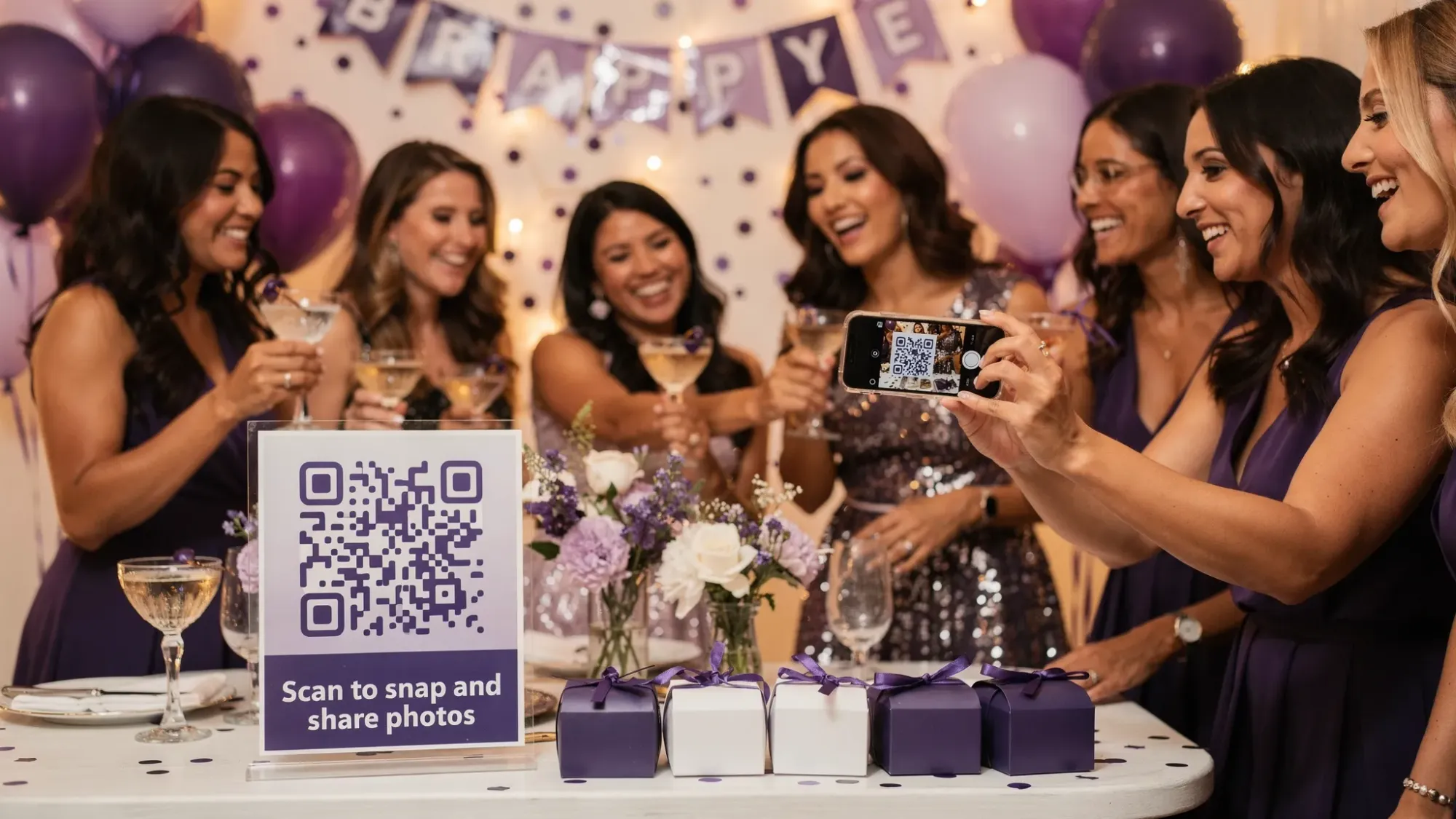
Planning the outfits, the reservations, the timeline, and the “don’t forget the veil” details is already a full-time job. Then photos happen, everyone takes hundreds, and a week later you are chasing 14 people across three group chats for “that one pic at dinner.”
A no-stress photo plan fixes that before the first mimosa: one simple way for guests to contribute in the moment, with clear guardrails, and a clean “gallery reveal” after.
What a “no-stress” bachelorette photo plan actually includes
As a bachelorette party organizer, your goal is not to manage photography all weekend. It is to make it effortless for guests to capture and share, while keeping the final collection easy to curate.
A reliable plan has four parts:
- Coverage: you get photos from every key moment, not just the posed dinner shots.
- Frictionless sharing: guests do not have to download an app, make an account, or remember to upload later.
- Boundaries: photo limits and an end time keep the gallery intentional and on-theme.
- A reveal: everyone gets the full story after, without chaos mid-event.
Step 1: Map the weekend, then assign “photo coverage” (lightly)
You do not need a shot list with 60 items. You just need to avoid the common gaps: pregame details, candid reactions, behind-the-scenes, and the late-night energy.
Create a simple coverage map and assign one person per block. This avoids the “everyone thought someone else got it” problem.
| Weekend moment | What you want to capture | Easiest owner | Notes |
|---|---|---|---|
| Arrival and check-in | hugs, rooms, outfits laid out | anyone arriving early | quick candids, no posing |
| Getting ready | hair, makeup, details, mirror moments | 1 “ready room” friend | keep it respectful and consent-first |
| First toast | group cheers, the bride’s reaction | designated “toast shooter” | 30 seconds of focused effort |
| Dinner night 1 | table energy, group photo, candid laughs | 1 person per table side | avoids only one angle |
| Main activity (boat, spa, class) | action shots + small moments | 2 rotating people | rotate so nobody feels on duty |
| Late night | fun, not messy, not private | a trusted friend | set boundaries ahead of time |
| Brunch / morning-after | real talk, recap vibes | anyone | perfect time for a mini “reveal” |
This is enough structure to get variety without turning anyone into a staff photographer.
Step 2: Choose one sharing method, then commit to it
Most bachelorette photo “systems” fail because they mix methods. A few photos go to iMessage, some to Instagram, some to AirDrop, some never leave the camera roll.
When you pick your method, optimize for two realities:
- Guests are busy having fun, not managing uploads.
- If it is not instant, it will not happen.
Here is a quick comparison of the usual options:
| Method | What works | What breaks in real life |
|---|---|---|
| Group chat | familiar, fast for a few photos | images get buried, compression, awkward to spam, not a true gallery |
| Shared album (iCloud/Google) | organized, decent quality | requires setup, sign-in friction, people forget to upload |
| AirDrop | great for 1:1 transfers | not scalable, chaotic, only works in the moment |
| Hashtag | easy for public events | privacy issues, not everyone posts, not a private gallery |
| QR-based shared camera | fast entry, one destination | depends on having a clear QR touchpoint and basic connectivity |
If you want the lowest-friction experience for guests, a QR-based shared camera is usually the cleanest path because it starts with “scan, camera opens, done.”
Step 3: Set up the photo system before the weekend (10 minutes)
If you are using Revel.cam, the setup is designed for this exact scenario: one shared event camera, guests join instantly via QR code, NFC tag, or link, and photos upload automatically to one private gallery.
The host creates a Moment and chooses:
- guest limit
- per-guest photo limit
- when the Moment ends
Then you share the invite via QR/NFC/link.
On iPhone, Revel.cam can launch as an App Clip, which helps reduce drop-off because guests can go straight to the camera without an App Store download. (Apple’s overview of App Clips is here.)
Recommended settings for a bachelorette weekend
These are practical defaults that keep participation high and the gallery usable:
| Setting | Good default | Why it helps |
|---|---|---|
| Photos per guest | 10 to 25 | encourages intentional shots, reduces duplicates |
| Moment end time | end of final brunch (or checkout) | keeps uploads on-theme and time-boxed |
| Host review | on (if you want control) | lets you remove anything you do not want shared |
| Sharing | reveal after the Moment ends | creates a fun “morning-after” gallery moment |
If you want a more “disposable camera” vibe, go lower on the per-guest limit. If your group is not very photo-forward, go higher.
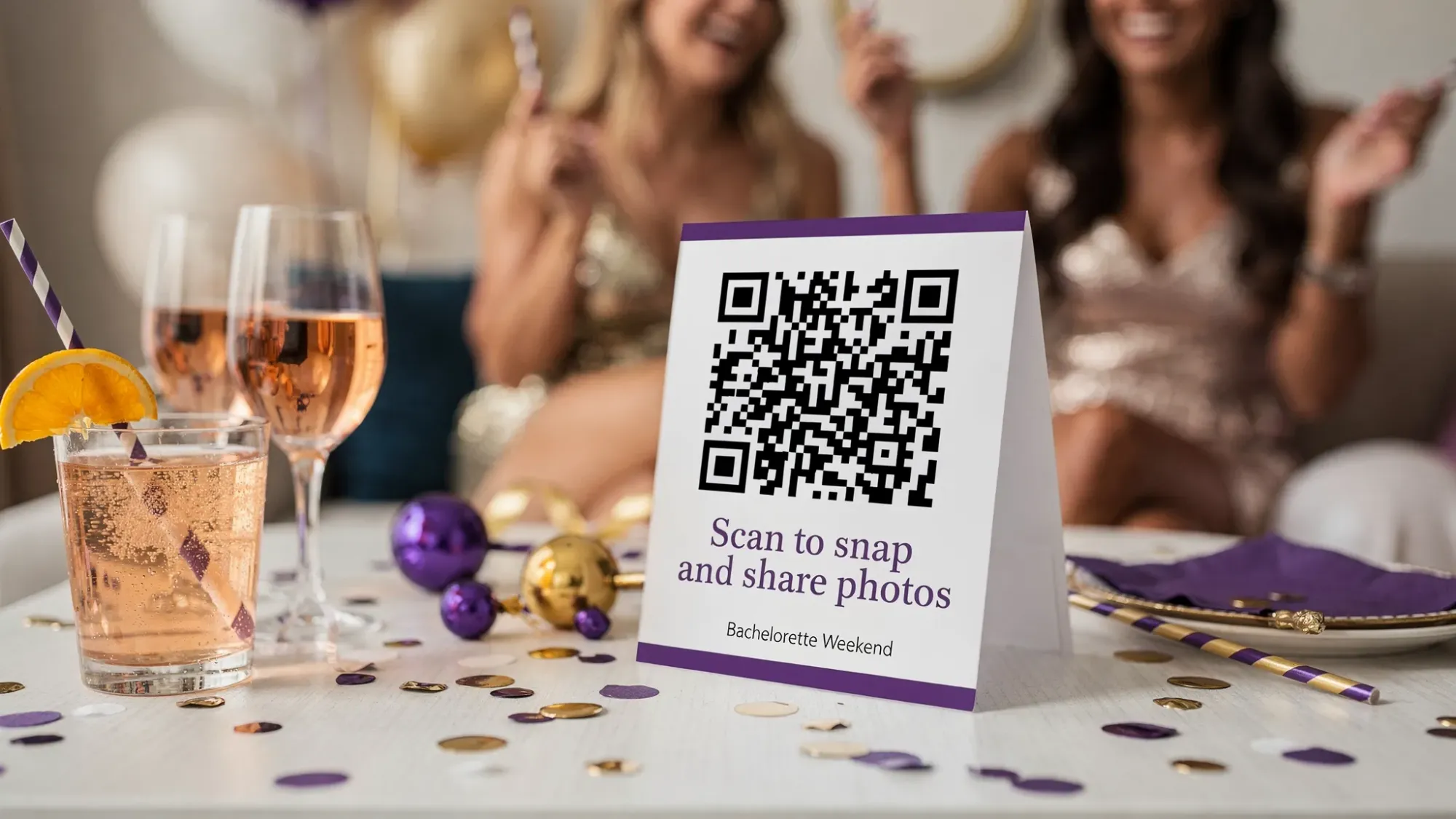
Step 4: Make participation effortless on-site (without nagging)
Even with the right tool, guests need one clear prompt at the right times. The trick is to prompt when people naturally pause, not when they are mid-activity.
Use one sentence of “how it works” copy
Put this line anywhere guests will see it early:
“Scan the code, take pics in the shared camera, they upload automatically. No app, no login.”
Pick two “scan moments” and you are done
As a bachelorette party organizer, you do not need ten QR placements. You need two reliable ones:
- The first gathering (arrival drinks, pregame, first dinner): sets the habit.
- A high-photo moment (getting ready, main activity meetup, brunch): catches everyone who missed the first prompt.
Assign one helper role (optional, but powerful)
Choose one person who is not the bride:
- Photo captain: does a 15-second reminder at the start of dinner and before the main activity.
That is it. No extra committee.
Step 5: Protect the vibe with simple boundaries (privacy, consent, and moderation)
Bachelorette weekends are personal. A photo plan should feel safe, not like content production.
Here are three guardrails that keep everyone comfortable:
1) Say what the gallery is for
A single line sets expectations:
“Photos go into the weekend gallery for our group, not social media.”
2) Give an easy opt-out
You can say:
“If you do not want to be in photos, just tell me or step out, no pressure.”
3) Use host review if you want control
If you are worried about anything off-topic, unflattering, or too private, host review and moderation helps you curate what gets shared.
Step 6: Plan the “gallery reveal” (the part everyone actually loves)
The reveal is what makes the system feel fun instead of transactional.
A simple approach:
- Set the Moment to end after the final brunch (or at checkout).
- Do a quick host review.
- Share the gallery link to the group with one message.
Suggested reveal text:
“Weekend gallery is live. This is the full story. Save your favorites and send me the ones you want printed.”
If you want extra participation during the weekend, you can tease the reveal early:
“Upload in the shared camera, full gallery drops Sunday.”
Step 7: Post-weekend wrap-up (5 minutes, future you will thank you)
Close the loop while the energy is still high:
- Share the gallery once, in one place.
- Ask for “top 10” picks for the bride (not everyone’s full camera roll).
- Choose a simple output: a mini album, a shared folder of highlights, or a print set for the bride.
The win is not just more photos. It is a finished collection that does not require weeks of follow-up.
Frequently Asked Questions
Do guests need to download an app to use Revel.cam? Guests can join instantly by scanning a QR code or tapping an NFC tag. On iPhone, it can open as an App Clip, so there is no full app install required.
Can I limit how many photos each person takes? Yes. As the host, you can set a per-guest photo limit when you create your Moment.
Is the gallery private? Moments are private by default, and only invited guests can contribute. You can also control if and when the gallery is revealed.
Can I review photos before everyone sees them? Yes. Hosts can review and remove unwanted images so the final gallery reflects the weekend you want to share.
What if someone joins late or is not physically there? You can share the Moment invite via link as well, which helps with late arrivals or anyone who needs the invite texted.
Does this work for both iPhone and Android guests? Revel.cam is designed to be phone-friendly for guests joining via QR code or link, including iPhone and Android.
Create your no-stress bachelorette photo plan
If you are a bachelorette party organizer who wants great photos without running a group chat help desk all weekend, a shared event camera is the simplest upgrade.
Create a Moment on Revel.cam, share the QR code with your group, set a photo limit, and plan a gallery reveal. You will end the weekend with one complete story, not a thousand loose threads.

A writer interested in connection, memory, and the everyday moments that matter more than we realize.
Tags: Bachelorette group photos , Bachelorette party , Bachelorette party planner , Bachelorette photos