QR Code Photo Uploads: A Better Alternative to Group Chats
Group chats feel like the default place to collect event photos, until they become a mess. The best moments get buried under messages. People hesitate to post because they do not want to spam the thread. A few guests share everything, most share nothing, and someone inevitably asks, “Can you resend that photo?”
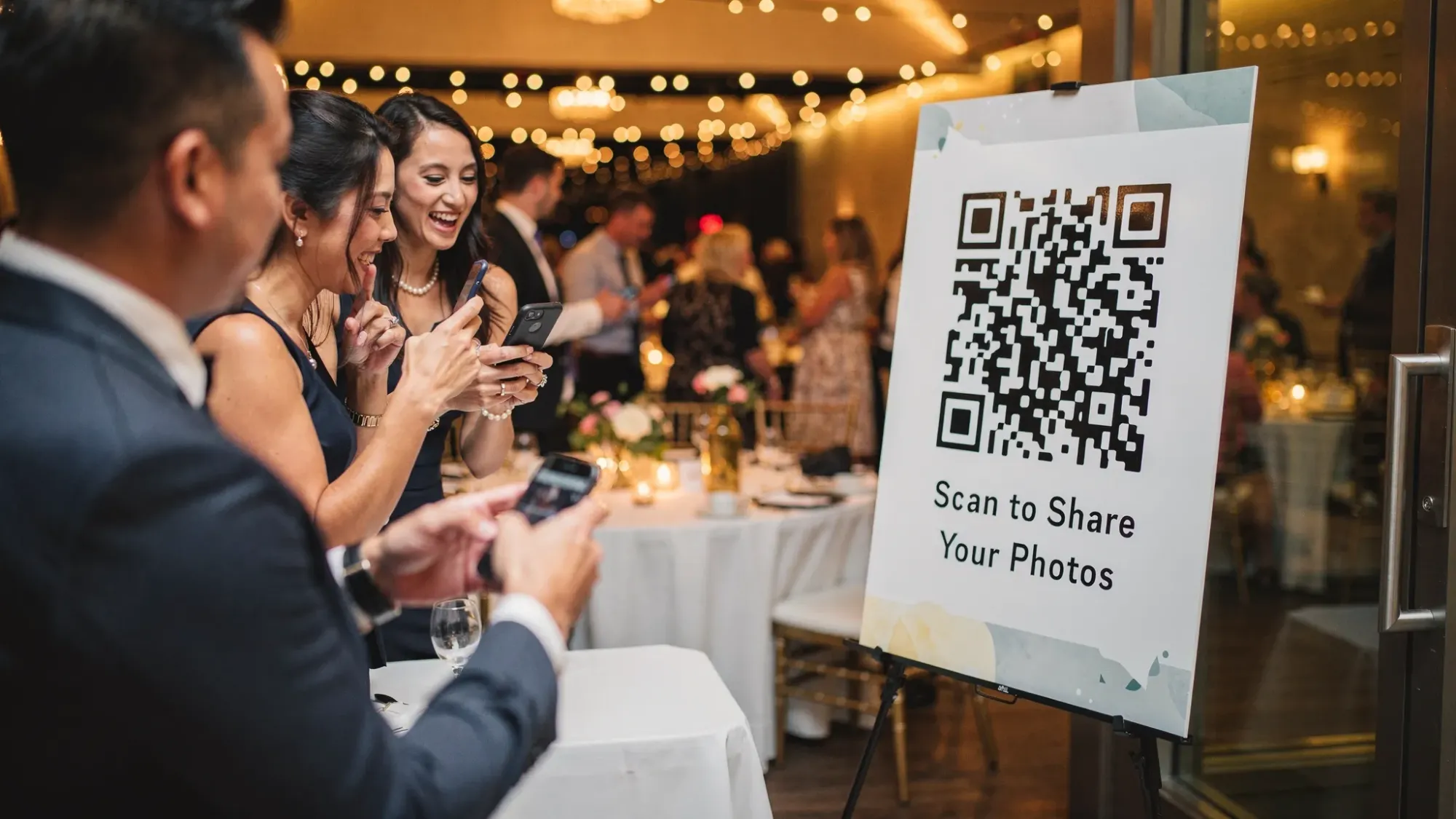
QR code photo uploads solve the core problem: they separate “taking and contributing photos” from “chatting,” and they do it with almost zero friction. Guests scan a QR code (or tap an NFC tag), snap a photo, and it lands in one shared event gallery.
Why group chats struggle with event photos
Group chats were built for conversation, not for building an organized, complete event album. Here is what typically goes wrong.
Photos get buried, fast
Even a small event can generate hundreds of messages. Photos arrive interspersed with logistics, jokes, and side conversations. By the next day, scrolling to “find the good ones” is basically a second job.
Sharing feels socially risky
Many guests avoid posting because they:
- Do not want to overwhelm the chat
- Are unsure if their photo is “good enough”
- Joined late and feel awkward posting late
The result is a biased album that over-represents the most active posters.
Quality drops from re-uploads and compression
When photos are forwarded, screenshotted, or re-uploaded across platforms, you can lose resolution and metadata. Even when the original exists somewhere, it becomes hard to identify which version is best.
Privacy and boundaries get unclear
A group chat often includes plus-ones, coworkers, or acquaintances. Some guests are comfortable sharing photos with “the host,” but not necessarily with every other attendee, especially in real time.
There is no host control
In a chat, you cannot reliably:
- Set per-guest photo limits
- Moderate what appears in the shared album
- Reveal the gallery at a specific time
- Display a clean slideshow without notifications popping up
What “QR code photo uploads” actually means
QR code photo uploads are a simple flow:
- The host creates a single event link.
- The host turns that link into a QR code (and optionally an NFC tap).
- Guests scan or tap, then take and upload photos directly into the event gallery.
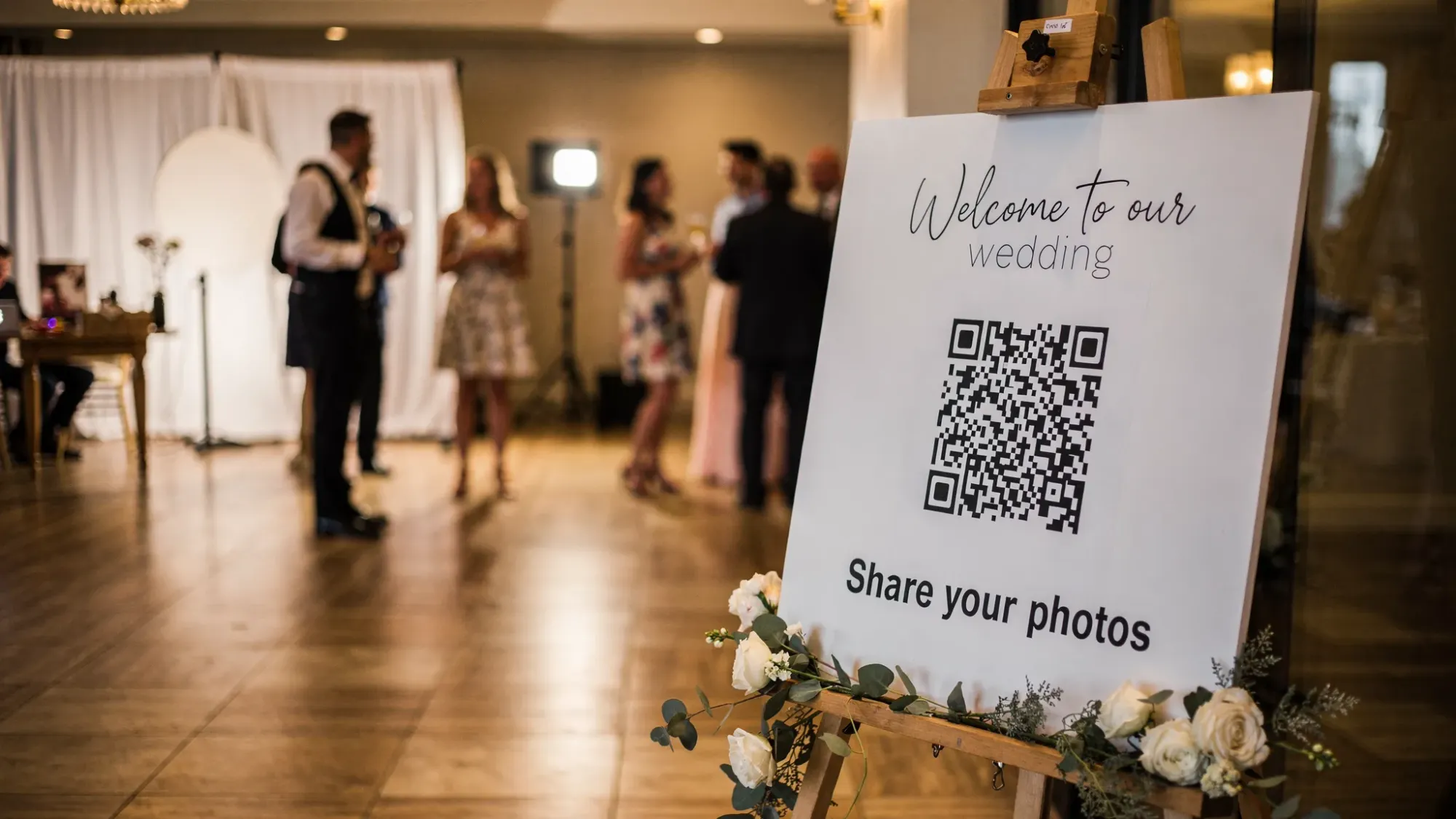
The key difference is that the QR code becomes the “camera door” to the album. Guests do not need to hunt for a link in a chat thread, and they do not need to install an app or create an account if the system is built for true guest simplicity.
Why QR code photo uploads are better than group chats
A good QR-based system improves both participation and organization, without adding work for guests.
Lower friction means higher participation
Scanning a QR code is a single action that works in the moment, exactly when guests are already holding their phones. If the experience does not require signups, passwords, or app installs, you capture more spontaneous contributions.
Some platforms also use lightweight experiences like Apple App Clips or Android deep links to reduce friction further.
One shared gallery, not scattered threads
Instead of multiple chats (family chat, wedding party chat, friends chat), you get a single destination where photos accumulate. That makes it easier to:
- Review everything in one place
- Share the full gallery after the event
- Create a consistent album people will actually revisit
Host controls that chats do not offer
A QR upload gallery can be configured with event-specific rules that match what hosts actually need:
- Photo limits per guest to encourage intentional shooting
- Host review and approval to filter out accidental uploads
- Delayed gallery reveal so guests stay present, and everyone sees the gallery together later
- Live slideshow display for a screen at the venue
Group chats were never designed for these workflows.
Better experience for “camera-shy” guests
Many people will not post photos publicly in a chat, but they will happily contribute privately to an event gallery. A purpose-built upload flow feels more like “helping the host” than “performing for the group.”
Cleaner sharing after the event
After the event, the host can share one gallery link instead of exporting files, chasing originals, or asking ten people to send photos individually.
Group chat vs QR code photo uploads (side-by-side)
| Need at an event | Group chat | QR code photo uploads |
|---|---|---|
| Easy for guests to start sharing | Medium, depends on finding the right thread | High, scan once and you are in |
| Photos stay organized | Low | High |
| Host can moderate content | Low | High (if approval is available) |
| Limit photos per person | No | Yes (on platforms that support limits) |
| Delay the reveal until after the moment | No | Yes (on platforms that support delayed reveal) |
| Run a clean slideshow at the venue | Awkward | Built for it (on platforms that support slideshows) |
| No account required for guests | Sometimes | Often, by design |
When QR code photo uploads shine (real-world use cases)
This approach is useful anytime you want lots of perspectives, without the chaos of messaging threads.
Weddings and rehearsal dinners
You get candid table photos, behind-the-scenes moments, and the dance floor chaos that professional photographers cannot cover everywhere at once.
Birthday parties and anniversaries
A QR sign near the entrance and another near the bar can dramatically increase contributions.
Corporate offsites and conferences
A shared gallery helps marketing, recruiting, and event teams collect attendee perspectives quickly, and it reduces the risk of sensitive photos being blasted into broad chats.
School events and team sports
Parents and teammates can contribute without needing to join yet another group chat.
Trips with friends
QR codes are great for “shared camera” vibes without creating a thread that never stops buzzing.
How to set up QR code photo uploads for an event
You do not need a complicated plan, but a few details make a big difference.
Decide the sharing rules before you generate the QR code
Think through:
- Do you want unlimited uploads, or a small per-guest limit to keep it intentional?
- Do you want photos to appear immediately, or only after host approval?
- Do you want the gallery visible during the event, or revealed later?
Your answers determine which tool you should use and how you will communicate expectations.
Place QR codes where phones already come out
Position matters more than design. Good placements include:
- Entrance or welcome table
- Bar area
- Guestbook table
- Centerpieces (if tasteful and legible)
- A sign near the dance floor
Add one clear line of instruction, such as “Scan to take and share photos.”
Test the full flow on both iPhone and Android
Do a quick rehearsal:
- Scan the QR code with the built-in camera
- Take a photo and upload it
- Confirm the photo appears where you expect (or enters a review queue)
If your venue has weak reception, consider providing Wi-Fi details nearby. Even the best QR experience still needs connectivity to upload.
Set expectations in one sentence
Guests should not have to guess what happens to their photos. A simple line like “Photos will be shared with everyone after the event” increases trust and participation.
What to look for in a QR code photo upload tool
Not all “photo sharing” tools are built for events. If your goal is “better than group chats,” prioritize guest simplicity and host control.
| Selection criteria | Why it matters |
|---|---|
| No guest signup required | Removes the biggest participation blocker |
| Fast camera launch | Guests share more when it feels instant |
| Host approval options | Prevents accidents and keeps galleries clean |
| Photo limit controls | Encourages authenticity and reduces spam |
| Delayed gallery reveal | Keeps guests present and builds anticipation |
| Slideshow mode | Makes the gallery part of the event experience |
| Works on iOS and Android | Avoids excluding guests |
| Clear privacy framing | Helps guests feel safe contributing |
If your tool relies on everyone installing an app, joining a private group, or remembering a password, you are back to the same adoption problems as group chats.
A practical example: Revel.cam for QR-based event photo sharing
If you want a purpose-built alternative to group chats, Revel.cam is designed around the “shared camera” idea.
Based on the product description, Revel.cam allows hosts to create a shared photo experience where:
- Guests scan a QR code (or tap an NFC tag) to take and upload photos instantly
- Guests do not need to create an account or install an app
- Hosts can set a photo limit per guest
- Hosts can review and approve photos before sharing
- The event can use a delayed gallery reveal, so the full gallery unlocks after the Moment ends
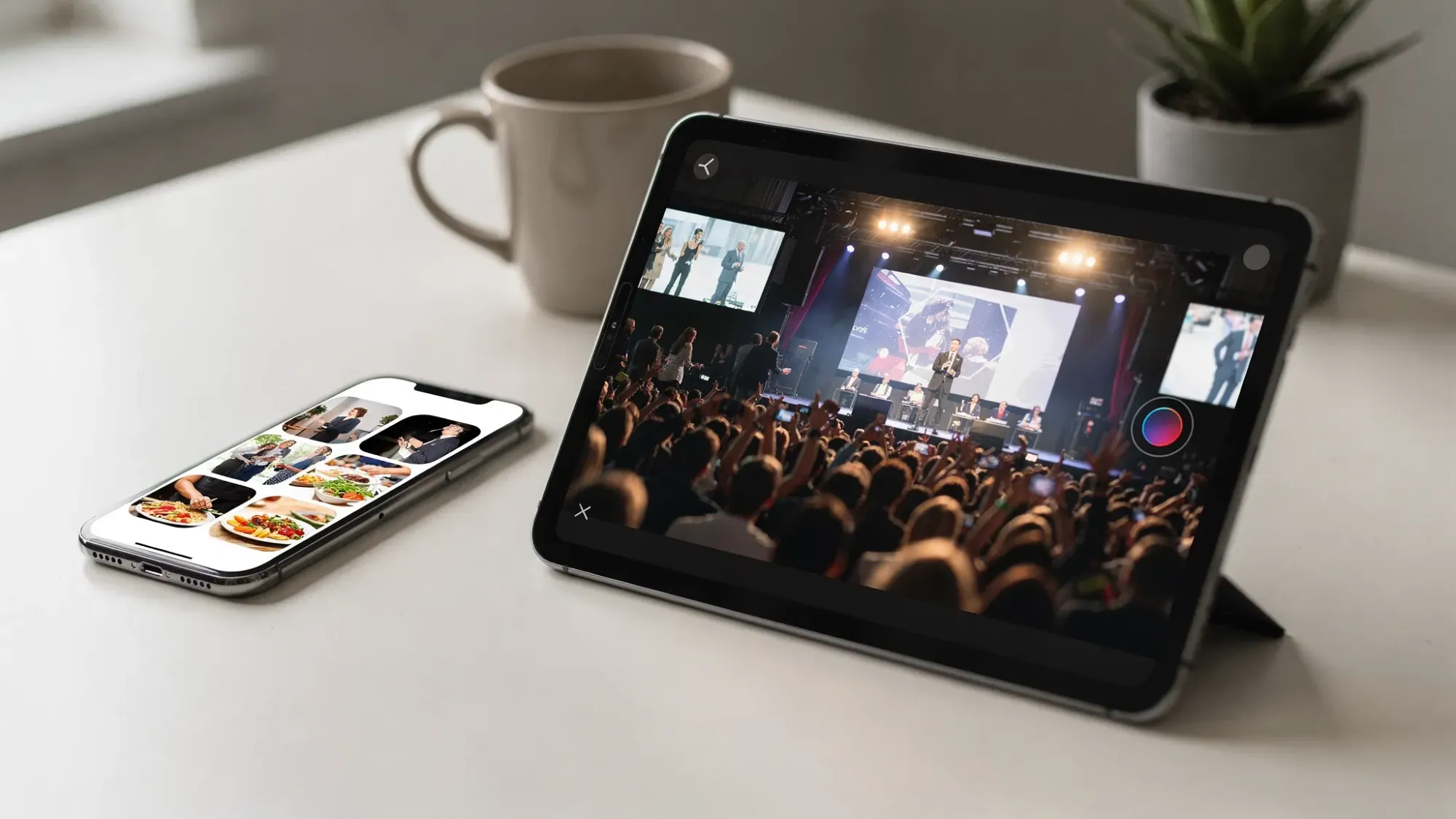
- Hosts can display a live slideshow
- It supports iOS and Android access
If you are comparing options, the biggest “group chat replacement” signals here are the no-signup guest flow, host moderation, and the delayed reveal model, because those solve the most common pain points that make chat-based sharing feel chaotic.
You can explore the product at Revel.cam.
Common pitfalls (and how to avoid them)
Pitfall: One QR code, hidden in one spot
If guests do not see the code at the moment they want to take a photo, they will default back to their camera roll and forget to upload later. Use multiple placements.
Pitfall: Guests worry the photos will go “public”
Even if your gallery is private, guests often assume anything digital is shareable. Add a short reassurance line near the QR code that clarifies who will see photos, and when.
Pitfall: The gallery becomes a dumping ground
If you want a curated result, choose a tool with host approval. This is especially important for corporate events and weddings.
Pitfall: Connectivity surprises
If your venue is a dead zone, uploads may fail and guests will give up. Test on-site if possible, and consider venue Wi-Fi signage.
The bottom line
Group chats are great for coordinating an event, but they are a poor system for collecting and sharing event photos. QR code photo uploads create a dedicated, low-friction path for guests to contribute, and they give hosts the controls that chats cannot: moderation, limits, a delayed reveal, and slideshow-ready galleries.
If your goal is a single, beautiful album that actually includes everyone’s perspective, a QR-based shared camera experience is the more reliable choice.

A writer interested in connection, memory, and the everyday moments that matter more than we realize.