QR Code Camera: Let Guests Snap and Upload in Seconds
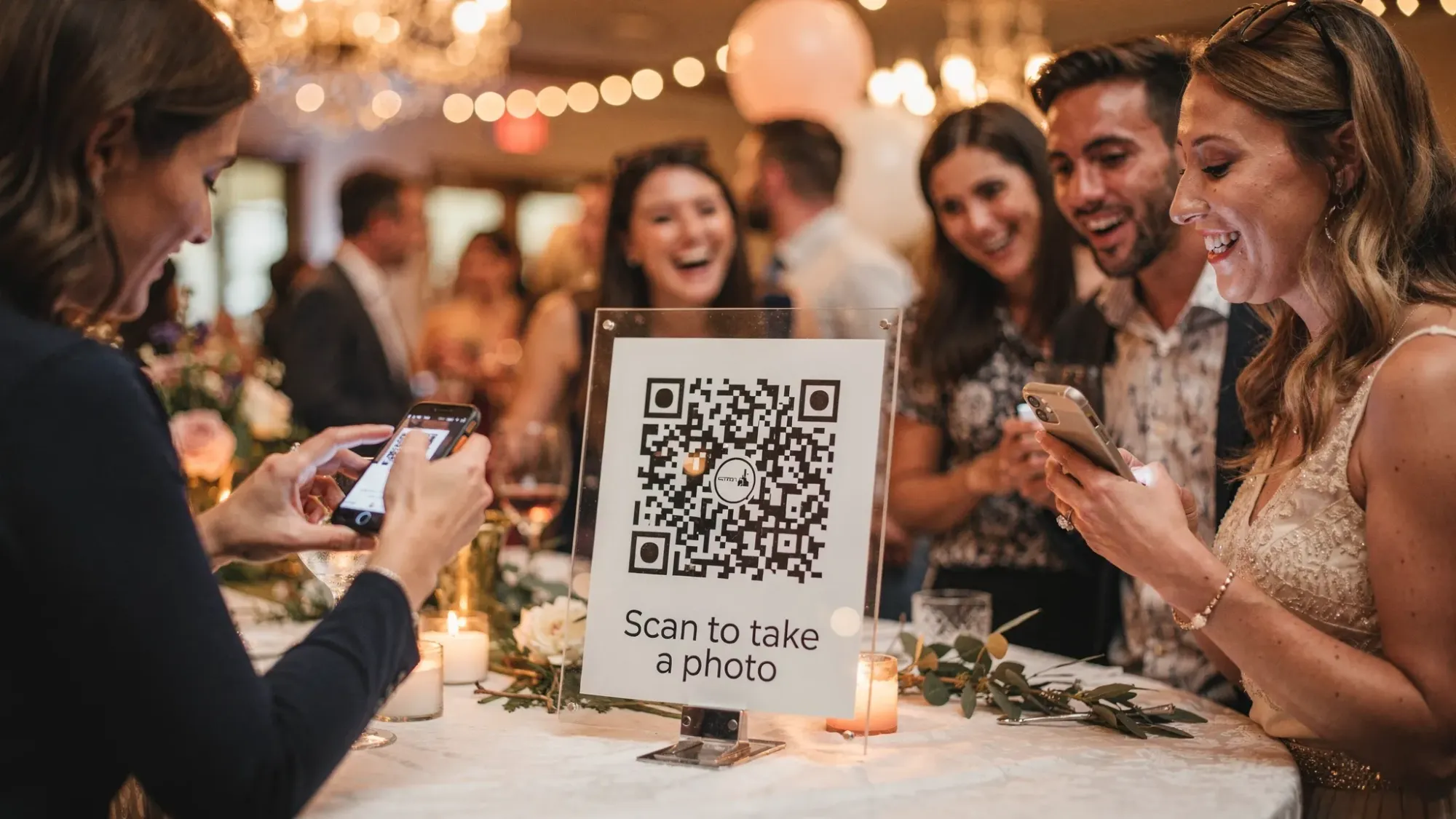
Most event photo sharing fails for the same reason: guests have to do extra work. Download an app, ask for a link, sign in, find the right album, then remember to upload later. By the time the night ends, the photos are scattered across text threads, people forget, and the best moments never make it into a single place.
A QR code camera flips that flow. Instead of chasing people for photos, you bring the camera experience to them: scan, snap, upload, done.
What is a QR code camera?
A QR code camera is an event photo experience where a QR code opens a camera capture page instantly, so guests can take a photo and upload it to a shared event gallery in seconds.
It is not just “a QR code that links to an album.” The key difference is the capture step happens immediately after scanning.
In practice, guests:
- Open their phone camera
- Scan a QR code
- Tap the prompt
- Take a photo
- Upload
On iPhone, scanning QR codes is built into the Camera app (no separate scanner needed), which removes friction at the first step. If you want a reference, Apple documents QR scanning in Camera in its support resources.
How it works at an event (the simple flow)
A good QR code camera experience is designed around speed and zero confusion. The best setups have one obvious instruction: “Scan to take a photo.”
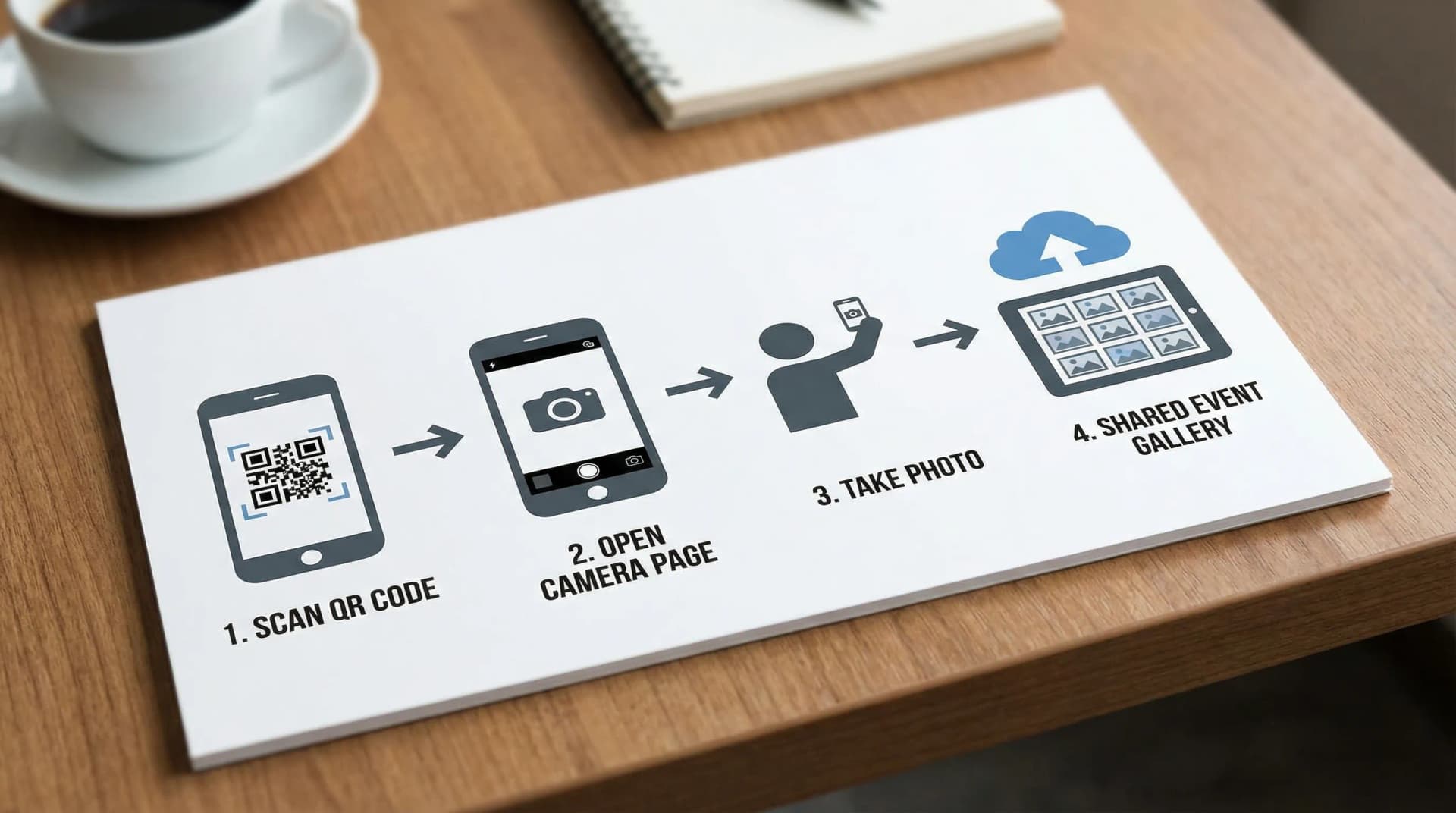
Here is the flow most hosts aim for:
- You create an event Moment (the shared camera experience).
- You display a QR code (on a sign, table card, poster, or projected slide).
- Guests scan and take photos immediately (no searching for an album).
- Photos land in a shared gallery that the host can manage.
- Everyone enjoys the reveal when the Moment ends (if you choose delayed sharing).
Why a QR code camera beats “just send me your pics”
Traditional event photo collection tends to break for predictable reasons:
- Text messages and DMs lose images, compress quality, and never centralize everyone’s shots.
- Shared albums often require accounts or permissions, and people forget to upload.
- Hashtags are unreliable and depend on public social posting.
- Disposable cameras are fun but slow, and you cannot review what you get.
A QR code camera keeps the energy of a disposable camera (quick, candid, in-the-moment) while using modern tools like moderation, limits, and instant uploading.
Quick comparison
| Method | Guest friction | Works during the event | Host control | Best for |
|---|---|---|---|---|
| “Text me your photos” | Medium | Yes | Low | Small gatherings where you trust everyone to send |
| Shared Google Photos/iCloud album | Medium to high | Sometimes | Medium | Friend groups already on the same ecosystem |
| Event hashtag | High | Yes | Low | Public events where social sharing is the point |
| Physical disposable cameras | Low | Yes | Medium | Nostalgic vibe, slower gratification |
| QR code camera | Low | Yes | High | Weddings, parties, brand activations, conferences |
Where a QR code camera shines (use cases)
A QR code camera works anywhere you want lots of perspectives without the administrative headache.
Weddings and rehearsal dinners
Weddings are the classic use case because guests capture the moments the photographer misses: dance floor chaos, candid reactions, behind-the-scenes prep. A delayed gallery reveal also keeps everyone present, then turns the next day into a fun “photo drop.”
Birthday parties, bachelor or bachelorette weekends
When people are moving between locations (dinner, bars, after-party), QR code capture is faster than “what’s the album link again?” You can place the QR on the bar menu, a sticker on a cooler, or a printed card in a rideshare.
Corporate events and conferences
For internal events, QR code capture keeps photos private and centralized for the team. For conferences, it is a simple way to collect booth photos, attendee moments, and session snapshots.
Brand activations and pop-ups
If the goal is user-generated content, you want capture to be effortless. A QR code camera can also pair well with a live slideshow display so the space feels dynamic.
School events and reunions
Multiple families means multiple phones. A shared capture flow can help preserve the event without requiring every parent to coordinate apps and logins.
How to set up a QR code camera guests actually use
The technology is the easy part. Participation is the real game. The highest-performing QR code camera setups nail three things: visibility, clarity, and timing.
Put the QR where the moment happens
People will not walk across the room for a sign, especially at a loud event. Place QR codes in multiple “high dwell” areas:
- Bar, drink station, or buffet line
- Entrance welcome table
- Guestbook or gift table
- Photo booth area
- Near seating clusters
If you want to go further, NFC tags can reduce friction even more (tap instead of scan) for guests whose phones support NFC.
Use one instruction, not a paragraph
Sign copy should be instantly legible:
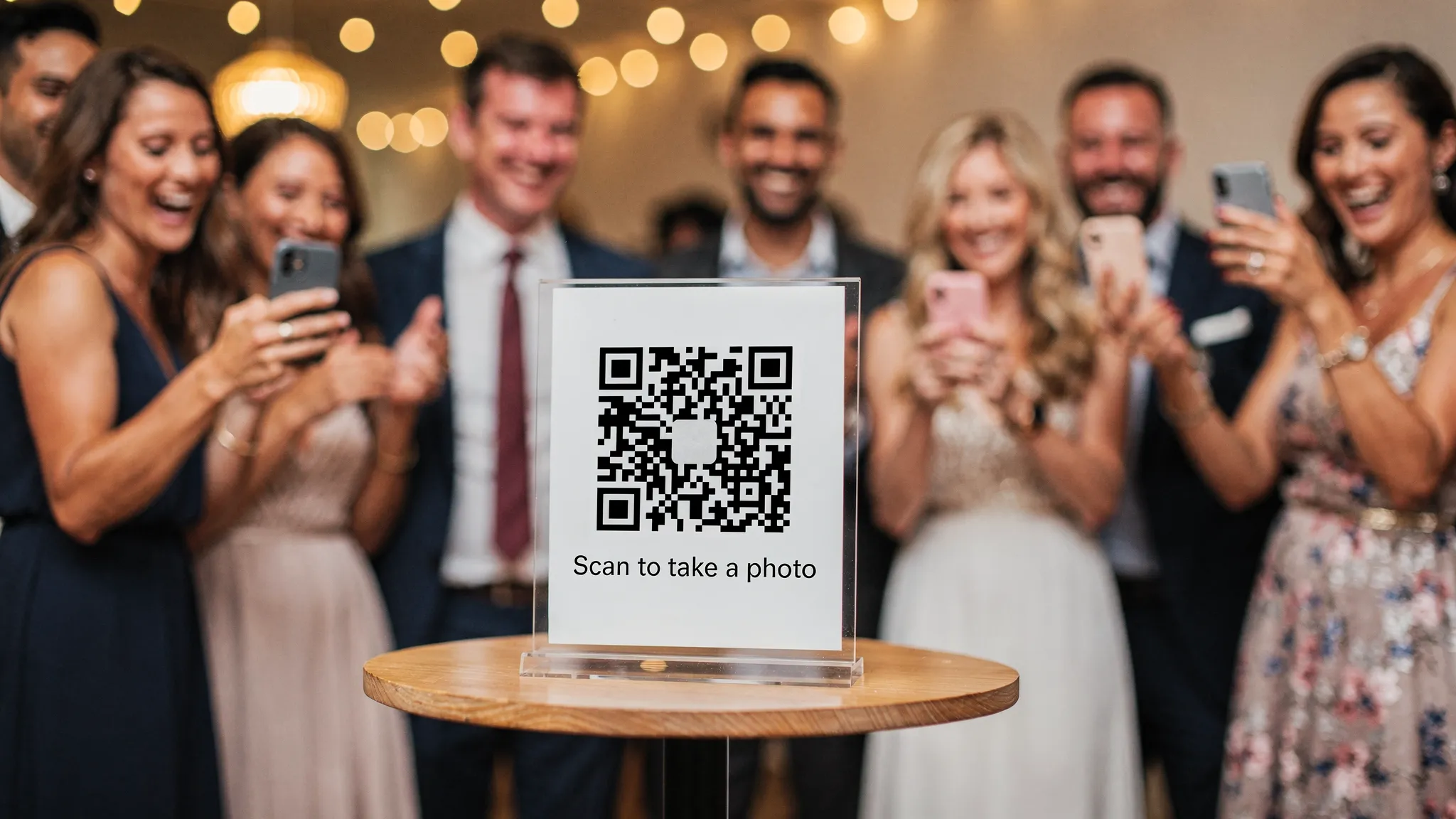
“Scan to take a photo”
That is usually enough. If you add more text, keep it to one short line, like “No app. No signup.”
Choose the right moments to prompt guests
People participate when you prompt them during natural peaks:
- Right after arrivals (everyone is excited and dressed up)
- After toasts (high emotion)
- During the dance floor peak (high energy)
- During dessert or late-night snacks (people are stationary again)
A quick announcement from the host or DJ helps. One sentence is plenty.
Host controls that make the experience better (and safer)
Event photo sharing can go sideways without guardrails. The best QR code camera tools give hosts control without killing spontaneity.
Here are controls that matter in real-world events, and why:
Photo limits per guest
Limits encourage intentional photos instead of spam. They also mimic the “disposable camera” feel, where each shot has a little weight.
Host review and approval
Moderation is important for:
- Weddings (avoid unflattering shots or private moments)
- Corporate events (brand safety)
- Events with kids (extra caution)
Delayed gallery reveal
A delayed reveal changes behavior in a good way: guests stay present, and the gallery becomes a shared post-event experience. It is also a nice way to avoid everyone staring at their phones mid-celebration.
Live slideshow display
If you have a screen at the venue, a live slideshow can boost participation. People love seeing their photo appear, and it quietly teaches everyone else what to do.
Tips to get better photos (not just more photos)
A QR code camera can capture hundreds of images. A little guidance helps you end up with a gallery you actually want to share.
Make lighting easy
Guests take better photos when:
- The QR sign is in a well-lit area
- The “photo moment” area has consistent lighting
- There is a simple backdrop option (even a blank wall works)
If you are planning a dedicated photo spot, test it quickly with two phones before the event begins.
Give guests prompts
One small prompt can transform your gallery from random snapshots into a story. Examples:
- “Take a photo with the person you know least here.”
- “Capture something that made you laugh tonight.”
- “Snap the best dance move you see.”
Keep prompts playful and optional.
Print more QR codes than you think
One QR code at the entrance is not enough. Guests spread out, and the event changes locations inside the venue. Repetition is not annoying here, it is helpful.
Privacy, consent, and expectations (what to consider)
Because a QR code camera makes sharing so easy, it is worth being intentional about expectations.
Add a simple consent cue
A small line on signage can set the tone:
“By uploading, you agree your photo may be shared in the event gallery.”
For events with minors or sensitive contexts, consider stronger controls (like stricter approval) and align with venue or organizational policies.
Decide who gets access to the gallery
Ask yourself:
- Is the gallery for attendees only, or public?
- Do you want it shareable by link, or restricted?
- How long should it stay available?
Whatever tool you use, choose settings that match the event.
Using Revel.cam as your QR code camera
Revel.cam is built around the “shared camera” idea: guests scan a QR code (or tap via supported deep links) to snap and upload instantly with no signup, and the host can manage what gets shared.
Key Revel.cam capabilities that map directly to a QR code camera workflow include:
- Instant photo capture via QR so guests can contribute in seconds
- No guest signup required to remove friction
- Photo limit per guest to keep quality high
- Host controls and approval for moderation
- Shared event photo galleries that feel cohesive and easy to share
- Delayed gallery reveal for that disposable-camera anticipation
- Live slideshow display to drive participation in real time
- iOS and Android support, including mechanisms like App Clips and deep links for faster access
If you want to see what the flow looks like, you can start at the Revel.cam homepage and create a Moment for a small test event (even a dinner with friends) before your big day.
A practical “day-of” checklist
You do not need a complicated plan, but you do need a few basics ready before guests arrive.
- Place QR codes in at least 3 high-traffic locations.
- Ask one person (DJ, MC, or a friend) to do one quick verbal prompt.
- Decide whether you want approval on, and whether the gallery reveals later.
- If using a slideshow, test the display once with a real upload.
That is usually enough to go from “we might get a few uploads” to “everyone used it.”
The bottom line
A QR code camera is one of the simplest upgrades you can make to an event: it removes the friction that kills participation and replaces it with a fast, in-the-moment capture flow.
If your goal is candid, guest-made photos that actually end up in one place, a QR-first experience like Revel.cam is designed for exactly that: scan, snap, upload, then enjoy the shared gallery when the Moment ends.

A writer interested in connection, memory, and the everyday moments that matter more than we realize.
Tags: QR code camera , Event photo sharing , QR code for photos , Guest photo capture , Shared photo gallery , Digital disposable camera