Disposable Camera Photos: How to Get the Look on iPhone
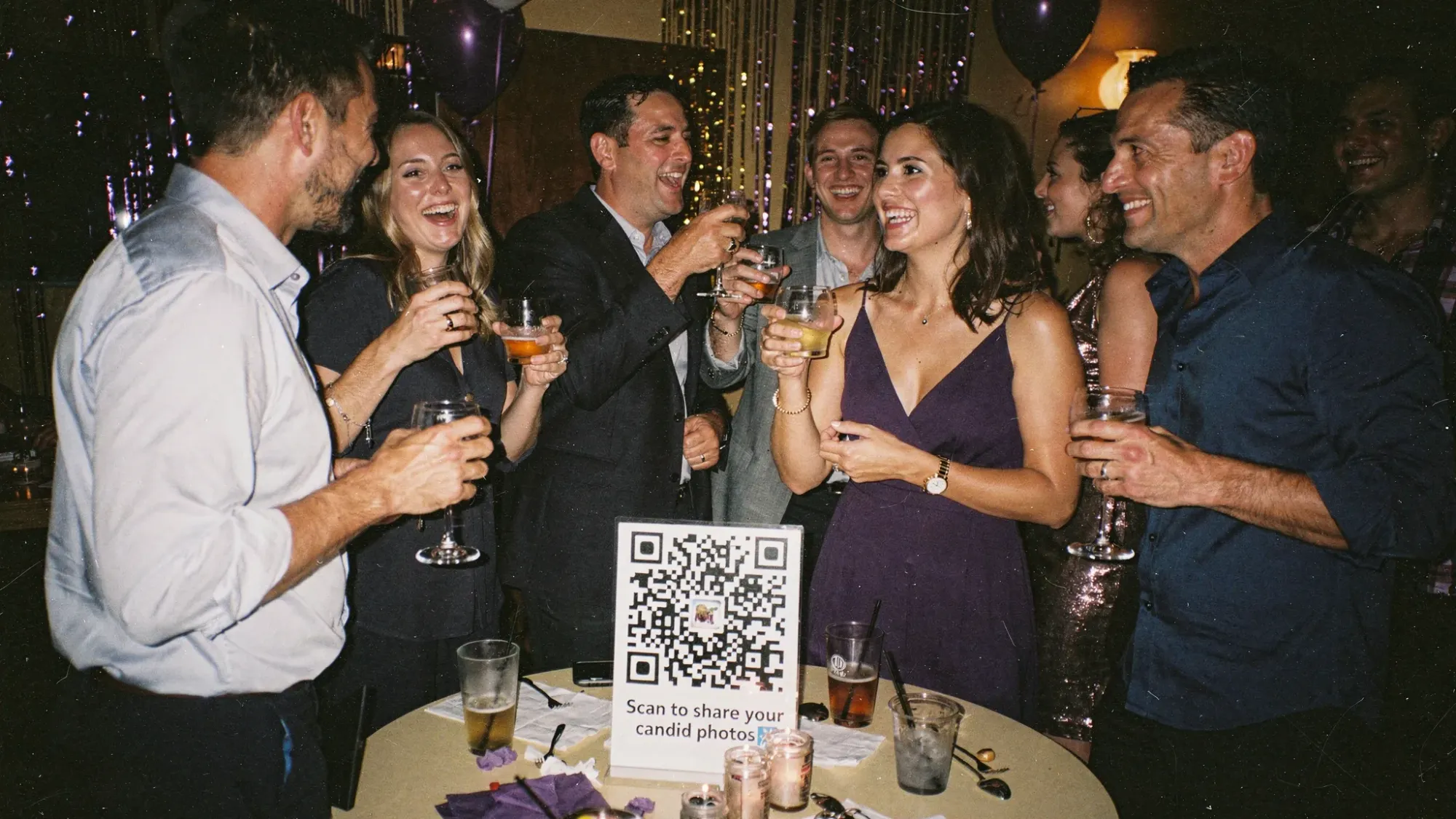
The charm of disposable camera photos is not just “grain.” It’s the whole package: direct flash, imperfect focus, slightly odd colors, and the surprise of seeing everything later. The good news is you can get very close to that look on an iPhone, and you can do it in a way that still feels like a real event “camera,” not another album link guests ignore.
What makes disposable camera photos look the way they do?
A typical disposable camera is a simple point-and-shoot with a small plastic lens and a built-in flash, usually paired with high-ISO film. That combination produces a recognizable set of traits.
| Disposable-camera trait | What causes it | How to mimic it on iPhone |
|---|---|---|
| Punchy, front-lit faces at night | Direct on-camera flash | Use flash intentionally in dim light, get close |
| Grain and texture | High ISO film + scanning | Add grain, reduce “clean” sharpness |
| Slightly warm or green color shifts | Film stock + mixed lighting | Warm the image, nudge tint, embrace imperfection |
| Softness and occasional blur | Slow shutter, simple lens | Don’t over-sharpen, allow a little motion |
| Lower dynamic range, deeper blacks | Film response + lab scan | Lift shadows slightly, raise black point, lower highlights |
| Vignetting / edge falloff | Simple optics | Add a subtle vignette |
If you aim for all of these at once (not just one), your photos stop looking like “an iPhone photo with a filter” and start looking like a real disposable roll.
Shoot it like a disposable camera (before you edit anything)
Editing helps, but capture choices matter more than most people expect. Modern iPhone photos are designed to be crisp, bright, and HDR-balanced. Disposable camera photos are not.
Use the “normal” lens and get closer
If you want the disposable vibe, resist the urge to go ultra-wide.
Shoot primarily with the 1x camera and physically step closer. Disposable cameras feel intimate because they’re usually used at arm’s length.
Use flash on purpose (especially indoors at night)
The classic look comes from the flash doing most of the work.
A practical rule: if the room is dim enough that you see warm ambient light, try flash. It will create that signature bright subject + darker background separation.
Two small technique tweaks make a big difference:
- Don’t shoot from too far away. Flash falls off quickly, closer is more “disposable.”
- Let the background go dark sometimes. The contrast is part of the look.
Slightly underexpose in-camera
Disposable camera photos often feel a bit moodier because highlights clip and shadows fall off.
On iPhone, tap to focus, then drag the exposure slider down a touch. You’re not trying to make the photo dark, just less “perfectly balanced.”
Avoid the “too perfect” modes
Portrait mode can look amazing, but it rarely looks disposable.
If your goal is disposable camera photos, stick to the standard Photo mode and let the image be flatter and more straightforward.
Embrace motion (a little)
One reason film party photos feel alive is that there’s often slight movement. You do not need to force blur, but you also don’t need to delete every photo that isn’t razor-sharp.
That tiny bit of imperfection is part of what makes the set feel real.
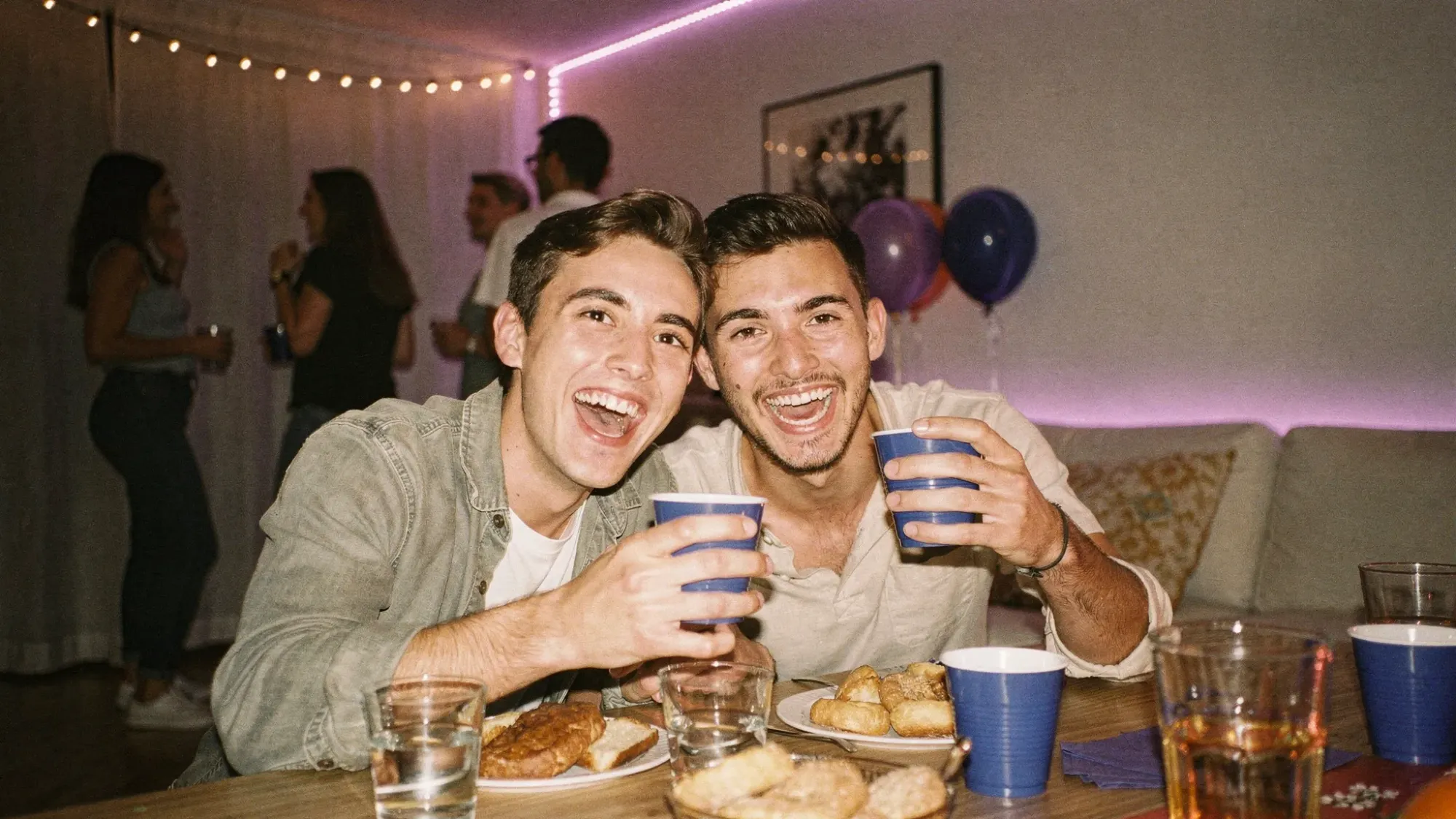
Three “lighting recipes” that reliably create the look
Disposable-style photos are mostly lighting and distance. Use these simple recipes depending on where you are.
| Scenario | What to do on iPhone | What it will look like |
|---|---|---|
| Nighttime party (bar, dance floor, reception) | Flash on, 1x lens, step in close | Bright faces, dark background, classic party snapshots |
| Daylight outdoors | Flash off, shoot in open shade when possible | Softer contrast, nostalgic color, less “phone HDR” |
| Indoor mixed lighting (warm bulbs + LEDs) | Flash on if dim, accept some color weirdness | Slight green/warm shifts that feel film-like |
A quick tip for outdoor shots: disposable cameras often struggle in harsh midday sun. If you move people into open shade (near a doorway, under a tree), you’ll get a much more believable film vibe.
Editing in the Apple Photos app (a “disposable scan” recipe)
You can get surprisingly far with the built-in Photos editor. The goal is to reduce the hyper-clean iPhone look and add film-like texture.
Here’s a practical starting point. Adjustments vary by photo, so treat these as ranges, not strict rules.
| Photos adjustment | Try this range | Why it helps |
|---|---|---|
| Exposure | -5 to -20 | Prevents the overly bright, modern look |
| Highlights | -15 to -40 | Tames shiny skin and blown lights |
| Shadows | +5 to +25 | Brings back detail without HDR perfection |
| Contrast | +5 to +20 | Adds snap like a lab scan |
| Black Point | +5 to +20 | Creates deeper blacks and that “film” base |
| Saturation | -5 to +10 | Depends on the scene, film can be either muted or punchy |
| Vibrance | +5 to +20 | Boosts color without neon skin tones |
| Warmth | +5 to +25 | Mimics warm film stocks and indoor flash results |
| Tint | -5 to +10 | Helps match that slight green or magenta shift |
| Definition | -5 to -20 | Softens the ultra-digital clarity |
| Sharpness | -5 to -15 | Disposable cameras are not tack-sharp |
| Vignette | +5 to +20 | Adds subtle edge falloff |
If you do only two things: lower Highlights and lower Definition. That combo alone removes a lot of the “iPhone crispness.”
How to add grain, dust, and date stamps (the fun part)
The Apple Photos app doesn’t add realistic film grain or date stamps by itself. If you want the full disposable camera photos vibe, use a film-style camera app or a finishing app.
A few popular options people use for this look:
- HUJI Cam style apps for timestamped, flash-forward snapshots
- Dazz Cam style apps for retro camera simulations
- Editing apps like VSCO or Afterlight for grain, fade, and simple film presets
Two best practices keep it believable:
First, do not stack five heavy effects. Disposable cameras are imperfect, but the effect is usually consistent, like a single film stock.
Second, add grain after you adjust exposure and color. If you add grain first, you tend to overdo it.
A realistic date stamp tip
If you want a timestamp, keep it small and simple, usually bottom right. The most believable stamps look slightly soft, not crisp vector text.
Also, consider stamping only some photos. Real disposable rolls often have inconsistently set dates.
Make iPhone photos feel like prints (not posts)
A big reason disposable camera photos feel special is that they become physical. If you only view them on a phone, the illusion is harder to maintain.
To lean into the “film roll” experience:
Print a small batch (even 20 to 40). Choose 4x6 or square prints, and consider a slightly glossy finish if you used flash. It matches that snapshot vibe.
If you want the look of lab scans, add a small white border before printing. The border helps the photo feel like an artifact, not a screen capture.
Getting the disposable camera photos vibe at an event (without actual disposables)
If you’re doing this for a wedding, birthday, conference afterparty, or brand activation, the hardest part is not the filter. It’s collecting everyone’s shots without chasing people for weeks.
A disposable camera works because it creates three constraints:
- Everyone shares one “system”
- Shots are limited
- You see the roll later
You can recreate those constraints digitally.
A practical setup that guests actually use
Revel.cam is built for this exact moment: it turns your event into a shared camera.
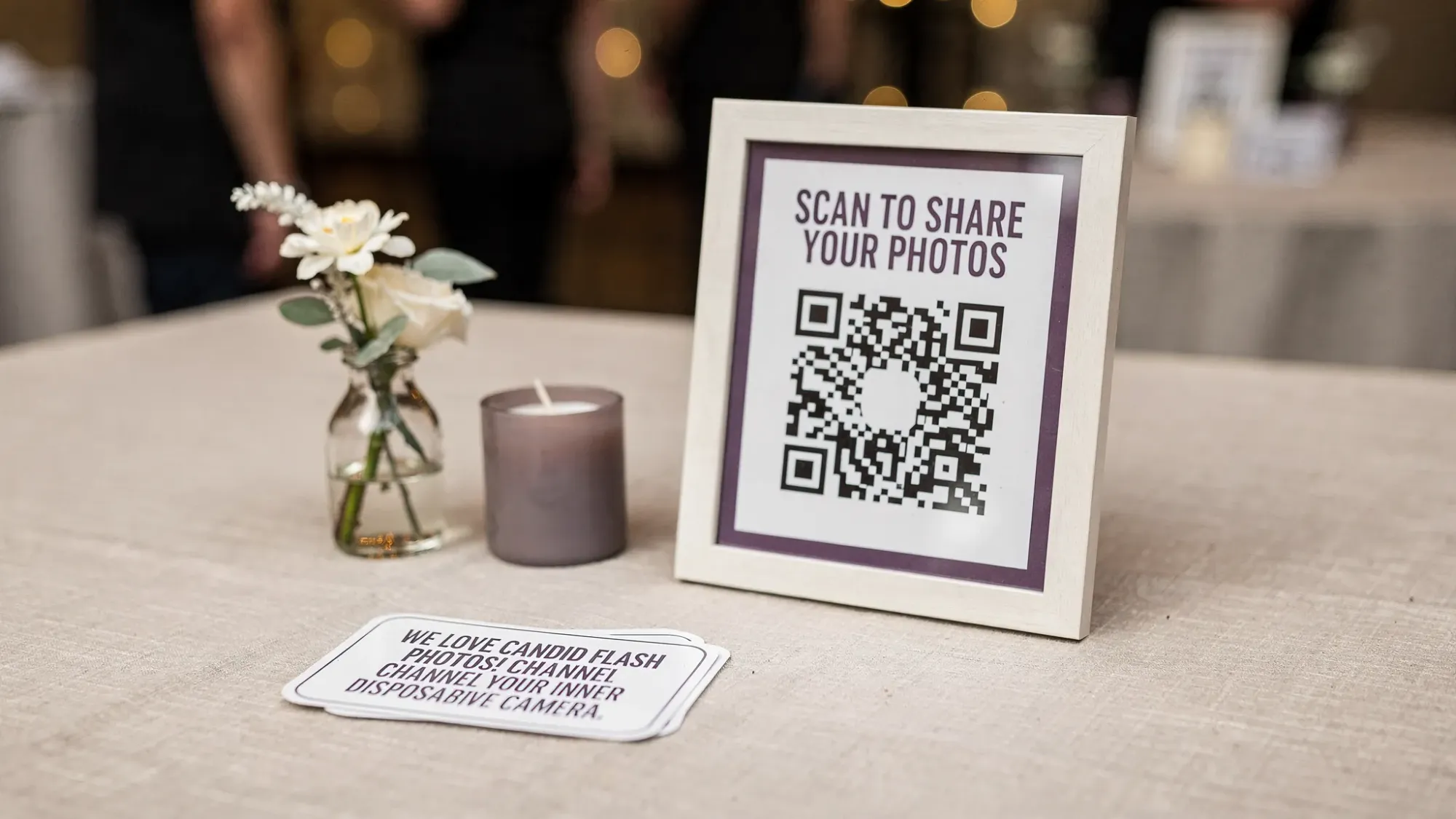
Guests scan a QR code or tap an NFC tag, then take photos and upload instantly, with no signup and no app install required. On iPhone, it can open as an App Clip, so guests go straight to the camera.
What makes it especially good for disposable-style event coverage:
Photo limits let you give everyone a “roll,” so people shoot more intentionally. A defined end time keeps the gallery clean. Host review and moderation help you curate before sharing. And the gallery reveal recreates the best part of disposable camera photos, the collective “morning after” discovery.
If you want to understand the broader concept of QR-to-camera flows, this guide explains it clearly: Cam QR explained.
Common mistakes that ruin the disposable look (and how to fix them)
The most common issue is making the edit too clean.
If your photo still looks “new iPhone,” reduce Definition and Sharpness, add grain, and stop lifting shadows so much.
Another issue is relying on ultra-wide shots. Disposable cameras rarely feel ultra-wide, they feel close and personal. Switch back to 1x and step in.
Finally, be careful with heavy skin smoothing or beauty filters. Disposable camera photos are flattering because they’re joyful and candid, not because the skin texture is erased.
Frequently Asked Questions
How do you get disposable camera photos on iPhone without an app? You can get close using the iPhone Camera plus the Apple Photos editor: use flash in dim light, slightly underexpose, then lower Highlights and Definition, add a vignette, and warm the image.
Should I use flash to mimic disposable camera photos? Yes, especially indoors at night. Direct flash and close distance are core to the classic disposable look.
What iPhone settings make photos look less “HDR”? Underexpose slightly, avoid overly bright edits, and do not lift shadows too much. In editing, lowering Highlights and reducing Definition helps a lot.
How do I add a date stamp like a disposable camera? Use a camera app that includes timestamp styling, or add a small, slightly soft timestamp overlay in an editing app. Keep it subtle for realism.
Why do my “film” edits look fake? Usually because the image is too sharp and the effects are stacked too heavily. Reduce sharpness/definition first, then add a single layer of grain and a mild color shift.
How can I get disposable camera photos from all my guests at a wedding or party? You need a shared capture flow that is faster than texting and does not require downloads. A QR code camera setup (for example, Revel.cam) lets guests scan, shoot, and upload into one private gallery.
Create a disposable-style shared camera for your next event
If you love the disposable camera photos look, you can also recreate the experience: limited shots, captured in the moment, and revealed later.
With Revel.cam, you can set up a private event “Moment,” print a QR code (or use an NFC tag), set per-guest photo limits, and collect everyone’s photos automatically in one place. When the Moment ends, you control the reveal and share a gallery that actually tells the whole story.

A writer interested in connection, memory, and the everyday moments that matter more than we realize.