Disposable Camera App: Pros, Cons, and Best Event Use Cases
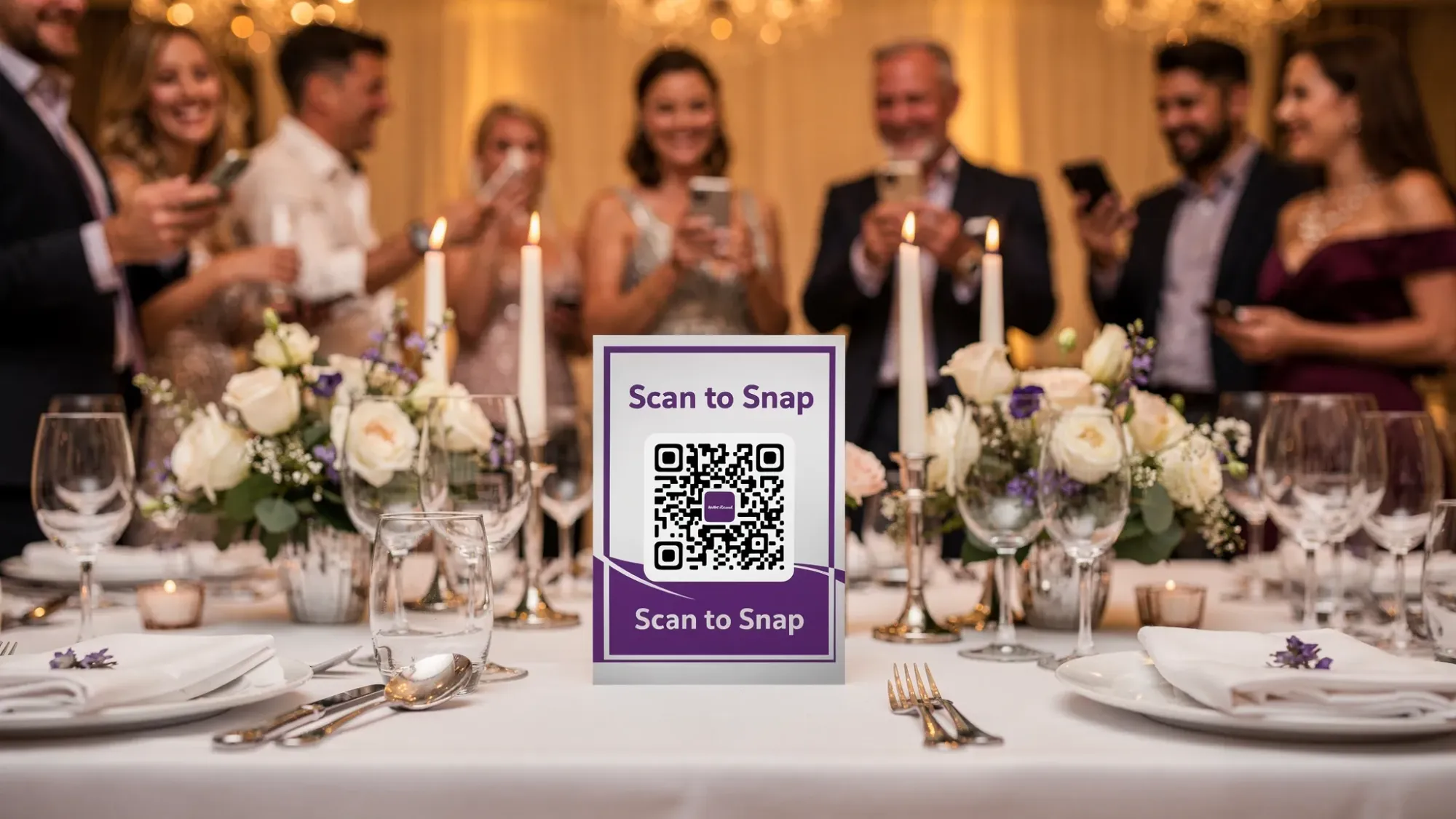
The “disposable camera” vibe is back, but the modern version does not involve plastic cameras, surprise lab fees, or waiting weeks to see what you got. A disposable camera app recreates the same energy (limited shots, candid moments, delayed reveals) while making it far easier to actually collect everyone’s photos in one place.
If you’re planning a wedding, corporate event, birthday party, or brand activation, this guide breaks down the pros, cons, and best event use cases so you can decide when a disposable camera app is the right tool (and when it is not).
What a disposable camera app is (and what it isn’t)
A disposable camera app is an event-friendly camera experience designed to mimic classic disposables:
- Guests take a limited number of photos.
- Photos feel more candid and intentional.
- Images are usually shared to a central event gallery.
- Many setups include a “reveal” later, so guests are not immediately curating and reposting.
What it is not: just a shared folder link or a hashtag. Those can work, but they typically do not guide behavior (limits, in-the-moment capture) or reduce friction for guests.
In 2026, the best disposable camera app experiences tend to be QR-first (scan to open instantly) and increasingly rely on lightweight flows like Apple App Clips on iPhone, which let guests access an experience without installing a full app (Apple overview: App Clips).
The core promise: more guest photos, less chasing
Most hosts are trying to solve the same problem: great moments are happening everywhere, but the photos end up scattered across phones, group chats, and social posts. A disposable camera app works best when it:
- Gets guests shooting during the event (not “sometime later”).
- Automatically gathers images into a single event collection.
- Keeps the vibe fun and low-pressure.
That is why the concept is popular for weddings and parties, and why it’s also showing up at conferences, offsites, and activations.
Pros of using a disposable camera app
1) Higher participation when access is frictionless
The biggest driver of guest participation is not the “idea,” it’s the first 10 seconds.
If guests must download an app, create an account, or hunt for a link, participation drops fast. QR-based entry and no-login flows remove the biggest barriers.
2) A single gallery instead of scattered photos
A well-run disposable camera app experience produces one cohesive event timeline. That means:
- Less time collecting images after the event.
- Fewer “can you text me that?” follow-ups.
- Less loss from people forgetting to upload.
3) Limits can improve photo quality
Physical disposables had a built-in constraint: you only had so many shots. Digital cameras removed that constraint, and a lot of events became a flood of duplicates.
A per-guest limit can:
- Encourage intentional photos.
- Reduce near-identical bursts.
- Keep the gallery easier to review.
4) Faster turnaround than physical disposables
With physical cameras, you pay for devices, then development, then you wait. With an app-based flow, photos can upload instantly (depending on reception), and the host can decide when to share.
5) Less waste and fewer logistics
No buying, distributing, collecting, or developing physical cameras. For large events, the time and coordination savings can be substantial.
6) Better control for hosts (privacy and moderation)
Many disposable camera app tools are built for events where the host needs control:
- Private galleries (not public social feeds).
- Optional review and removal of unwanted images.
- A defined end time so the collection stays “event-only.”
Those controls can be important for weddings (privacy), schools (safeguarding), and corporate events (brand safety).
Cons and tradeoffs to know before you commit
A disposable camera app is not automatically the right choice for every event. Here are the common drawbacks and how to plan around them.
1) Guests need a phone (and battery)
This is the biggest philosophical downside: part of the charm of physical disposables is getting people off their phones.
A disposable camera app can still feel “unplugged” if you design it that way (limits, delayed reveal, short prompts), but it still uses phones.
Mitigation: Provide one or two charging stations, keep the flow fast (scan, shoot, done), and avoid turning it into an endless feed.
2) Variable lighting and camera skills
Guest photos are candid, which is the point, but quality will vary. Dark venues and dance floors are the hardest.
Mitigation: Put the QR code in well-lit areas, encourage shots near light sources, and set expectations that these photos complement professional photography.
3) Connectivity can affect uploads
If your venue has poor cell service or overloaded Wi-Fi, instant upload may be slower.
Mitigation: Ask the venue about reception, consider guest Wi-Fi access, and test the flow onsite. If your tool supports it, look for resilient upload behavior when connection returns.
4) Privacy and consent still matter
You are collecting images of real people. Even if the gallery is private, you should be thoughtful about signage and expectations.
Mitigation: Use clear language like “By uploading, you agree your photos may be shared with event guests.” For corporate or school events, align with internal policies.
5) It won’t replace a professional photographer
A disposable camera app is best for coverage and perspective (candids, behind-the-scenes, friends’ angles). It is not a substitute for portraits, ceremony coverage, or controlled lighting.
Disposable camera app vs physical disposable cameras vs shared albums
Here’s a practical comparison for event planning decisions.
| Option | What you get | Biggest upside | Biggest downside | Best for |
|---|---|---|---|---|
| Physical disposable cameras | Film photos developed later | True unplugged novelty | Cost, waste, delayed results, missed shots | Small nostalgia-focused weddings, themed parties |
| Disposable camera app | Limited digital shots to a shared gallery | High participation with instant access, faster collection | Still uses phones, depends on connectivity | Weddings, parties, conferences, activations |
| Shared album or folder link | Guests manually upload their photos | Familiar and simple for some groups | Low upload follow-through, clutter, inconsistent quality | Small groups, family trips, teams with strong buy-in |
Best event use cases for a disposable camera app
The best use cases share one trait: lots of people taking photos anyway, and a host who wants them collected automatically.
Weddings (and wedding weekends)
A disposable camera app shines across multi-event wedding weekends:
- Welcome party
- Rehearsal dinner
- Ceremony and reception
- After-party
- Brunch
Why it works: couples can’t be everywhere, and friends capture moments that a photographer will never see. Limits can keep the gallery curated, and a timed end plus “reveal” makes the sharing feel intentional.
If you’re exploring Revel.cam specifically, it’s built around this flow: guests scan a QR code or tap an NFC tag, join instantly (including an iPhone App Clip experience), take photos, and uploads go to a private Moment gallery that hosts can review and share later.
Related reading: QR Code Camera: Let Guests Snap and Upload in Seconds
Birthday parties and house parties
These events are usually perfect because:
- People are social and already taking photos.
- Hosts want a single album without chasing.
- The vibe benefits from constraints (fewer, better shots).
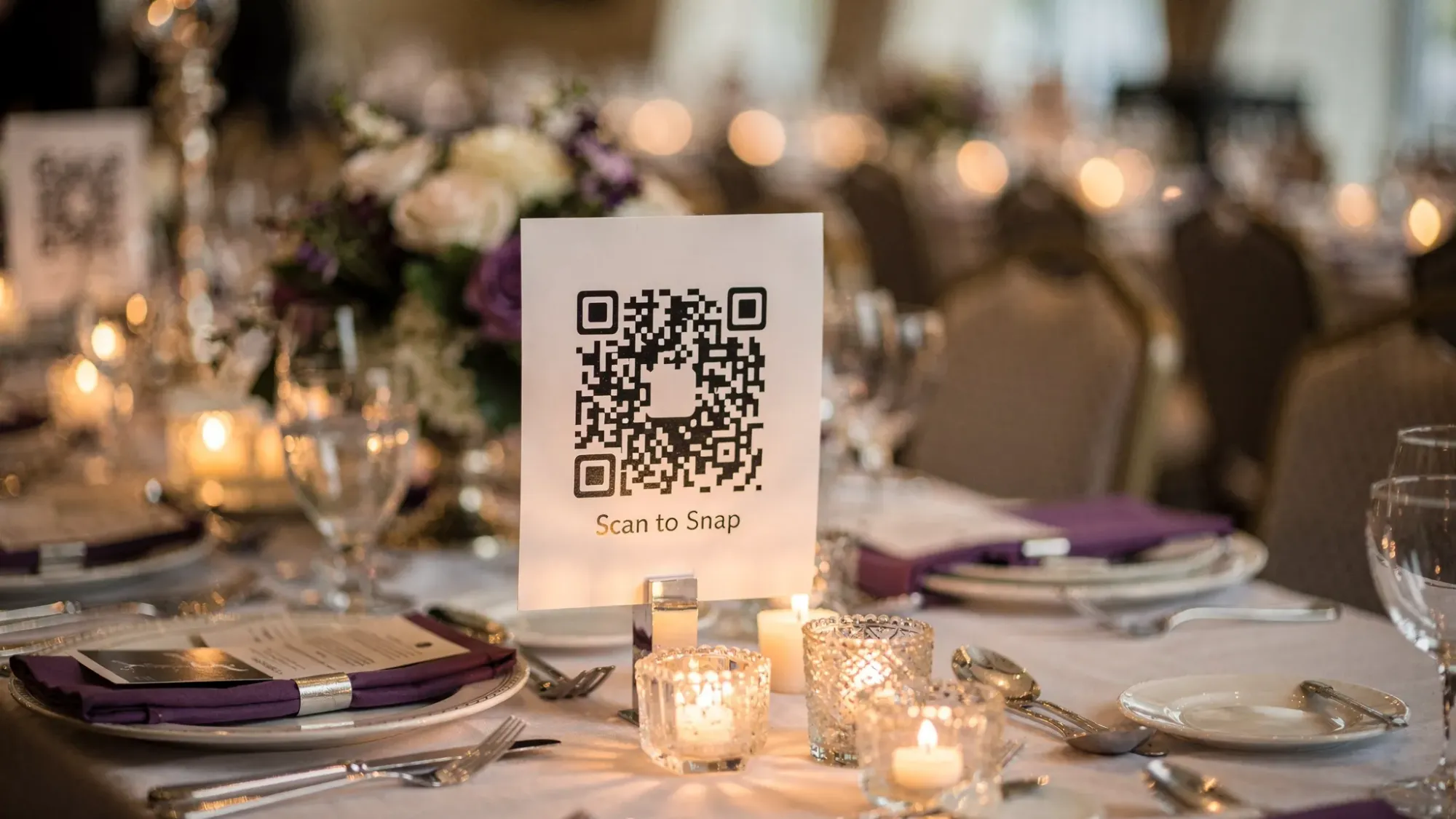
A disposable camera app also works well with party signage, table tents, coasters, or a “scan to snap” bar sign.
Related inspiration: Party QR Code Ideas to Collect Photos From Every Guest
Corporate events, conferences, and offsites
For corporate settings, the value is often operational:
- One controlled gallery for internal sharing.
- Easier capture of booth activity, sessions, dinners, and team moments.
- Brand-safe moderation options.
It’s also a useful way to capture photos from remote corners of a venue, where an official photographer may not spend much time.

Brand activations and product launches
Activations often want volume and speed: lots of guests capturing a branded moment, all routed into a clean collection for the brand team.
A disposable camera app is a strong fit when you want:
- Participation without app downloads.
- Moderation and curation.
- A defined end time (so the gallery stays on-topic).
For consumer events, make the prompt irresistible: “Scan to snap 10 photos” is clearer than “Upload your photos here.”
Festivals, community events, and fundraisers
These events benefit from distributed coverage, but they also have practical challenges (signal, crowds, mixed audiences).
A disposable camera app can work well if you:
- Place QR codes in multiple high-traffic areas.
- Keep instructions extremely simple.
- Provide a backup short link for guests whose cameras struggle to scan.
School and university events
For student events, the “no account, no install” approach can increase participation. The key consideration is governance.
Before using any tool, confirm:
- Who can access the gallery.
- Whether hosts can review images before sharing.
- How long content is retained.
These events are often best with clear rules, visible signage, and moderation enabled.
Group trips, retreats, and large family gatherings
For trips, the problem is classic: everyone takes great photos, then nobody shares them until months later (if ever).
A disposable camera app works well when you want daily collection with a final “reveal” after the trip, or when you want a single story instead of five separate camera rolls.
When a disposable camera app is not the best choice
Consider skipping the disposable camera app approach if:
- Your event is intentionally phone-free and you want zero screens.
- Your venue has extremely unreliable reception and no guest Wi-Fi.
- You need guaranteed professional-quality images of key moments.
- Your audience is unlikely to scan QR codes (for example, very formal events without signage, or groups with low smartphone comfort).
In those cases, physical disposables, a staffed photo booth, or a designated photographer may be a better match.
What to look for when choosing a disposable camera app
Not all tools deliver the same guest experience. A quick selection checklist:
- No app install required (or optional): QR-first and low-friction entry is the difference between “fun idea” and real participation.
- Fast camera-to-upload flow: Fewer taps means more photos.
- Guest limits: Helps recreate the disposable feel and reduce noise.
- Host moderation: Essential for brand safety and privacy.
- Private galleries by default: Avoid social-style public feeds for personal or corporate events.
- Clear sharing controls: Decide if guests see photos immediately or after a reveal.
- QR code and NFC support: QR is universal, NFC can be magical in-person when it’s a “tap to snap” moment.
If you want an example of what this looks like in practice, Revel.cam centers the experience around a host-created Moment, access via QR/NFC/link, no signup for guests, photo limits, a set end time, and a gallery reveal.
Quick setup tips to get better results (regardless of tool)
Most disposable camera app “fails” are not product problems, they are deployment problems. A few high-leverage moves:
- Put the QR code where people already pause (bar, tables, entry, seating chart, badge pickup).
- Use action copy, not explanations (for example, “Scan to take 10 photos” beats “Upload photos here”).
- Announce it once (DJ, MC, or opening remarks), then let signage do the rest.
- Consider a later reveal if you want guests present, not posting.
For more on the QR mechanics, this explainer is helpful: Cam QR Explained: The Fastest Way to Share Event Photos
The bottom line
A disposable camera app is worth it when you want candid guest photos captured in the moment and collected automatically, without chasing people afterward. The best experiences feel effortless for guests (scan, snap, done) and intentional for hosts (limits, privacy, moderation, and a clean reveal).
If that matches your event, you can create a Moment and test the flow in minutes at Revel.cam.

A writer interested in connection, memory, and the everyday moments that matter more than we realize.
Tags: Digital disposable camera , Disposable camera app , QR photo sharing , Shared photo gallery