Cam QR Explained: The Fastest Way to Share Event Photos
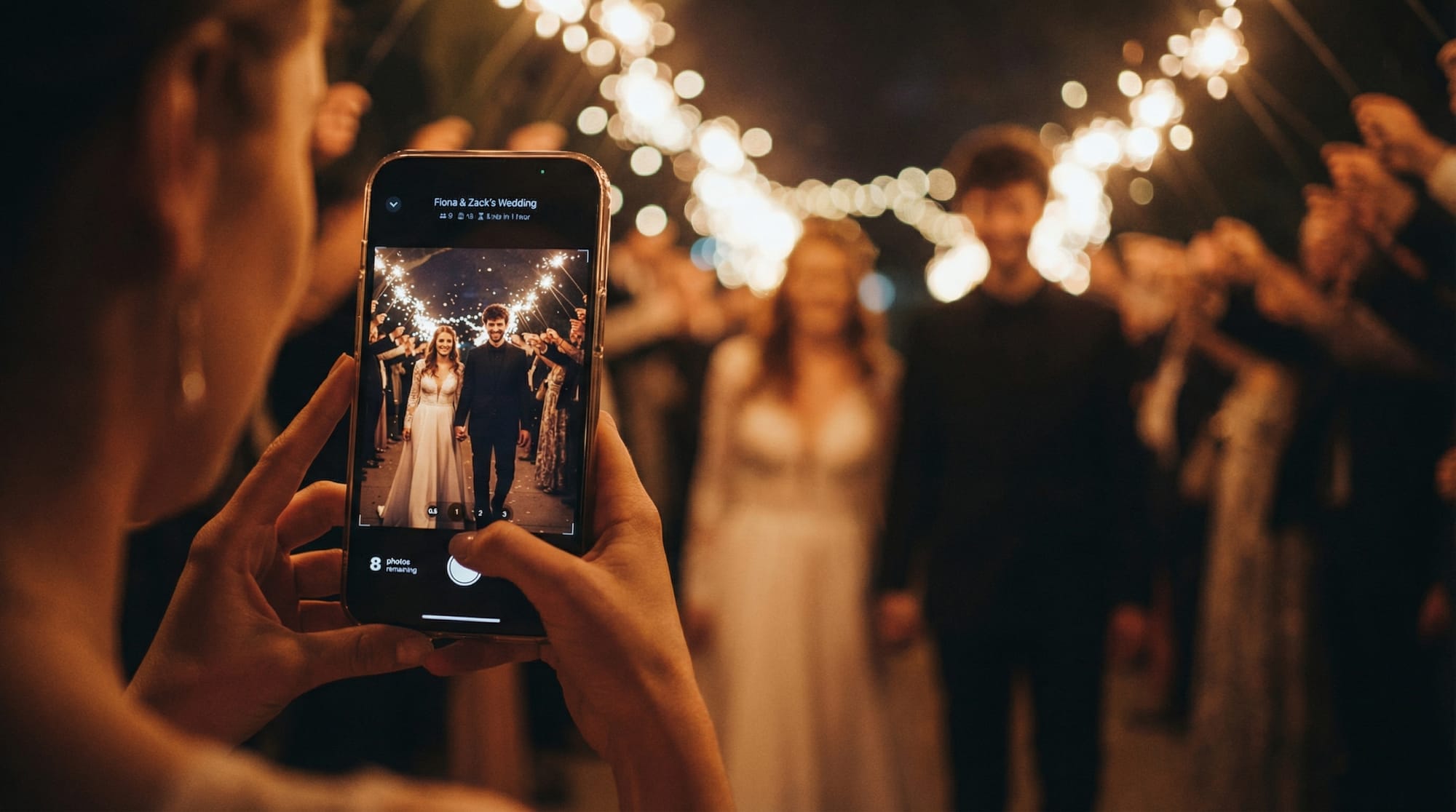
When everyone is taking photos at your event, the real problem is not the camera, it is the collection. Images end up trapped in iMessage threads, lost in AirDrop attempts, or scattered across social apps you cannot control. A cam QR solves that by turning one QR code into a shared camera flow: guests scan, snap, and upload in seconds, with no accounts or app installs getting in the way.
This guide explains what “cam QR” means in practice, why it is the fastest way to share event photos, and what to look for if you want a gallery that feels effortless for guests and manageable for hosts.
What “cam QR” means (and why it matters at events)
A cam QR is a QR code that opens a camera experience for a specific event. Instead of asking guests to download an app, join a shared album, or remember to send photos later, you give them a single action:
Scan the QR code, then take photos that upload to the event.
The best cam QR setups are designed around two realities:
- Guests have zero patience for setup during a party.
- Hosts need control (spam prevention, moderation, and a clean final gallery).
So the QR is not just a link, it is the entrance to a guided, event-specific photo flow.
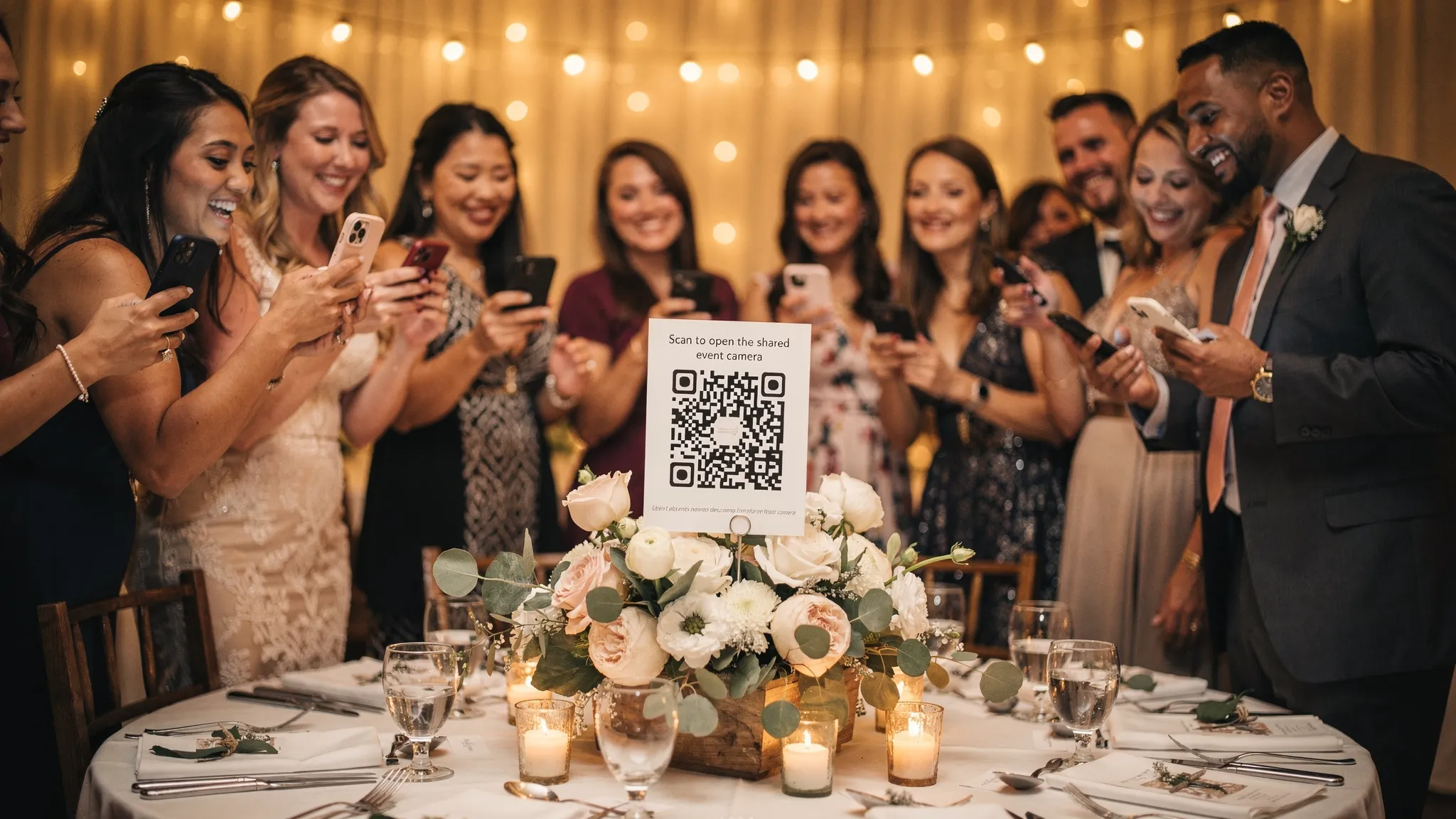
How a cam QR photo flow works
Most cam QR tools follow the same pattern, and the differences are what determine whether it feels smooth or frustrating.
1) Host creates an event gallery. The host sets up the event (sometimes called a “Moment” or album) and chooses rules like photo limits, moderation, and when the gallery is revealed.
2) Guests scan the QR code (or tap NFC). The QR can be printed on table cards, signage, or stickers. Some setups also support NFC tags for a tap-to-open flow.
3) The camera opens instantly. A good cam QR experience drops the guest directly into taking a photo, not into a lengthy landing page.
4) Photos upload to the event. Guests do not need to chase you for an upload link later. Their photo is captured and submitted in the moment.
5) The host controls what happens next. Depending on your settings, photos can appear immediately, wait for approval, or stay hidden until a delayed reveal.
Why cam QR is faster than traditional event photo sharing
“Fastest” is really about removing friction points that kill participation.
Shared albums require buy-in (and often accounts)
Shared iCloud or Google Photos albums can work for small groups, but they often introduce blockers:
- Guests need to be in the right ecosystem (or comfortable switching).
- Invitations get buried.
- Some guests hesitate if it exposes their name, email, or personal account.
A cam QR reduces the decision to one action: scan.
Messaging threads do not scale
Group chats create chaos quickly. Photos are compressed, people miss messages, and you still have to manually collect everything if you want a final album.
Social media is public by default (and not always desired)
Not every event should live on Instagram. Even when it does, you are dealing with:
- Inconsistent tagging
- Missing photos from guests who never post
- No simple way to review before it spreads
A cam QR approach is purpose-built for events: quick for guests, controlled for hosts.
What to look for in a cam QR tool (host and guest checklist)
Not all QR camera experiences are equal. If you are comparing options, focus on capabilities that prevent the most common event problems.
Guest experience: zero friction
A guest-friendly cam QR flow should support:
- No signup required (scanning should be enough)
- Fast camera access (minimal taps from scan to capture)
- Works on iOS and Android
If you have to explain it, you lose participation.
Host controls: limit, review, and reveal
On the host side, the most practical controls are:
- Photo limit per guest to discourage spam and keep the gallery curated
- Host review and approval to filter duplicates, inappropriate shots, or accidental uploads
- Delayed gallery reveal so everyone experiences the surprise together (especially great for weddings)
Output: a gallery you actually want to share
You are not just collecting photos, you are producing a memory archive. Look for:
- A beautiful shared gallery that is easy to send after the event
- Live slideshow display for a TV or projector (great at receptions and brand activations)
Privacy and expectations
Cam QR works best when guests understand what is happening. Whether you post a small sign or a one-line note, make it clear that:
- Photos go to the event gallery
- The host may review them
- The gallery may unlock after the event
That clarity tends to increase participation and reduce awkward moments.
Cam QR vs other ways to collect event photos
Here is a practical comparison of common approaches.
| Method | Guest effort | Host control | Best for | Common drawback |
|---|---|---|---|---|
| Group text / messaging | Medium | Low | Small casual hangouts | Easy to miss photos, hard to organize |
| Shared cloud album | Medium | Medium | Families, small groups | Invites, accounts, ecosystem mismatch |
| AirDrop | High | Low | Tiny groups in the same room | Manual, inconsistent, easy to forget |
| Social hashtags | Medium | Low | Public events | Not everyone posts, no review, privacy concerns |
| Cam QR | Low | High | Weddings, parties, activations | Requires signage and a setup step by host |
Best cam QR use cases (where it shines)
Cam QR is especially effective when you have many guests and you want candid coverage from multiple angles.
Weddings
You get behind-the-scenes moments, dance floor photos, and table shots that the pro photographer will not capture. A delayed reveal can make the next-day experience feel like opening a shared time capsule.
Birthday parties and milestone celebrations
Guests contribute without being asked repeatedly. Photo limits help keep the gallery intentional.
Corporate events and brand activations
A cam QR gallery paired with a live slideshow can create instant energy and encourage participation.
Conferences and team offsites
Instead of hunting down photos post-event, you have one organized gallery.
Setup tips to get more guest photos (without turning it into a project)
The difference between “a few uploads” and “a full story of the night” usually comes down to placement, timing, and settings.
Place the QR where decisions happen
The best spots are places guests naturally pause:
- Check-in table
- Bar area
- Centerpieces or table tents
- Near a photo booth or backdrop
If the QR is only at the exit, you miss the entire event.
Put a one-line prompt next to the code
A simple instruction works better than a paragraph. For example: “Scan to snap and add to tonight’s gallery.”
Match settings to the kind of event
Use this as a starting point, then adjust based on your crowd.
| Event type | Suggested photo limit per guest | Approval recommended? | Reveal timing idea |
|---|---|---|---|
| Wedding | Medium | Yes | Next morning or after the reception |
| Birthday party | Medium | Optional | End of night or next day |
| Corporate activation | Low to medium | Yes | During event (with approval) or after |
| Team offsite | Medium | Optional | End of day |
Tip: approval is useful if your QR is publicly visible (for example at a venue with walk-in traffic).
How Revel.cam fits the cam QR model
Revel.cam is designed specifically for shared event photo capture, with an experience that prioritizes speed for guests and control for hosts.
With Revel.cam:
- Guests scan a QR code (or tap an NFC tag) to snap and upload instantly.
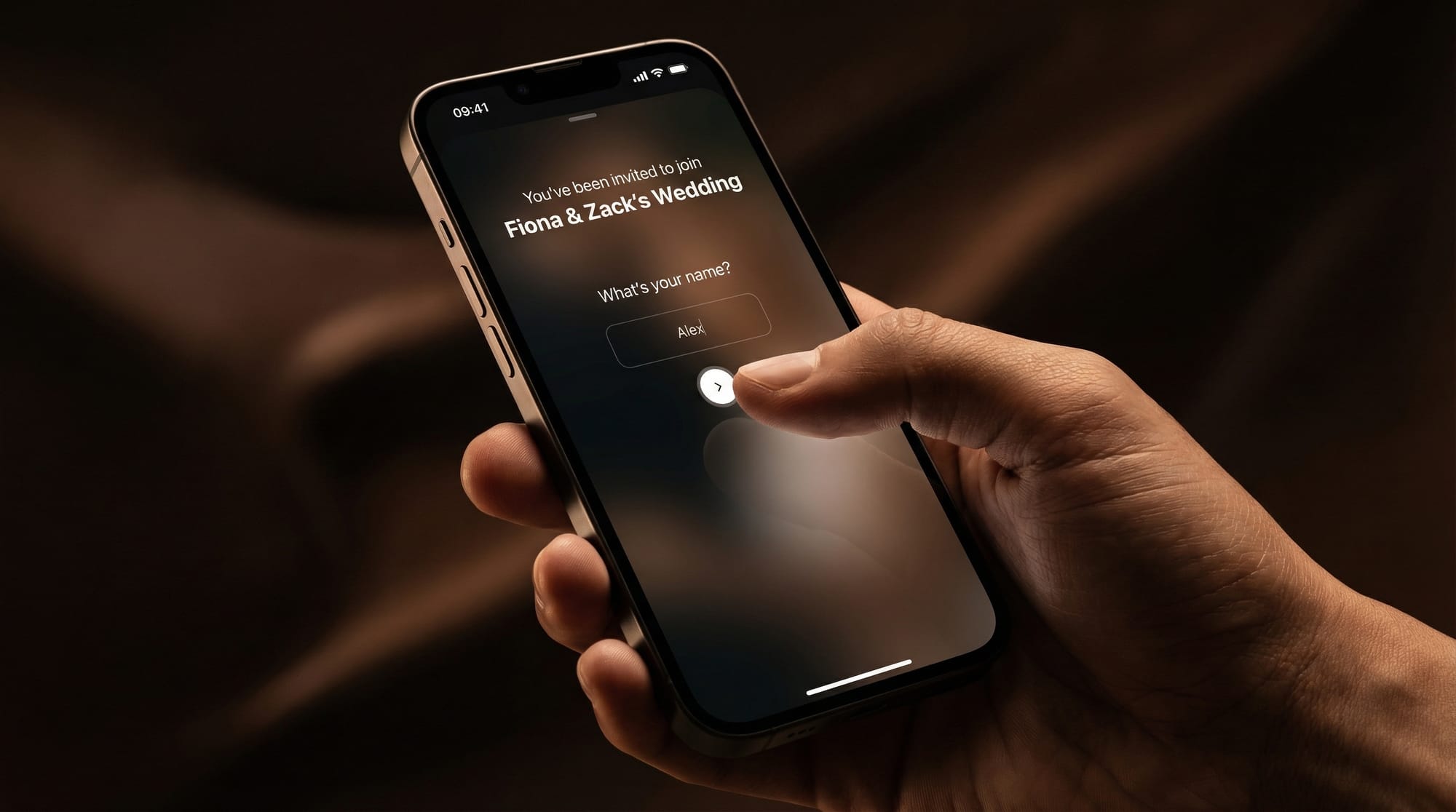
- There is no guest signup and no app install required to participate.
- Hosts can set a photo limit per guest.
- Hosts can review and approve photos before sharing.
- Everyone gets a shared event photo gallery, with the option for a delayed gallery reveal after the Moment ends.
- You can run a live slideshow display during the event.
- It is available on iOS and Android, using App Clips and deep links to make entry fast.
The result is what most hosts actually want: a low-friction way to collect authentic, unfiltered guest photos, and a gallery that feels intentional when it is time to share.
Frequently Asked Questions
What does cam QR mean? Cam QR typically refers to using a QR code to open a camera-based experience, often for events, so guests can capture and upload photos to a shared gallery quickly.
Do guests need to download an app to use a cam QR? Not always. Many modern cam QR experiences are designed to work without an app install. Guests scan the code and take photos immediately.
Is a cam QR better than a shared iCloud or Google Photos album? For events with lots of guests, cam QR is often faster because it removes invitations, logins, and confusion. It also tends to give hosts more control (like photo limits and approvals).
Can I review photos before everyone sees them? Yes, if the platform supports host moderation. This is useful for quality control and for preventing unwanted uploads.
What is a delayed gallery reveal? A delayed reveal means guests can contribute photos during the event, but the full gallery is unlocked for everyone later (often after the event ends).
Try cam QR for your next event
If you want the fastest way to collect event photos without chasing guests afterward, a cam QR is the simplest upgrade you can make.
Create your Moment on Revel.cam and share the QR code at your event so guests can snap and upload instantly. You stay in control with limits and approvals, and everyone enjoys the full gallery when the Moment ends.

A writer interested in connection, memory, and the everyday moments that matter more than we realize.
Tags: Cam QR , Event photo sharing , Shared event photos , Event photo collection , Shared photo gallery