Best QR Code Photo Scanner Options for Events in 2026
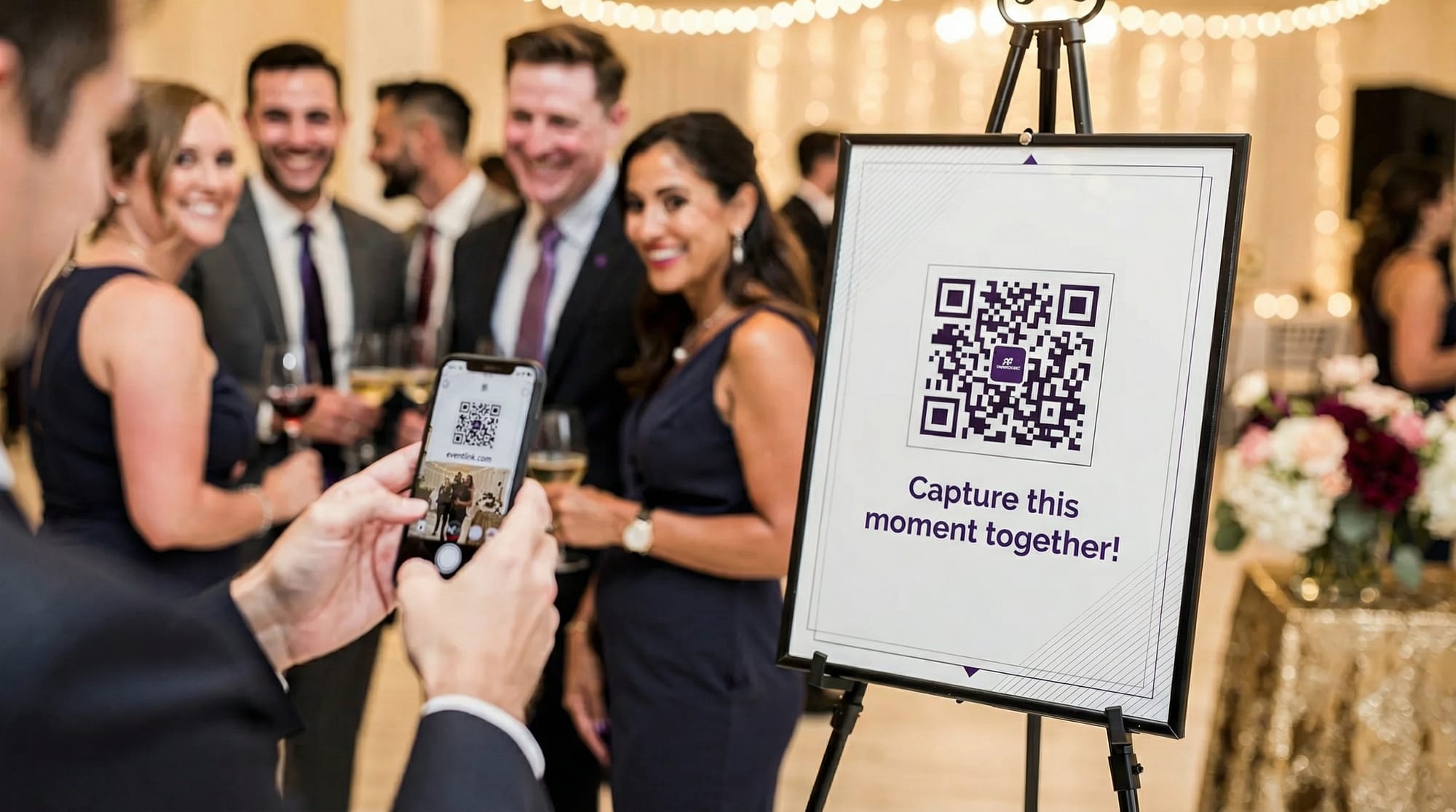
In 2026, “QR code photo scanner” usually does not mean a separate scanner app anymore. For most events, the best experience is: guests point their phone camera at a QR code, tap the banner, and immediately land in a photo capture or upload flow. The difference between good and great comes down to friction (how many taps), reliability (works on every phone, in bad Wi‑Fi), and host controls (moderation, limits, and when the gallery reveals).
This guide compares the best QR code photo scanner options for events in 2026, from built-in camera scanning to event photo tools built specifically for shared galleries.
What “QR code photo scanner” means for events (and why it matters)
At events, QR codes typically do one of two jobs:
- Open a camera-based capture page where guests take photos (often feels like a “shared disposable camera”).
- Open an upload page where guests select photos they already took.
Both can work, but they create different vibes. Capture-first experiences tend to feel more spontaneous and “in the moment.” Upload-first flows can lead to big batches and more duplicates.
If your guests need to install an app or create an account, participation drops. That is why the best “QR code photo scanner” option is usually the one guests already have: their phone’s camera.
Option 1: Built-in phone camera scanning (best default for most events)
Best for: Weddings, birthdays, corporate parties, school events, any mixed crowd
Modern iOS and Android devices scan QR codes directly in the native Camera app. That means you can confidently print signage that says “Open your camera and scan.” No app install, no extra steps.
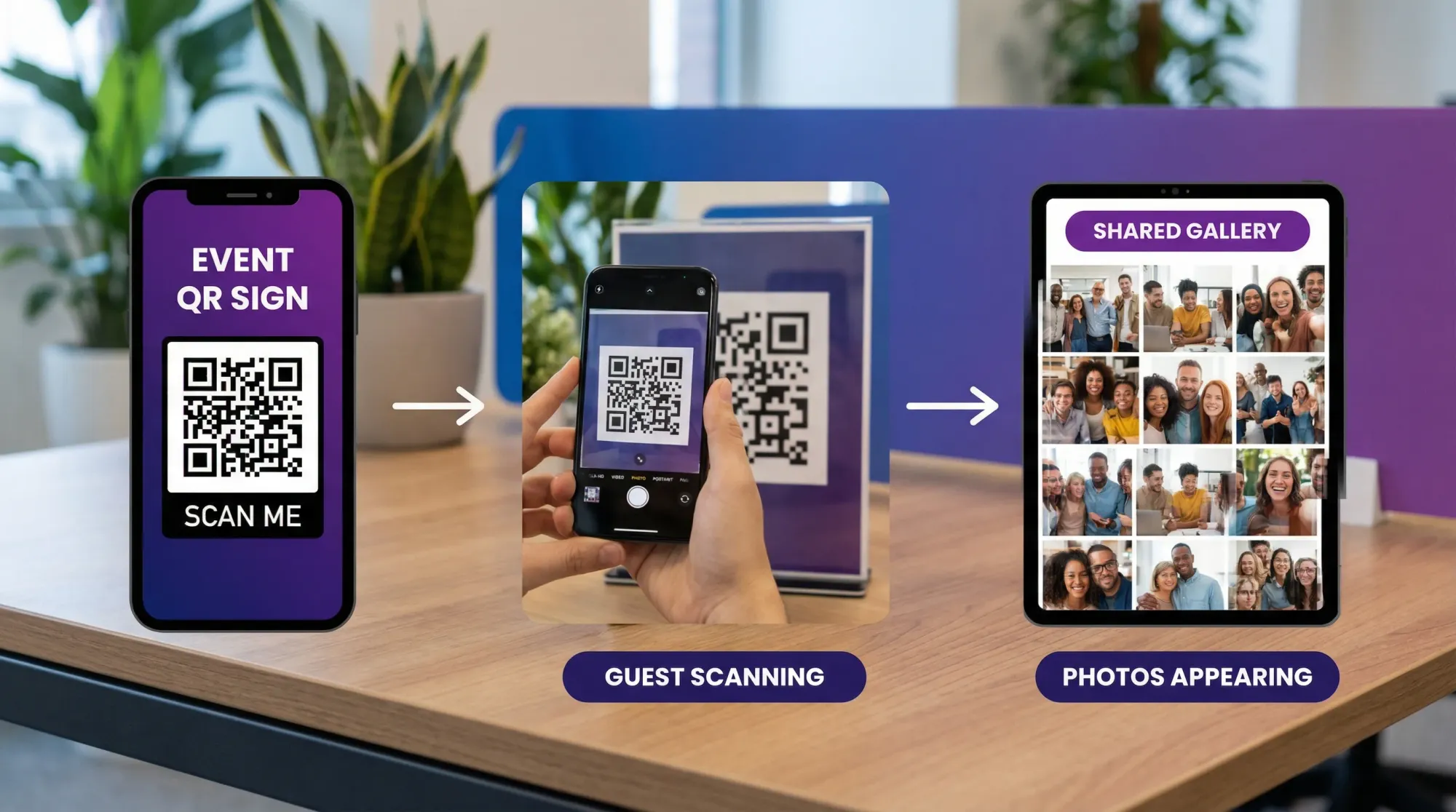
How it works in practice
- Guest opens Camera
- Camera detects the QR
- Guest taps the prompt
- A web page opens (capture or upload)
Pros
- Lowest friction (no separate QR scanner)
- Works for most guests by default
- Guests already trust their Camera app
Cons
- Your experience depends heavily on what the QR opens
- Some older devices or custom camera apps can be inconsistent
When this option fails
If your venue has poor connectivity and your QR opens a heavy page, some guests will bounce. Also, if your QR points to a clunky workflow (too many permissions, too many steps), the built-in scanner cannot save it.
Option 2: iOS “Code Scanner” and Android quick-scan tools (best as a backup instruction)
Best for: Events with a wide range of devices, plus older phones
Many guests do not realize they have a second scanner built into the OS (for example, iOS has a dedicated Code Scanner accessible from Control Center). Android devices vary by manufacturer, but many include a quick-scan tile, camera shortcut, or Google-based scanning.
Use this as your backup line on signage:
- “If your camera does not scan, try your phone’s QR/Code Scanner.”
This avoids recommending random third-party scanner apps that might be ad-heavy or privacy-invasive.
Option 3: Dedicated QR scanner apps (rarely best for events)
Best for: Highly controlled environments (staff devices, check-in desks), not typical guests
There are still QR scanner apps, but for guest participation they add friction. Even worse, many free scanner apps monetize with ads, tracking, or confusing interstitials.
Consider a dedicated scanner only if:
- You are providing the devices (staff iPads, photo booth tablets)
- You need specialized features (scan history, batch scanning, custom device management)
For most events, you will get higher participation by designing your flow so the native camera scanner is all guests need.
Option 4: QR code to a shared album or file request (simple, but limited)
Best for: Low-stakes gatherings where you mainly want uploads
A common approach is generating a QR code that links to:
- A shared album link
- A cloud folder upload link
- A form that accepts file uploads
This can work, but there are tradeoffs:
- Guests may upload screenshots, duplicates, or unrelated content
- You often get limited moderation or delayed reveal
- The experience is “upload your files,” not “take photos together”
If your goal is to recreate a fun, disposable-camera vibe, this approach usually feels too utilitarian.
Option 5: Event photo experiences built around QR capture (best for “shared camera” moments)
Best for: Hosts who want high participation, curated results, and a clean gallery
If you want the QR code to open a true event photo experience (not just a folder link), look for tools that focus on:
- Instant capture in the browser
- No guest signup
- Host moderation and approval
- Photo limits per guest (so everyone participates, and spam stays down)
- A gallery that reveals when you want
Example: Revel.cam
Revel.cam is designed around this “shared camera” concept. Guests scan a QR code (or tap an NFC tag) to snap and upload photos instantly, with no signup or app install required. Hosts can set photo limits per guest, review and approve shots, and then share a finished gallery when the moment ends. Revel also supports a delayed gallery reveal and a live slideshow option, which can be perfect for receptions and corporate events.
The key advantage of a dedicated event flow like this is that the QR code is not just a link, it is the doorway into a structured experience.
Comparison: best QR code photo scanner options for events in 2026
Here is a practical comparison you can use to decide quickly.
| Option | What guests use to scan | What the QR opens | Best for | Main drawback |
|---|---|---|---|---|
| Built-in Camera scan | iOS/Android Camera | Any link (capture or upload) | Most events | Depends on how good the landing flow is |
| OS code scanner tools | iOS Code Scanner, Android quick-scan | Any link | Backup for edge cases | Guests may not know where it is |
| Dedicated scanner app | App store QR scanner | Any link | Staff-controlled devices | Guests will not install it |
| Shared album/folder link | Built-in Camera scan | Album/folder/form | Simple uploads | Limited moderation and “shared camera” feel |
| Event photo experience (QR capture) | Built-in Camera scan | Camera capture + gallery | High participation, curated galleries | Requires choosing a specialized tool |
What to choose based on your event type
Weddings and private celebrations
Most couples want candid shots, minimal guest friction, and a gallery that feels intentional. A capture-first experience with moderation and a delayed reveal tends to match the vibe.
If you are printing QR codes for tables, bars, and guestbook areas, prioritize:
- No signup
- Fast camera launch
- Host approval (at least the option)
- A gallery that is easy to share after
Corporate events and conferences
Corporate organizers care about brand-safe content, clear permissions, and a reliable slideshow for screens. Look for:
- Moderation controls
- A live slideshow mode
- Simple signage that works in bright lobbies and dim breakout rooms
School events, reunions, and community gatherings
Your crowd will include older devices, mixed comfort with tech, and inconsistent connectivity. The winning strategy is:
- Built-in camera scanning as the primary instruction
- A short URL under the QR as a fallback
- A lightweight web flow that loads fast
Setup checklist: make any QR photo flow work better
Even the best QR code photo scanner option can underperform if the QR is hard to scan or the landing page is slow. These steps have outsized impact.
Make scanning effortless
Use these best practices (they are simple, but they work):
- Print the QR large enough for the scanning distance (bigger for posters, smaller for table tents)
- Keep high contrast (dark code on light background)
- Leave a quiet zone (white margin) around the QR
- Add a short URL beneath the QR for guests who prefer typing
- Put QR signs where guests pause naturally (entry, bar line, gift table), not in traffic
Reduce confusion at the moment of scan
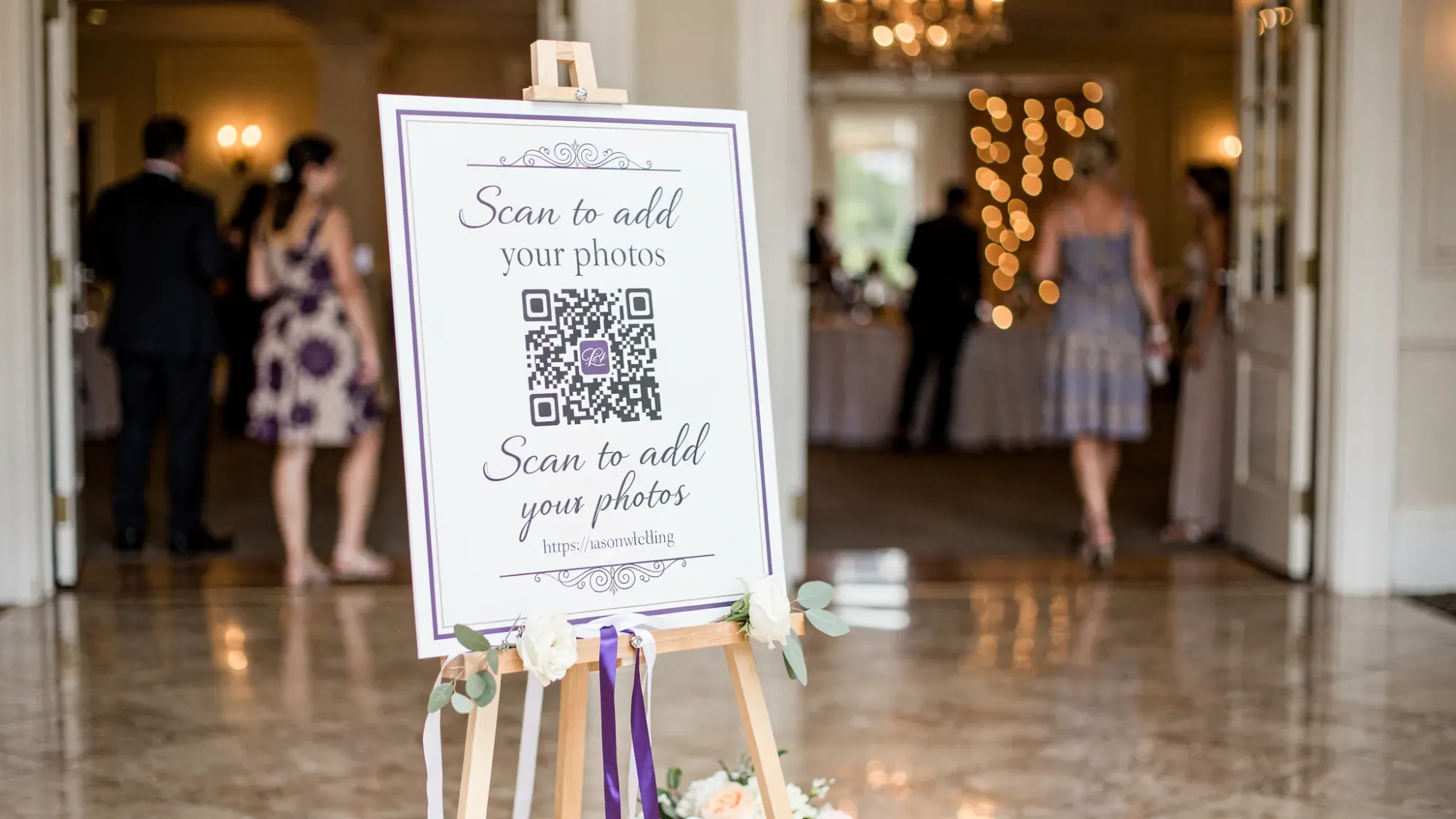
Most guests hesitate because they are not sure what will happen after the scan. Your sign should answer:
- What it is: “Add photos to our event gallery”
- What to do: “Open camera and scan”
- What happens next: “Snap and upload, no app needed”
Test like a skeptic
Before your event, test the QR on:
- At least one iPhone and one Android
- Cellular and venue Wi‑Fi
- A dim room (camera focus can be slower)
If the flow takes more than a few seconds to become usable, expect drop-off.
Security and trust: QR codes are an entry point
Guests are trained to be cautious with QR codes (and they should be). You can increase trust without adding friction:
- Use a recognizable domain name (avoid random link shorteners if possible)
- Use HTTPS
- Avoid asking for unnecessary permissions
- Tell guests exactly what you collect and why (at minimum, set expectations)
It can be helpful to remember that QR-driven flows are common well beyond events, including payments and onboarding in more regulated environments. Industries like iGaming, for example, often prioritize fraud prevention and compliance in their user flows. If you are curious how “serious” platforms approach secure onboarding and risk controls, you can look at Spinlab’s modular platform as a reference point. It is not an event photo tool, but it is a useful reminder that QR and deep link experiences should be treated like any other security-sensitive entry.
The 2026 “best” option: the scanner is not the problem, the flow is
By 2026, most guests already have a capable QR scanner in their pocket. Your decision is less about finding a QR scanner app and more about choosing what the QR code does after it is scanned.
If you want the simplest possible setup, rely on built-in camera scanning and link the QR to a straightforward upload destination.
If you want a higher-quality guest experience (and a gallery you are proud to share afterward), use a QR-driven event photo experience that supports:
- Instant capture
- No guest signup
- Host controls (limits, review, approval)
- A polished gallery and an intentional reveal
That is the difference between “we collected some photos” and “we created a shared moment.”

A writer interested in connection, memory, and the everyday moments that matter more than we realize.
Tags: Corporate events , Corporate photo sharing , Event photo collection , Event photography , Event photo sharing , Shared event photos , QR code camera , QR code for photos , QR photo sharing