Bachelorette Party Planner: QR Photo Ideas Everyone Will Use
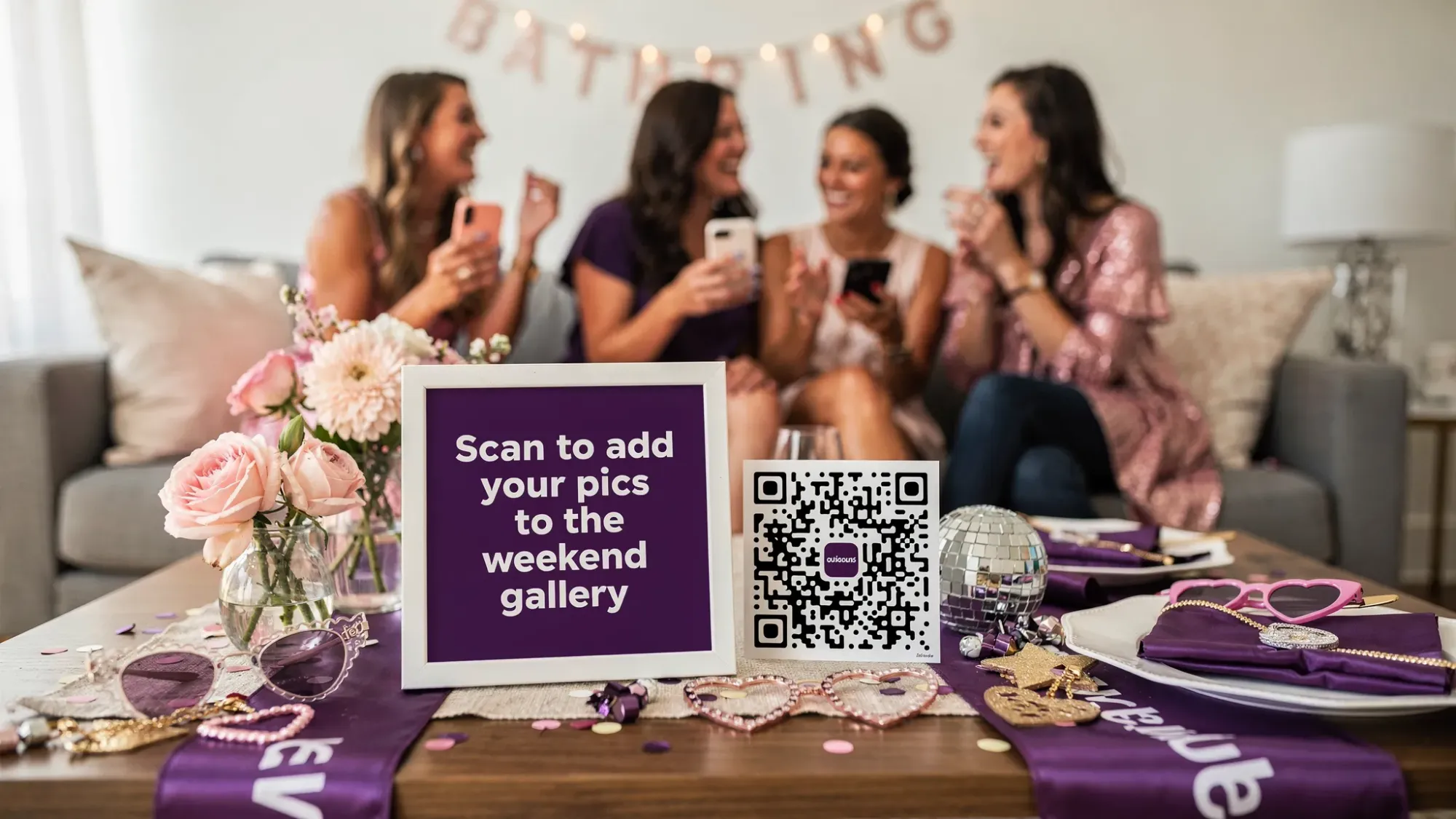
If you’ve ever been the bachelorette party planner (or MOH), you know the photo problem: everyone takes great pics, then they vanish into 12 camera rolls, three group chats, and one friend who swears she’ll “send them tomorrow.”
A QR photo setup fixes that in a way people will actually use, because it meets guests where they already are: phone in hand, mid-laugh, mid-toast. Scan, snap, done.
Below are bachelorette-specific QR photo ideas, signage copy, and simple games to help you collect the whole weekend in one place without turning the trip into a content assignment.
What a bachelorette party planner actually needs from photo sharing
The best photo plan is the one your group will follow without reminders. For bachelorette weekends, that usually means:
- No app installs and no logins (participation drops fast when people have to “set something up”).
- One shared destination for everything (arrival, getting ready, dinners, late-night chaos, next-day brunch).
- A gentle structure that encourages intentional photos instead of 400 near-identical selfies.
- Privacy controls so you are not relying on public hashtags or social platforms.
Revel.cam is built around this flow: you create a private event called a Moment, guests join by scanning a QR code or tapping an NFC tag, and photos upload instantly to one gallery with optional host review and a timed end.
If you want a deeper explainer of how QR camera flows work at events, this guide is a helpful baseline: QR Code Camera: Let Guests Snap and Upload in Seconds.
The simplest setup for a bachelorette weekend (5 minutes)
Most bachelorette parties do best with one Moment for the whole weekend, not one per activity. Keep it easy.
Decide your rules first
A good default for bachelorettes is:
- Photo limit per guest: 20 to 40 (enough for variety, low enough to reduce duplicates).
- Moment end time: the morning after the last planned activity (so late-night uploads still count, but random post-trip photos do not).
- Host review: turn it on if you want to curate before sharing the final gallery.
Create your QR once, then reuse it everywhere
Create a Moment in Revel.cam, then place the same QR code across the weekend: on the itinerary, in the Airbnb, on table cards, and in the “hangover kit.” Repetition is what makes it work.
On iPhone, Revel.cam can open as an App Clip, which helps participation because guests do not need to install anything.
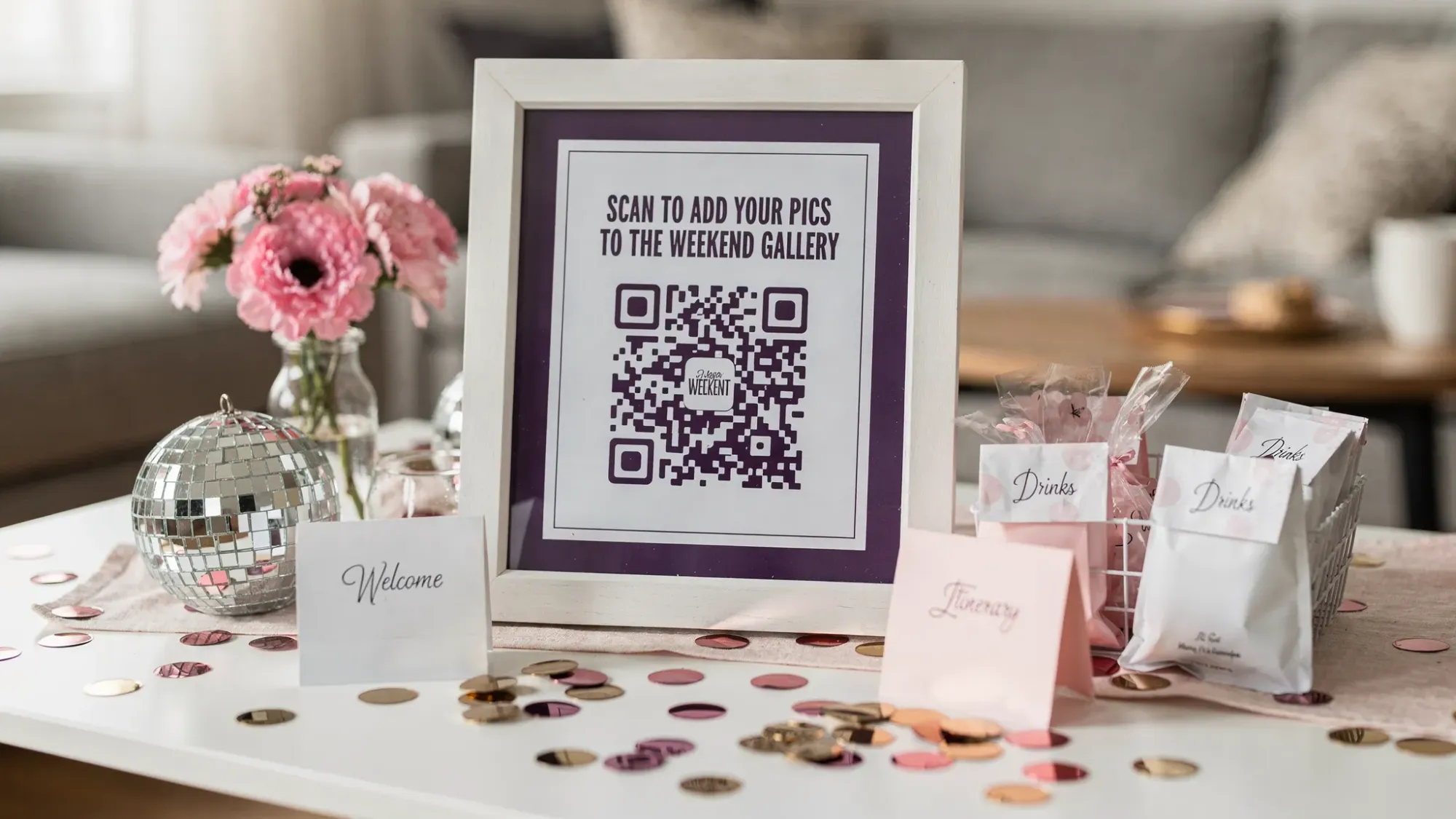
QR photo ideas everyone will use (bachelorette edition)
The trick is to put the QR where people pause naturally. Here are high-conversion placements and moments that fit real bachelorette behavior.
1) The itinerary card (the most underrated QR placement)
Put the QR on the printed itinerary (or a single-page “weekend cheat sheet”). Everyone checks it multiple times.
Sign copy:
“Weekend gallery: Scan anytime to add pics. No app, no login.”
2) The “getting ready” mirror moment
People take photos while doing hair and makeup. Place the QR on a small sign near the main mirror or vanity area.
Sign copy:
“Before you post it, scan and add it to the bride’s gallery.”
3) The fridge door (Airbnb HQ)
At an Airbnb or hotel suite, the fridge becomes the gathering point. A QR on the fridge gets seen all day.
Sign copy:
“Hydrate, then scan to upload your camera roll favorites.”
4) The matching-outfits station
If you have shirts, hats, sashes, or bracelets, place the QR where those items live (a basket, a dresser, a welcome bag display).
Sign copy:
“Put it on, pose, scan to drop it in the shared album.”
5) The pre-game drink menu
If you’re doing themed cocktails or a pre-game, add a small QR card next to the drink list.
Sign copy:
“Take a cheers pic, scan to add it.”
6) The rideshare moment (car time = scroll time)
Print a small QR card that lives in someone’s wallet or on a lanyard. In the Uber, people finally have time to upload.
Sign copy:
“Stuck in traffic? Scan to upload 3 pics from tonight.”
7) Table tent at dinner (works even in loud restaurants)
At dinner, conversation is flowing and everyone is already taking photos of the table.
Sign copy:
“Help the bride wake up to a full gallery. Scan, snap, upload.”
8) The “one good group photo” prompt
Instead of begging for a million group shots, make it a single ritual.
Place a QR card where you’ll do the group photo (hotel lobby, rooftop, dinner entrance).
Sign copy:
“Group shot lives here: scan and take it in the Revel camera.”
9) The “late-night recap” upload spot
Late nights produce the most iconic photos, and the most lost ones. Put a QR by the bedside chargers or snack station.
Sign copy:
“Before you pass out: upload your 5 best.”
10) The next-day brunch table (the recovery funnel)
Brunch is when people are coherent enough to contribute. This is the perfect time for “upload from camera roll” behavior.
Sign copy:
“Last call: scan to add anything you forgot.”
Quick placement guide (with copy you can paste)
| QR placement | Best time to use it | Copy that gets scans | Pro tip |
|---|---|---|---|
| Itinerary card | All weekend | “Weekend gallery: scan to add pics” | Put it near the top, not in tiny footer text |
| Getting-ready mirror | Hair and makeup | “Before you post, scan and add it” | Use a stand-up sign so it’s eye-level |
| Fridge door | Morning to pre-game | “Hydrate, then scan to upload” | Tape it flat, no glossy glare |
| Dinner table tent | Meals | “Scan, snap, upload” | Place one per end of the table |
| Chargers/snack station | Late night | “Before you sleep: upload your 5 best” | This is where the candids get saved |
| Brunch table | Day after | “Last call: add anything you forgot” | Great for the friends who rarely post |
Turn photos into a game (without making it cringe)
Bachelorette groups love a challenge, as long as it’s quick. The best format is a photo scavenger list where guests can contribute naturally throughout the weekend.
Keep it short, and make it specific to bachelorette moments.
Bachelorette photo prompt list (steal this)
| Prompt | Why it works | When it happens |
|---|---|---|
| “The first toast” | Easy, universal | Night 1 |
| “Bride laughing mid-sentence” | Captures real emotion | Any time |
| “Outfit check mirror pic” | Everyone already does it | Getting ready |
| “The most unhinged dance move” | Crowd-pleaser | Bars, clubs |
| “A stranger hyping the bride up” | Peak bachelorette energy | Night out |
| “Someone fixing someone else’s hair” | Cute candid | Pre-game |
| “A photo with the waiter or bartender (if they’re into it)” | Fun souvenir | Dinner |
| “The shoes-off moment” | Comedy + authenticity | Late night |
| “A quiet, sweet moment with the bride” | Balances the chaos | Morning, downtime |
| “The group photo that actually includes everyone” | Solves the classic problem | Pick one planned spot |
| “Your favorite detail (nails, decor, sashes)” | Covers the aesthetic | Any time |
| “Brunch recovery pic” | Tells the full story | Final day |
If you set a per-guest photo limit in your Moment, these prompts work even better because people take fewer, better shots.
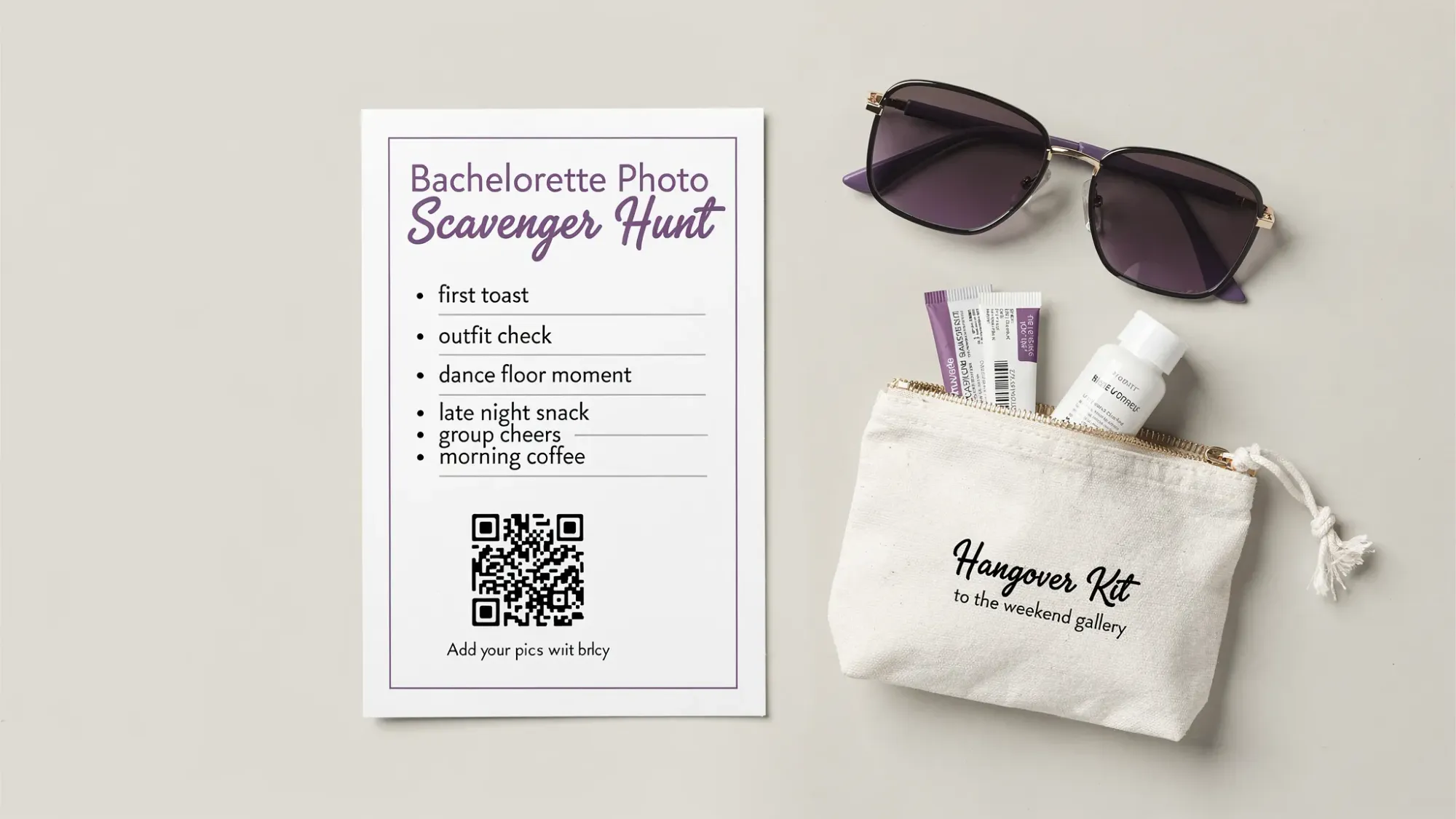
Make it foolproof: the unsexy details that drive participation
Most QR photo plans fail for predictable reasons: the QR is hard to scan, people forget it exists, or the link feels sketchy.
Here’s how to avoid that.
Use multiple touchpoints, not one perfect sign
One big sign is not enough. Put the QR in at least three places people naturally pause:
- A place they look (itinerary)
- A place they stand (mirror, fridge, entry table)
- A place they sit (dinner, brunch)
Add a backup option for the one friend whose camera “won’t scan”
Even if QR scanning is usually smooth, you’ll have one guest with low light, cracked screen, or zero patience.
Add a short link under the QR (tiny text is fine), so they can type it if needed. Revel.cam Moments can also be shared by link, which is useful for late arrivals.
Consider NFC for high-traffic spots
If you have an NFC tag, it’s great for:
- The bar pre-game area
- A welcome table
- A single “hero” spot in the Airbnb
Some people prefer tap over scan, especially at night.
Night mode: plan for low light
If your weekend includes bars, clubs, or dim restaurants, your QR needs:
- High contrast (dark code on light background)
- Enough size to scan fast
- A placement where a phone can get close without being awkward
If you want more shots from the dance floor, pick one friend to be the “designated uploader” who reminds people to scan when they’re already taking selfies.
Privacy, consent, and keeping the gallery bride-safe
Bachelorette weekends are personal, and sometimes messy. Your photo setup should reflect that.
Good defaults:
- Keep the gallery private by default.
- Use host review if you want to remove anything before sharing widely.
- Tell guests (once, early) what the plan is: “Scan to add photos to the shared weekend gallery. Bride will share it after.”
If you’re in public venues, remember that strangers may appear in the background. Avoid posting or sharing widely without thinking about context, especially if your group is in branded work attire, name tags, or identifiable locations.
The best part: the post-weekend gallery reveal
A bachelorette party has a built-in “ending,” which makes it perfect for a reveal.
With Revel.cam, you can set a Moment end time so uploads stop automatically, then reveal the gallery to the group when you’re ready. It turns the recap into an actual moment, not a week of “hey can you send that?” texts.
A simple reveal plan:
- End the Moment the morning after the last event
- Do a quick host review (if enabled)
- Share the gallery link in the group chat with one line: “Full weekend gallery is live”
Frequently Asked Questions
What should I put on a QR code sign for a bachelorette party? Use direct, benefit-first copy like “Scan to add your pics to the weekend gallery (no app, no login).” People scan when they understand it takes five seconds.
Where should I place QR codes so everyone actually uses them? Put the QR where guests naturally pause: the itinerary card, the getting-ready mirror, the fridge (Airbnb), and dinner or brunch tables. Multiple placements beat one big sign.
How do I keep bachelorette photos private? Use a private, event-only gallery and share access only with invited guests. If you want control before sharing widely, enable host review so you can remove unwanted images.
How many photos per guest is a good limit for a bachelorette weekend? For most groups, 20 to 40 photos per guest is a sweet spot. It captures variety without flooding the gallery with duplicates.
Do guests need to download an app to use Revel.cam? No. Guests join by scanning a QR code or tapping an NFC tag. On iPhone, it can open as an App Clip, which avoids a full app install.
Create a shared bachelorette weekend camera (in minutes)
If you’re the bachelorette party planner and want a photo system your whole group will actually use, set up a Revel.cam Moment, print one QR, and reuse it all weekend. Guests scan (or tap), take photos, and everything lands in one private gallery you can reveal after the trip.
Start here: Revel.cam

A writer interested in connection, memory, and the everyday moments that matter more than we realize.
Tags: Bachelorette party , Bachelorette party planner , QR photo sharing , Bachelorette photos , Bachelorette group photos , Group activities , Shared photo gallery